


- Document Solutions for PDF JS Overview
- Key Features
- Licensing and Redistribution
- Quick Start
- Memory Management
- Features
- Snippet Helpers
- Samples
- Tutorials
- API Reference
- Release Notes
Apply Effects
DsPdfJS provides a variety of bitmap effects that can be applied to images to modify their appearance. These effects include grayscale conversion, dithering, thresholding, Gaussian blur, and several color adjustment effects such as brightness, contrast, hue rotation, saturation, and sepia. Effects are applied directly to a Bitmap instance using dedicated methods of the Bitmap class.
Effects Overview
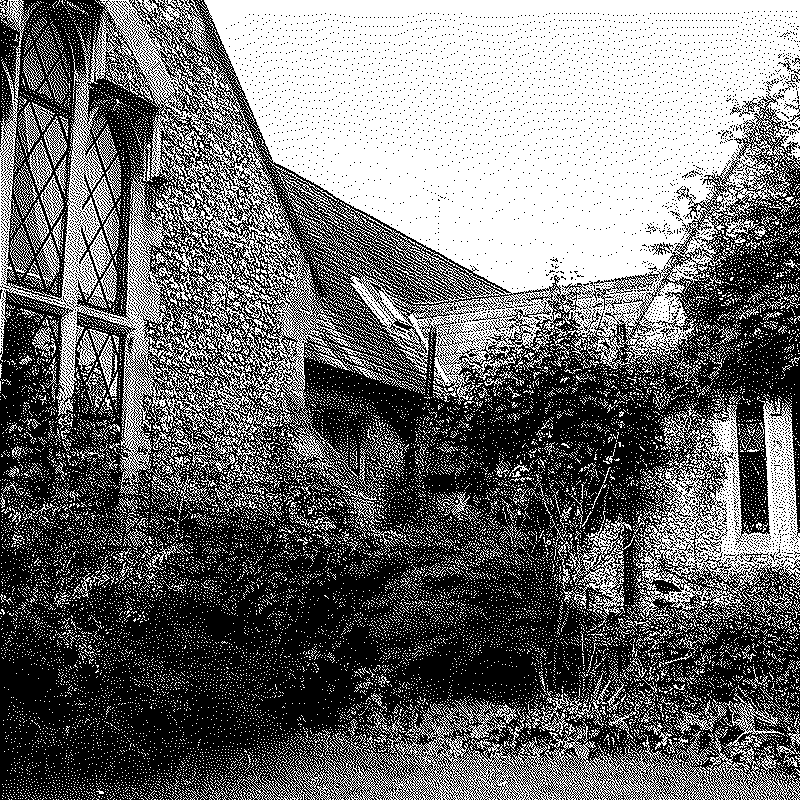
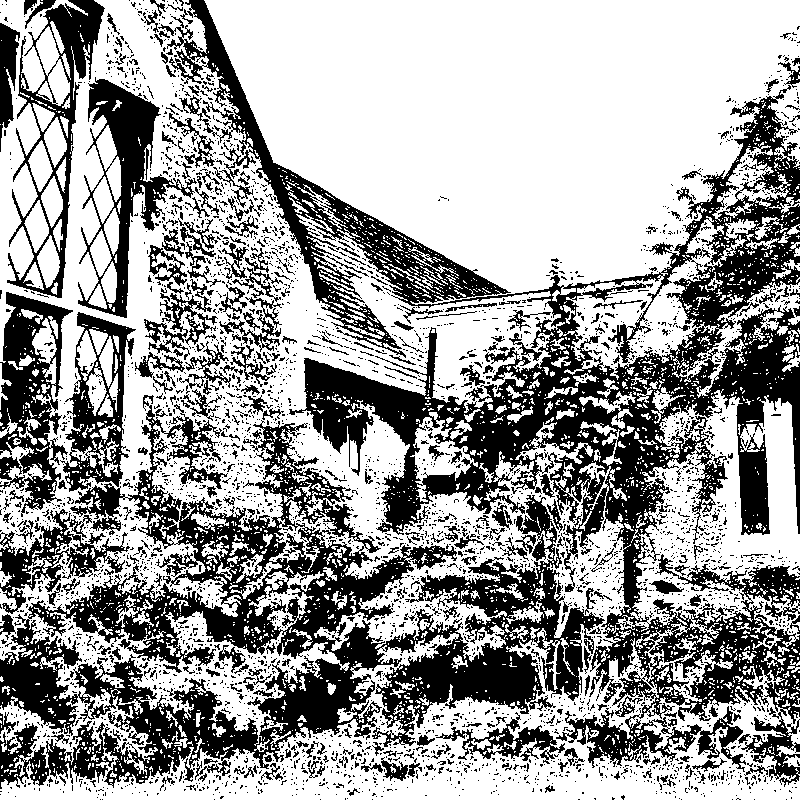
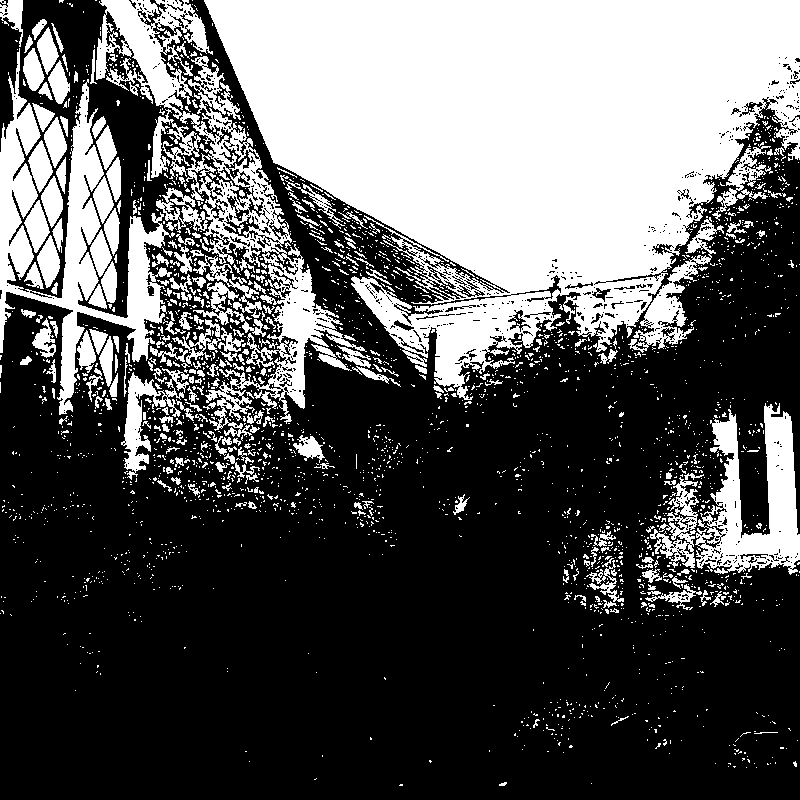
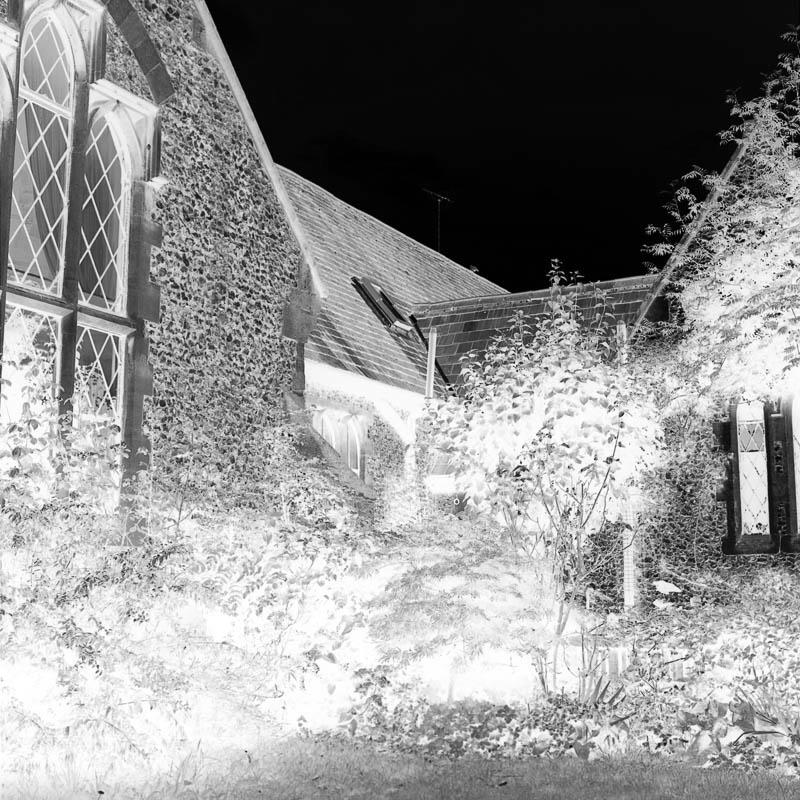
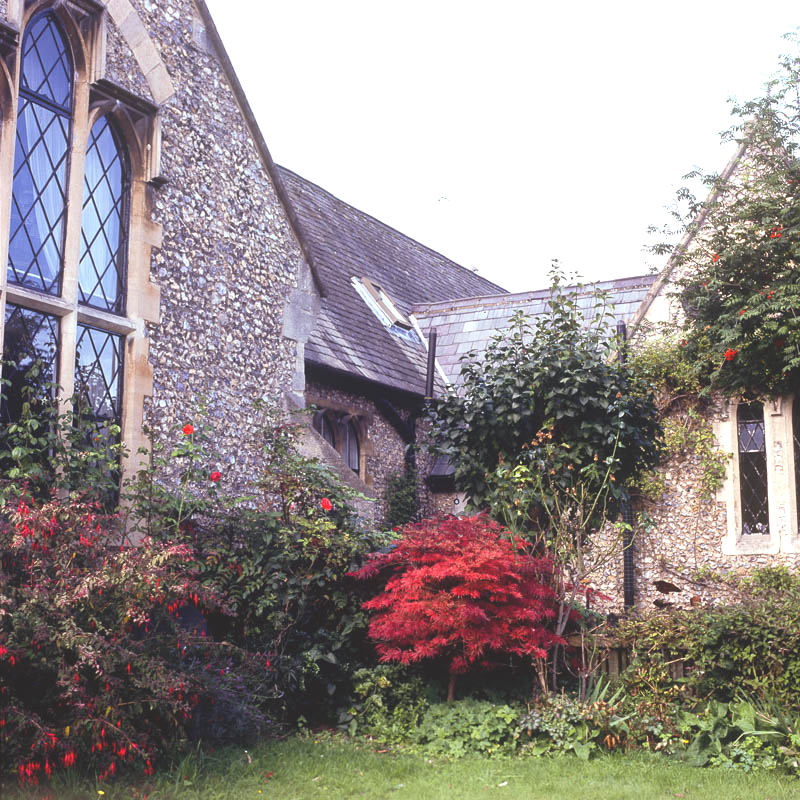
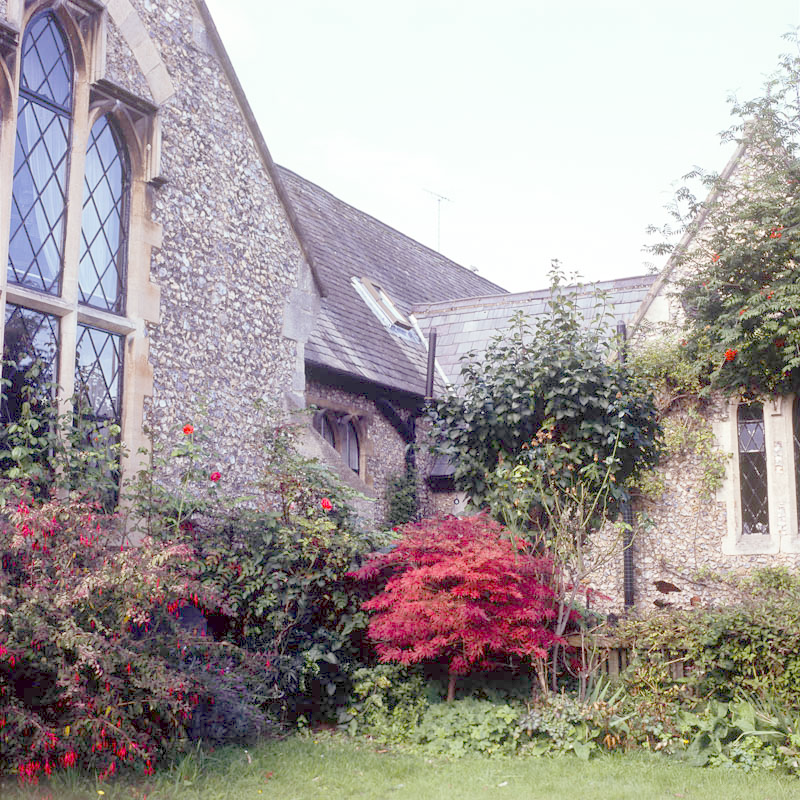
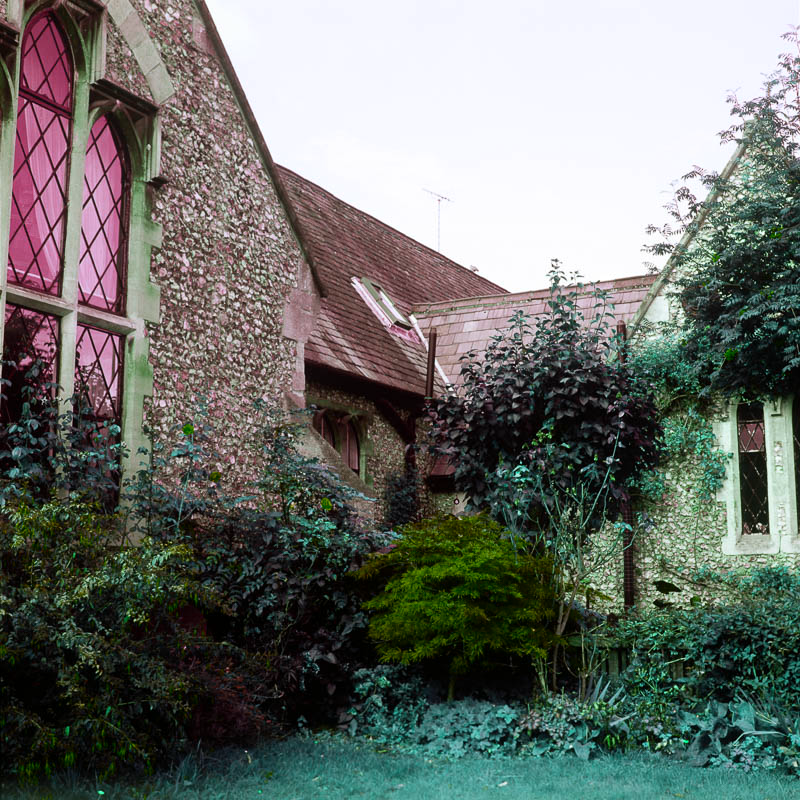
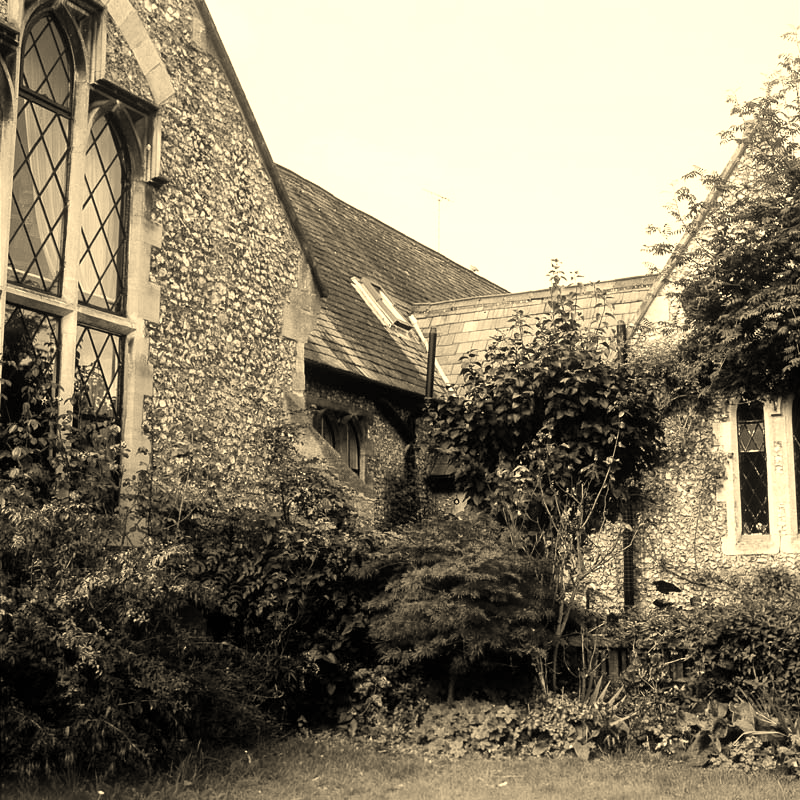
The following illustrations demonstrate several effects that can be applied to images using DsPdfJS.
Grayscale Effect | Dithering Effect |
|---|---|
|
|
Bradley Thresholding | Otsu Thresholding |
|
|
LuminanceToAlpha | Brightness Contrast |
|
|
Gamma Correction | Hue Rotation |
|
|
Sepia | Gaussian Blur |
|
|


Apply Effects to an Image
In DsPdfJS, effects are applied directly to a bitmap using effect‑specific methods. Each method modifies the image in place, meaning the result replaces the original content of the bitmap.
To apply an effect to an image:
Load the image using the Image.load method.
Convert the image to a bitmap using toBitmap.
Call the desired apply... method on the Bitmap instance.
Display or save the resulting image.
The following code example shows how to apply grayscale and dithering effects to an image.
Note: The examples on this page use helper functions from the Snippet Helpers module. These utilities are provided only to simplify the examples and are not part of the DsPdfJS API.
const bytes = await Util.loadFile("images/maple.jpg");
const bmp = Image.load(bytes).toBitmap();

bmp.applyGrayscaleEffect(GrayscaleStandard.BT709);
bmp.applyDitheringEffect(DitheringMethod.Stucki);

Util.showBitmap(bmp);
DsPdfJS provides many additional bitmap effects through methods of the Bitmap class, such as applyGaussianBlur, applyBrightnessContrast, applyGammaCorrection, etc. Refer to the Bitmap API documentation for the complete list of available effects.