


Create and Save
Create PDF
To create a new PDF document, instantiate a PdfDocument object, which represents an empty PDF that can be populated with content. After initialization, you can add pages using the document’s page collection, and then use the page’s drawing context to render text or graphics. For example, calling pages.addNew creates a new page, and accessing its context allows you to draw content such as text with specified formatting (e.g., font size and color) at defined coordinates. Optional configuration settings can also be provided through the PdfDocumentOptions type when creating the document.
const doc = new ds.PdfDocument();
// Add a page to the PDF:
const page = doc.pages.addNew();
// Page drawing context:
const ctx = page.context;
ctx.drawText(
{
    text: `Hello, World, from DsPdfJS version ${ds.DsPdf.instance.version}!`,
    fontSize: 16, foreColor: 'DarkBlue'
},
72, 72);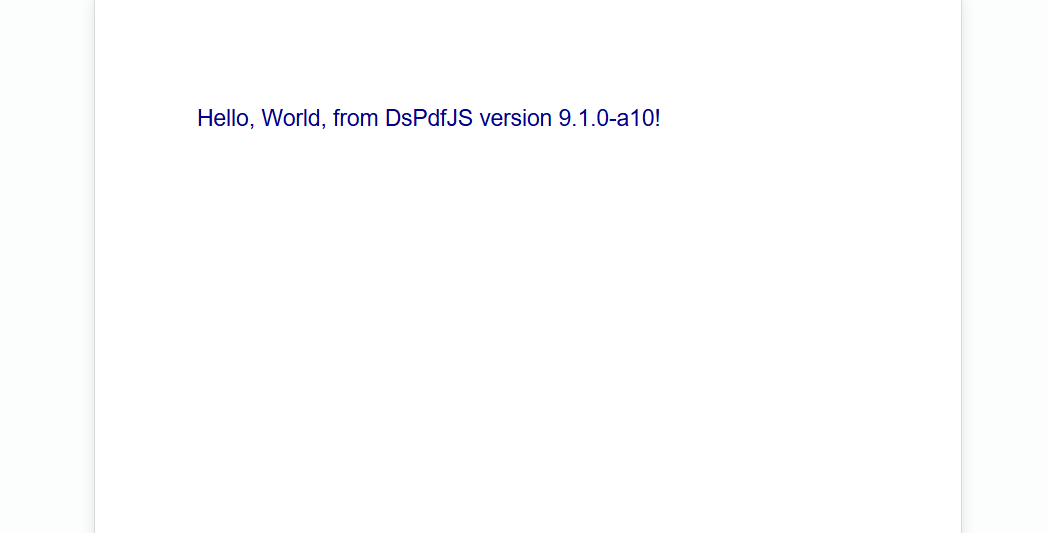
Load PDF
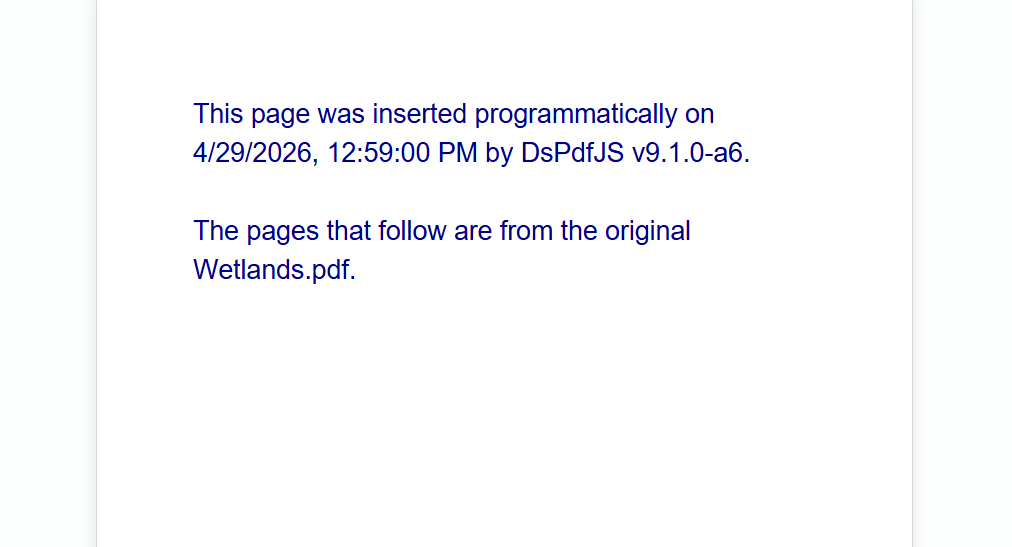
An existing PDF document can be loaded by using the load method. This loads the PDF document from binary data provided as a Uint8Array. Once loaded, the document can be modified just like a newly created PDF.
const fn = "Wetlands.pdf";
const bytes = await loadFileAsArray(`pdfs/${fn}`);
const doc = ds.PdfDocument.load(bytes);
// Insert a title page:
const page = doc.pages.insertNew();
const ctx = page.context;
const inch = ctx.resolution;
  ctx.drawText({
    text: `This page was inserted programmatically on ${new Date().toLocaleString()} ` +
          `by DsPdfJS v${ds.DsPdf.instance.version}.\n\n` +
          `The pages that follow are from the original ${fn}.`,
    fontSize: 20, foreColor: "DarkBlue" },
  inch,
  inch,
  ctx.width - inch * 2
);
Save PDF
Users can save a PDF document using the savePdf method. Similar to creating a document, you can provide specific options when saving by passing a SavePdfOptions options type.
// Save a PDF document in linearized mode
const res = doc.savePdf({ saveMode: SaveMode.Linearized });