


- Document Solutions for PDF JS Overview
- Key Features
- Licensing and Redistribution
- Quick Start
- Memory Management
-
Features
- Create and Save
- Document Properties
- Pages
- Text
- Graphics
- Form XObjects
- Images
- Fonts
-
Annotations
- Text Annotation
- Free Text Annotation
- Line Annotation
- Polyline Annotation
- Square Annotation
- Circle Annotation
- Polygon Annotation
- 3D Annotation
- Stamp Annotation
- Ink Annotation
- File Attachment Annotation
- Link Annotation
- RichMedia Annotation
- Sound Annotation
- Widget Annotation
- Watermark Annotation
- Redact Annotation
- Text Markup Annotation
- Caret Annotation
- Appearance Streams
- Forms
- Output Intents
- Merge and Split PDFs
- Actions
- Outline
- Tagged PDF
- PDF Conformance
- Attachments
- Redact Annotation
- Security
- Digital Signatures
- Incremental Update
- Linearization
- Export
- Image Features
- Snippet Helpers
- Samples
- Tutorials
- API Reference
- Release Notes
RichMedia Annotation
A rich media annotation represents embedded media content such as audio or video in a PDF document. It typically appears as a rectangular area on the page with controls that allow the media to be played.
You can associate media resources using methods such as setVideo, setAudio, or setContent. The annotation also provides properties to control how the media is presented and when it is activated or deactivated.
The behavior and presentation of the media can be controlled using properties of the RichMediaAnnotation class. For example, presentationStyle specifies whether the media is displayed embedded in the page or in a separate window, while activationCondition and deactivationCondition define when the media is activated or stopped based on page visibility or user actions.
You can also retrieve embedded media using the getContent method of the RichMediaAnnotation class.
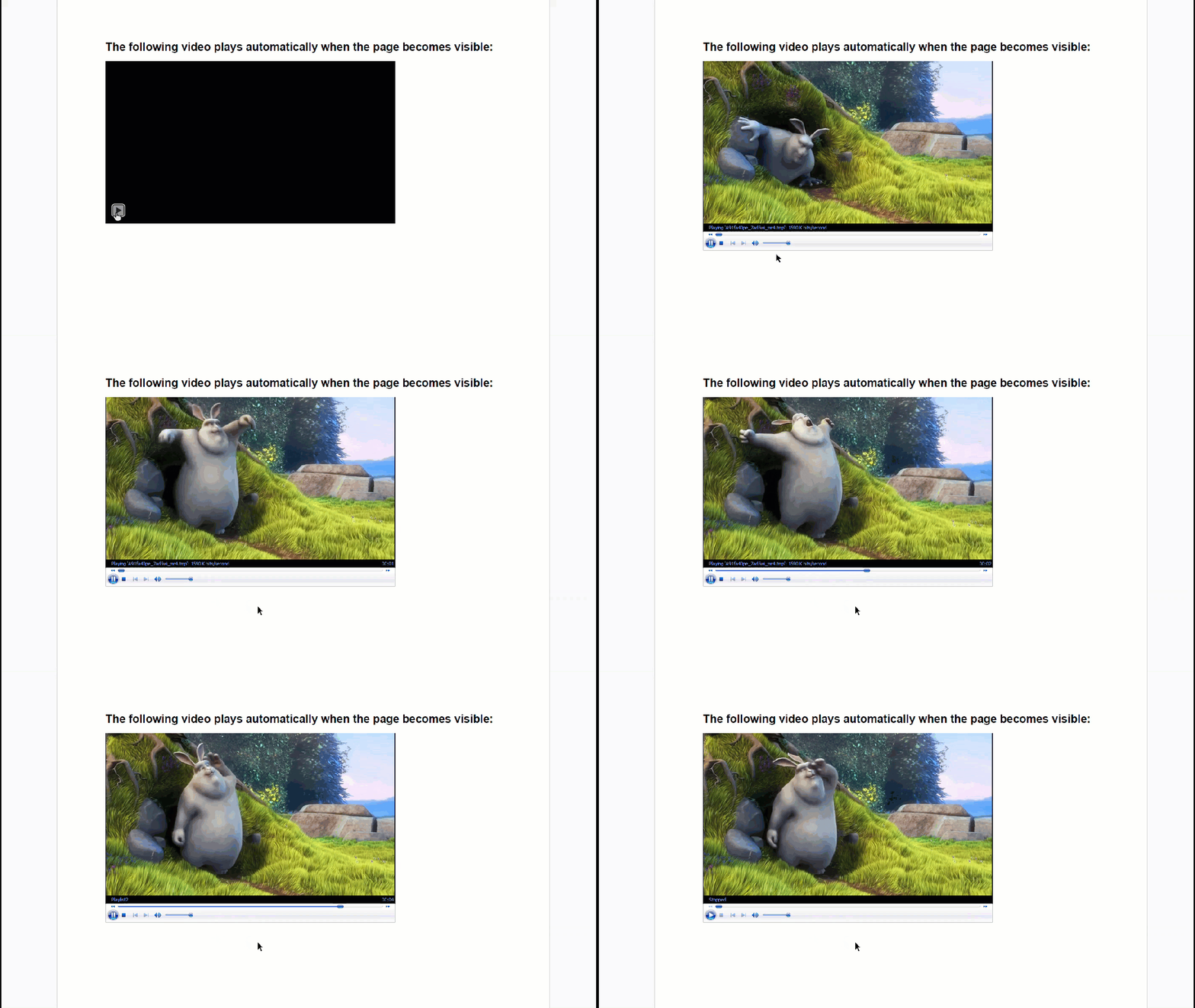
Use the RichMediaAnnotation class to add rich media content to a PDF document.
Note: The examples on this page use helper functions from the Snippet Helpers module. These utilities are provided only to simplify the examples and are not part of the DsPdfJS API.
const doc = new PdfDocument();
const page = doc.newPage();

// Initialize drawing context.
const ctx = page.context;

// Provide video path.
var videoPath = "video/SampleVideo_1280x720_1mb.mp4";

const smallGap = 18;

// Set text format.
const tf = new Format({
    font: Font.getPdfFont(StandardPdfFont.HelveticaBold),
    fontSize: 14
});

// Add a video that plays when the page becomes visible.
const rc = { x: 60, y: 50, width: 500, height: 10 };

// Draw the introductory string.
ctx.drawText("The following video plays automatically when the page becomes visible:", tf, rc.x, rc.y, rc.width);

// Initialize RichMediaAnnotation and set its properties.
const rma = new RichMediaAnnotation();
const videoEfs = new EmbeddedFileStream(await Util.loadFile(videoPath));
const videoFileSpec = new FileSpecification(videoPath, videoEfs);

// Set the media for the video.
rma.setVideo(videoFileSpec);

// Set presentation style.
rma.presentationStyle = "Embedded";

// Set activation condition.
// PO means page becomes visible
rma.activationCondition = "PO";

// Set deactivation condition.
// PI means page becomes invisible
rma.deactivationCondition = "PI";

// Set behavior of navigation pane.
rma.showNavigationPane = true;

// Set page to which RichMediaAnnotation will be added.
rma.page = page;

// Set rectangle in which RichMediaAnnotation will be added.
rma.rect = { x: rc.x, y: rc.y + rc.height + smallGap, width: 72 * 5, height: 72 * 5 * 0.56 };

const docData = doc.savePdf();
Util.saveFile("RichMediaAnnotation.pdf", docData);