EXEC : warning : License C************************* is a trial license

Posted by: wbennett on 12 February 2026, 11:59 am EST

  • Posted 12 February 2026, 11:59 am EST - Updated 12 February 2026, 12:04 pm EST

    Hello, I’m getting the following error when trying to build my project. Here’s the Built output log (only the license # is redacted:

    1>Build started 2/12/2026 9:51:22 AM.

    1>Target SA3Tool-install:

    1> SA3Client1.2.0

    1> Package ID Latest Version Authors Downloads Verified

    1> --------------------------------------------------------------------------

    1> sa3client 1.2.0 sa3client 9738

    1>Target ApplyLicenseFor-c5bb0312-acb6-46b4-9748-9c15cad46228:

    1> Product ‘ComponentOne (C1S)’ added.

    1> Product ‘ComponentOne (C1P)’ added.

    1> Starting license compilation…

    1> Searching for a license for ‘C1S,C1P(2024.2.0.0-)’.

    1> EXEC : warning : License C************************* is a trial license.

    1> Compiling license: C*************************

    1> Finished compiling licenses.

    1>Done building target “ApplyLicenseFor-c5bb0312-acb6-46b4-9748-9c15cad46228” in project “IFD Core.csproj”.

    1>Target ApplyLicenseFor-26d69fd8-8a6f-409b-9594-7c2016d61e5b-WF:

    1> Product ‘ComponentOne (C1S)’ added.

    1> Product ‘ComponentOne (C1P)’ added.

    1> Starting license compilation…

    1> Searching for a license for ‘C1S,C1P(2024.2.0.0-)’.

    1> EXEC : warning : License C************************* is a trial license.

    1> Compiling license: C*************************

    1> Finished compiling licenses.

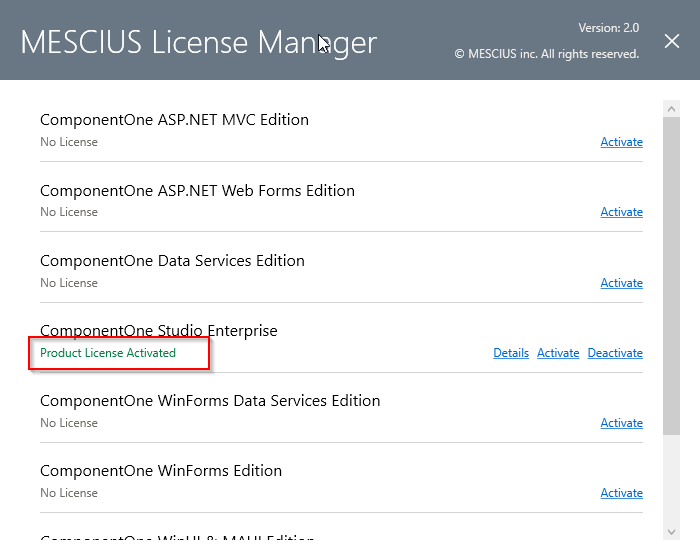
    However, I have run Mescius License Manager and activated my product license:
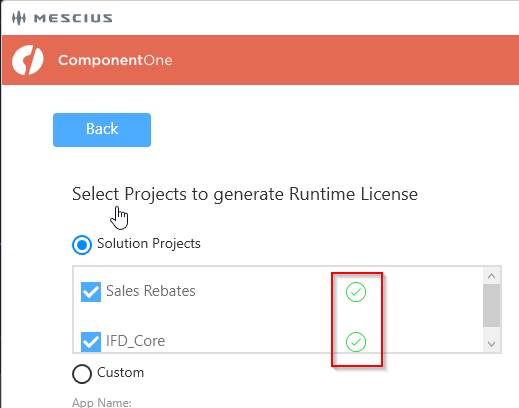
    And then applied that in Tools > Mescius > License Manager within Visual Studio:
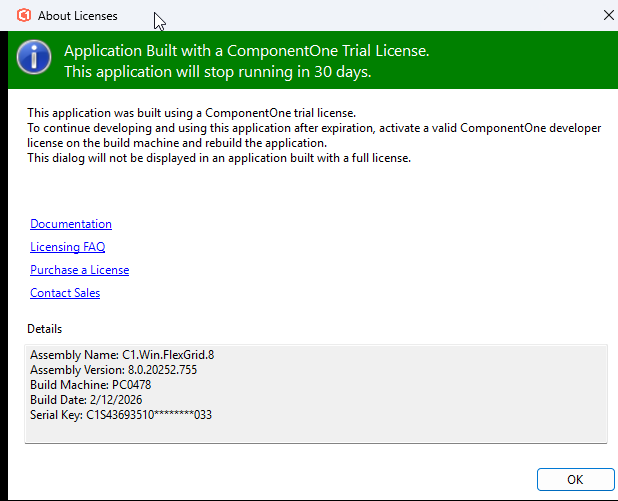
    What am I missing? Please help I’m getting a “nag screen” because of this:
  • Posted 12 February 2026, 12:25 pm EST

    Hello,

    Today we released an update that includes critical changes to our licensing system, and this requires a simple reactivation of your key. Please see here:

    2025 v2.1 Maintenance Release Notes: https://developer.mescius.com/forums/c1-studio/c1-2025-v2-1-maintenance-release-with-licensing-changes

    Link to reactivation instructions: https://developer.mescius.com/componentone/docs/license/online-license/activating-serial-key#reactivate-a-serial-key-using-the-c1controlpanel

    Regards,

    Greg

  • Posted 12 February 2026, 3:07 pm EST - Updated 12 February 2026, 3:12 pm EST

    I got a “contact support” message when I tried to reinstall the latest version of the control panel. Can you help me with this?

  • Posted 12 February 2026, 3:18 pm EST

    Hello,

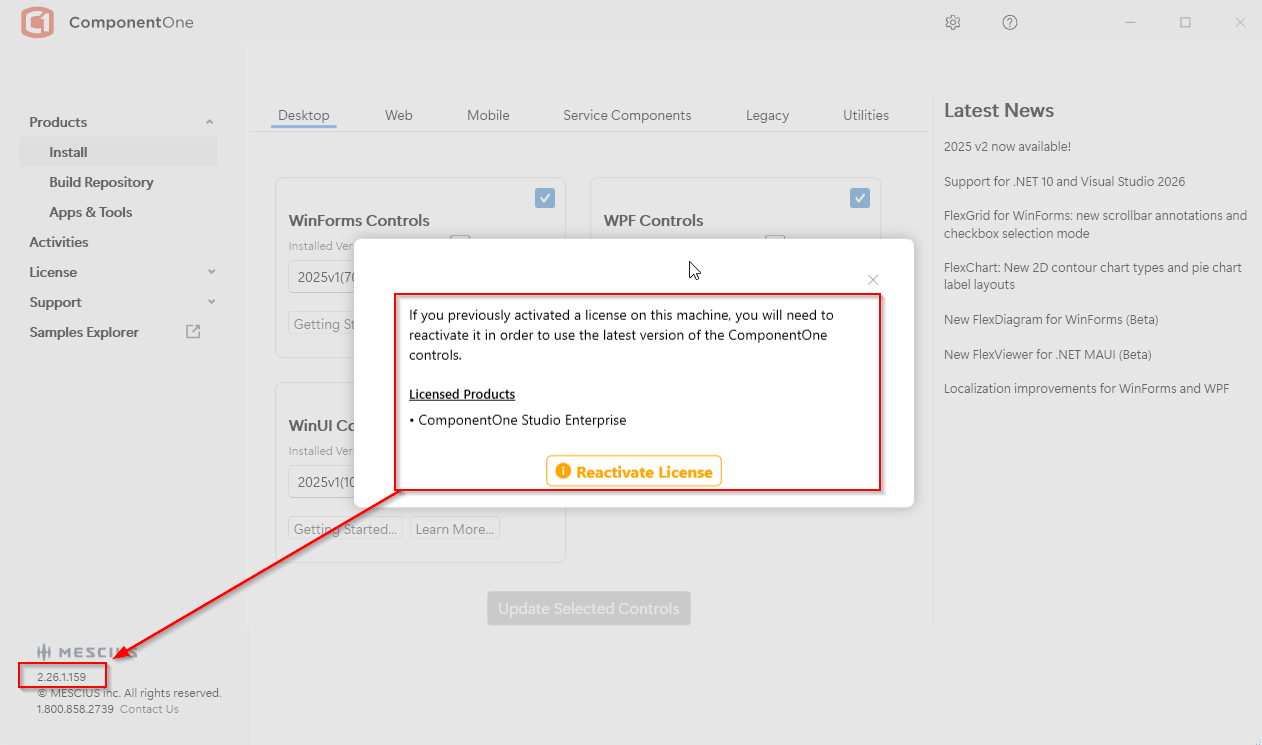
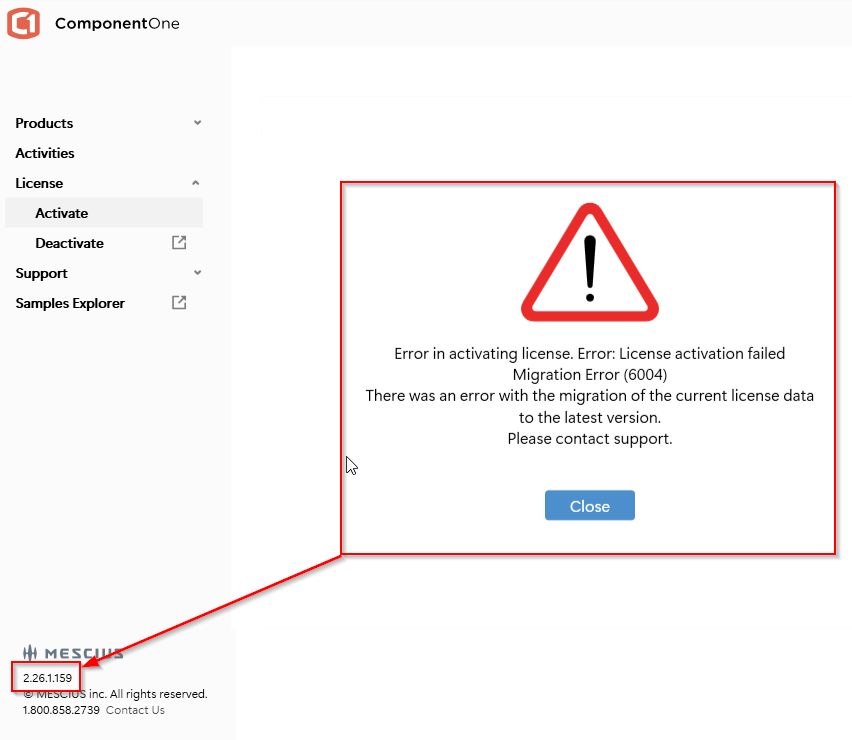
    What version of the C1ControlPanel did you run? the version is located in the bottom left corner. Make sure you have version 2.26.1.159 (or later). Without installing any Editions, you can re-activate your key from the License tab on the left.

    Note that the C1ControlPanel needs to be run as administrator.

    You can download the latest version here: https://developer.mescius.com/componentone/download

    Regards,

    Greg

  • Posted 12 February 2026, 5:11 pm EST - Updated 12 February 2026, 5:16 pm EST

    First, I have to say that I’m VERY frustrated that the forum software is making me wait an HOUR between posts/replies.

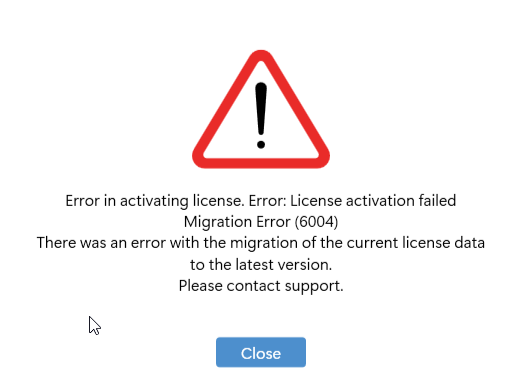
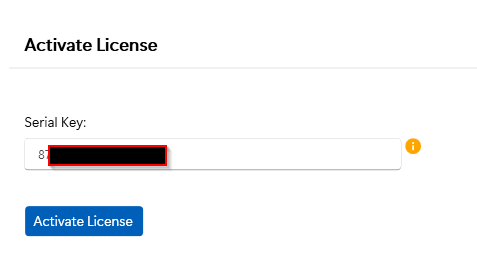
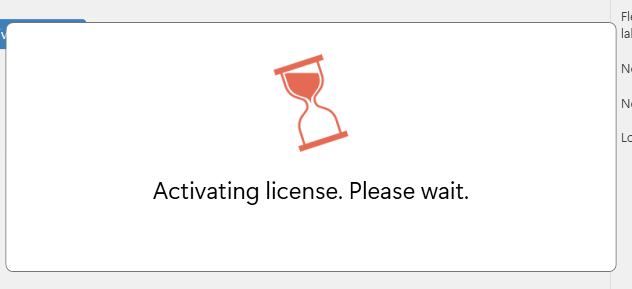
    Yes, I FRESHLY downloaded that today after you told me to. Attached are images of me trying to re-activate it.

    I’ve got the latest version, and I try to do what I’m supposed to do, and error. What else can I do?? It says “Contact Support”, well you’re support, right?

  • Posted 12 February 2026, 5:32 pm EST

    Hello,

    Please check your email where I sent you a message. Once I take a look at the key, I can tell more about why it won’t activate.

    Thanks

    Greg

Need extra support?

Upgrade your support plan and get personal unlimited phone support with our customer engagement team

Learn More

Forum Channels