Posted 14 September 2026, 10:42 am EST
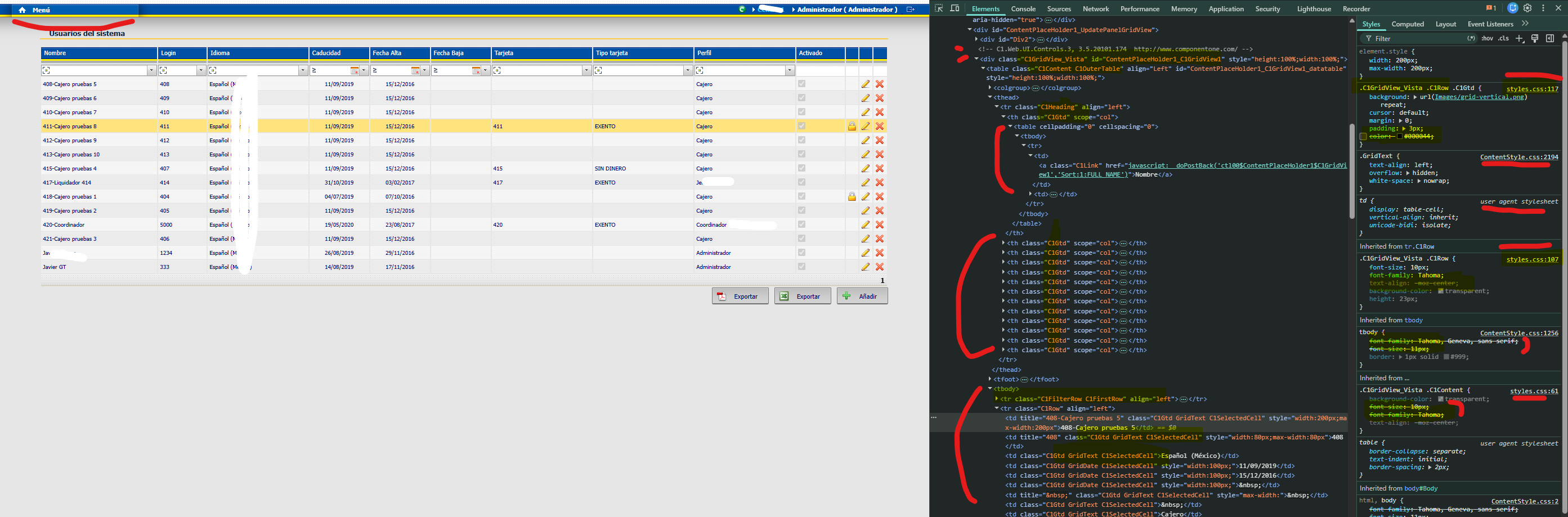
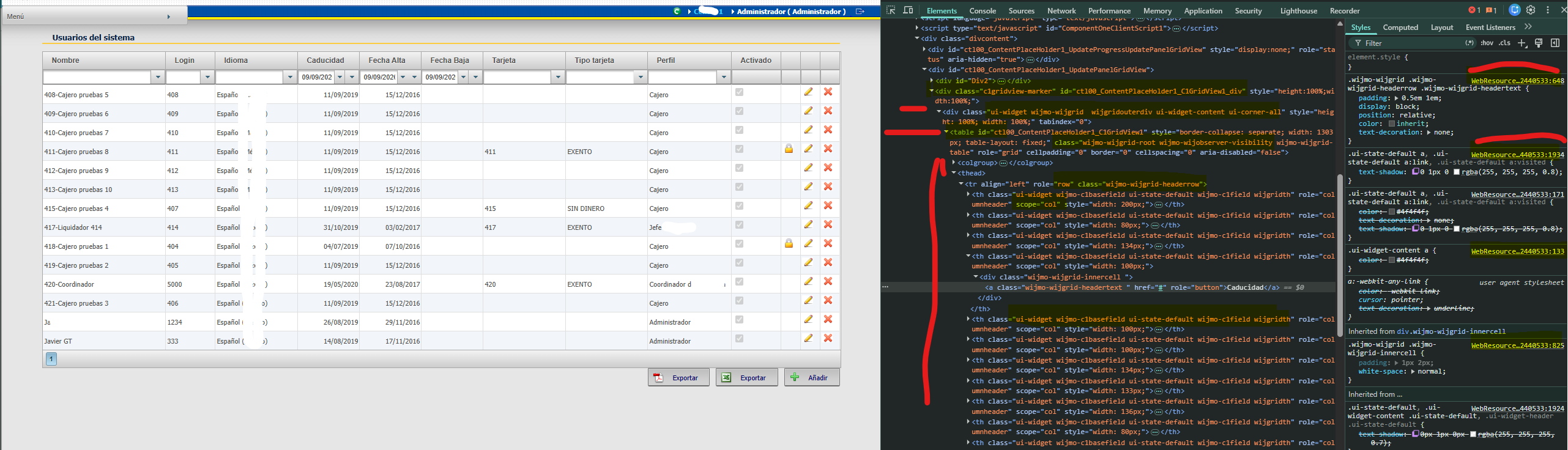
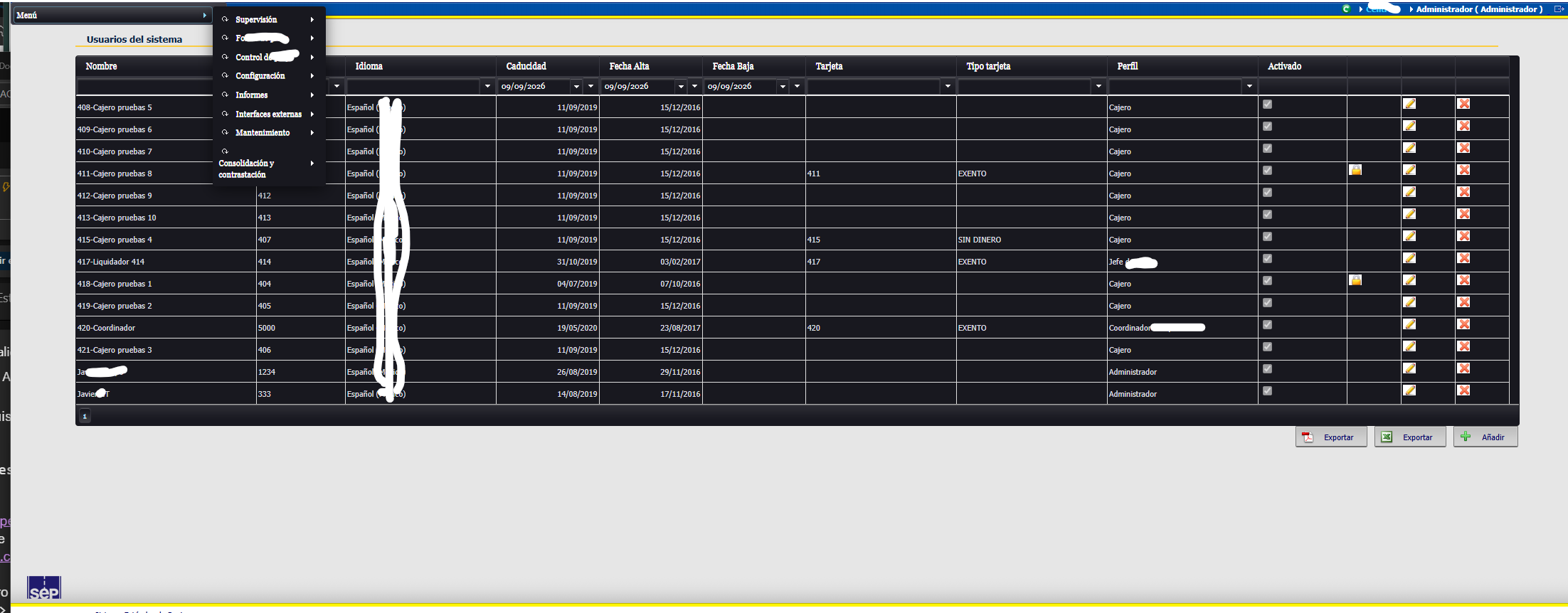
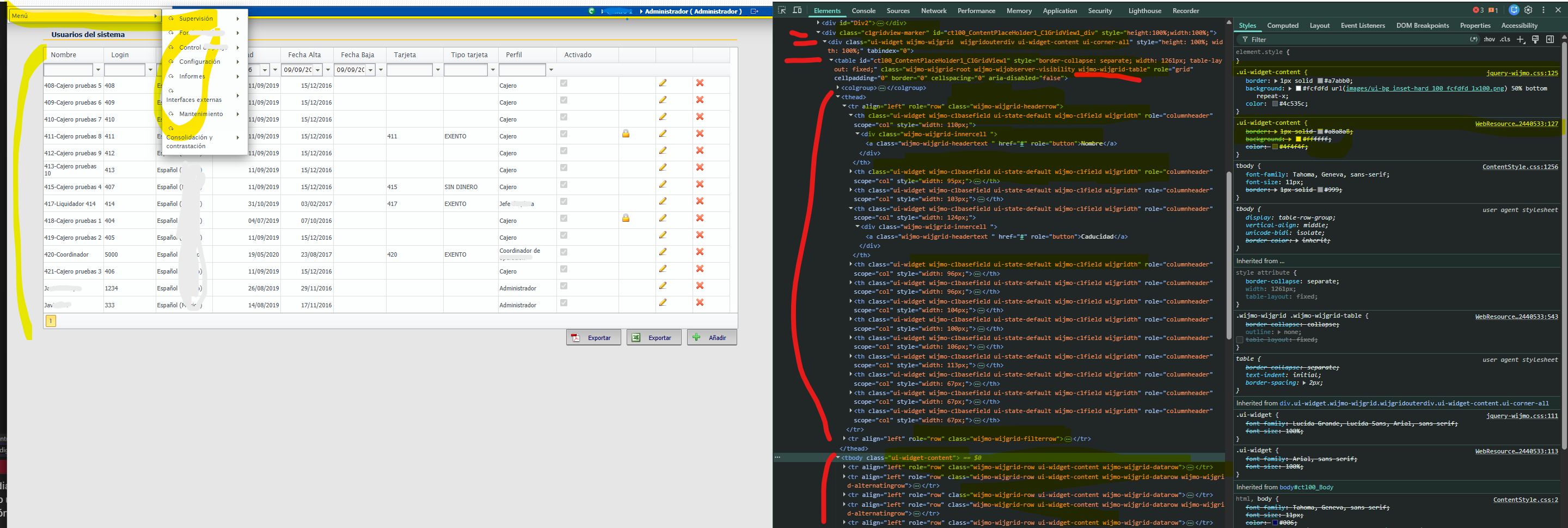
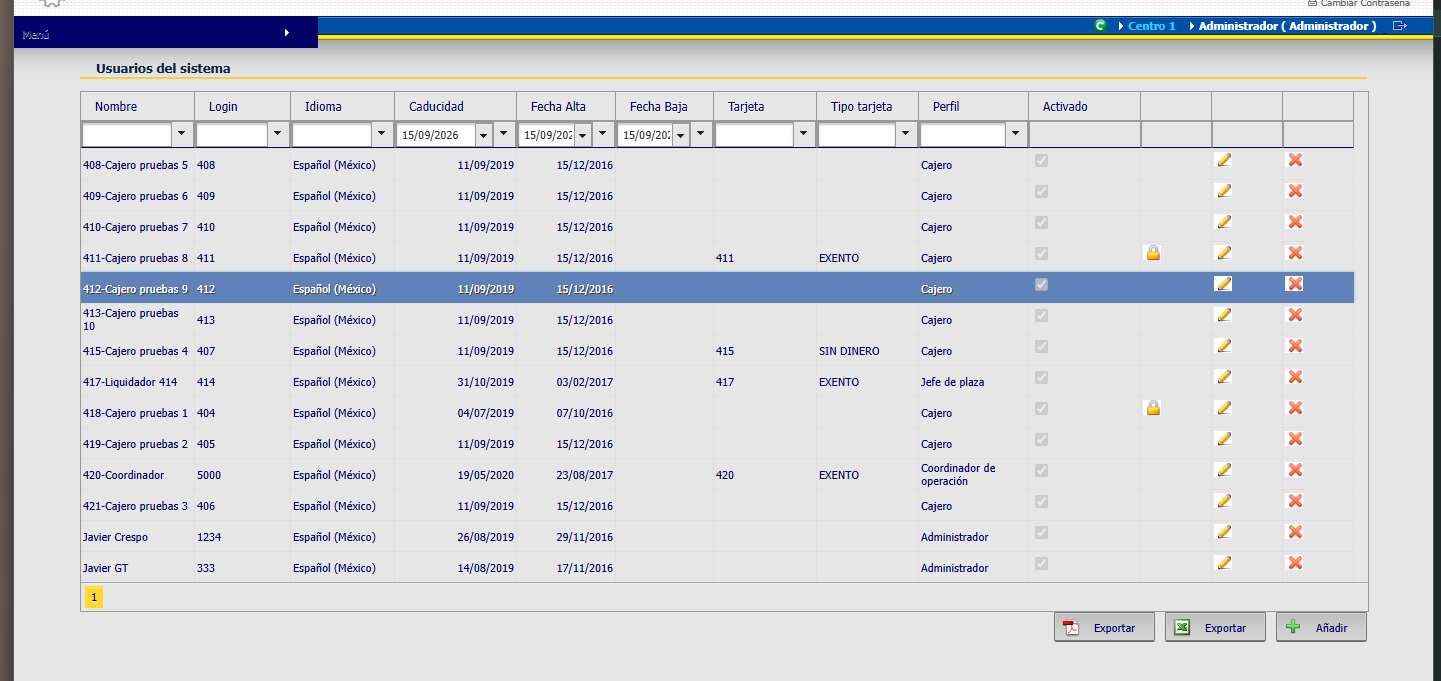
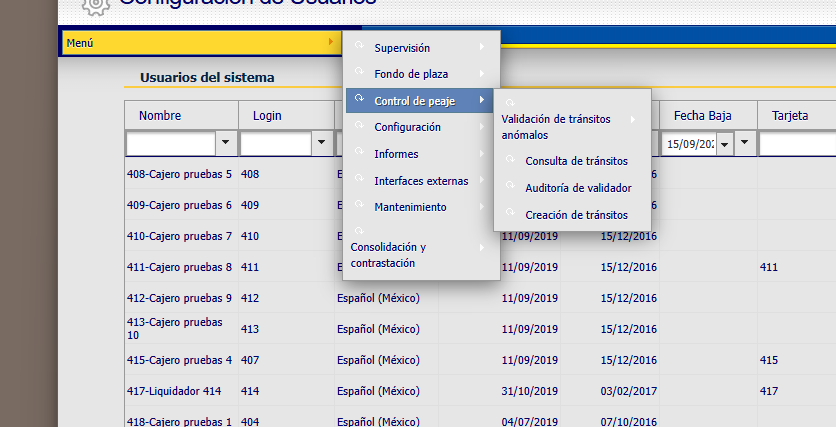
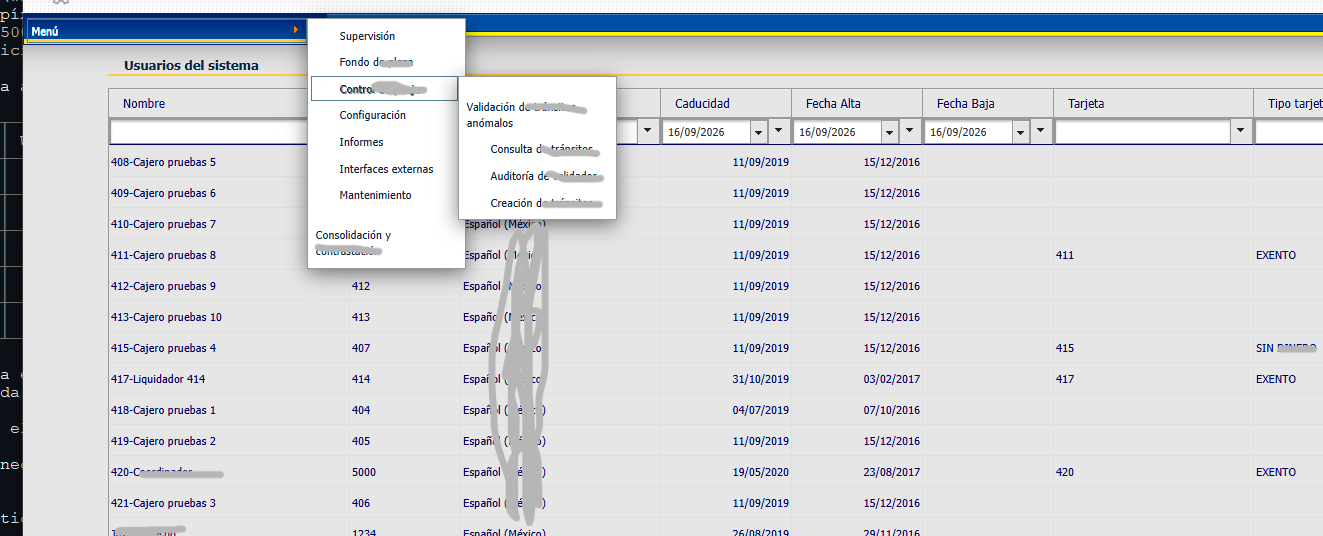
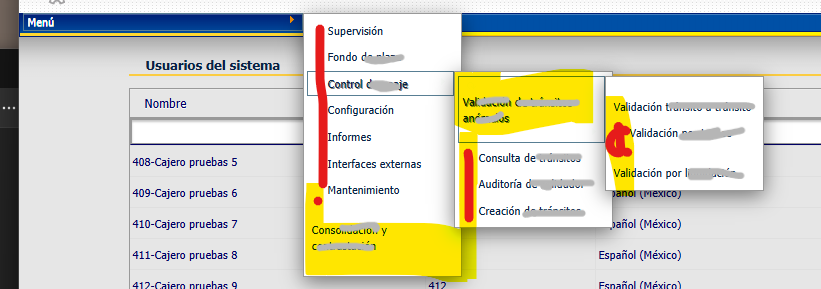
I try compare C1Menu in webapp legacy and now:
2.2 HTML legacy vs. HTML actual — misma función, DOM y clases incompatibles
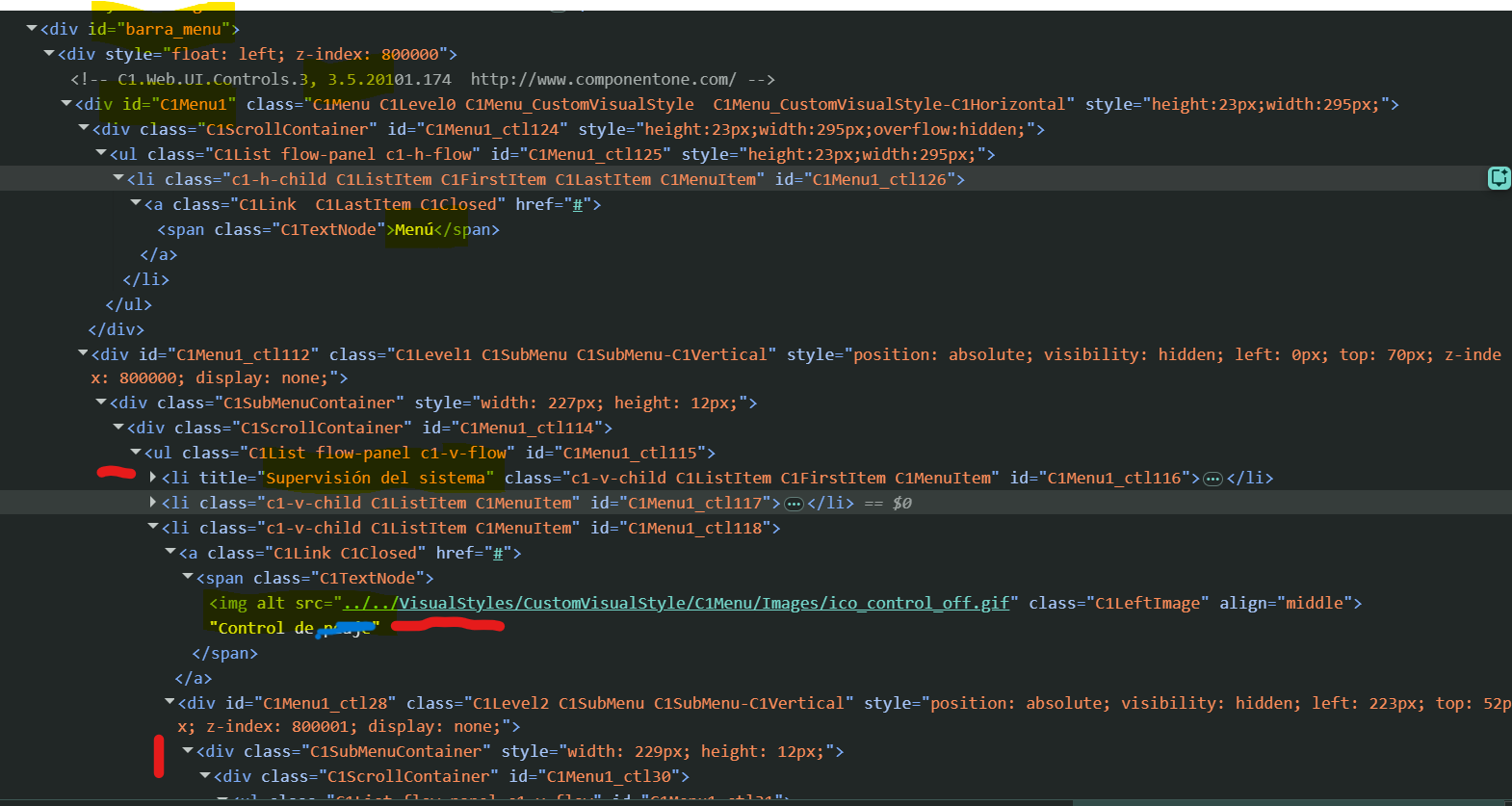
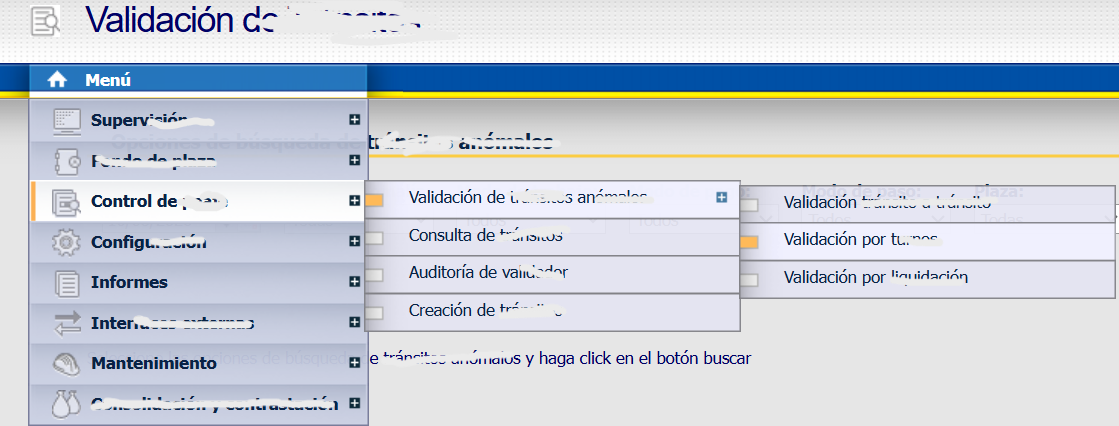
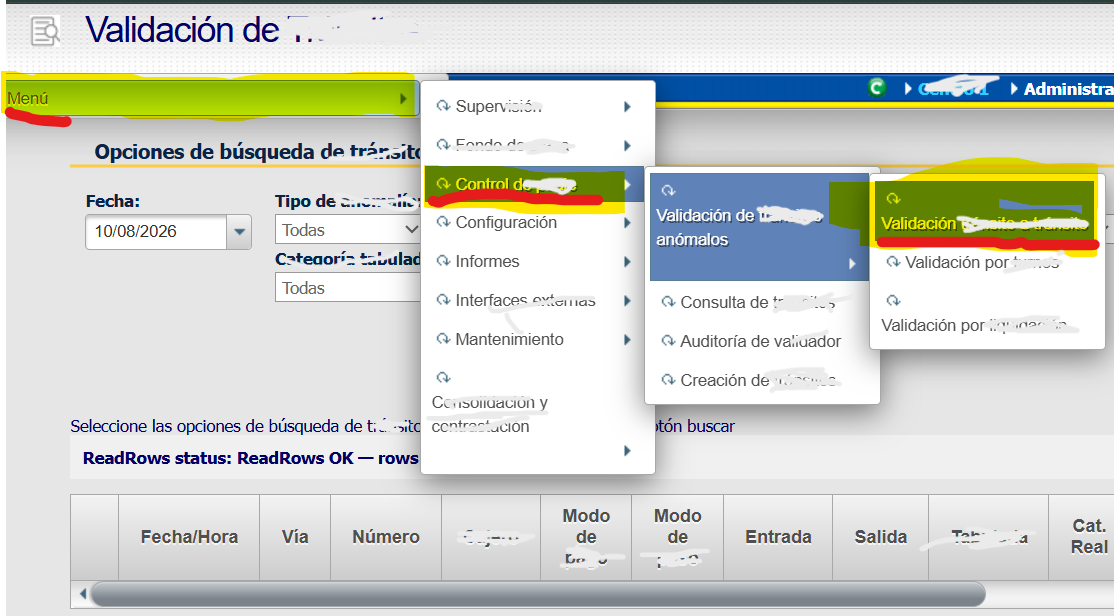
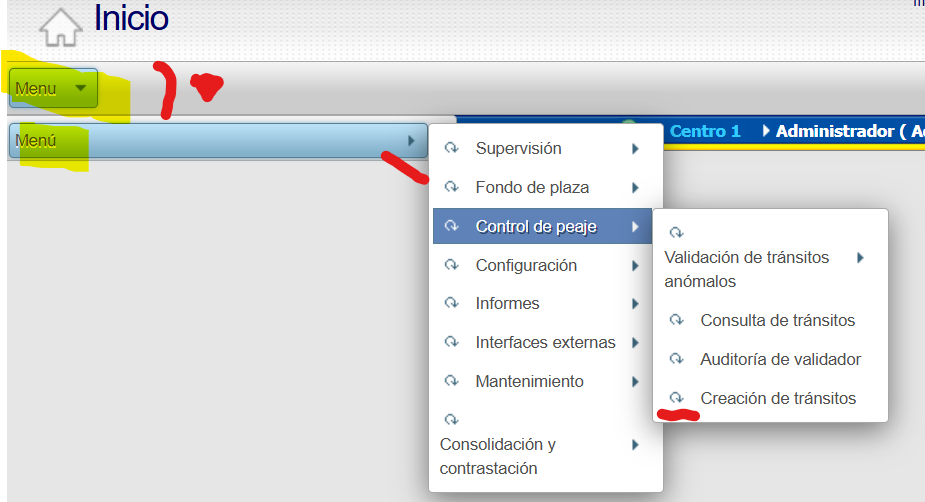
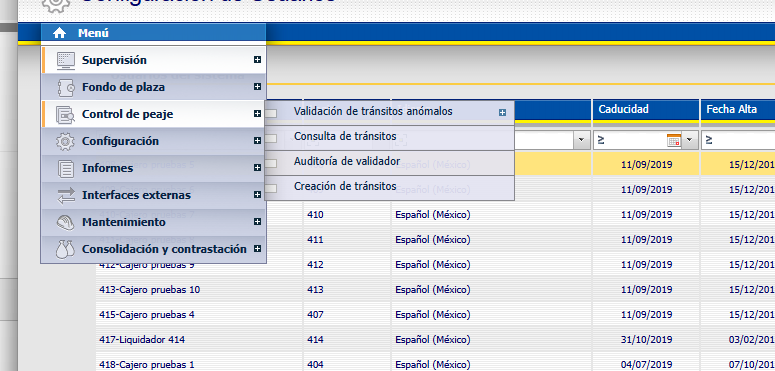
Comparación directa del HTML realmente renderizado por ambas apps sobre el mismo árbol de menú de producción (mismos textos/ítems: “Menú” → “Supervisión” → “Supervisión de centro”, etc.):
|
Legacy (C1Menu1
, C1.Web.UI.Controls.3
) |
Actual (C1Menu1
, Wijmo 4.8) |
| Motor de render |
HTML propio del control ComponentOne Classic (<div class="C1Menu_CustomVisualStyle...">
con <ul>
/<li>
anidados) |
Widget wijmenu
de jQuery UI, envuelto en Web Forms (<div class="wijmo-wijmenu wijmo-wijmenu-horizontal ui-widget...">
) |
| Clase raíz |
C1Menu_CustomVisualStyle-C1Horizontal
(o -C1Vertical
) |
wijmo-wijmenu
+ wijmo-wijmenu-horizontal
/-ipod
|
| Ítem de menú |
.C1ListItem.C1MenuItem.c1-h-child
(nivel raíz) / .c1-v-child
(submenú) |
.wijmo-wijmenu-item
|
| Enlace clicable |
.C1Link
|
.wijmo-wijmenu-link
|
| Texto |
.C1TextNode
|
.wijmo-wijmenu-text
|
| Submenú desplegado |
.C1SubMenu-C1Horizontal
/ .C1SubMenu-C1Vertical
|
.wijmo-wijmenu-child
|
| Icono de módulo |
.C1LeftImage
(imagen <img>
real, ico_*_off.gif
) |
.wijmo-wijmenu-icon-left
(icono vía IconClass
/ui-icon-*
, no <img>
) |
| Separador |
.C1Separator
|
.wijmo-wijmenu-separator
|
| Estados de interacción |
.C1Hover
/ .C1Active
/ .C1Focus
/ .C1Opened
/ .C1Closed
/ .C1Checked
|
.ui-state-hover
/ .ui-state-active
/ .ui-state-focus
(genéricos jQuery UI, sin equivalente a .C1Checked
) |
| Profundidad de anidamiento |
Explícita en el nombre de clase (C1Level0
/C1Level1
/C1Level2
/C1Level3
) |
Implícita, solo por anidamiento real del DOM (ul ul ul li
); Wijmo reutiliza las mismas clases en cualquier nivel |
| Mecanismo de skin |
Carpeta física de CSS (VisualStylePath
+ VisualStyle="CustomVisualStyle"
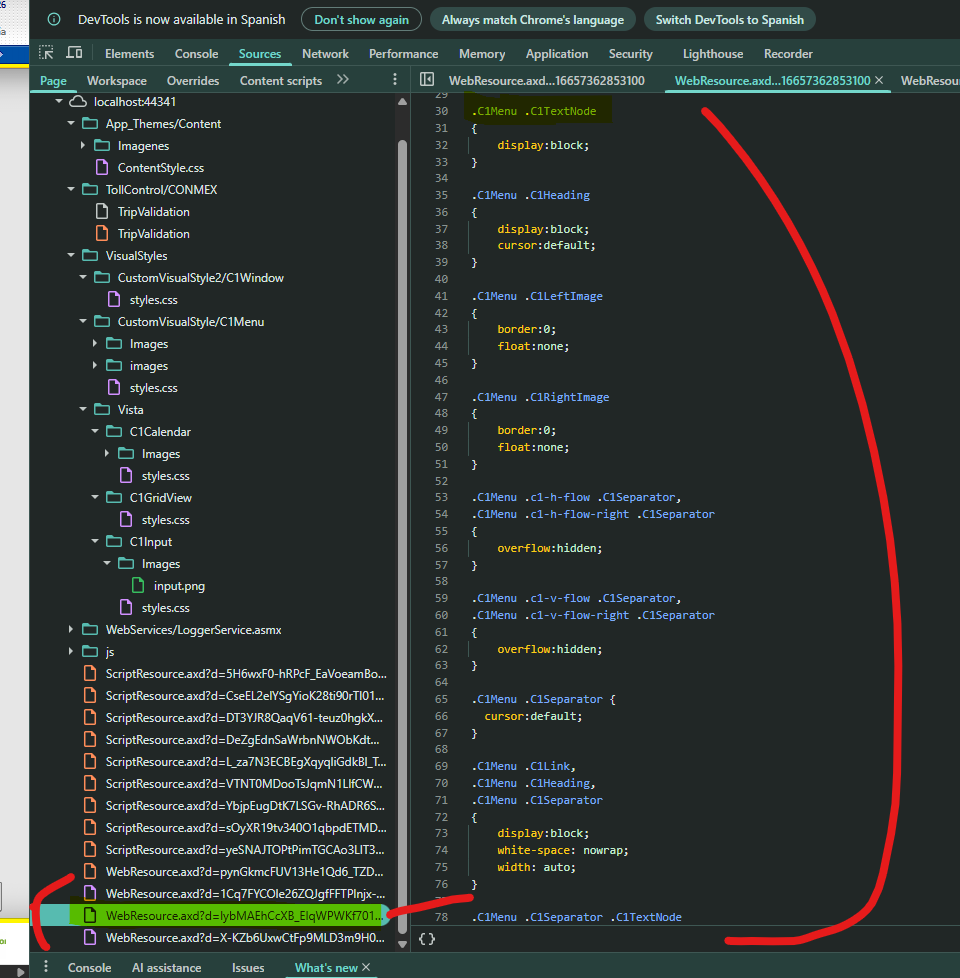
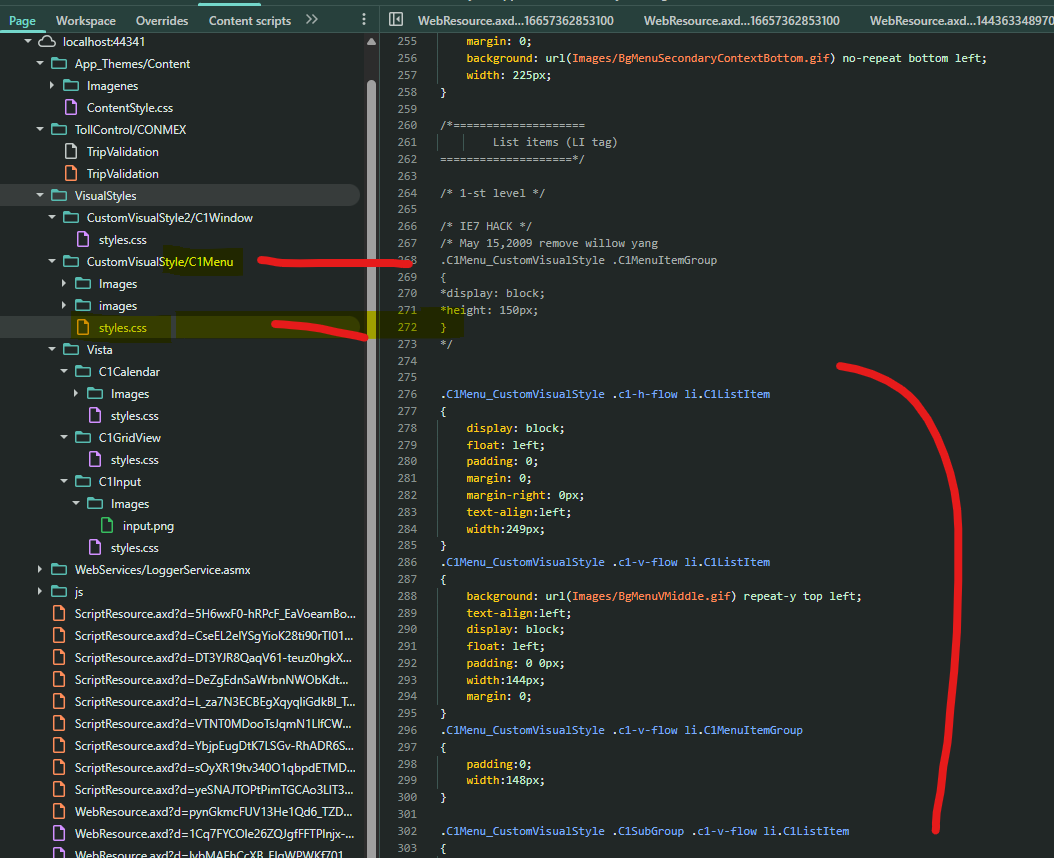
→ ~/VisualStyles/CustomVisualStyle/C1Menu/styles.css
), 100% configurable desde el .aspx
|
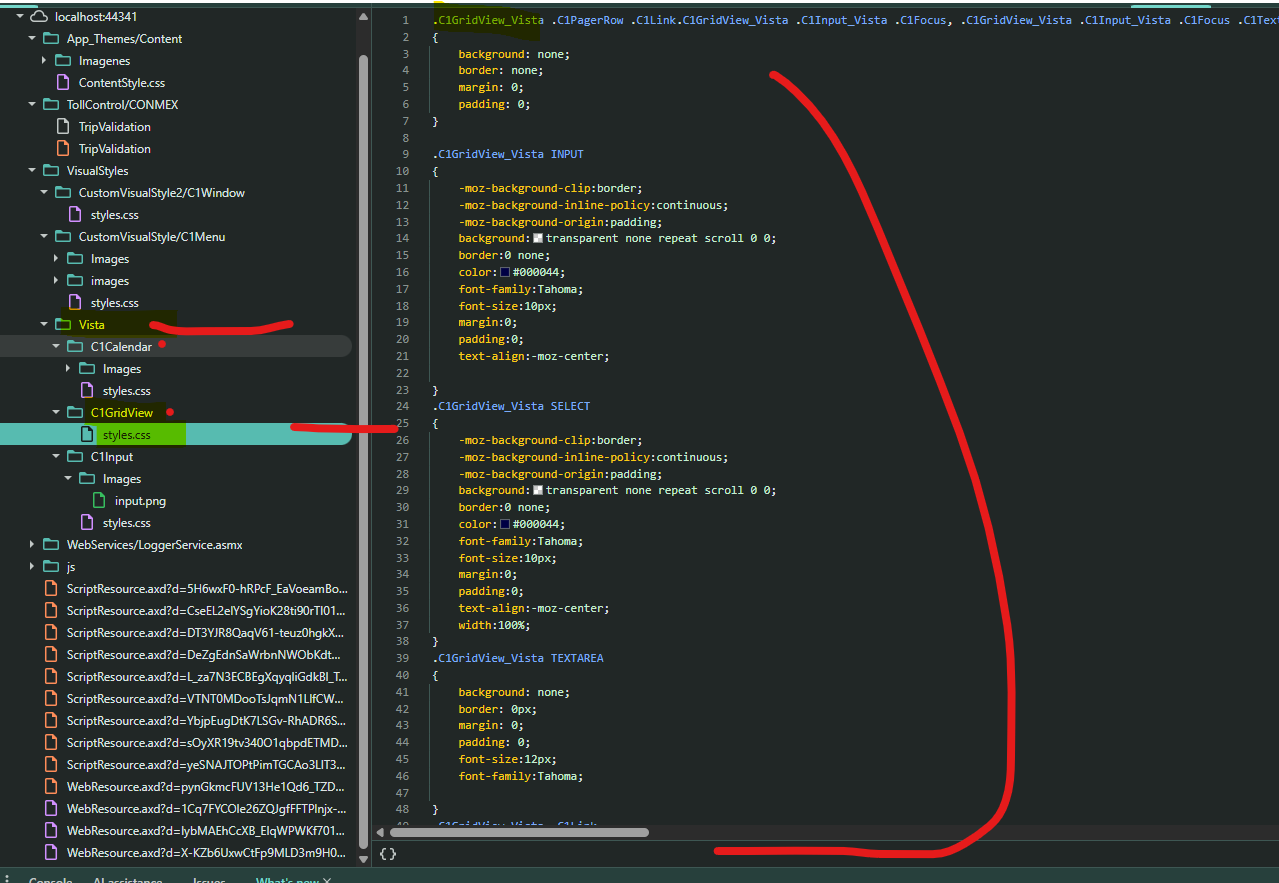
CSS embebido como recurso del ensamblado (sin CSS de extensión propio, a diferencia de C1GridView
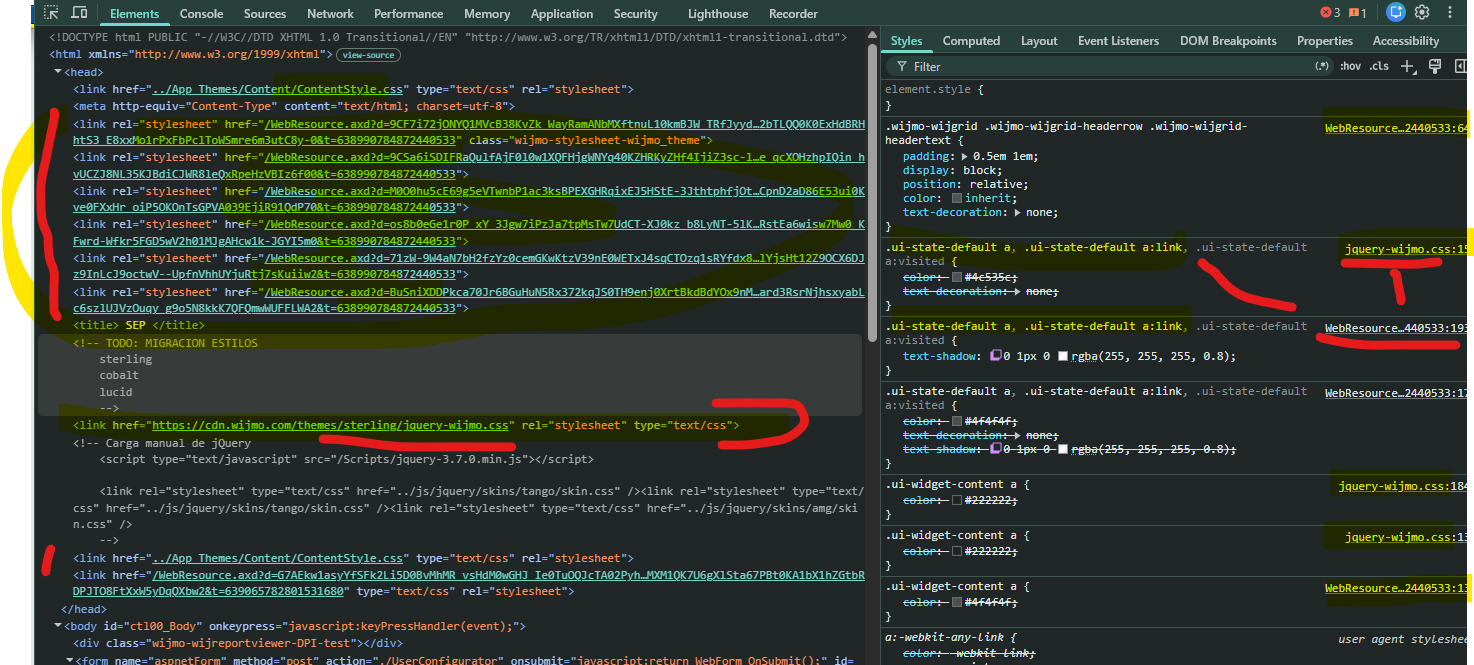
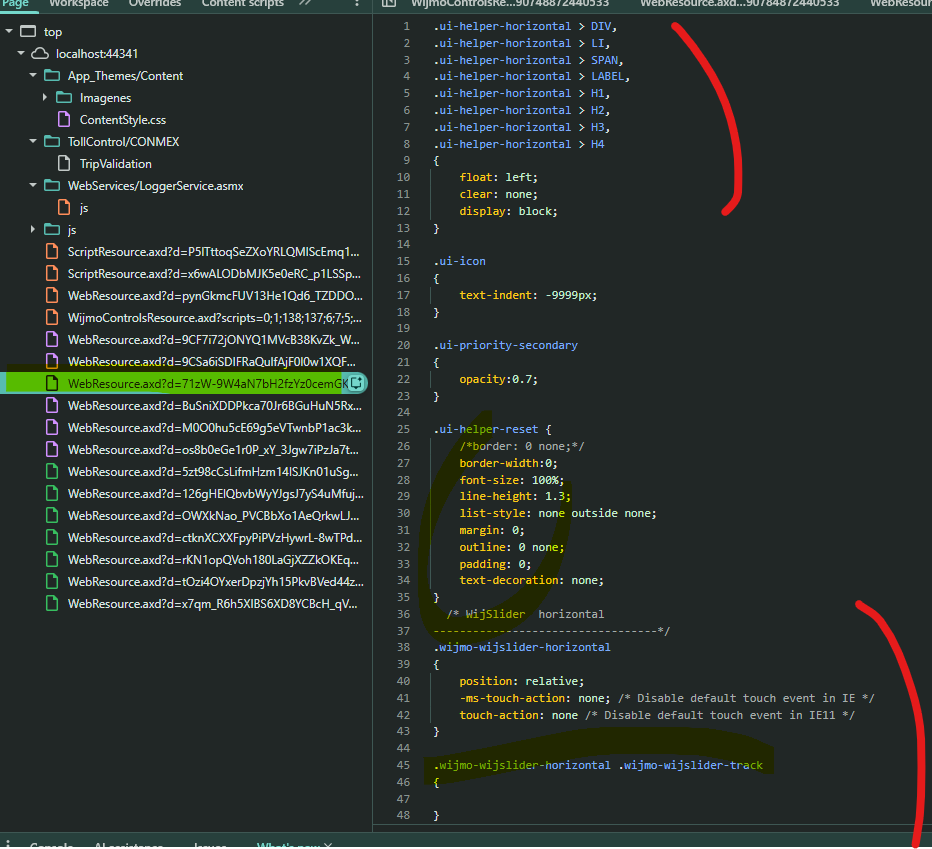
) + tema de catálogo jquery-wijmo.css
vía CDN, sin VisualStylePath
|
| Iconografía por módulo |
8 sprites .gif
distintos, uno por módulo funcional (ico_supervision_off.gif
, ico_fondoplaza_off.gif
, etc.) |
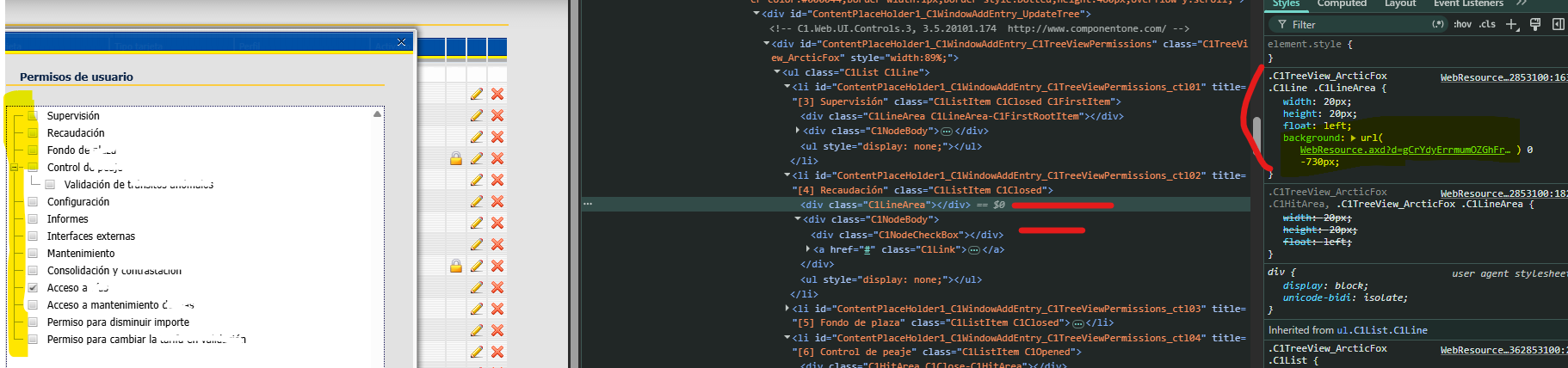
Mismo icono genérico (ui-icon-arrowrefresh-1-s
) en todos los ítems — regresión de datos/code-behind, no de CSS (ver §2.5) |
Ninguna clase del legacy (C1TextNode
, C1Link
, C1SubMenu-C1Vertical
, c1-h-flow
, etc.) existe en el HTML Wijmo, y viceversa — exactamente el mismo tipo de incompatibilidad estructural ya diagnosticada para
C1GridView
en
Analisis-Migracion-Estilos-C1GridView.md
§2.1. Detalle completo clase por clase en los documentos hermanos (
Listado-Clases-CSS-C1Menu-Legacy.md
/
-Wijmo48.md
).
Hallazgo adicional — clases legacy puramente estructurales, sin ninguna regla CSS propia: el HTML legacy usa además
C1Menu
,
C1Level0-3
,
C1MenuItem
,
C1FirstItem
,
C1LastItem
,
c1-h-child
/
c1-v-child
y
C1SubMenuContainer
, ninguna de las cuales tiene ninguna regla en
styles.css
(búsqueda exhaustiva, cero coincidencias) — son ganchos estructurales/JS sin efecto visual propio. No deben confundirse con clases de theming al construir un mapeo o una capa de overrides.
2.2.1 Evidencia literal — HTML real capturado sobre el mismo árbol de menú de producción
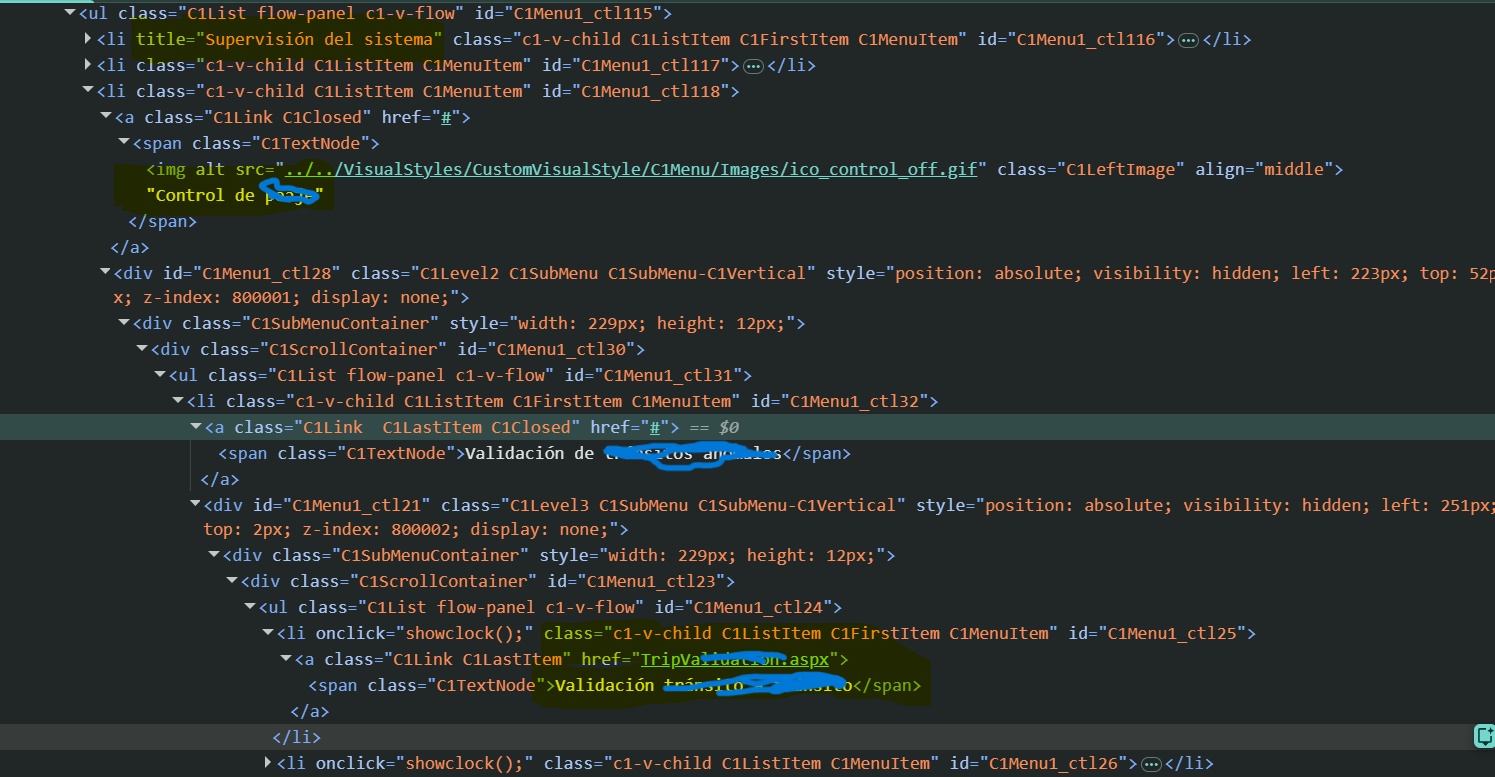
Comparación línea a línea del HTML efectivamente devuelto por ambas apps para el mismo menú en tiempo de ejecución (mismo usuario, mismos ítems: “Menú” → “Supervisión” → “Supervisión de centro”, “Consolidación y contrastación”, etc.), no solo inferido de
styles.css
/el ensamblado.
a) Contenedor raíz
|
Legacy |
Actual |
| HTML |
<div id="C1Menu1" class="C1Menu C1Level0 C1Menu_CustomVisualStyle C1Menu_CustomVisualStyle-C1Horizontal" style="height:23px;width:295px;">
|
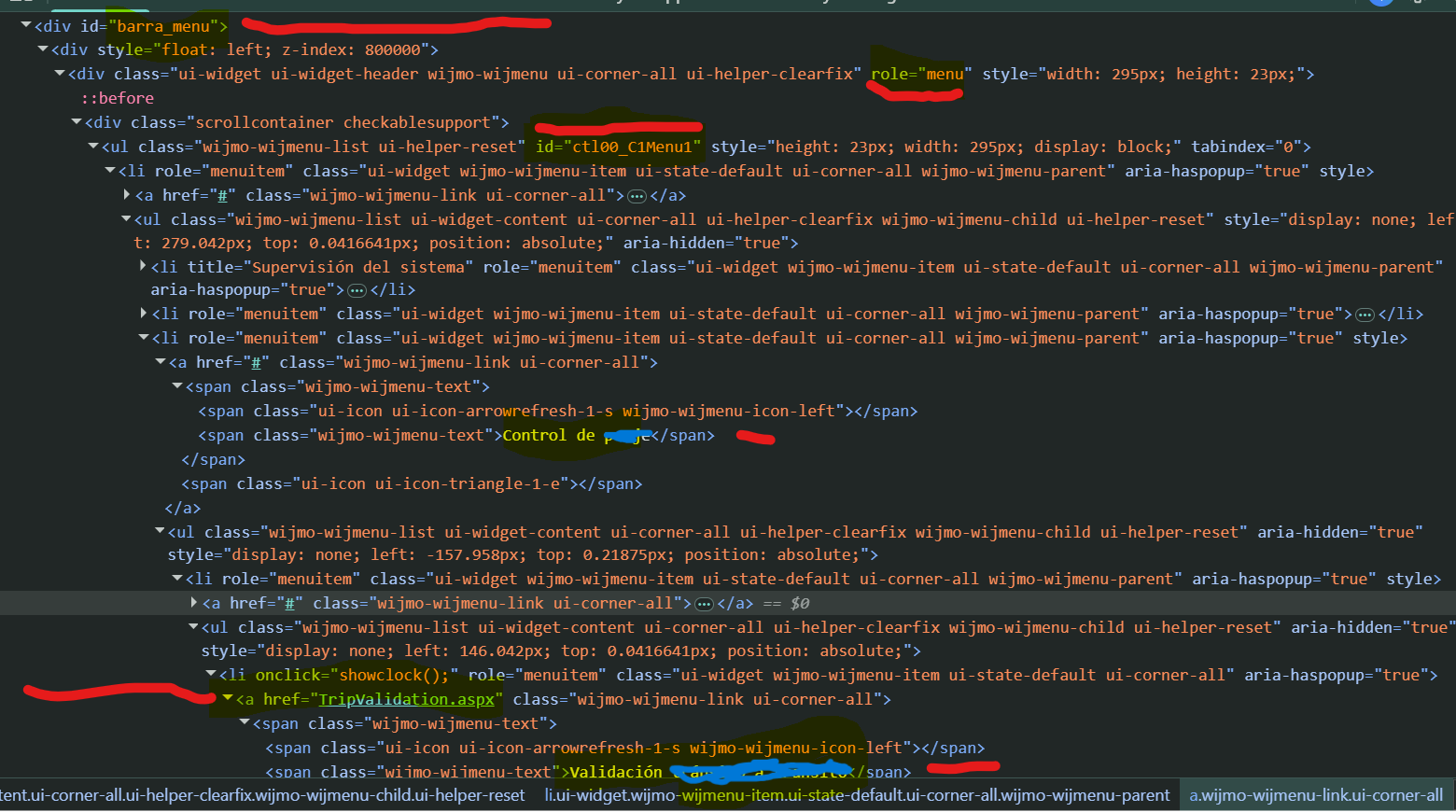
<div class="ui-widget ui-widget-header wijmo-wijmenu ui-corner-all ui-helper-clearfix" role="menu" style="width: 295px; height: 23px;">
|
| Comentario de versión |
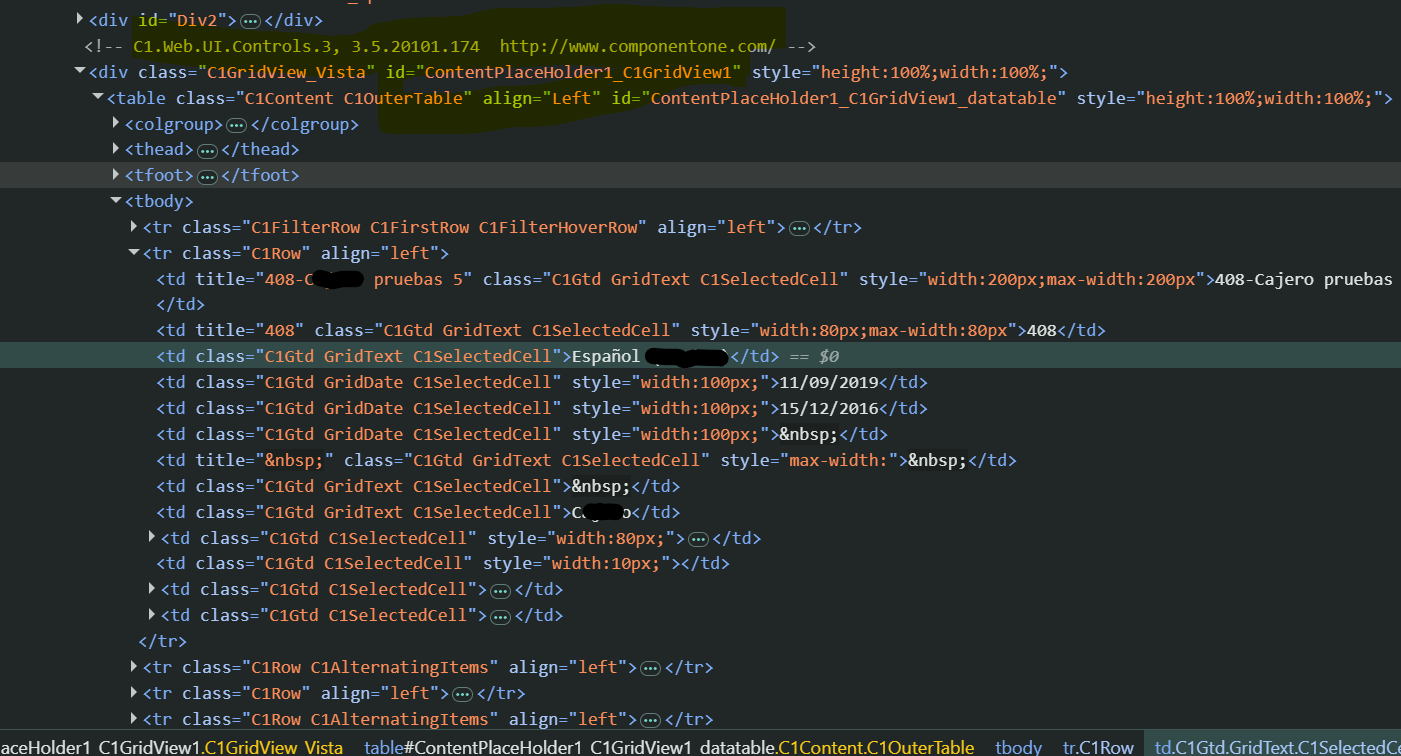
<!-- C1.Web.UI.Controls.3, 3.5.20101.174 http://www.componentone.com/ -->
|
Ninguno |
| Scroll (por nivel) |
<div class="C1ScrollContainer" id="C1Menu1_ctl124">
— uno nuevo por cada submenú anidado (ctl114
, ctl08
, ctl23
…) |
<div class="scrollcontainer checkablesupport">
— uno solo, en la raíz, reutilizado para todo el árbol |
| Lista raíz |
<ul class="C1List flow-panel c1-h-flow" id="C1Menu1_ctl125">
|
<ul class="wijmo-wijmenu-list ui-helper-reset" id="ctl00_C1Menu1">
|
| Semántica ARIA |
Ninguna |
role="menu"
en el contenedor, role="menuitem"
/aria-haspopup="true"
en cada ítem — mejora de accesibilidad ausente en el legacy |
| Estado servidor (hidden input) |
<input id="C1Menu1__jsonserverstate" value="{..."VisualStyle": "CustomVisualStyle"}">
|
<input id="ctl00_C1Menu1__jsonserverstate_ffcache" id="ctl00_C1Menu1__jsonserverstate" type="hidden">
(sin VisualStyle
, ni ningún dato de theming) |
b) Ítem de menú con submenú (nodo <li>
— ejemplo “Supervisión”)
|
Legacy |
Actual |
<li>
|
<li title="Supervisión del sistema" class="c1-v-child C1ListItem C1FirstItem C1MenuItem" id="C1Menu1_ctl116">
|
<li title="Supervisión del sistema" role="menuitem" class="ui-widget wijmo-wijmenu-item ui-state-default ui-corner-all wijmo-wijmenu-parent" aria-haspopup="true">
|
| Marcado de posición |
C1FirstItem
/ C1LastItem
explícitos en la clase |
Sin equivalente — no hay marcado de “primero/último” |
| Enlace |
<a class="C1Link" href="#">
|
<a href="#" class="wijmo-wijmenu-link ui-corner-all">
|
| Icono de módulo |
<img alt="Supervisión del sistema" src="../VisualStyles/CustomVisualStyle/C1Menu/Images/ico_supervision_off.gif" class="C1LeftImage" align="middle">
— imagen <img>
real, un fichero .gif
distinto por módulo |
<span class="ui-icon ui-icon-arrowrefresh-1-s wijmo-wijmenu-icon-left"></span>
— icono de fuente jQuery UI, el mismo (ui-icon-arrowrefresh-1-s
) en absolutamente todos los ítems con submenú de todo el árbol |
| Texto |
<span class="C1TextNode">Supervisión de centro</span>
(icono e hijo del mismo <span>
en el nivel raíz) |
<span class="wijmo-wijmenu-text"><span class="ui-icon ... wijmo-wijmenu-icon-left"></span><span class="wijmo-wijmenu-text">Supervisión</span></span>
—  un un <span class="wijmo-wijmenu-text">
envuelve a otro <span>
con la misma clase, patrón redundante generado por el control al combinar icono + texto |
| Flecha de submenú |
Ninguna marca explícita en el HTML (el despliegue lo gestiona JS vía C1Closed
/C1Opened
en el propio <a>
) |
<span class="ui-icon ui-icon-triangle-1-e"></span>
explícito, al final del <a>
, como hermano del texto |
| Submenú hijo (wrappers) |
<div id="C1Menu1_ctl06" class="C1Level2 C1SubMenu C1SubMenu-C1Vertical" style="display:none;"><div class="C1SubMenuContainer"><div class="C1ScrollContainer" id="C1Menu1_ctl08"><ul class="C1List flow-panel c1-v-flow" id="C1Menu1_ctl09">
— 4 niveles de wrapper (div.SubMenu
› div.SubMenuContainer
› div.ScrollContainer
› ul
) antes de llegar a los <li>
hijos |
<ul class="wijmo-wijmenu-list ui-widget-content ui-corner-all ui-helper-clearfix wijmo-wijmenu-child ui-helper-reset" style="display: none;">
— 1 solo elemento, el propio <ul>
, hermano directo del <a>
|
| Ítem hoja (sin hijos) |
<li onclick="showclock();" class="c1-v-child C1ListItem C1FirstItem C1MenuItem" id="C1Menu1_ctl10"><a class="C1Link" href="../Monitoring/Center/ControlCenterGraphic.aspx"><span class="C1TextNode">Supervisión de centro</span></a></li>
|
<li onclick="showclock();" role="menuitem" class="ui-widget wijmo-wijmenu-item ui-state-default ui-corner-all" aria-haspopup="true"><a href="../Monitoring/Center/ControlCenterGraphic.aspx" class="wijmo-wijmenu-link ui-corner-all"><span class="wijmo-wijmenu-text"><span class="ui-icon ui-icon-arrowrefresh-1-s wijmo-wijmenu-icon-left"></span><span class="wijmo-wijmenu-text">Supervisión de centro</span></span></a></li>
|
2.2.2 Diferencias estructurales — conclusiones
- Profundidad de wrappers por submenú: el legacy anida 4 niveles (
div.SubMenu > div.SubMenuContainer > div.ScrollContainer > ul
) por cada submenú desplegado; el actual usa un único <ul>
hermano del <a>
— DOM sensiblemente más plano y ligero en el control nuevo.
- Señalización del nivel de anidamiento: el legacy lo codifica explícitamente en la clase del contenedor (
C1Level0
/C1Level1
/C1Level2
/C1Level3
); el actual no lo señala en ninguna clase — se infiere únicamente de la profundidad real del DOM (ul ul ul li
). Cualquier CSS/override que dependa del nivel debe usar selectores de descendencia (.wijmo-wijmenu-child .wijmo-wijmenu-child
), no una clase de nivel.
- Marcado de posición (primero/último): el legacy marca
C1FirstItem
/C1LastItem
en cada <li>
; el actual no tiene equivalente — cualquier estilo de borde/margen especial para el primer o último ítem debe resolverse con selectores CSS (:first-child
/:last-child
), no con una clase dedicada.
- Iconografía por módulo: el legacy asigna 8 imágenes
.gif
reales y distintas por módulo funcional (ico_supervision_off.gif
, ico_fondoplaza_off.gif
, ico_control_off.gif
, ico_configuracion_off.gif
, ico_informes_off.gif
, ico_interfaces_off.gif
, ico_mantenimiento_off.gif
, ico_contrastacion_off.gif
); el actual repite el mismo icono genérico (ui-icon-arrowrefresh-1-s
) en todos los ítems con submenú de todo el árbol, confirmado ahora en el HTML real capturado (no solo inferido) — regresión de datos/code-behind, no de CSS (ver §2.5).
- Texto anidado duplicado: el actual genera
<span class="wijmo-wijmenu-text">
envolviendo a otro <span class="wijmo-wijmenu-text">
cuando el ítem tiene icono — patrón redundante propio de cómo el control combina icono + texto; no tiene equivalente en el legacy (donde el <img>
y el texto conviven sueltos dentro de un único .C1TextNode
). Relevante para escribir selectores CSS precisos (p. ej. .wijmo-wijmenu-text > .wijmo-wijmenu-text
si se necesita apuntar solo al texto visible, no al wrapper).
- Cero solapamiento de clases: ninguna clase usada por el legacy (
C1*
, c1-h-flow
/c1-v-flow
) aparece en el HTML actual, y ninguna clase del actual (wijmo-wijmenu-*
, ui-*
) aparece en el legacy — confirma sobre HTML real (no solo sobre el CSS de catálogo) la incompatibilidad estructural ya diagnosticada en §2.2.
- Accesibilidad: el actual añade
role="menu"
/role="menuitem"
/aria-haspopup="true"
, completamente ausentes en el legacy — única mejora estructural neta del control nuevo frente al clási



 Resumen Ejecutivo
 Estructura de Carpetas
 Sistema de Temas (Themes)
 Crítico