PDF view resolution in C1ReportViewer 2025v2 399

Posted by: enrique.pv-ext on 25 March 2026, 11:45 am EST

    • Post Options:
    • Link

    Posted 25 March 2026, 11:45 am EST - Updated 25 March 2026, 11:50 am EST

    Hi,

    Migrate from 2010v1 to 2025v2 399 in ASP.NET WebForms NET Framework 4.8.1.

    Using C1ReportViewer from C1.Web.Wijmo.Controls.48.dll

    Changes C1WebReport to C1ReportViewer control.

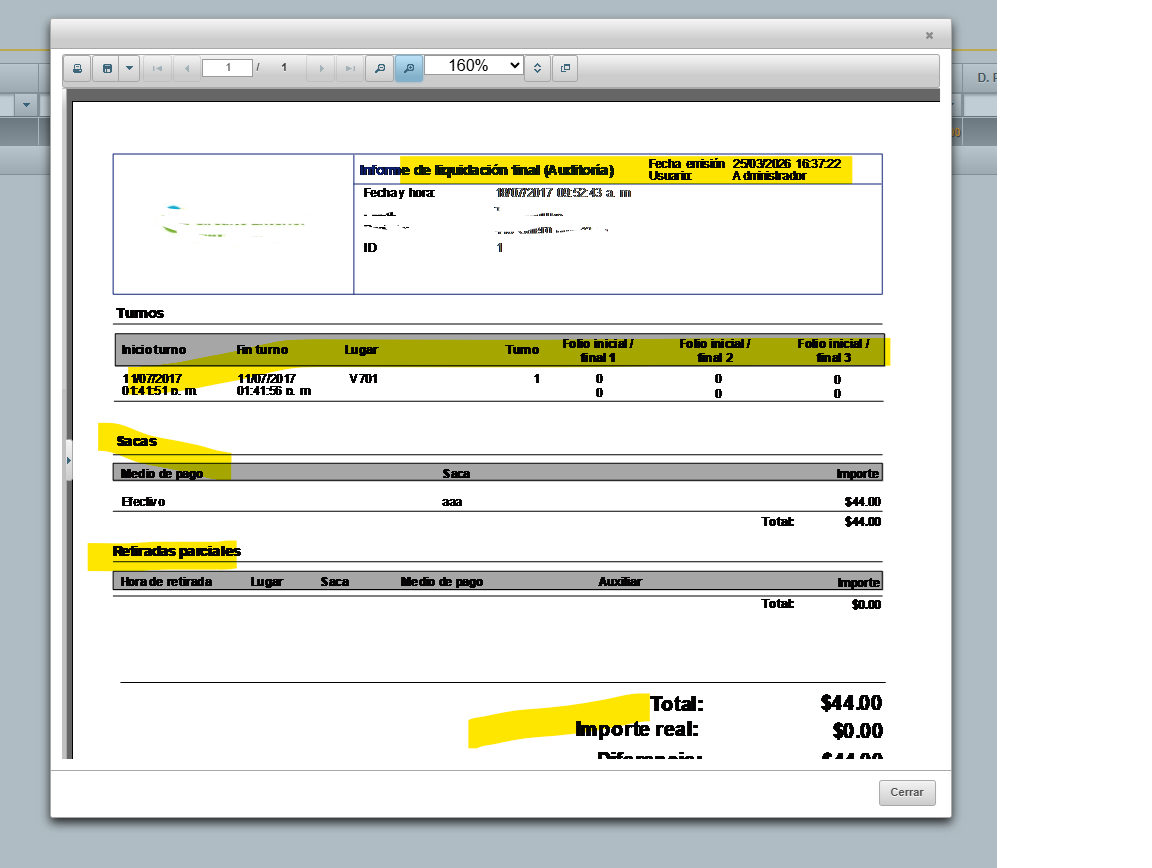
    PDF view is very bad, mabye resolution ? any another parameter that applies to good resolution ?

    Increasing image quality in output PDF from Report Viewer ?

    thanks a lot!

  • Posted 27 March 2026, 7:13 am EST

    Hello Enrique,

    We are able to observe the same behavior at our end as well. We have escalated the behavior to the development team for further insights. [Internal Tracking ID: C1WEB-30443]

    Rest assured, we’ll get back once we have more information.

    Regards,

    Uttkarsh.

  • Posted 8 April 2026, 11:09 am EST

    Hello Enrique,

    As per the team, he reported behavior is a bug. [Bug Tracking ID: C1WEB-30450]

    Currently we do not have an ETA for the fix, but rest assured, we’ll update you once the issue is fixed.

    Regards,

    Uttkarsh.

  • Posted 12 August 2026, 2:28 am EST

    Hello Enrique,

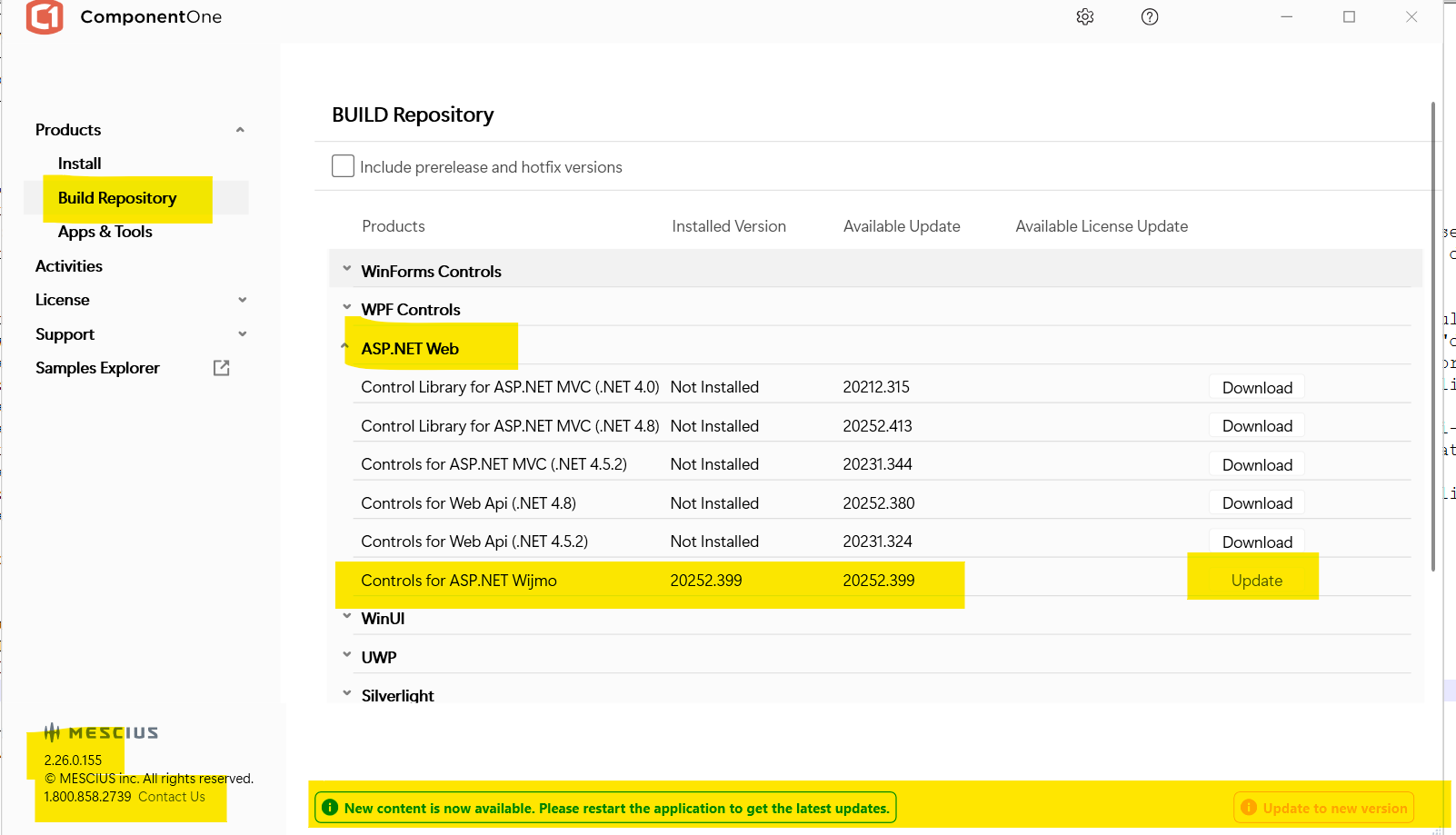
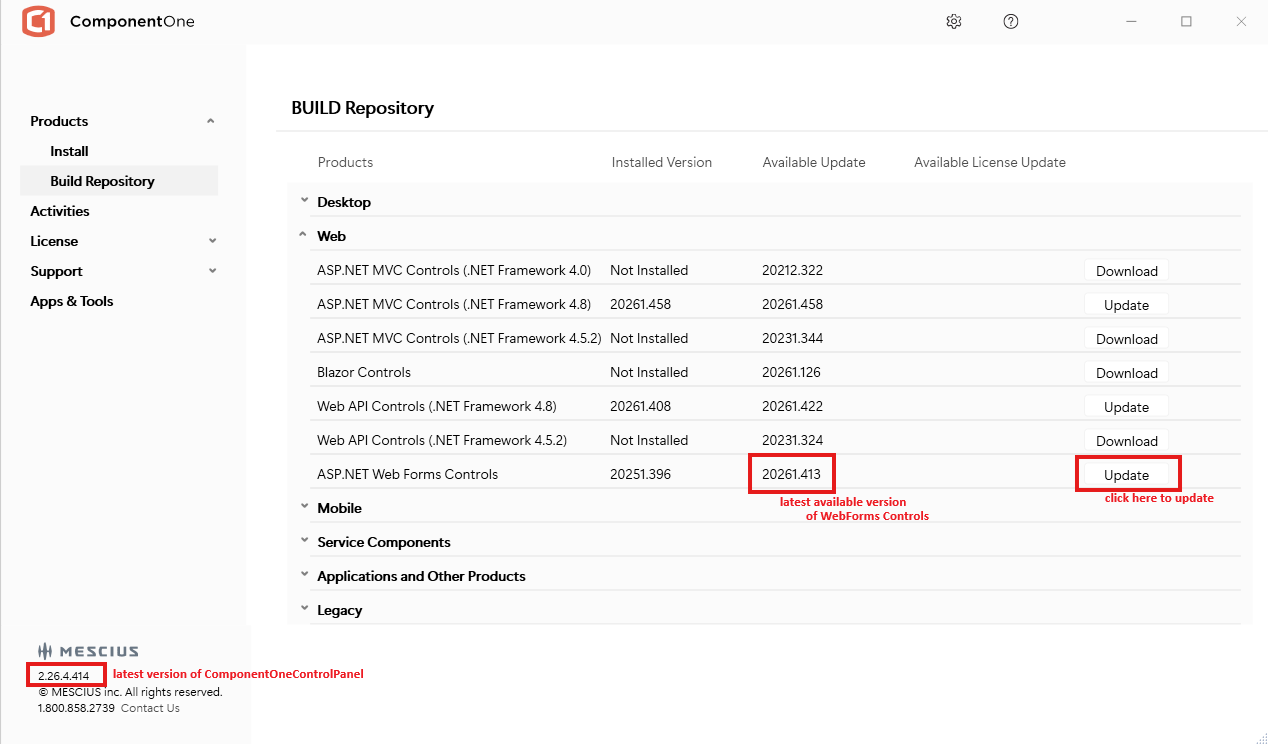
    The issue has been fixed in the latest build: 4.8.20261.413

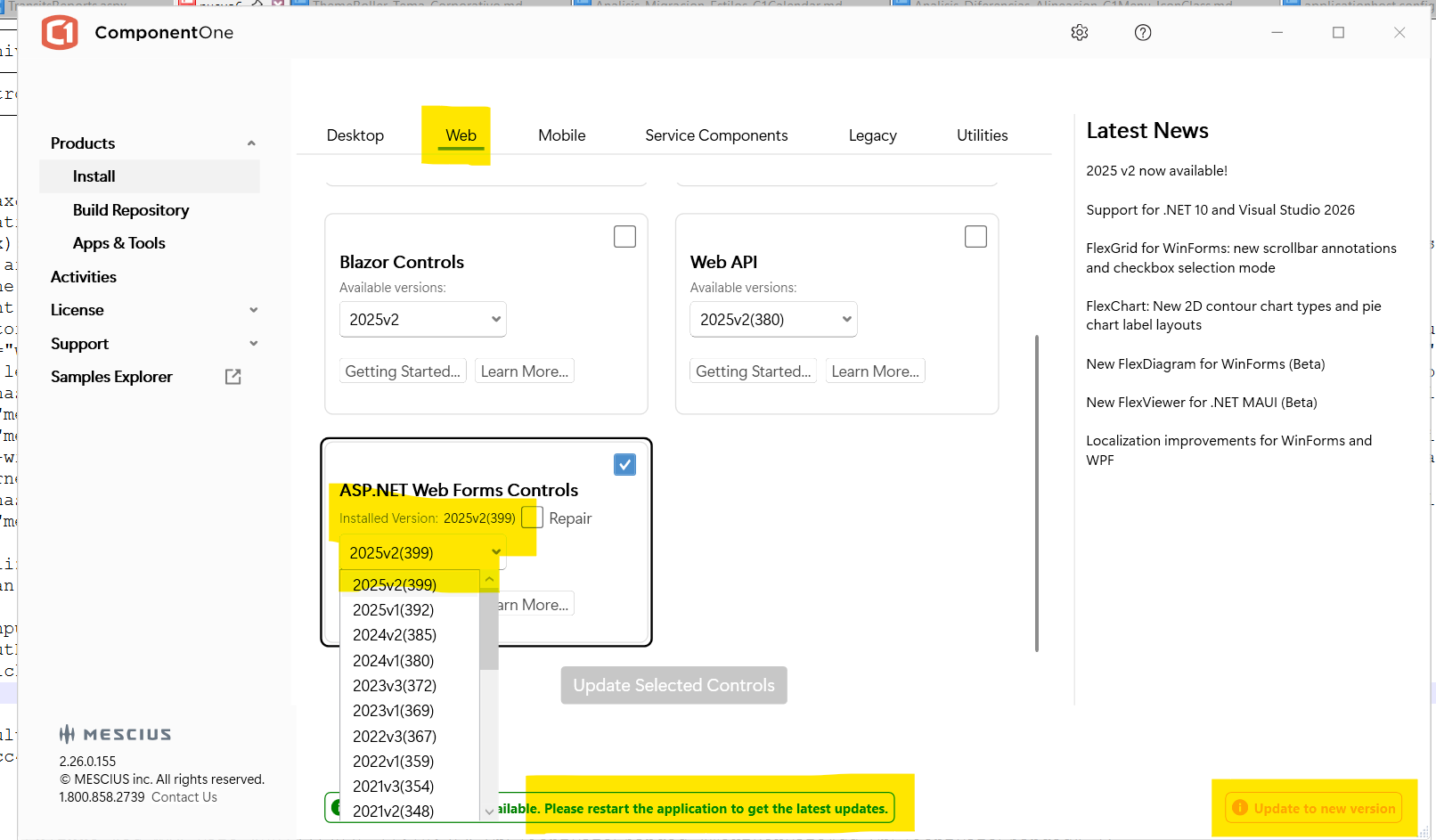
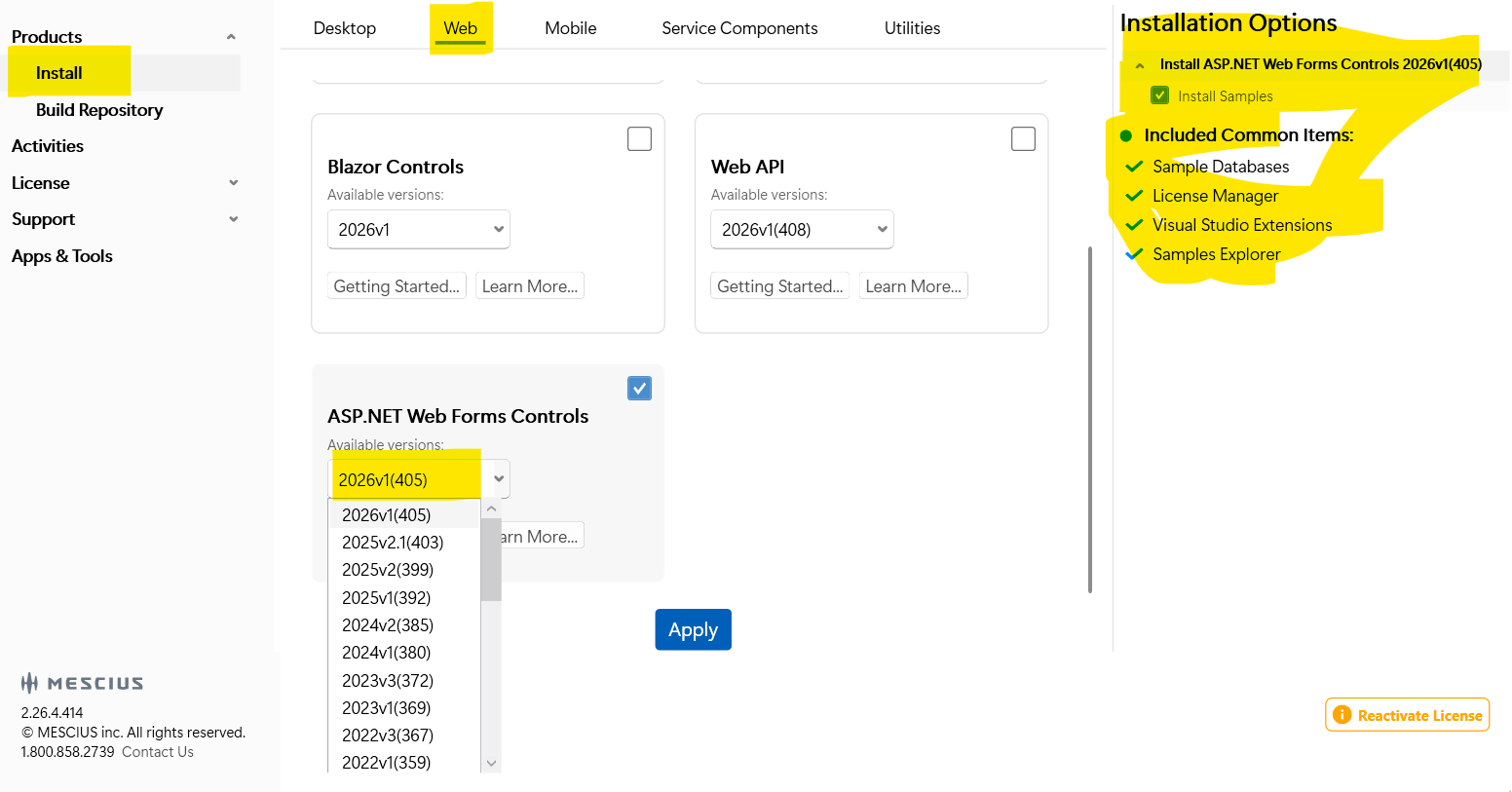
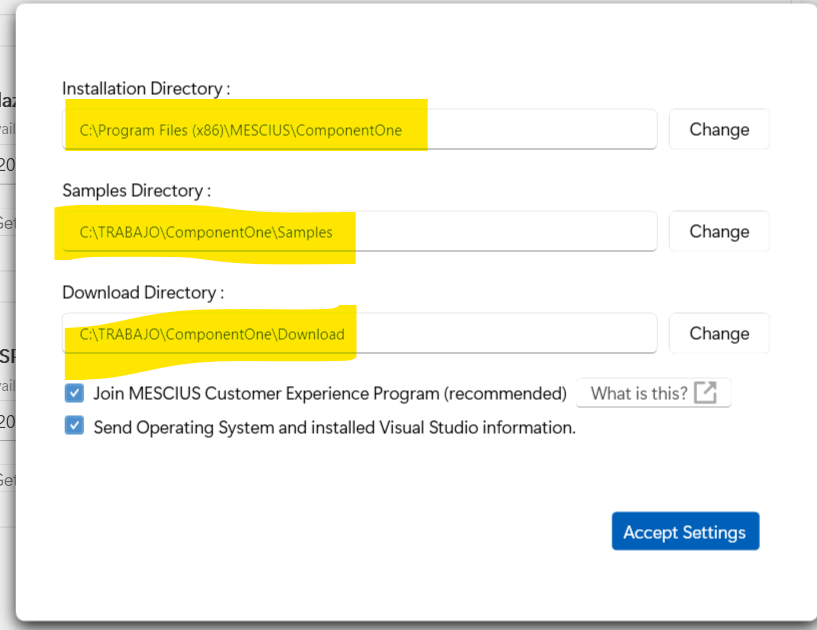
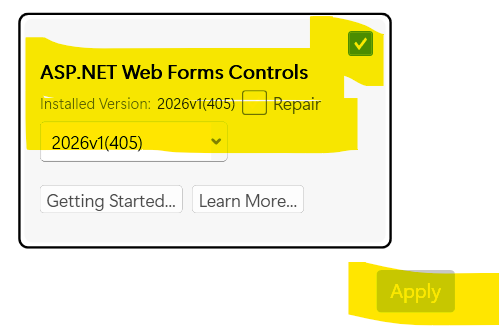
    To upgrade to the latest build, follow the steps below:

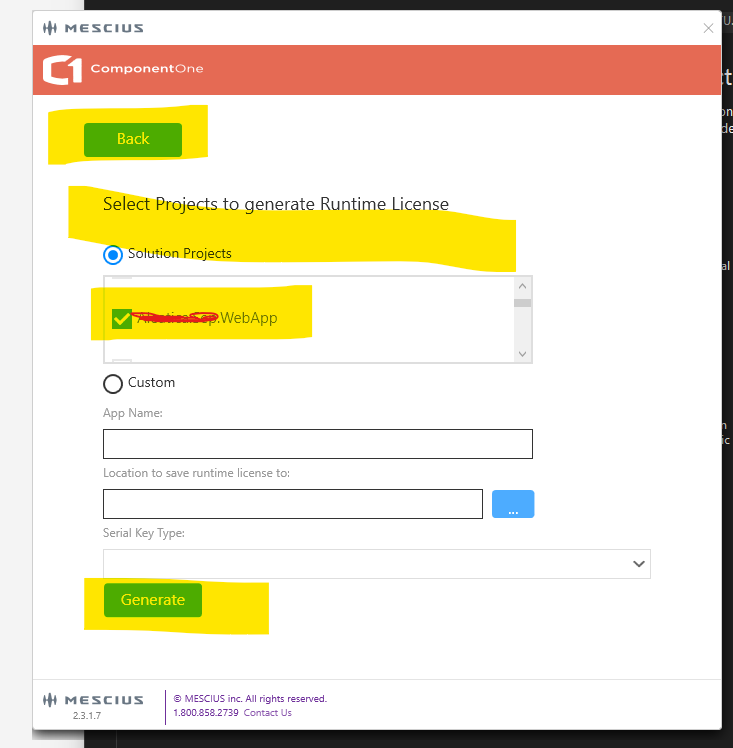
    • Install the latest version of ComponentOneControlPanel from here
    • Run ComponentOneControlPanel as administrator.
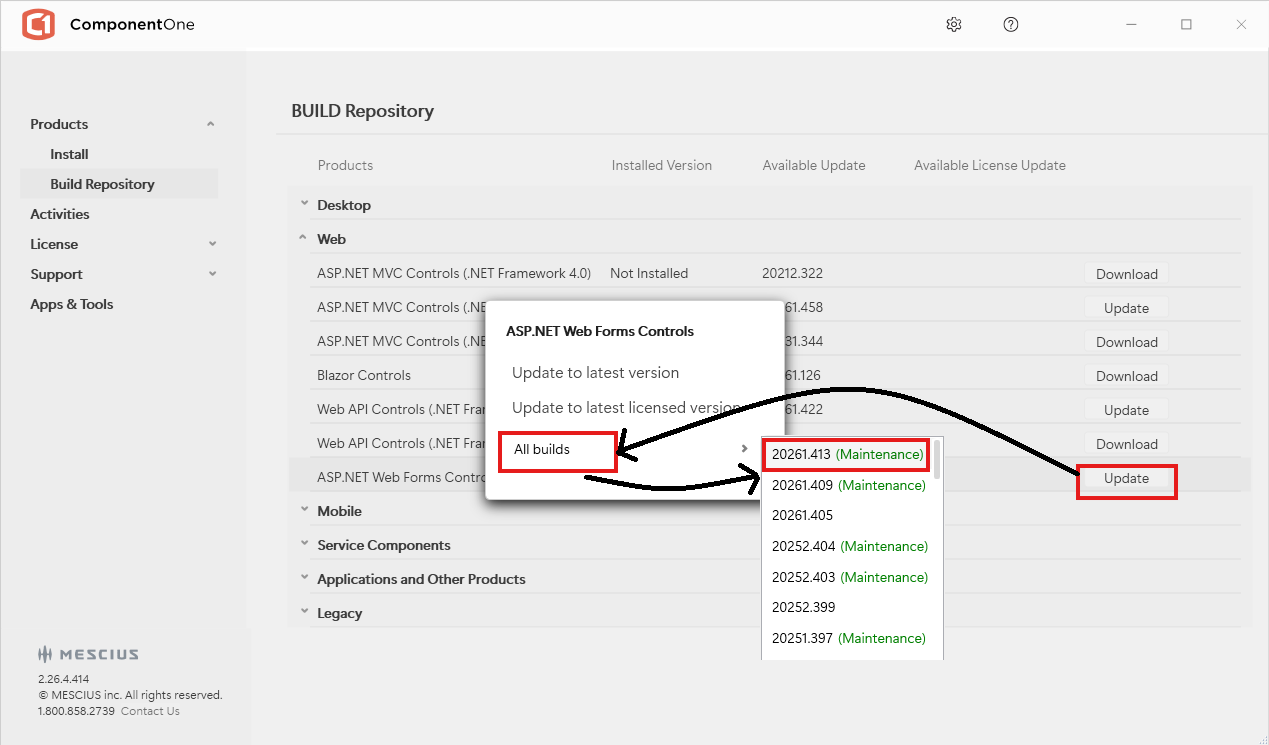
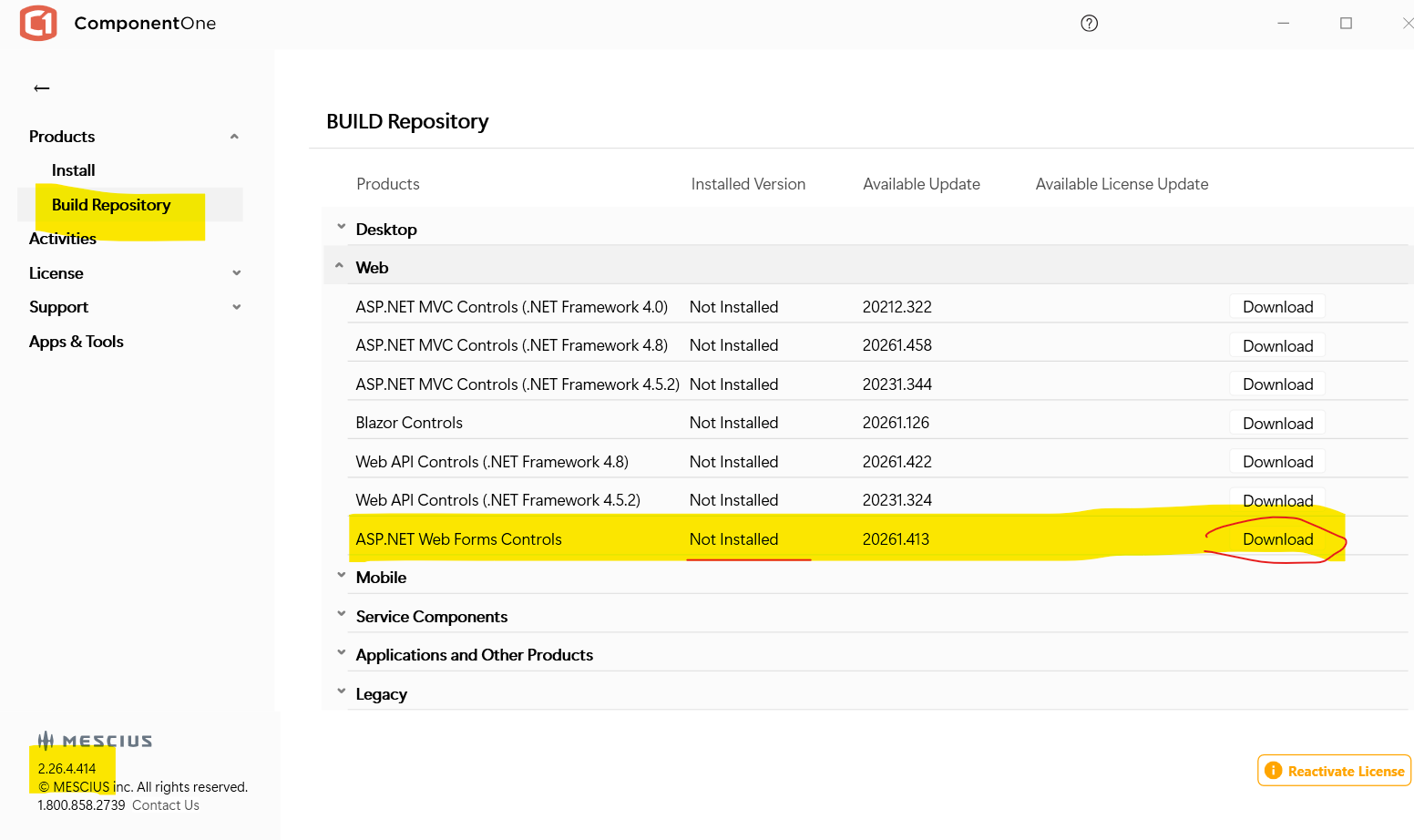
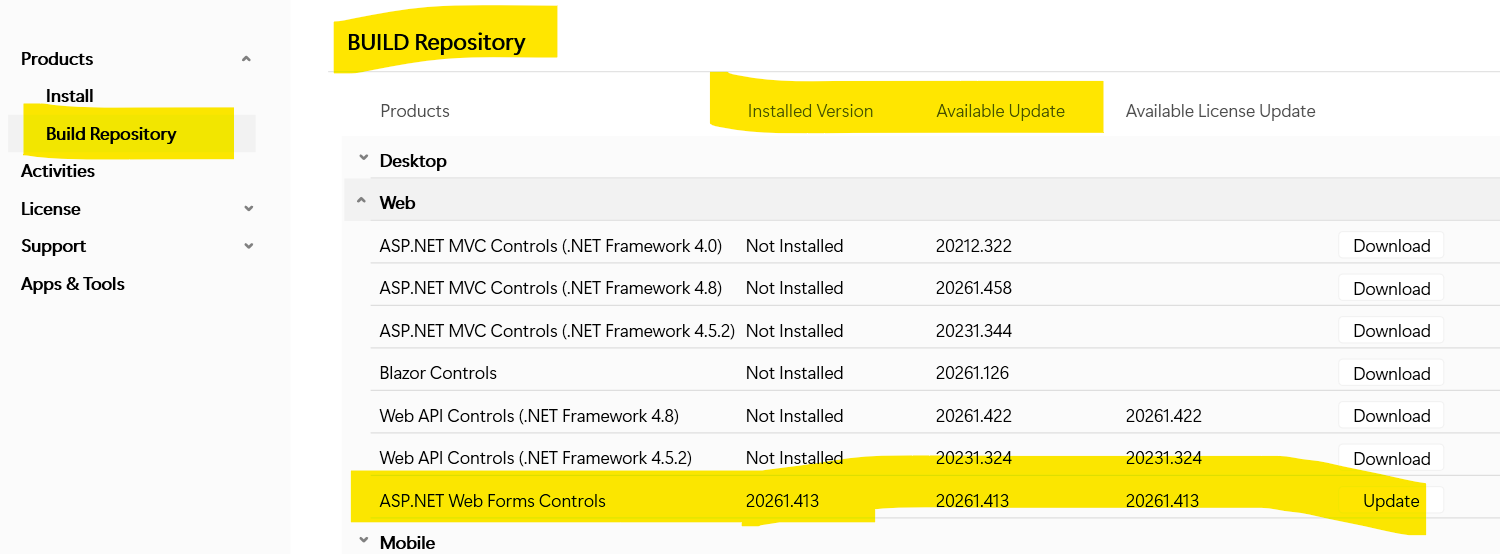
    • Go to Products → Build Repository → Web
    • Click “Update” button for “ASP.NET Web Forms Controls”
    • Click “Update to latest version”

    Please let us know if you face any issue.

    Regards,

    Uttkarsh.

  • Posted 14 August 2026, 6:14 am EST

    olderversion is 4.8.20252.399 ? whats about web.config or other config files ?

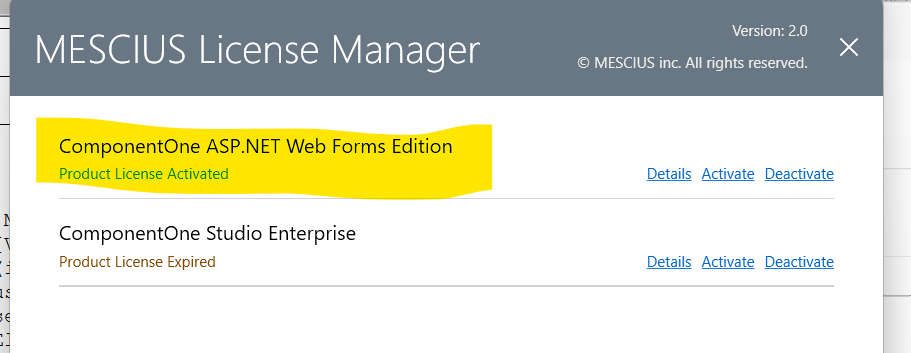
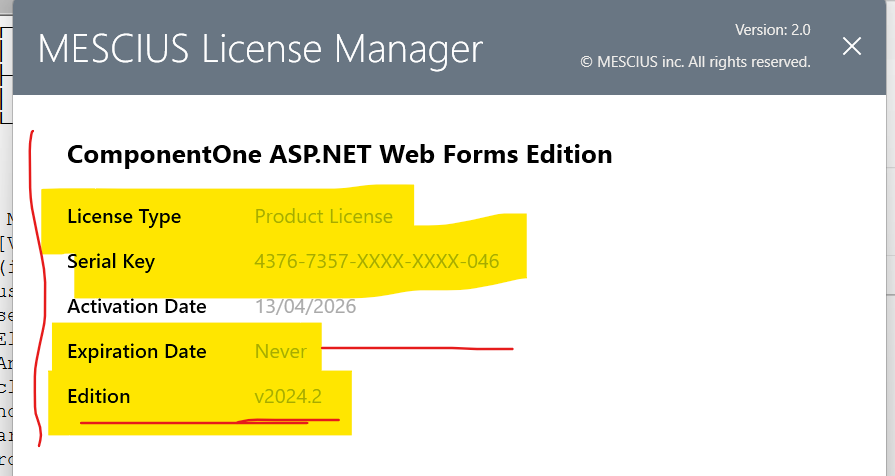
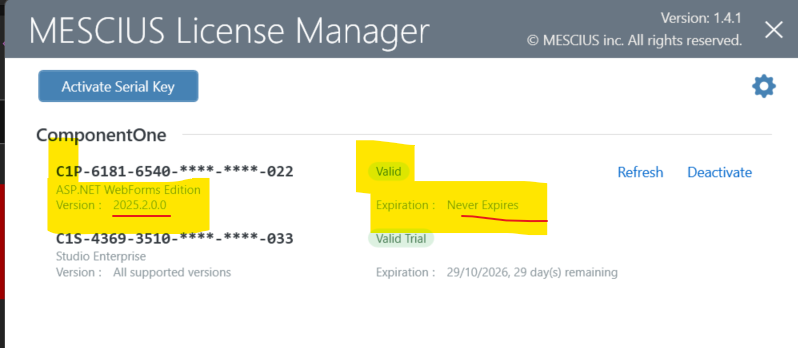
    license is the same ?

      <add path="WijmoControlsResource.axd" verb="*" type="C1.Web.Wijmo.Controls.WijmoHttpHandler, C1.Web.Wijmo.Controls.48, Version=4.8.20252.399, Culture=neutral, PublicKeyToken=9b75583953471eea" validate="false" />
          <add path="C1UploadProgress.axd" verb="*" type="C1.Web.Wijmo.Controls.C1Upload.UploadProgressHandler, C1.Web.Wijmo.Controls.48, Version=4.8.20252.399, Culture=neutral, PublicKeyToken=9b75583953471eea" validate="false" />
        </httpHandlers>
        <httpModules>
    
          <add name="C1UploadModule" type="C1.Web.Wijmo.Controls.C1Upload.UploadModule, C1.Web.Wijmo.Controls.48, Version=4.8.20252.399, Culture=neutral, PublicKeyToken=9b75583953471eea" />

        </httpModules>
    
        <add name="WijmoControlsHttpHandler" verb="*" preCondition="integratedMode" path="WijmoControlsResource.axd" type="C1.Web.Wijmo.Controls.WijmoHttpHandler, C1.Web.Wijmo.Controls.48, Version=4.8.20252.399, Culture=neutral, PublicKeyToken=9b75583953471eea" />
  • Posted 14 August 2026, 7:59 am EST

    Hello Enrique,

    Yes, that’s correct, the version you were on is 4.8.20252.399, and the fix is available in the newer build 4.8.20261.413.

    Since the httpHandlers/httpModules entries reference the assembly with an explicit Version= attribute, you’ll need to update those entries to point to the new version after upgrading. The simplest approach is to replace 4.8.20252.399 with 4.8.20261.413 in each type= string (all three entries you pasted).

    It should continue to work without any changes after this update.

    After updating the version strings and rebuilding, please give it a try and let us know if you run into any issues. Please share images of the issue you get so that we can investigate accordingly.

    Regards,

    Uttkarsh.

Need extra support?

Upgrade your support plan and get personal unlimited phone support with our customer engagement team

Learn More

Forum Channels