Posted 30 September 2026, 5:53 am EST
- Updated 30 September 2026, 8:52 am EST
files
licenses.licx ??
WebApp.gclicx ? vs WebApp.sa3licx ??
Do I need this ??
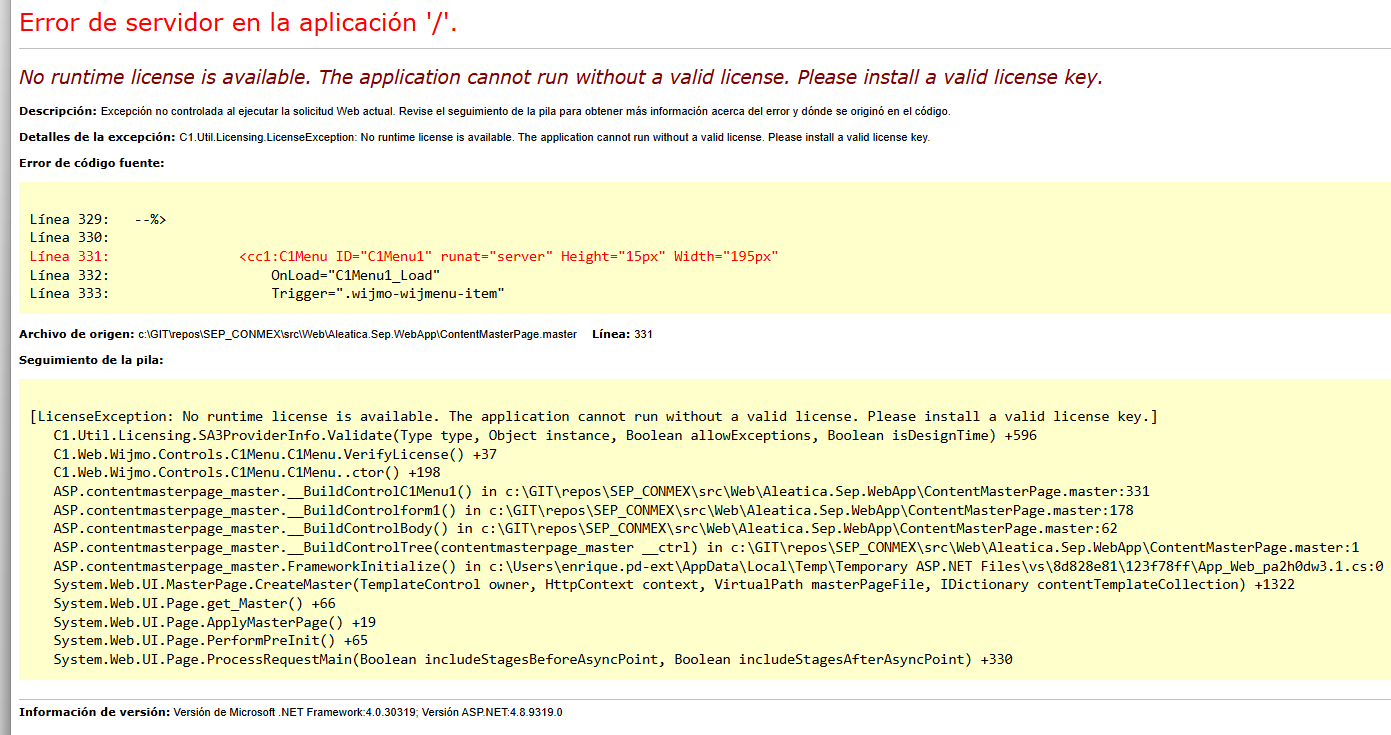
. To resolve this issue, please generate and embed a runtime license in your project using the steps below:
Open Command Prompt or PowerShell and navigate to your project directory (where the *.csproj file is located).
Run the following command to generate the runtime license:
C:\ProgramData\GrapeCity\gclm\gclm.exe “66129dc3-6206-4481-af49-00d38c22db2d” -lc “.gclicx” “”
Please replace with your actual project name.
In Visual Studio, select your project and enable the “Show All Files” option in Solution Explorer.
Right-click the generated *.gclicx file and select “Include In Project”.
Right-click the *.gclicx file again and open its Properties.
Set the Build Action property to “Embedded Resource”.
https://developer.mescius.com/forums/webforms-edition/runtime-license-file-clarifications
Hi,
All queries related to pricing, purchases, and subscriptions are handled by the sales team, not the support team. We kindly request that you contact them directly for such inquiries.
The pipeline-related questions you raised are covered in our documentation on Pipeline Licensing - https://developer.mescius.com/componentone/docs/license/online-license/common-licensing-scenarios/licensing-apps-on-docker-with-pipeline
To license your projects, you can embed either a licenses.licx file or a .gclicx file in your project. During the build process (on the pipeline machine), the pipeline license should be activated on that machine, allowing the build to succeed without any issues. So, it is not necessary to generate a runtime license (.gclicx file) on the pipeline machine itself.
To license an application, you must first activate the license on the machine using the GCLM tool.
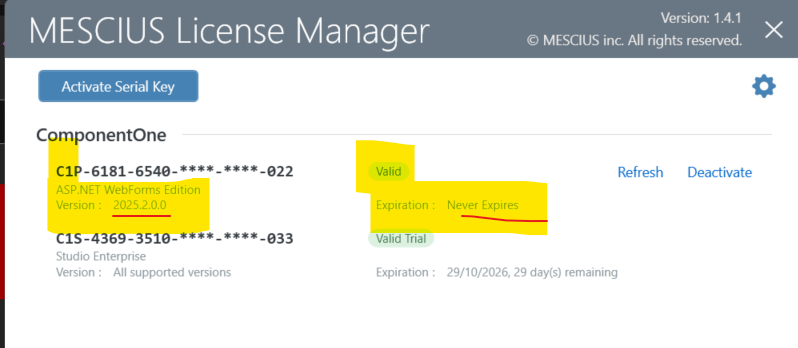
After that, your project must include a valid embedded license file in order to run without any licensing errors. Since your project is an ASP.NET WebForms application based on .NET Framework, it can be licensed using either a licenses.licx file (design-time license) or a .gclicx file (runtime license).
The licenses.licx file is generated automatically when you open the ASPX designer and drag-drop or modify a C1 control. Similarly, the .gclicx file is also generated automatically when you drag -drop a C1 control (due to the Visual Studio extension installed by the C1 installer)
In summary, your project must include either a valid licenses.licx file or a .gclicx file to be licensed correctly.
gclicx problem ?
C:\ProgramData\GrapeCity\gclm\
cd “C:\ProgramData\GrapeCity\gclm”
gclm.exe “” -lc xxxx.WebApp.gclicx “xxxxx.WebApp”
xxxxx.WebApp.gclicx
Build Action = Embedded Resource
Copy to Output Directory = Do not copy ??
and C:\ProgramData\SA3 ?? sa3client-ui.exe ??

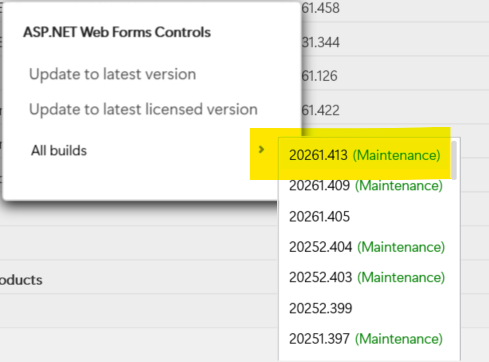
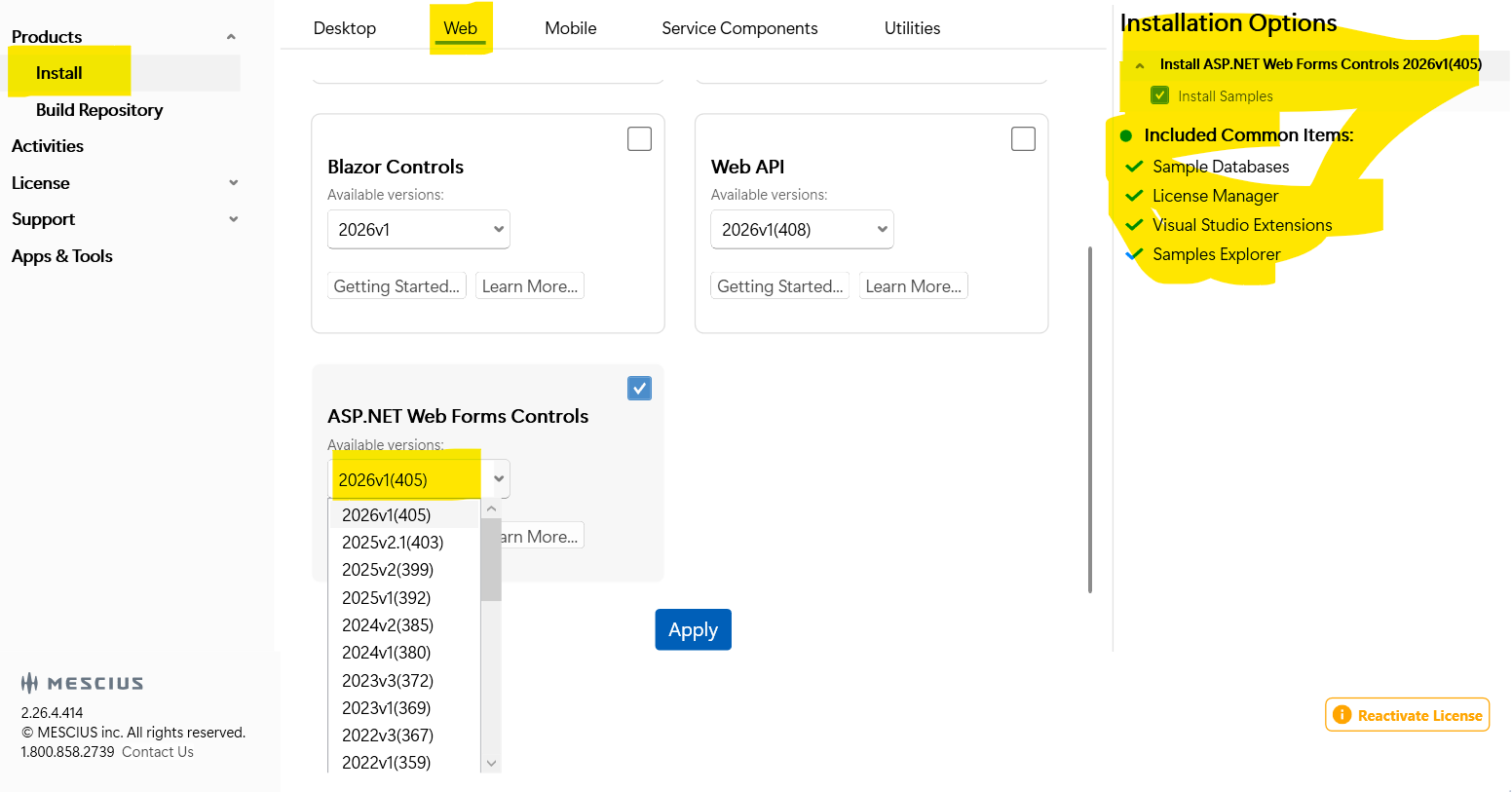
 │ All 15 entries are already using Version=4.8.20261.413.
 No │ The content is byte-for-byte identical to the previous version │ │ changes │ (it still contains v2024.2 in the decoded payload).