C1InputNumeric Styles CSS 2010v1 to 2025v2 399 in ASP.NET WebForms

Posted by: enrique.pv-ext on 23 September 2026, 5:49 am EST

  • Posted 23 September 2026, 5:49 am EST - Updated 23 September 2026, 5:55 am EST

    new ticket for separate concerns to avoid any misunderstandings about C1InputNumeric Styles CSS

    Reference https://developer.mescius.com/forums/webforms-edition/styles-css-2010v1-to-2025v2-399-in-asp-net-webforms

    <cc4:C1InputNumeric ID="C1NumericInputServiceTime" runat="server" Width="125px" DecimalPlaces="0" MinValue="0"
     ShowNullText="true"
    />

    Legacy
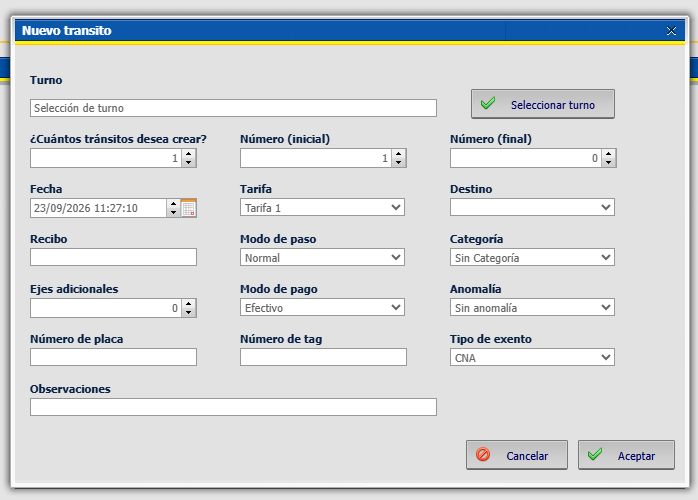
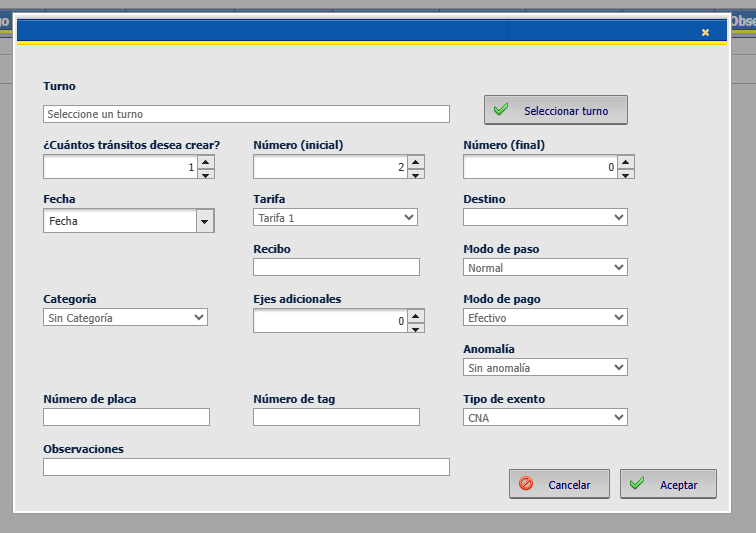
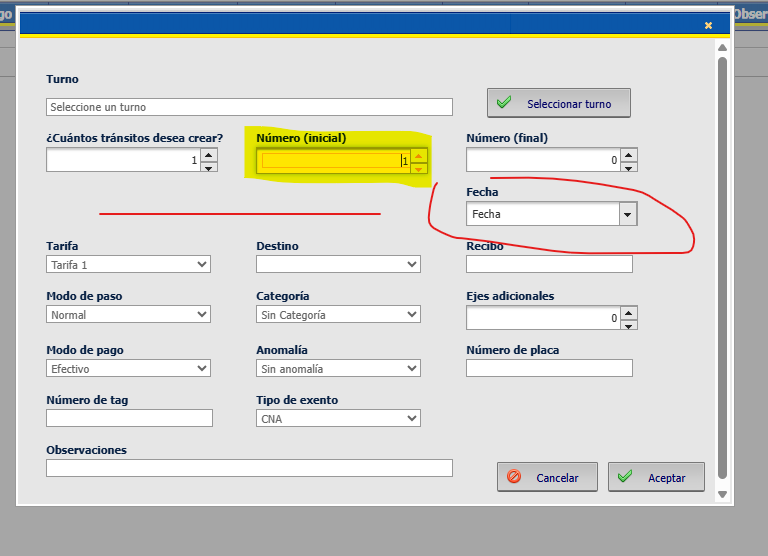
    Comparing legacy vs migrated
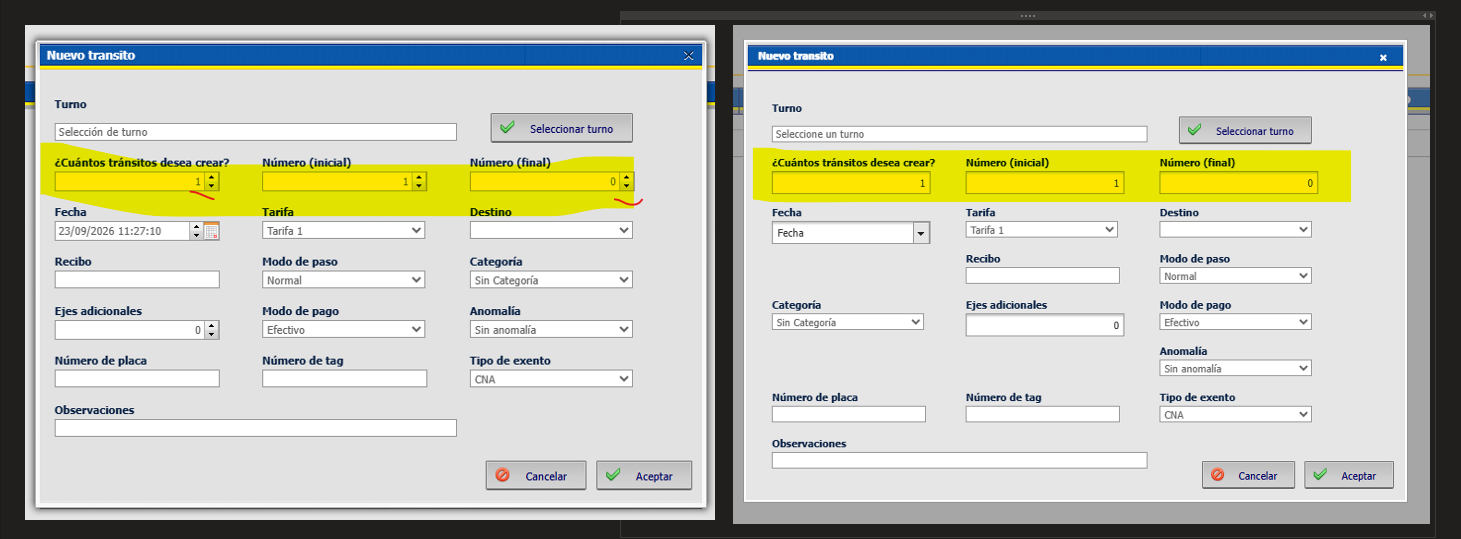
    in legacy, its appears spin Up and Down . Migrated, not

    Alternatives ? THANks friends!!

  • Posted 23 September 2026, 6:26 am EST

    Hello Enrique,

    You can set “ShowSpinner” property to true to display spin Up and Down button in C1InputNumeric:

    <cc4:C1InputNumeric 
        ID="C1NumericInputServiceTime" 
        runat="server" 
        Width="125px" 
        DecimalPlaces="0" 
        MinValue="0" 
        ShowNullText="true" 
        ShowSpinner="true"/>
    

    ref: https://developer.mescius.com/componentone/docs/webforms/online-input/C1.Web.Wijmo.Controls.45~C1.Web.Wijmo.Controls.C1Input.C1InputBase~ShowSpinner.html

    Regards,

    Uttkarsh.

  • Posted 25 September 2026, 6:48 am EST - Updated 25 September 2026, 6:53 am EST

    Apply ShowSpinner=“true” but when I up/down spinner changes position any control:

  • Posted 28 September 2026, 1:49 am EST

    Hello Enrique,

    The behavior you’re seeing looks unusual, and it is most likely caused by the CSS rules applied to this form.

    Could you please share a sample that reproduces the issue so we can investigate further? If a sample isn’t possible, please send the full CSS, the C1-specific code snippets, and the .aspx markup. Once we have those, we can look into it and suggest a solution that fits your implementation.

    Regards,

    Uttkarsh.

  • Posted 28 September 2026, 6:36 am EST

    I add c1Dialog_InputNumeric HTML, the CSS are the same in the sample (in C1Menu Styles post).

    c1Dialog_InputNumericHTML.zip

    I’ll try create a full sample.

    Thanks a lot!

  • Posted 29 September 2026, 4:40 am EST

    Hello Enrique,

    We can’t pin this down for certain without the .field_container / .controls_container CSS (it’s not in what you shared), but the symptoms point to a float-wrapping problem.

    Likely cause

    The field_container divs are almost certainly float: left with widths that nearly fill the 710px dialog. A float layout like that is fragile: if any one container grows by even 1px, or its height changes, the row wraps differently. Wijmo’s wijinputnumber can trigger that on spin.

    The spinner button gets ui-state-active / ui-state-focus, which can add a border or padding and change the widget’s outer size.

    Could you please share CSS rules you have for .field_container / .controls_container classes? Also, please share any other CSS styling that might have been used in c1Dialog_InputNumericHTML. Then we can suggest a fix that should work as expected.

    Regards,

    Uttkarsh.

Need extra support?

Upgrade your support plan and get personal unlimited phone support with our customer engagement team

Learn More

Forum Channels