Posted 31 March 2026, 3:22 am EST
Hello,
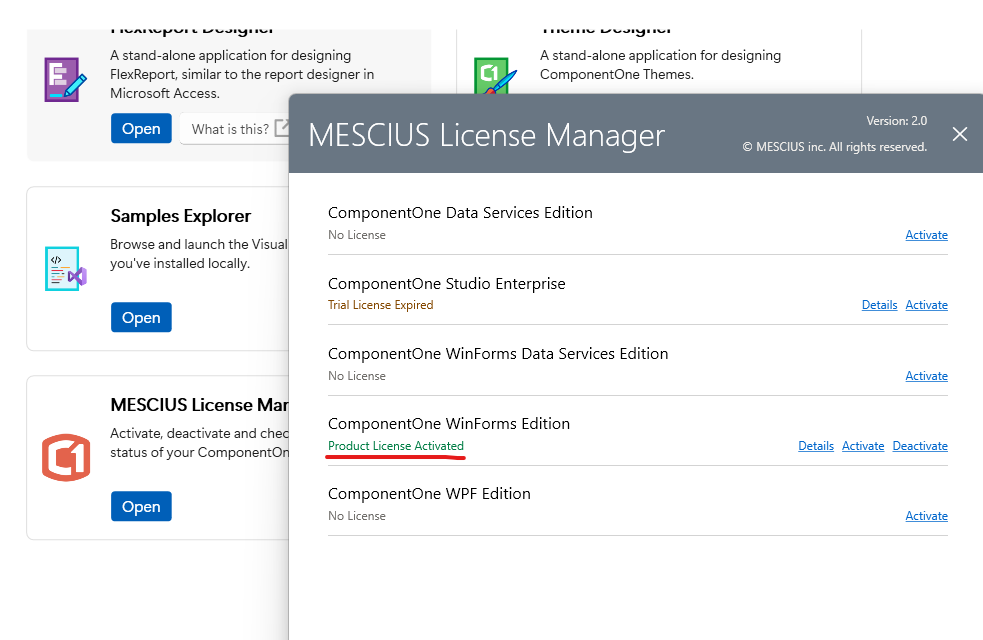
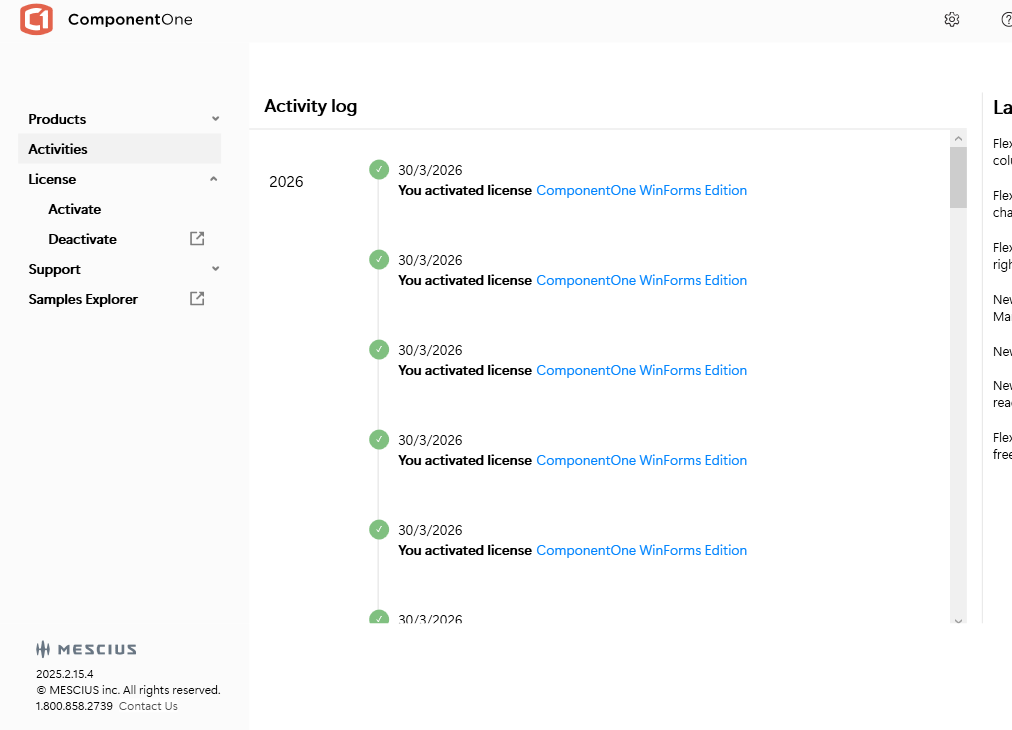
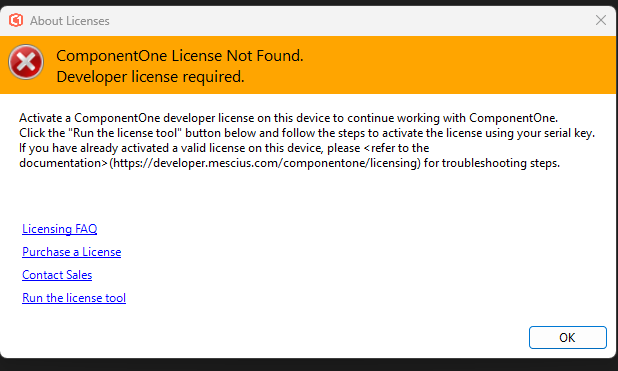
FYI, with v755 release we have introduced a new licensing model called SA3Client. For more information, please refer to https://developer.mescius.com/forums/c1-studio/c1-2025-v2-1-maintenance-release-with-licensing-changes
To work with v755 or higher versions, you’ll need to activate your key using SA3Client as follows:
- Run “C:\ProgramData\SA3\sa3client-ui.exe”
- Click
 button in top-right corner and check the “Generate Licenses for Previous Versions” checkbox under “Legacy Settings” to true.
- Click “Back” and activate you key by clicking “Activate Serial Key” button.
If you do not find “sa3client-ui.exe”, then you can run the following commands to install and run the SA3Client:
- dotnet tool install -g sa3client
- sa3client
After successfully activating the key using SA3Client, clean/rebuild your project. Please let us know if it resolves the issue at your end.
If it does not resolve the issues at your end, please share the following:
- result of running the following command:
sa3client list --all
- The exact issue with screenshots you now observe.
Regards,
Uttkarsh.