FlexReport 4.8 (Winforms): How to stretch a Section to take up remaning space?

Posted by: j.reiser on 12 February 2026, 9:44 am EST

    • Post Options:
    • Link

    Posted 12 February 2026, 9:44 am EST - Updated 12 February 2026, 1:19 pm EST

    We are currently migrating our reports from another reporting tool to C1FlexReport and stumbled across an issue which we could not solve so far, so we are asking for assistence.

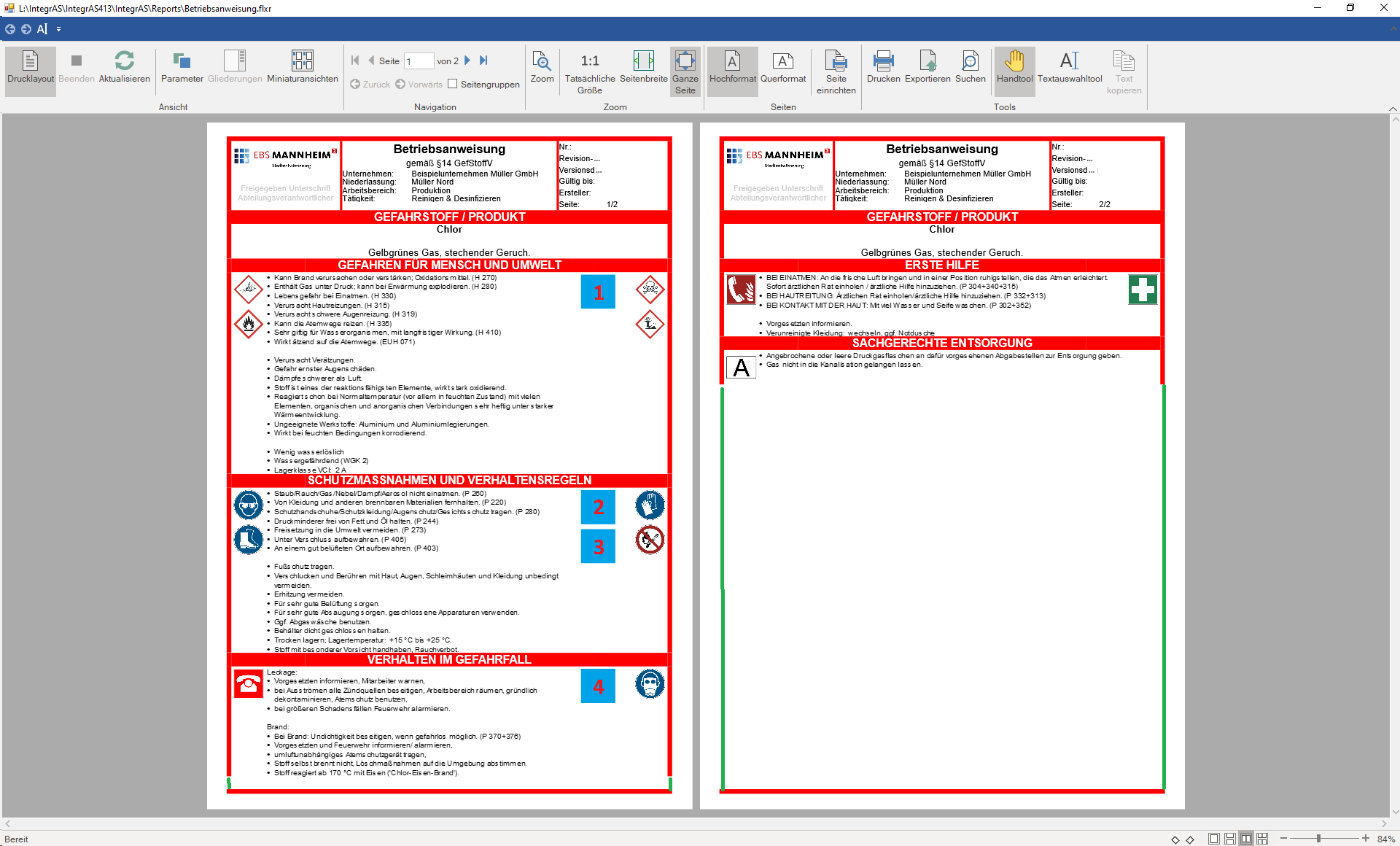
    Our report basically has a page header section, a detail section which hosts a sub report as it consists of multiple entries, and a (very small) footer (just a horizontal border in there). The whole report needs a coloured border around it, and we are searching for a solution to always stretch that border down to the page footer. In the first image attached, you see a screenshot of the report so far. I marked the space of the missing border in green - note: there’s two borders missing on BOTH pages.

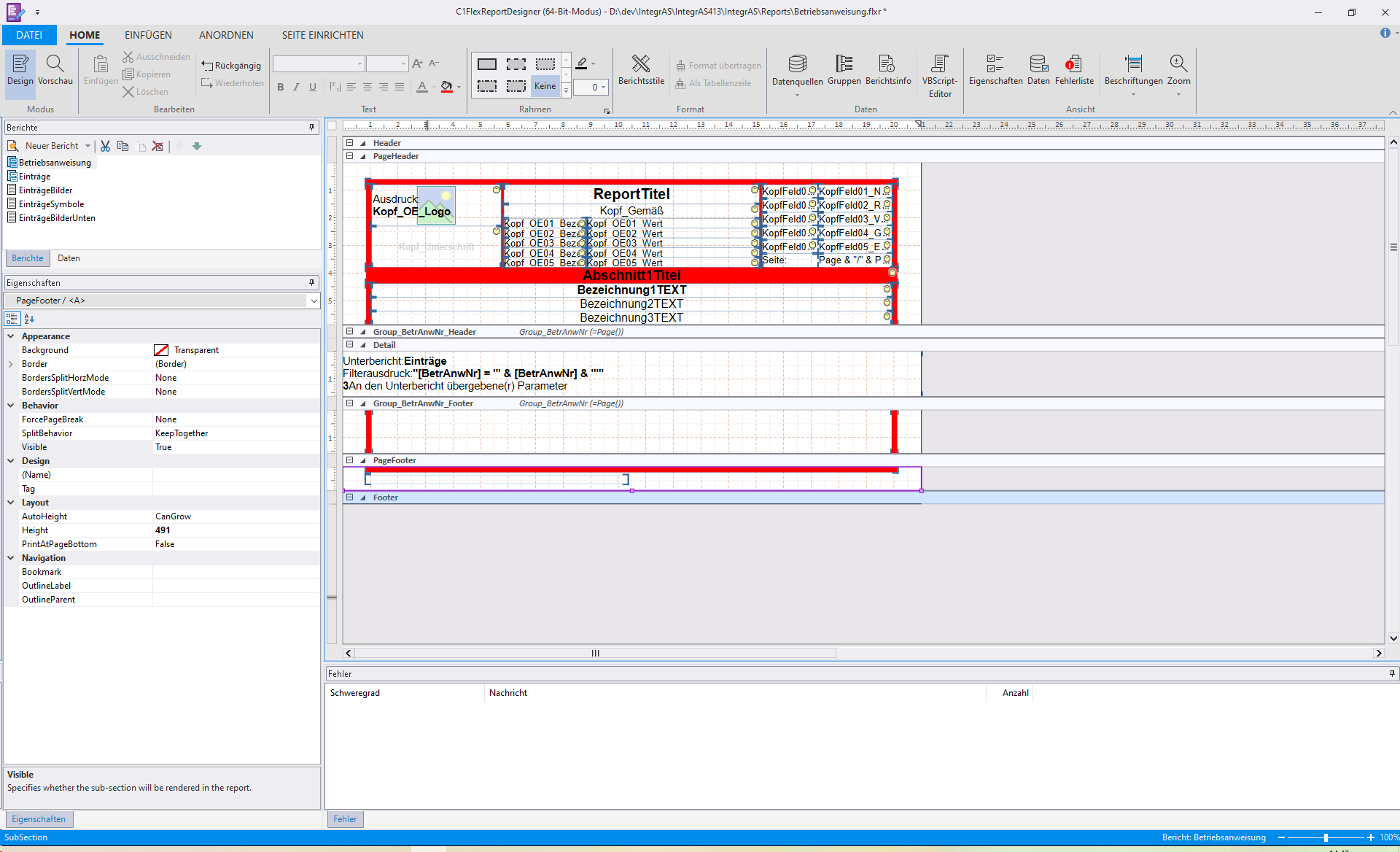
    In the second picture, find a screenshot of our report in the designer.

    We tried multiple things, without success. The main task would be to create a section that dynamically fills up the remaining space on each page.

    In the Group_BetrAnwNr_Footer.OnFormat event, we tried to calculate the remaining space by subtracting all the other sections’ RenderHeight from the page height. This worked - but only as long as the details section did not span across two pages.

    We then tried the following:

    1. Render the report from our .NET application
    2. Calculate the sections’ heights on each page
    3. Set the height of the space filling section accordingly
    4. render the report again.

    But we can’t find a way to access the reports pages or even their sections via code, since Document.Pages is protected (well, could use an inherited class of C1FlexReport passing .Pages() list through) and we cannot find a property to access a single page’s Sub-Objects. What are we missing here?

    Can you recommend any layout trick to create a section that fills up remaining space? Or guide us to how to calculate the remaining space below a certain section, pagewise?

    Best regards,

    Johannes
  • Posted 13 February 2026, 7:52 am EST

    Hi Johannes,

    Thank you for sharing the complete details of your implementation.

    As per the FlexReport’s design, the Detail section is rendered per record. When there is not enough space remaining on the current page, the content automatically flows to the next page. However, if the data records or the subreport finish in the middle of a page, rendering stops at that point. As a result, the borders do not extend to the bottom of the page.

    We have already discussed this scenario with the development team, and they have confirmed that this is a design limitation of FlexReport. It is not directly possible to extend the borders in this case.

    Since your requirement is to display complete borders on all the pages, the only workaround we could think of is to create an EMF image containing the required borders and use it as a watermark in the report. This approach will ensure that the borders are rendered across the full page.

    We apologize for the inconvenience this may have caused and truly appreciate your understanding.

    Best Regards,

    Kartik

  • Posted 13 February 2026, 8:08 am EST

    Hi Kartik,

    thank you very much for your explanation and your understanding of our use case, which we appreciate. At least, we now know why we were not able to find a solution :slight_smile:

    I think we can set up the report with some dynamically created graphic (since the border colour is a user setting, we can’t use a fixed one). That should to the trick. Thank you for the input.

    Best regards,

    Johannes

Need extra support?

Upgrade your support plan and get personal unlimited phone support with our customer engagement team

Learn More

Forum Channels