
Posted 16 July 2026, 4:58 am EST - Updated 16 July 2026, 5:03 am EST
We use a custom WPF TextBox as C1FlexGrid editor. This textbox provides built in OS spellchecking.
When you select the C1FlexGrid cell and start typing, the first chars might have the wrong order in the textbox.
This is a rather old problem that happens only in an internally used application and thus never had a high priority. But I found this in the readme for .796: “[FlexGrid] Fixed an issue where the first time you pressed a keyboard key in the grid editor, the value would not be set in the editor. (Jira:C1WIN-34246)”. As this does not change the problem, I took the time to create a reproducer:
Start attached sample:
FlexGridEditor.zip
Select any cell in column 1 (but don’t double click it, just select it). Then quickly type the digits “1234”. The editor will probably contain the text “2134”:
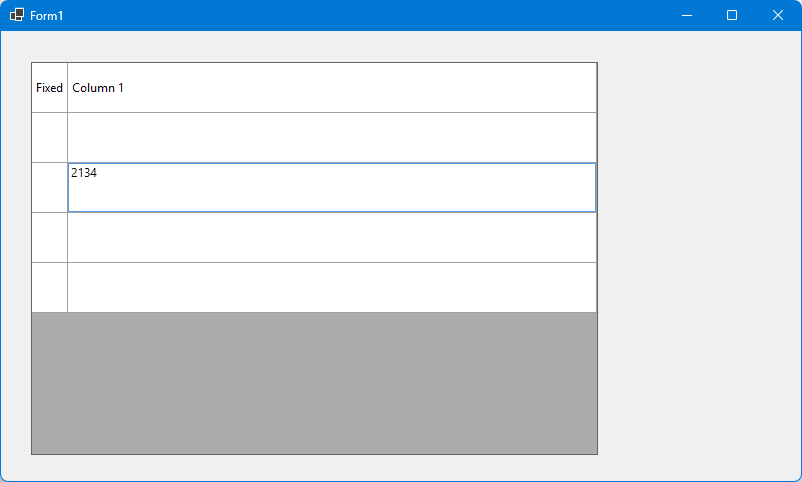
Another sample: If your input starts with an uppercase letter (“Shift” + “a”), the textbox will just contain the lower case “a”.
Do you have any idea for a workaround? Or is this something that can be improved?
My sample contains a lot of “OnKeyDown” overrides/eventhandlers and traces some output. Here you also see that the event order is “broken”.
Best regards
Wolfgang