
C1P vs C1S generate Runtime License VS 2002 Mescius License Manager, sa3client

Posted by: enrique.pv-ext on 15 October 2026, 8:52 am EST

  • Posted 15 October 2026, 8:52 am EST - Updated 15 October 2026, 9:01 am EST

    I have valid License Perpetual:
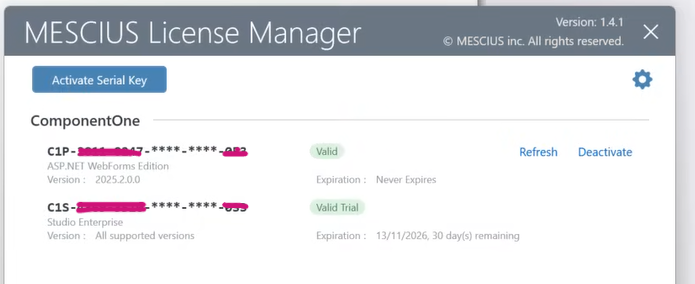
    I get web app from GIT.

    None gclicx file (old) neither sa3licx.

    Open VS 2022 - Tools MESCIUS -
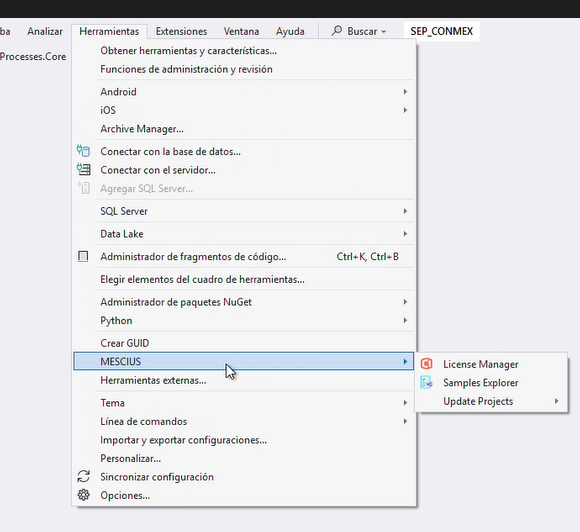
    Generate RUNTIME license
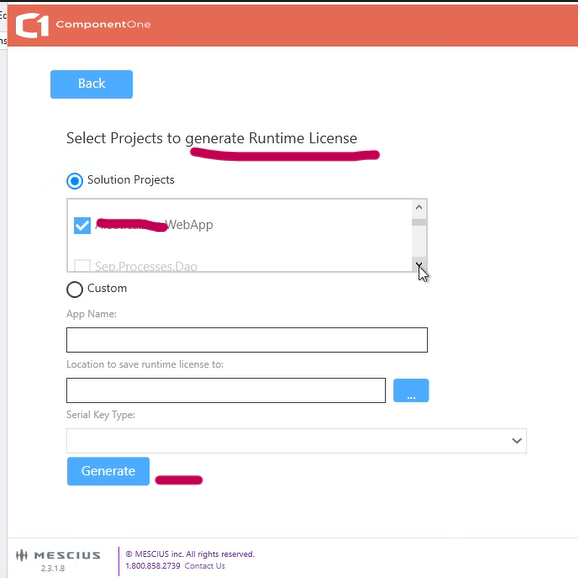
    sa3licx generate
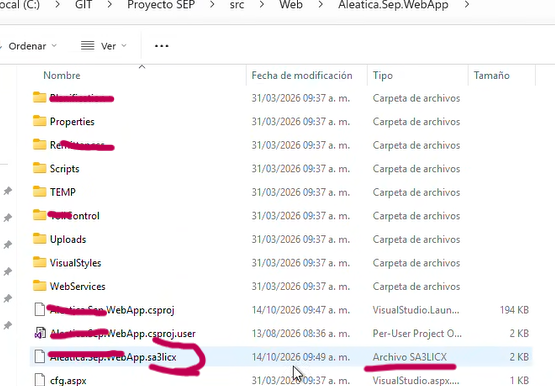
    but is C1S, not perpetual

    (freezing VS 2022, view another issue)

    I try repeat again, delete sac3licx, generate sa3licx, open it, but it still C1S license.

    Why C1S ??

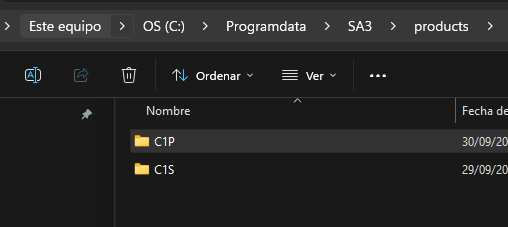
    SA3 folder products has:
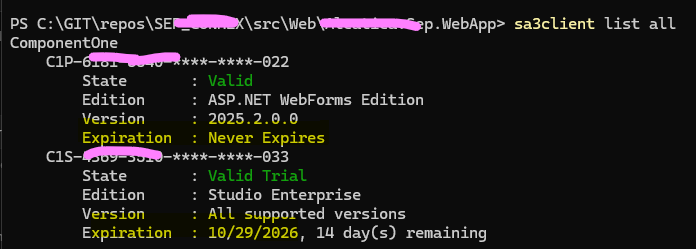
    Using cmd sa3client tool:

    Validate with tool
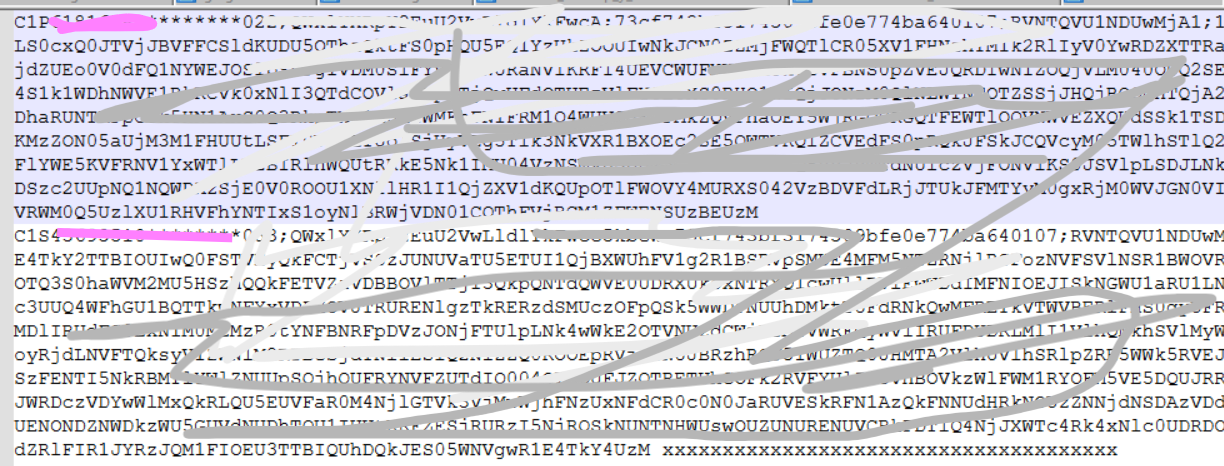
    Can be delete SA3 C1S product ?

    sa3licx exists: add it in file
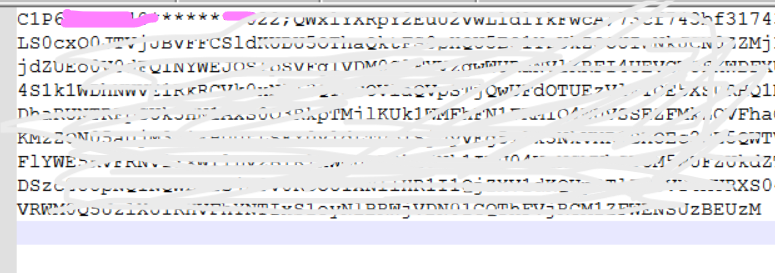
    sa3licx not exists:
    Notes:

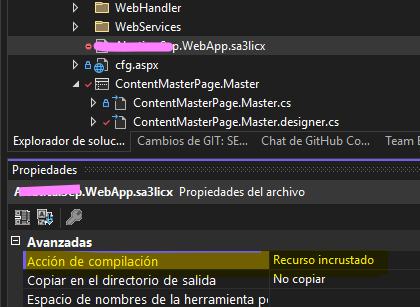
    I need include it sa3licx as RESOURCE EMBEDDED in VS 2022
    Why MESCIUS extension tools in VS 2002 always generate C1S and not C1P ?

    Good patterns for generate it in VS 2022 ?

    Notes: preconditions, sa3Client, sa3client-ui requires Net 10 installed ? how to check pre-requisite before using control panel…

  • Posted 16 October 2026, 5:24 am EST

    Hello Enrique,

    When a runtime license is generated from VS 2022, every valid key on the machine is used. Since your Trial license is still valid, it ends up in the sa3licx file as well, and both the C1S and C1P keys should be listed there. Could you confirm whether you see the same behavior on your end?

    If the C1P key is missing from the file, please share the following through a private ticket so we can investigate further:

    • The generated sa3licx file
    • The output of the “sa3client list --all” command
    • A video showing these steps: the VS 2022 version, the project with no sa3licx file at the start, generating the sa3licx from the VS 2022 menu option, the properties of the newly generated sa3licx file, and its contents

    If you would rather generate the sa3licx with a specific key, you can use this command:

    sa3client lc -k "{serial key}" -t "{appName}" -o "{outputFile}"
    

    Parameters:

    • -k: the serial key (for multiple keys, use the format “key1,key2”)
    • -t: the application name (for example, “MyApp”)
    • -o: the output file name (for example, “runtimeLicense.sa3licx”)

    Once the command completes, a .sa3licx file is generated. Add it to your project (for example, in the Properties folder) and set its Build Action to EmbeddedResource.

    Regards,

    Uttkarsh

  • Posted 20 October 2026, 6:55 am EST

    I put private ticket , thanks.

    C1S always generated using MESCIUS extension

    C1P generated by command sa3client lc -k “{serial key}” -t “{appName}” -o “{outputFile}”

Need extra support?

Upgrade your support plan and get personal unlimited phone support with our customer engagement team

Learn More

Forum Channels