Text Truncation Issue in Spreadjs Sheet

Posted by: seshareddy.kamaganiguntla on 21 April 2022, 12:40 am EST

  • Posted 21 April 2022, 12:40 am EST - Updated 3 October 2022, 9:18 am EST

    Hii ,

    Intermittently text got truncated in spreadjs sheet .
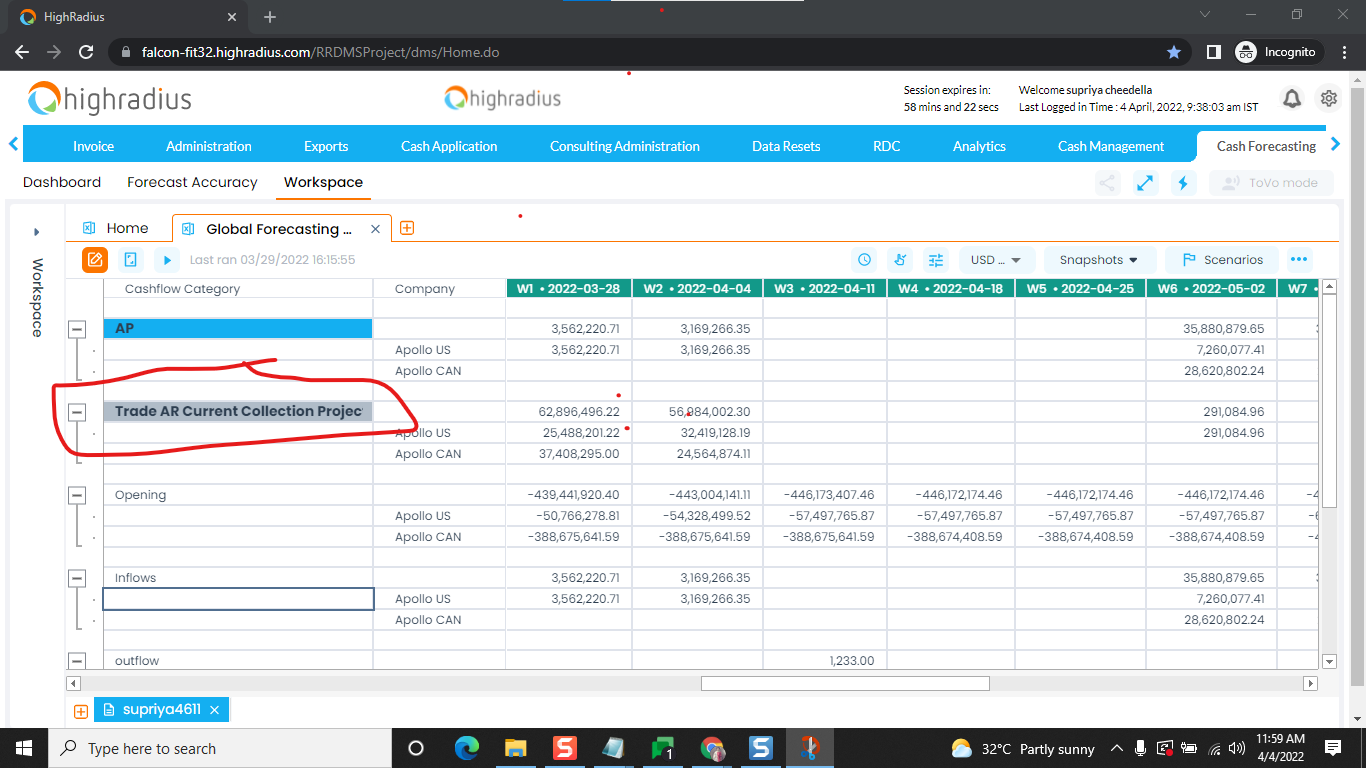
    .

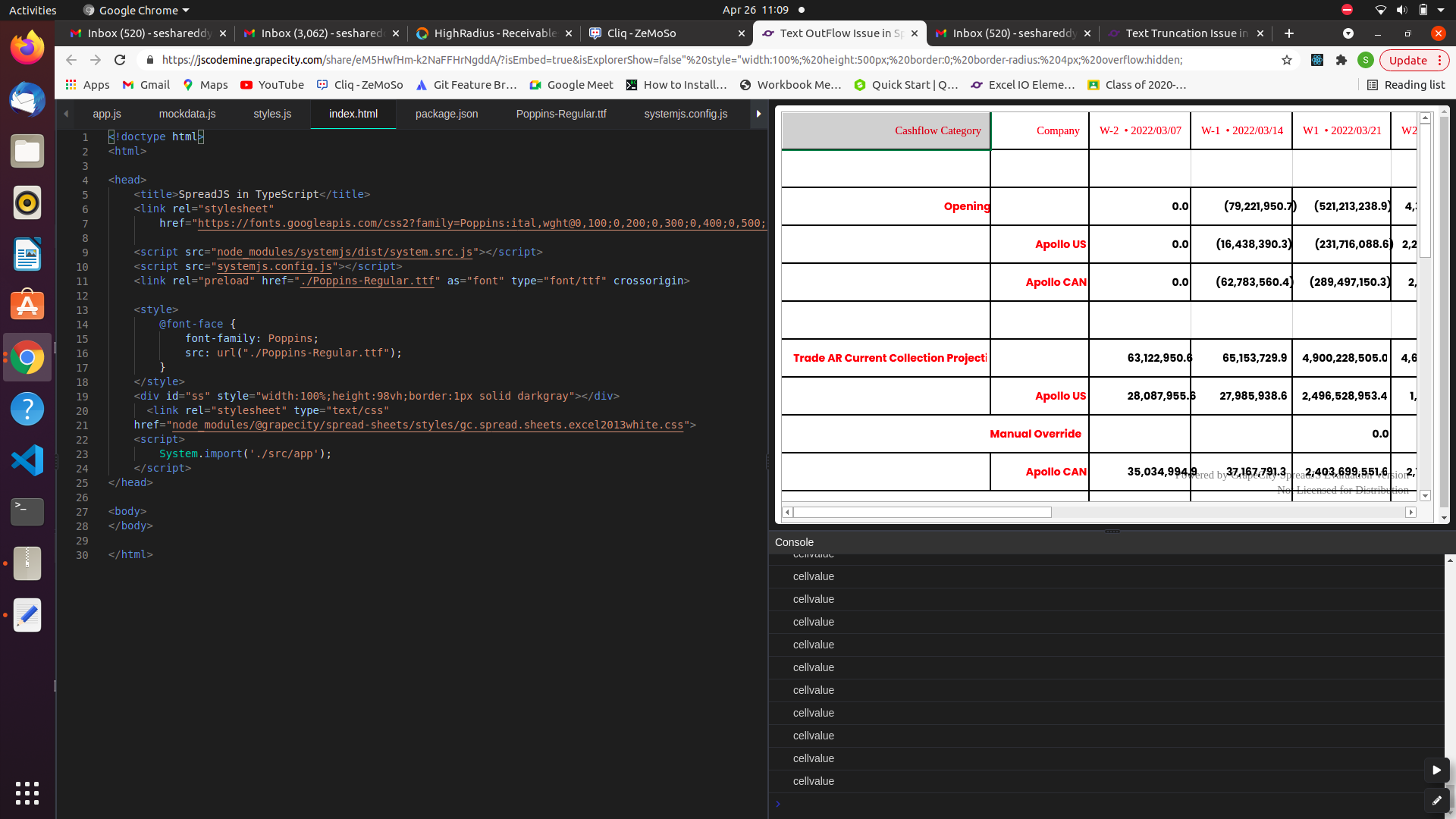
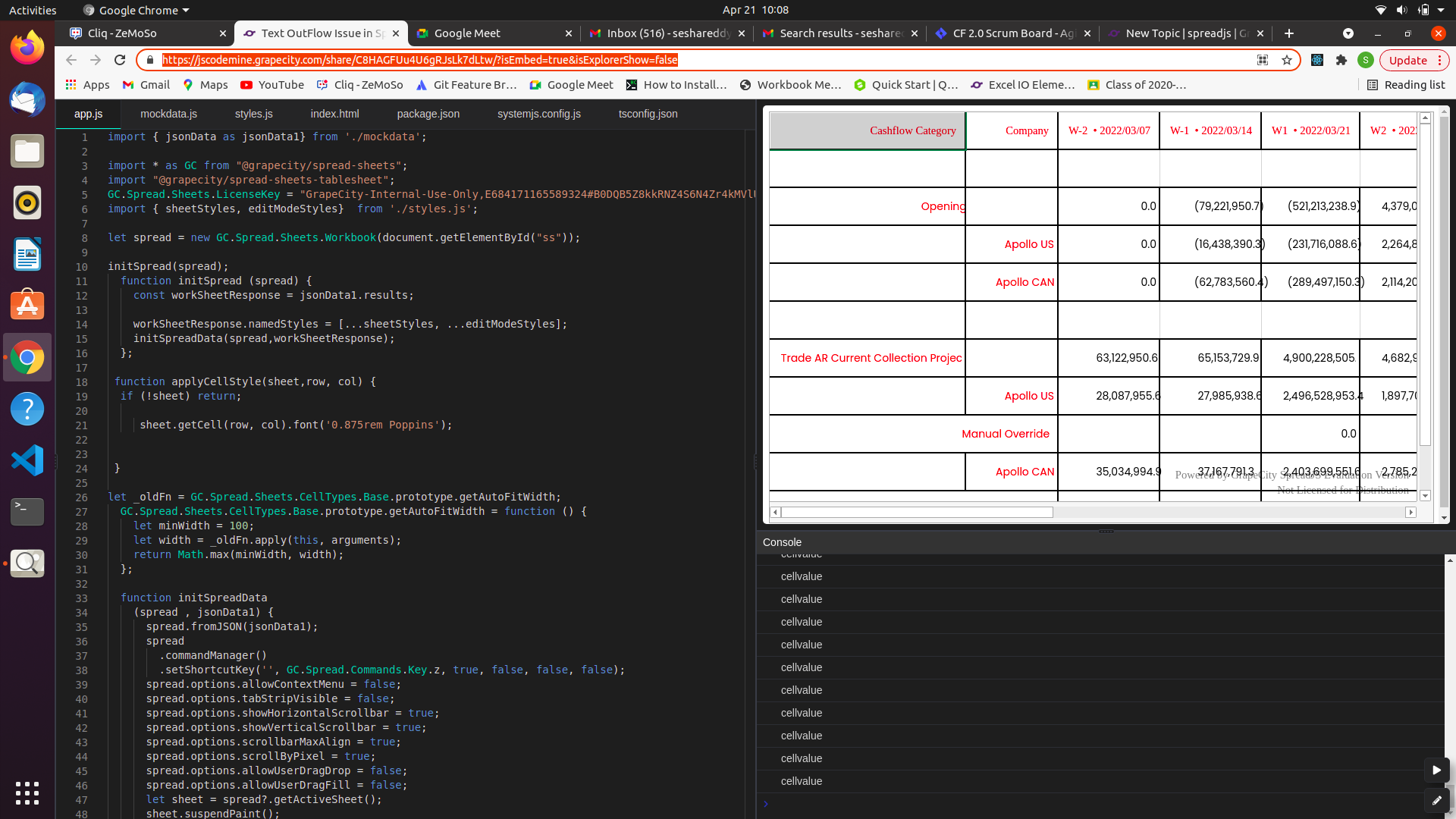
    We are using code sample similar to following https://jscodemine.grapecity.com/share/C8HAGFUu4U6gRJsLk7dLtw/?isEmbed=true&isExplorerShow=false

    Screenshot from online code editor:
  • Posted 22 April 2022, 7:51 am EST

    Hi Sesha,

    The issue is caused by setting the Poppins font in the cells’ font. Since this font is not defined in Browser, SpreadJS won’t pick the font from the browser.

    You need to import the Custom Font(Poppins) and use font-face rule to define the custom font. Make sure to preload the font before SpreadJS.

    Please refer to the attached sample demonstrating the same. Please let us know if you need further assistance on this.

    Steps to run the sample:

    1. Install the dependencies using npm install.
    2. Open the index.html file

    Regards

    Ankit

    Sample: Text OverFlow Issue.zip

  • Posted 26 April 2022, 1:42 am EST - Updated 3 October 2022, 9:18 am EST

  • Posted 27 April 2022, 10:37 am EST

    Hi Sesha,

    There seems to be some issue with the JSCodeMine not loading the fonts before the SpreadSheet. We tested out with the offline sample earlier provided to you and also with codesandbox.

    Please refer to the sample that we have created on codesandbox: https://codesandbox.io/s/old-architecture-s20mmd?file=/src/index.js

    We request you to try on your development environment. Earlier we observed the issue by double clicking a cell(open the editor of a cell) and then navigate to other cell. If the issue still persists for you, could you please share the steps to replicate the issue.

    Regards

    Ankit

  • Posted 29 April 2022, 10:53 am EST

    Hii ,

    We tried the code , that you have provided , but still the issue is appearing in chrome browser . In Firefox , it worked fine .

    code sample :

    1.https://codesandbox.io/s/wonderful-hodgkin-74xx8f?file=/src/index.js

    2.https://codesandbox.io/s/nameless-waterfall-twq2l5

  • Posted 2 May 2022, 8:15 am EST

    Hi Sesha,

    We were able to replicate the issue with the online editors like codesandbox and jscodemine. The issue seems to be related with the editors loading the custom font. We tested with offline sample and it seems to be working fine with offline sample.

    If you download the codesandbox sample and run the application, it will run fine. We request you to please try the offline sample. If the issue still persists for you in the offline mode, please share a offline working sample so that we can further investigate the issue.

    Regards

    Ankit

Need extra support?

Upgrade your support plan and get personal unlimited phone support with our customer engagement team

Learn More

Forum Channels