Posted 10 September 2021, 6:05 am EST
Hi,
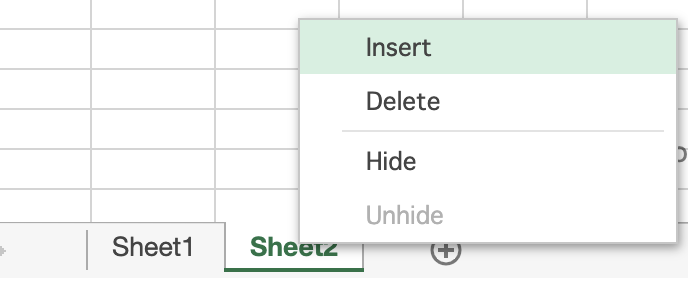
For this, you may create your own insert sheet command. Please refer to the following code snippet and attached sample that demonstrates the same.
  var insertSheetItem = {
    text: "Insert Sheet",
    name: "customInsertSheet",
    command: insertSheet,
    workArea: "sheetTab"
  };
  spread.contextMenu.menuData.push(insertSheetItem);
  spread.contextMenu.menuData.forEach((menuItem, index) => {
    if (menuItem.name === "gc.spread.insertSheet") {
      spread.contextMenu.menuData.splice(index, 1);
    }
  });
  function insertSheet() {
    let sheetIndex = spread.getActiveSheetIndex();
    let sheetName = "Sheet" + (spread.getSheetCount() + 1);
    spread.addSheet(sheetIndex + 1, new GC.Spread.Sheets.Worksheet(sheetName));
    spread.setActiveSheetIndex(sheetIndex + 1);
  }
sample: https://codesandbox.io/s/spread-js-starter-forked-flb39?file=/src/index.js
Regards
Avinash