Posted 26 November 2019, 11:13 pm EST - Updated 3 October 2022, 10:31 am EST
Guys,
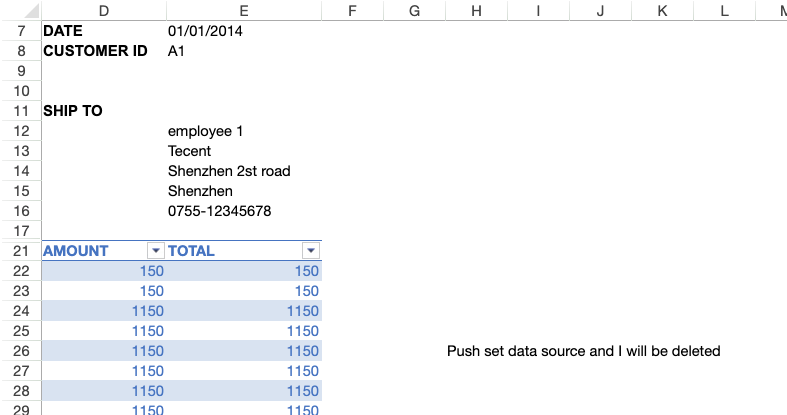
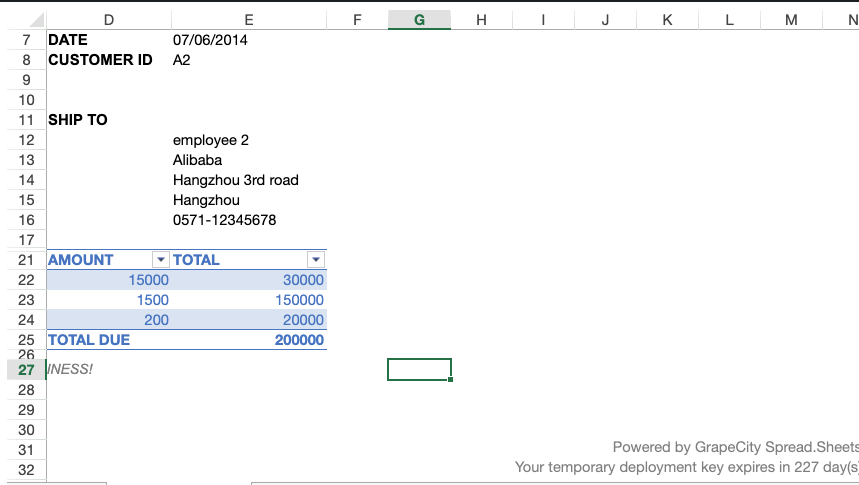
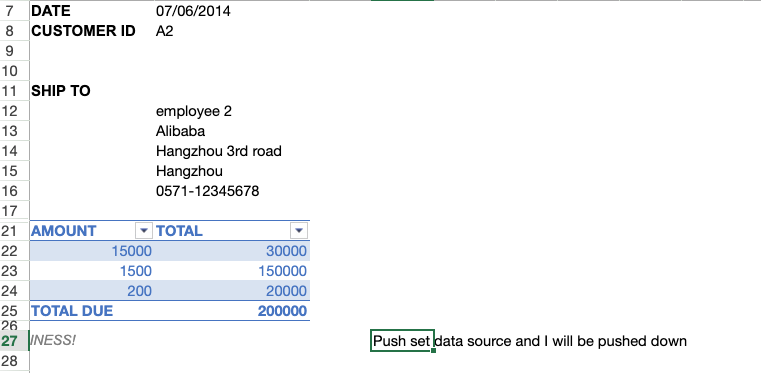
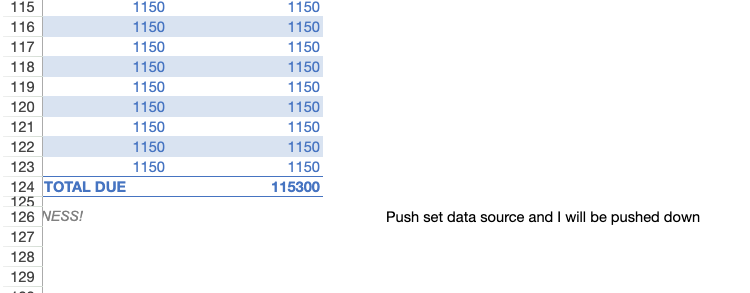
Rows adjacent to a table are deleted or pushed down when the table changes size from a data binding. How do I turn this off?
Forums Home / Spread / SpreadJS
Posted by: jeff on 26 November 2019, 11:13 pm EST

jeff
Posted 26 November 2019, 11:13 pm EST - Updated 3 October 2022, 10:31 am EST
Guys,
Rows adjacent to a table are deleted or pushed down when the table changes size from a data binding. How do I turn this off?
jeff
Posted 27 November 2019, 12:11 am EST
Seems rows are removed and appended to the sheet when a table changes size to make room for the table. I would prefer this not happen and the table just overwrite cells below it when it expands in size. If extra sheet rows are required to fit the table’s new size they are added to the bottom of the sheet.
jeff
Posted 27 November 2019, 12:13 am EST
If this is not possible (it is the default behavior) can you recommend a solution with your current APIs?

sharad.tomer

Posted 27 November 2019, 5:47 am EST
Hi Jeff,
The observed behavior is by design. Could you please elaborate on your use case that why you need to override the existing value instead of inserting rows so that we could have a better understanding of the requirement
Regards
Sharad
jeff
Posted 28 November 2019, 12:10 am EST
I am updating table data dynamically from a database. I need the content to the use puts next to a table to not disappear (be deleted) as they work. Can you recommend a way to keep the content on the left and right of the table from being deleted?
sharad.tomer
Posted 28 November 2019, 3:34 am EST
Hi Jeff,
Thank you for the additional info. I have forwarded the issue(cell value getting deleted) to the dev team for further investigation and will let you know about any updates regarding the same.
The internal tracking Id for the issue is: SJS-2688.
Regards
sharad.tomer
Posted 7 February 2020, 7:05 am EST
Hi Jeff,
This issue is fixed in the SJS version 13.0.3. Please update to the latest build and let us know if the issue persists for you.
Regards
Sharad