Posted 14 March 2020, 4:19 pm EST - Updated 3 October 2022, 10:28 am EST
Outline cells with color border using code
Posted by: jeff on 14 March 2020, 4:19 pm EST
-

jeff
-
jeff
Posted 14 March 2020, 4:20 pm EST
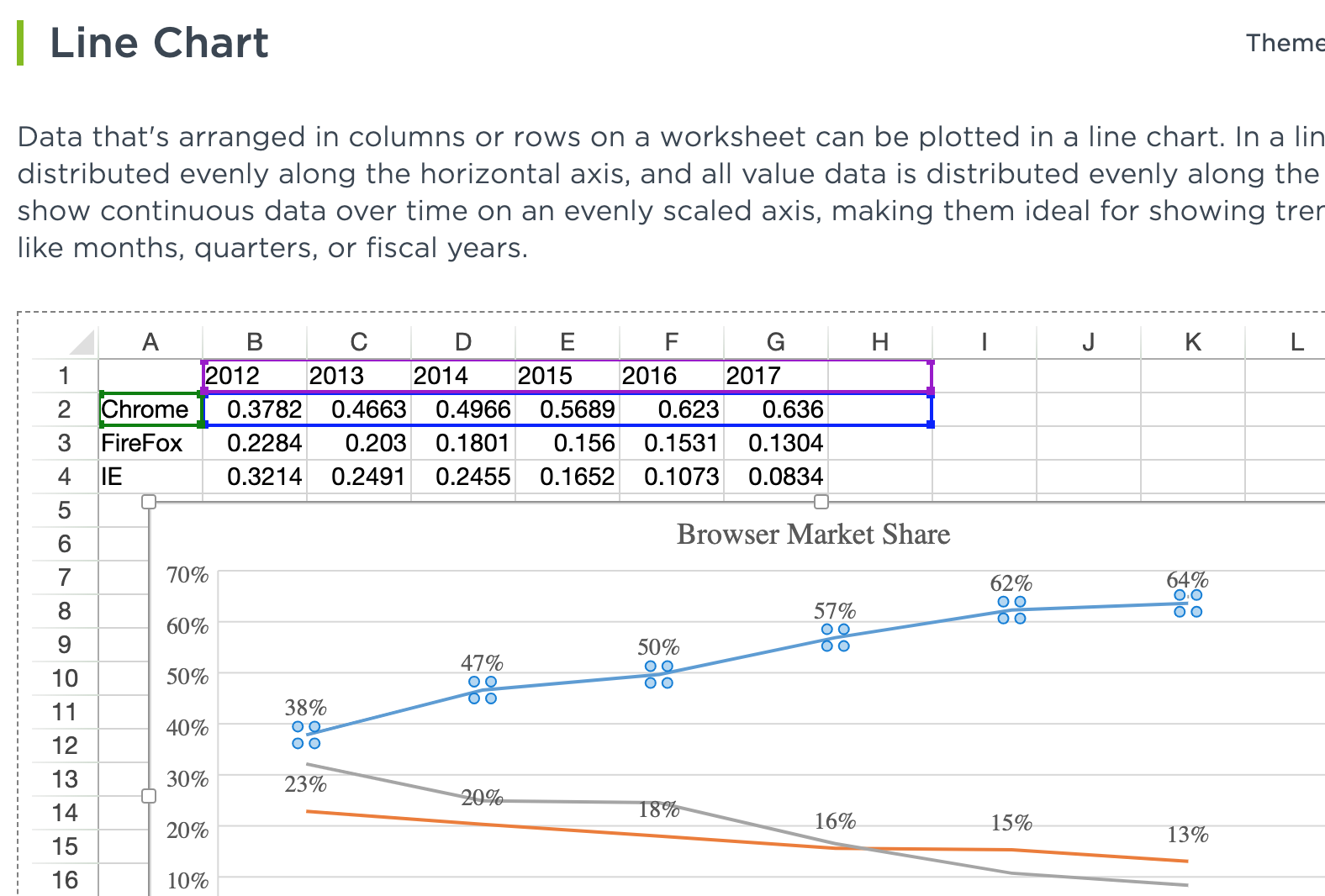
The above screenshots are from the table example. https://www.grapecity.com/spreadjs/demos/features/chart/line-chart/purejs
-

sharad.tomer

Posted 16 March 2020, 4:51 am EST
Hi Jeff,
You can use the setBorder method for changing the border style of a cell or range of cells. Please refer to the following code snippet and the sample demonstrating the same:
spread
  .getActiveSheet()
  .getRange(1, 1, 4, 4)
  .setBorder(
    new GC.Spread.Sheets.LineBorder("red", GC.Spread.Sheets.LineStyle.thick),
    { top: true, bottom: true, right: true, left: true }
  );
https://codesandbox.io/s/fervent-morning-eg5kn
You may read more about borders here: https://www.grapecity.com/spreadjs/demos/features/worksheet/borders-gridlines/purejs
Regards
-
jeff
Posted 16 March 2020, 3:50 pm EST
Sharad,
This is close but I need these borders to be temporary and based of a range selection.
When the users clicks away from a selection I need the borders to disappear and return to their original state. How would I accomplish this? -
sharad.tomer
Posted 17 March 2020, 8:12 am EST
If I understand correctly, you want to highlight the border of a particular range when the user enters any cell or range, we could achieve the required functionality by listening to the SelectionChange event and use the setBorder method for the particular selected cell or particular range.
Please refer to the following code snippet and the sample demonstrating the same:spread .getActiveSheet() .getRange( row, col, rowCount, colCount ) .setBorder(new GC.Spread.Sheets.LineBorder("red", GC.Spread.Sheets.LineStyle.thick), { top: true, bottom: true, right: true, left: true }); });