Posted 20 April 2022, 12:07 pm EST
Hi Sesha,
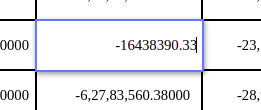
- The default blue color around the cell is nothing but the border which is applied to the editor element(when the cell is in edit mode). To change the border, you should change the border of the editor element. You can override the createEditorElement method(that creates a dom for the editor element) and add a className to the editorElement so that it can be customized easily thought css classes.
    let oldCreateEditorElementFn = GC.Spread.Sheets.CellTypes.Text.prototype.createEditorElement;
    GC.Spread.Sheets.CellTypes.Text.prototype.createEditorElement = function (context, host) {
        host.classList.add('gcEditorElementOuterDiv');
        return oldCreateEditorElementFn.apply(this, arguments)
    }
createEditorElement method: https://www.grapecity.com/spreadjs/docs/latest/online/SpreadJS~GC.Spread.Sheets.CellTypes.Base~createEditorElement.html
You can refer to the attached sample for the same. Note: I have added the gcEditorElementOuterDiv css class in the index.html file of the sample.
- You can use the endEdit method that stops the editing of the active cell.
endEdit method: https://www.grapecity.com/spreadjs/docs/latest/online/SpreadJS~GC.Spread.Sheets.Worksheet~endEdit.html
- For your use case, you should override the setEditorValue function and returns the formatted data. You can get the formatted data by using getText() method.
    let oldSetEditorValueFn = GC.Spread.Sheets.CellTypes.Text.prototype.setEditorValue;
    GC.Spread.Sheets.CellTypes.Text.prototype.setEditorValue = function(editorContext, value, context) {
        let row = sheet.getActiveRowIndex();
        let col = sheet.getActiveColumnIndex();
        if(!sheet.getFormula(row, col)) {
            value = sheet.getText(row, col);
        }
        return oldSetEditorValueFn.apply(this, [editorContext, value, context]);
    }
setEditorValue method: https://www.grapecity.com/spreadjs/docs/latest/online/SpreadJS~GC.Spread.Sheets.CellTypes.Base~setEditorValue.html
getText method: https://www.grapecity.com/spreadjs/docs/latest/online/SpreadJS~GC.Spread.Sheets.Worksheet~getText.html
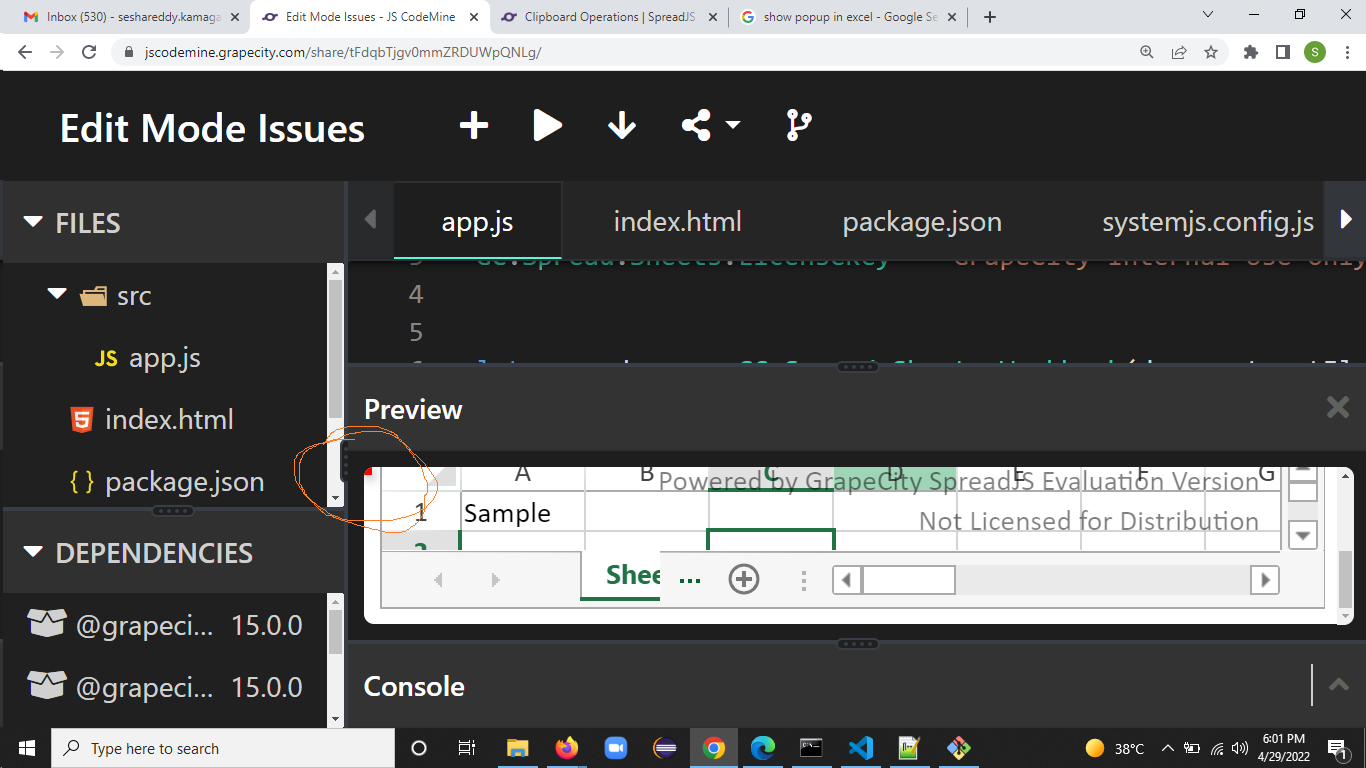
Sample: https://jscodemine.grapecity.com/share/tFdqbTjgv0mmZRDUWpQNLg/
Please let us know if you require further assistance with your query? We will be happy to help you.
Regards
Ankit