Drag to fill issues

Posted by: ryan on 17 September 2021, 12:52 pm EST

    • Post Options:
    • Link

    Posted 17 September 2021, 12:52 pm EST

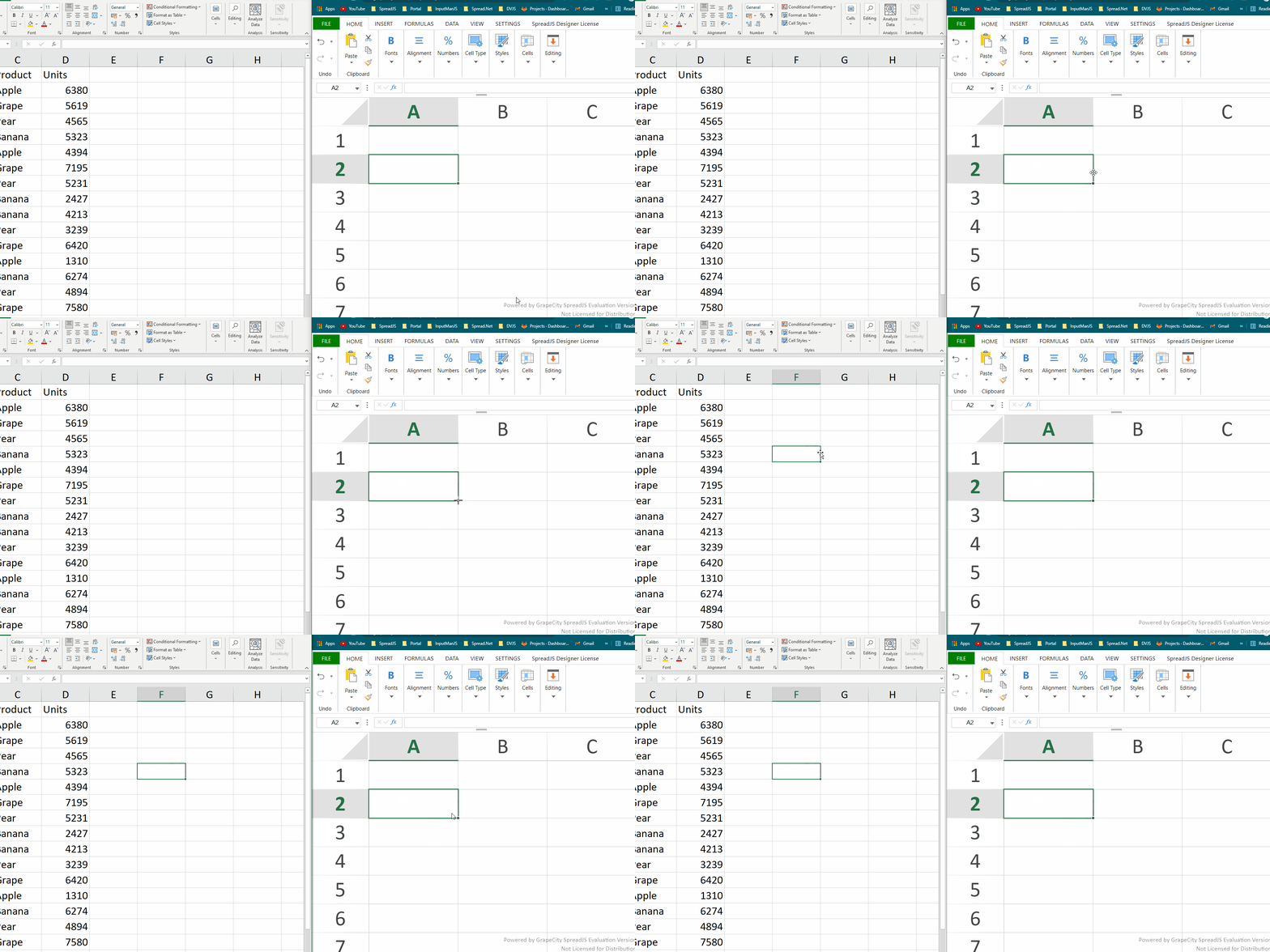
    When I drag over an entire column of cells, instead of copying the values, it increments each by one. How to fix?

    https://www.loom.com/share/3b08ac28ffe847d8b25d20dc8baf8b90

    Also, how do I disable the menu that appears after I dragged over the cells?

  • Posted 20 September 2021, 1:39 am EST

    Hi Ryan,

    When I drag over an entire column of cells, instead of copying the values, it increments each by one. How to fix it?

    This is expected behavior from SpreadJS. For this, you need to change the default fill type to copy the cell. Please refer to the following code snippet and let us know if you face any issues.

    spread.options.defaultDragFillType = GC.Spread.Sheets.Fill.AutoFillType.copyCells
    

    Also, how do I disable the menu that appears after I dragged over the cells?

    For this you need to use the showDragFillSmartTag options and set it as false. Please refer to the following code snippet and let us knwo if you face any issues.

    
      spread.options.showDragFillSmartTag = false;


    dragFillDemo: https://www.grapecity.com/spreadjs/demos/features/cells/fill/basic-fill#demo_source_name

    Regards,

    Avinash

  • Posted 27 September 2021, 6:31 pm EST

    Avinash, how do I increase the clickable area to engage the drag and fill. Right now, user needs to very precisely click the corner and they’re having trouble doing that.

  • Posted 28 September 2021, 5:10 am EST

    Hi,

    We are sorry but this is by design and matched the excel behavior. We could not increase the drag pointer area. We are sorry for the inconvenience.

    Regards,

    Avinash

  • Posted 28 September 2021, 4:31 pm EST

    It seems like the clickable area is much larger in excel. What workarounds have clients employed?

    https://www.loom.com/share/524f5d6d203941489c1915396529375c

  • Posted 30 September 2021, 12:55 am EST - Updated 3 October 2022, 9:37 am EST

    Hi,

    We are sorry but it is the same as the spreadJS. Please refer to the following gif of our observation and let me know if I missed something.

    Regards

    Avinash

Need extra support?

Upgrade your support plan and get personal unlimited phone support with our customer engagement team

Learn More

Forum Channels