Posted 11 June 2026, 9:27 am EST
hi,
How can I detect a double click on a shape by programming?
Forums Home / Spread / SpreadJS
Posted by: Fabrice.Mainguene on 11 June 2026, 9:27 am EST

Fabrice.Mainguene
Posted 11 June 2026, 9:27 am EST
hi,
How can I detect a double click on a shape by programming?

chirag.gupta

Posted 12 June 2026, 6:44 am EST - Updated 12 June 2026, 7:22 am EST
Hi Fabrice,
SpreadJS does not provide a built-in ShapeDoubleClick event. As a workaround, you can detect a shape double-click by handling the host element’s click event, using the hitTest() API to determine whether the clicked object is a shape, and then tracking consecutive clicks within a predefined time interval.
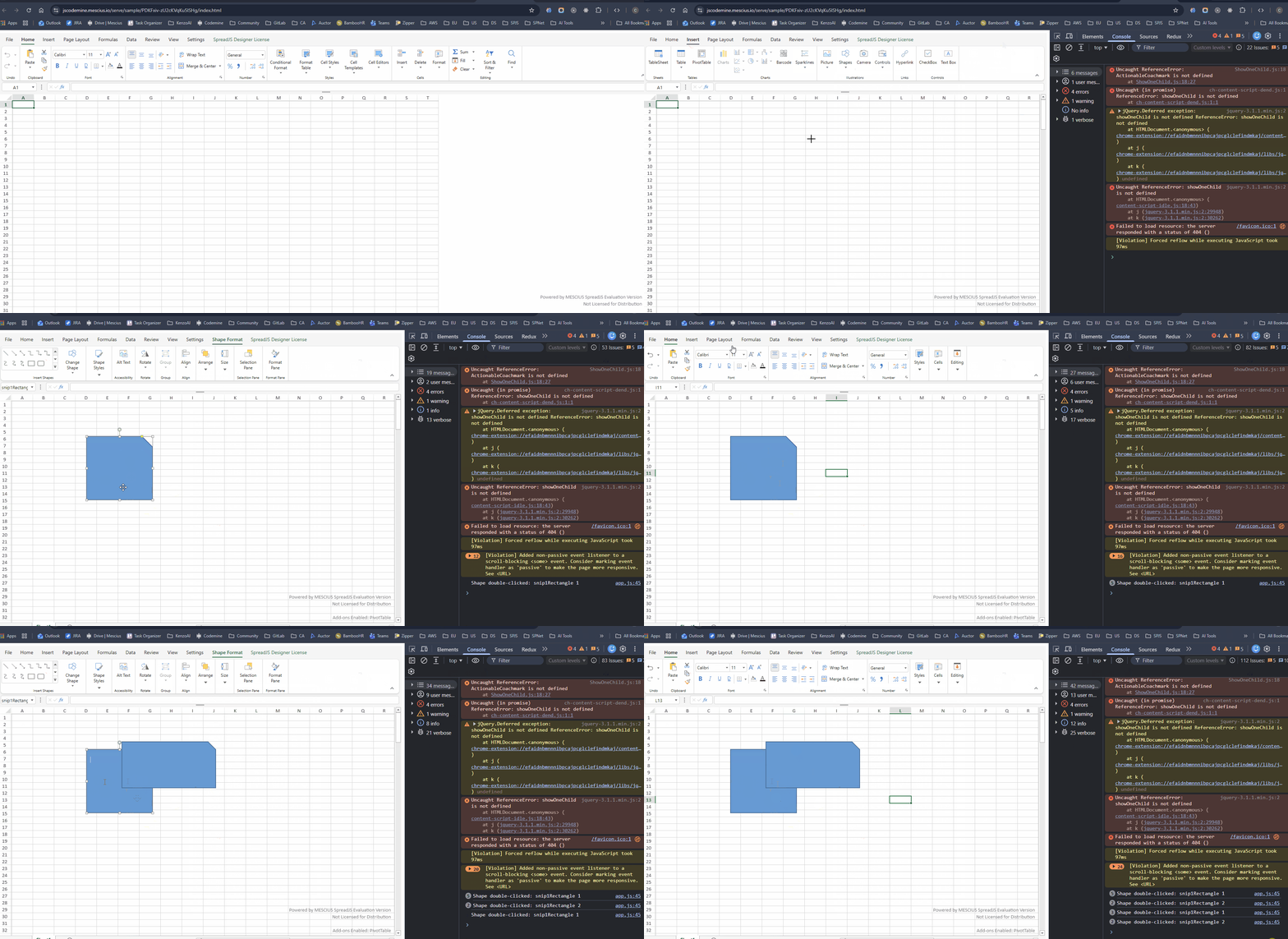
The sample below demonstrates this approach. When the same shape is clicked twice within the configured delay (DOUBLE_CLICK_DELAY), it is treated as a double-click, and the corresponding logic can be executed.
function attachShapeDoubleClickEvent(spread) {
    var clickCount = 0;
    var clickTimer = null;
    var DOUBLE_CLICK_DELAY = 300;

    spread.getHost().addEventListener('click', function (e) {
        var rect = this.getBoundingClientRect();
        var x = e.clientX - rect.left;
        var y = e.clientY - rect.top;

        var result = spread.hitTest(x, y);
        if (!result || !result.worksheetHitInfo) {
            clickCount = 0;
            clearTimeout(clickTimer);
            return;
        }

        var shapeHitInfo = result.worksheetHitInfo.shapeHitInfo;
        if (!shapeHitInfo || !shapeHitInfo.shape) {
            clickCount = 0;
            clearTimeout(clickTimer);
            return;
        }

        var shape = shapeHitInfo.shape;

        clickCount++;
        clearTimeout(clickTimer);

        if (clickCount === 2) {
            clickCount = 0;
            // Custom logic to be performed on double-clicking the shape
        } else {
            clickTimer = setTimeout(function () {
                clickCount = 0;
            }, DOUBLE_CLICK_DELAY);
        }
    });
}
Please note that this is a custom implementation, and the double-click sensitivity can be adjusted by modifying the DOUBLE_CLICK_DELAY value.
You can further refer to the attached sample - ShapeDoubleClickDetection that demonstrates the usage of the above code snippet.
Please let us know if you require any further assistance.
Kind Regards,
Chirag
Working:
Fabrice.Mainguene
Posted 12 June 2026, 7:20 am EST - Updated 12 June 2026, 7:31 am EST
I think the reply was posted at the same time as my follow-up. Sorry about that!