Accidental Keystrokes End Formula Edit Mode

Posted by: jeff on 26 February 2020, 2:13 am EST

    • Post Options:
    • Link

    Posted 26 February 2020, 2:13 am EST - Updated 3 October 2022, 10:29 am EST

    Guys,

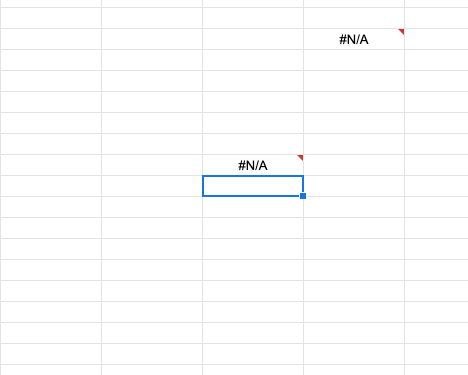
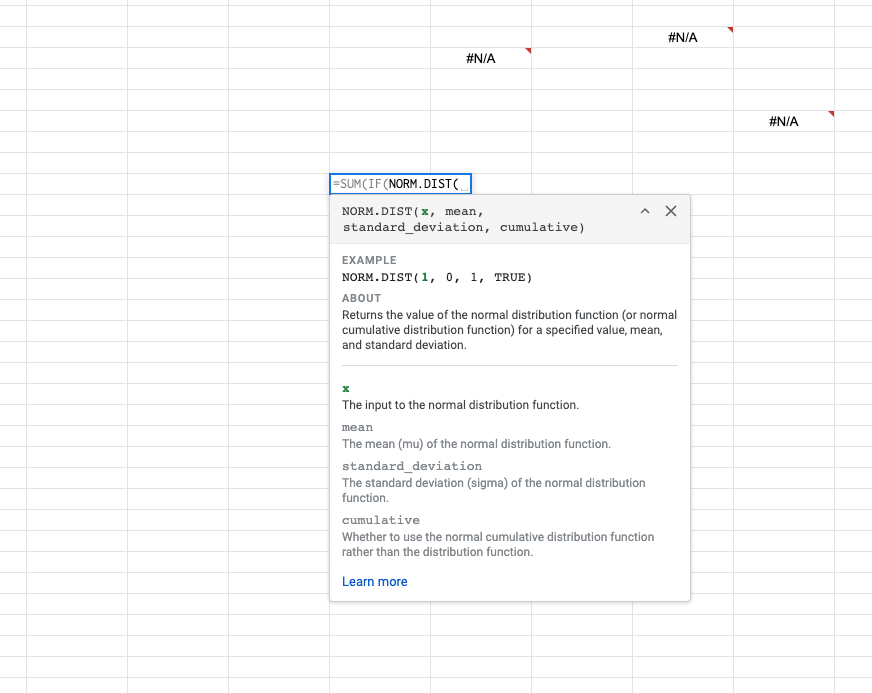
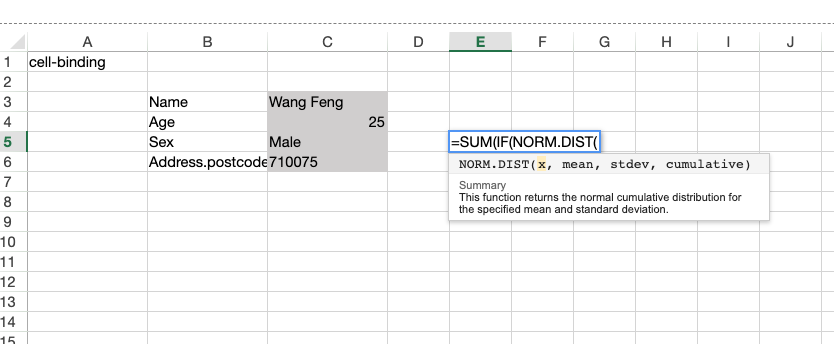
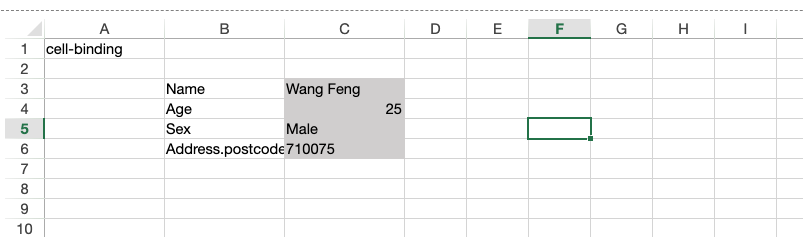
    The Tab and Enter Key cause the formula/edit mode to be ended. This is great. But many times I have made allot of mental work to make complex formulas. I push enter or tab (accidentally) and poof!!! my formula work is gone. [see screen shots]. When you hit the tab or enter key with formulas that are not complete excel keeps the formula value in the cell and give you a “N/A”. You can then pick up your work.

    SpreadJs deletes peoples work if the slip up while editing the cell. This is very annoying for power users.
  • Posted 26 February 2020, 2:14 am EST - Updated 3 October 2022, 10:29 am EST

    Here is how google sheets does it.

  • Posted 26 February 2020, 4:13 pm EST - Updated 3 October 2022, 10:29 am EST

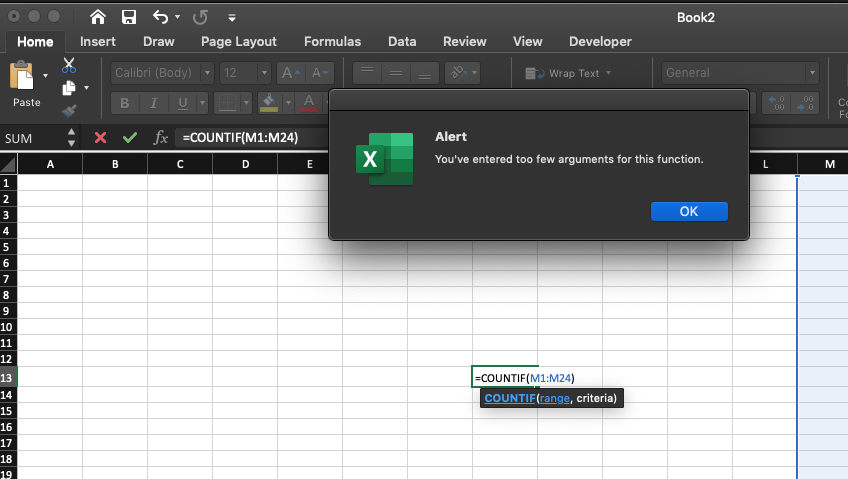
    Excels solution:

  • Posted 27 February 2020, 6:03 am EST

    Hi Jeff,

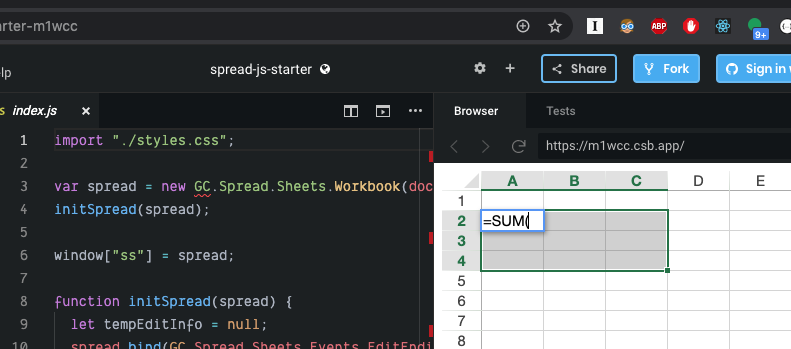
    We could implement an excel-like warning system by handling EditEnding, EditEnded and InvalidOperation events. Please refer to the following sample demonstrating the same:

    https://codesandbox.io/s/spread-js-starter-m1wcc

    Regards

    Sharad

  • Posted 4 March 2020, 1:52 pm EST

    That sounds great. Your solution above puts the Formula edit mode into a weird state

    1. Enter a invalid formula
    2. Click on any cell
    3. See the highlights not working
  • Posted 4 March 2020, 7:03 pm EST - Updated 3 October 2022, 10:29 am EST

    See screenshot:

  • Posted 4 March 2020, 9:01 pm EST

    Cool the solution is here →

    https://codesandbox.io/s/spread-js-starter-egfvs

Need extra support?

Upgrade your support plan and get personal unlimited phone support with our customer engagement team

Learn More

Forum Channels