Posted 27 January 2026, 1:01 pm EST - Updated 27 January 2026, 1:06 pm EST
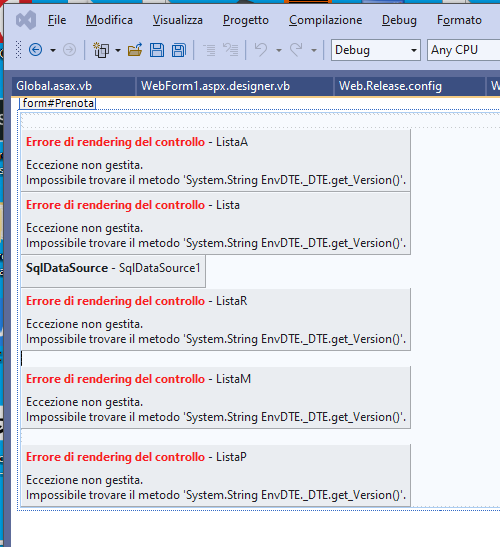
Asp.net windows form version 15 not run with visual studio 2022
Posted by: danilo.mario on 27 January 2026, 1:01 pm EST
-

danilo.mario
-

kartik.dua

Posted 28 January 2026, 9:32 am EST
Hi,
These errors are usually observed in the designers when the version of FpSpread control you are using is not compatible with the version of Visual Studio. We tested FpSpread v15 in a VS 2022 project and could observe the same errors in the designer, as v15 is not supported in VS 2022.
We then checked v16 and it opens fine in the VS 2022 designer, as the support for VS 2022 was added with v16. So, if you want to use VS 2022, you will need to upgrade to v16. Else, you can keep using the designer script and it will not show any errors during the build, and the application will also run fine.
Best Regards,
Kartik