
How to show param panel after preview?

Posted by: michael.zhong on 1 May 2026, 9:59 am EST

  • Posted 1 May 2026, 9:59 am EST - Updated 1 May 2026, 10:05 am EST

    When user open report viewer, give the param value
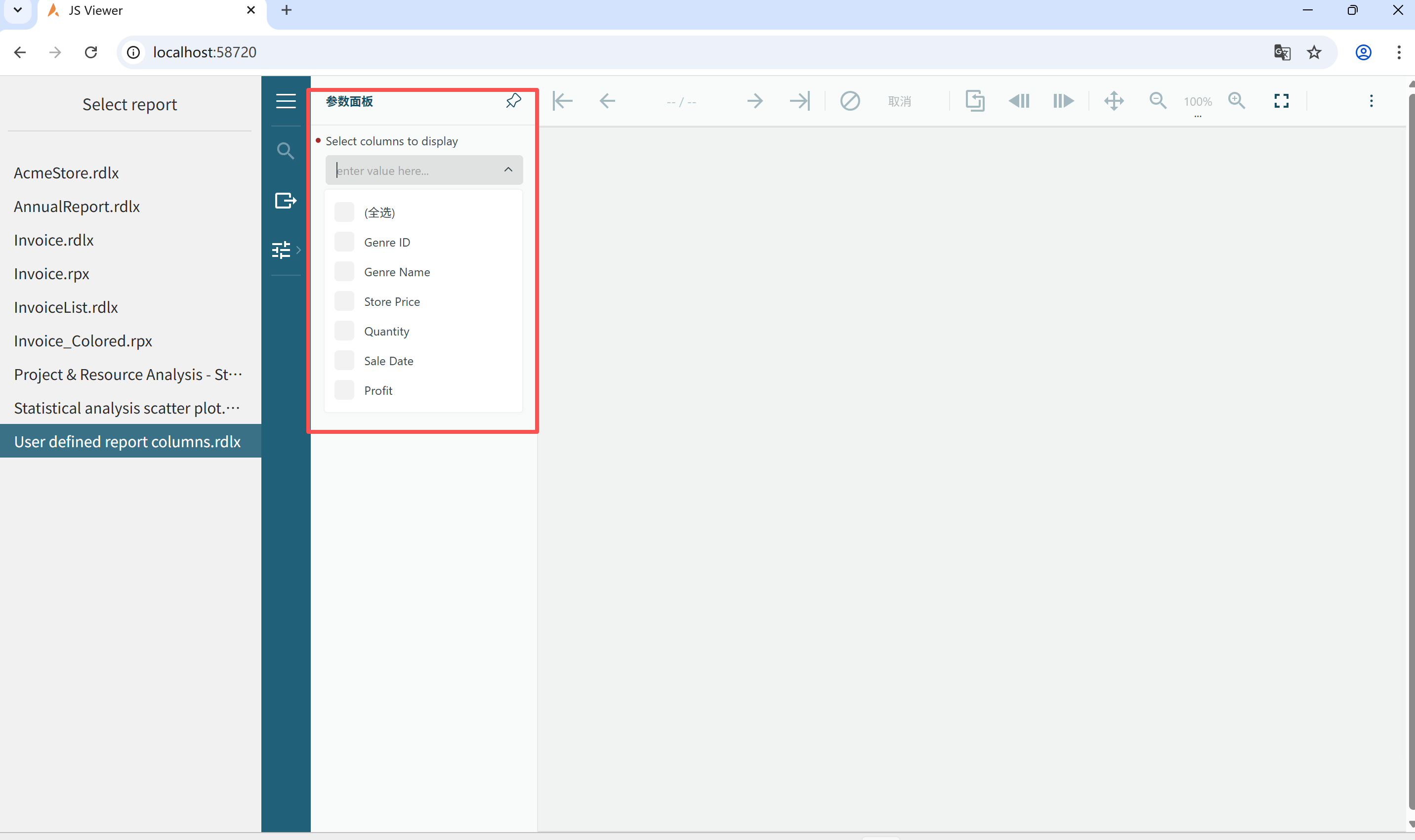
    it will show the report page and hide the param panel, can we keep the param panel show in the sidebar?
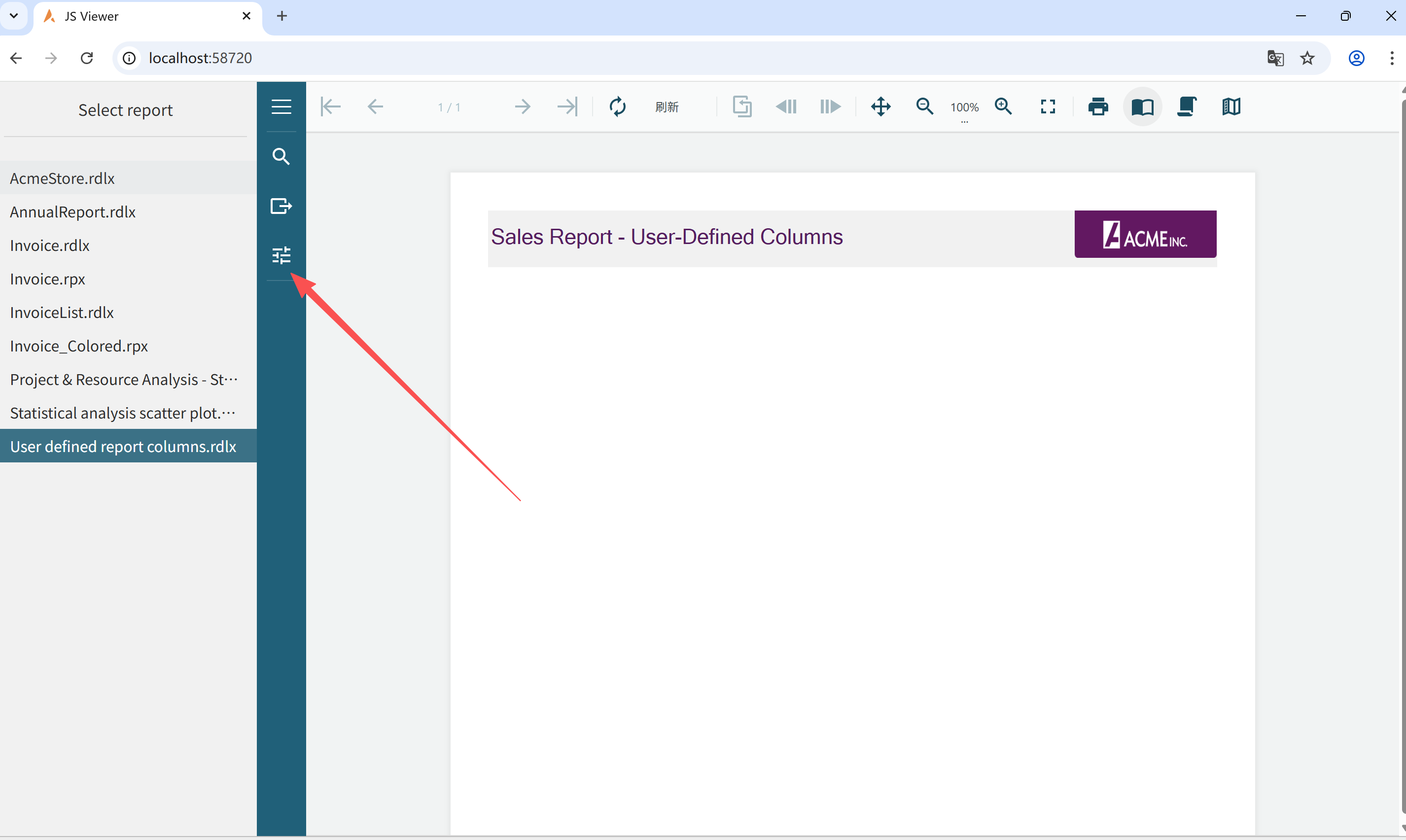
    our sample code:

    viewer = createViewer({

    locale: options.locale,

    element: ‘#’ + options.element,

    reportService: {

    url: ‘api/reporting’,

    },

    reportID: options.documentInfo.id,

    animation: {

    hoverTable: {

    enabled: true,

    backgroundColor: ‘LightGray’,

    textColor: ‘DarkGray’

    }

    },

    settings: {

    zoomType: ‘FitPage’,

    },

    panelsLocation: ‘sidebar’,

    parametersPanel: { location: ‘top’, always: ‘true’ },

    theme: options.theme

    });

  • Posted 4 May 2026, 2:55 am EST

    Hi Michael,

    Please specify the parametersPanel.open property to ‘always’ within the createViewer method like:

    createViewer({
      element: ‘#’ + options.element,
        parametersPanel: {
        open: 'always'
      }
    });
    

    Please find attached a sample implementing the same.

    Regards,

    Anand

    JSViewer_MVC.zip

Need extra support?

Upgrade your support plan and get personal unlimited phone support with our customer engagement team

Learn More

Forum Channels