Large Tables with 50,000 plus rows crash on delete all

Posted by: jeff on 22 November 2019, 5:38 am EST

    • Post Options:
    • Link

    Posted 22 November 2019, 5:38 am EST - Updated 3 October 2022, 10:36 am EST

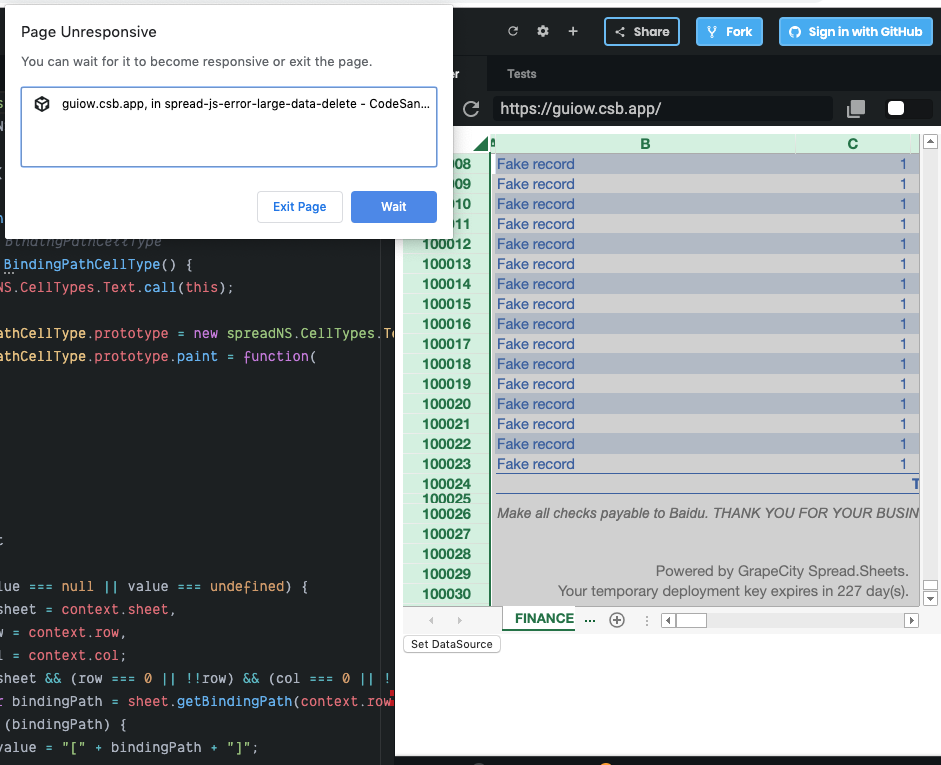
    I’m having no problem putting 100,000 rows of data into spreadjs. However when I select all in the top right corner and delete the operation has some sort in inefficiency that crashes most browsers. See my codesandbox below.

    spreadjs: 13

    Chrome: Version 78.0.3904.97 (Official Build) (64-bit)

    https://codesandbox.io/s/spread-js-error-large-data-delete-guiow

  • Posted 25 November 2019, 6:01 am EST

    Hi Jeff,

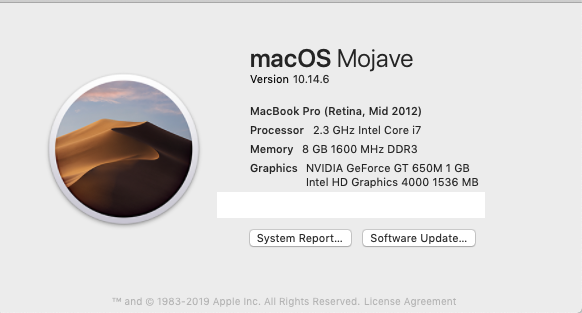
    On my machine(Intel i7, 16GB RAM), using Google Chrome, the clear operation took about 10-12 sec to clear all the cells which is reasonable considering the large number of cells(100,000 rows x 20 columns). Could you please let us know about your machine configuration so that we may test on a similar machine

    Regards

    Sharad

  • Posted 26 November 2019, 10:58 pm EST - Updated 3 October 2022, 10:36 am EST

  • Posted 26 November 2019, 11:01 pm EST

    There must be a better way to delete all cells on a sheet that does not freeze the product for 20 seconds.

  • Posted 27 November 2019, 7:46 am EST

    Hi Jeff,

    Thank you for sharing your machine configuration, we have forwarded this to the dev team as an enhancement to further improve clear performance. We will let you know about any updates regarding the same. The internal tracking Id for the issue is SJS-2682.

    Regards

  • Posted 5 December 2019, 12:40 am EST

    Hi Jeff,

    The dev team has looked at the issue and informed us that there is no good solution to optimize the performance of clearing considering the large number of cells.

    However, they have suggested the following two workarounds that you could use:

    1. you could invoke suspendDirty method when clear command is executed, the clearing operation only costs 13s
    var clearCommand = GC.Spread.Sheets.Commands.clear;
    var oldExecute = clearCommand.execute;
    clearCommand.execute = function (context, options) {
      var sheet = context.getSheetFromName(options.sheetName);
      sheet.suspendDirty();
      var result = oldExecute.apply(this, arguments);
      sheet.resumeDirty();
      return result;
    };
    
    1. You could invoke setDataSource method with a dummy small data source when clear command is executed, the clearing operation only costs 1.5s
    var clearCommand = GC.Spread.Sheets.Commands.clear;
    var oldExecute = clearCommand.execute;
    clearCommand.execute = function (context, options) {
      var sheet = context.getSheetFromName(options.sheetName);
      var dummyDataSource = new GC.Spread.Sheets.Bindings.CellBindingSource({
        company: {},
        customer: {},
        date: new Date(),
        number: "00000",
        receiverCustomer: {},
        records: []
      });
      sheet.setDataSource(dummyDataSource);
      var result = oldExecute.apply(this, arguments);
      return result;
    };
    

    Without the above workarounds, the clearing operation costs 22s.

    Further, could you please let us know about your use case that why you need to clear all the data. Also please note that clearing all the data in this way also clears the data source.

    Regards

    Sharad

Need extra support?

Upgrade your support plan and get personal unlimited phone support with our customer engagement team

Learn More

Forum Channels