Posted 13 August 2021, 10:20 am EST
Hello,
Its me again with a Conditional Formatting question.
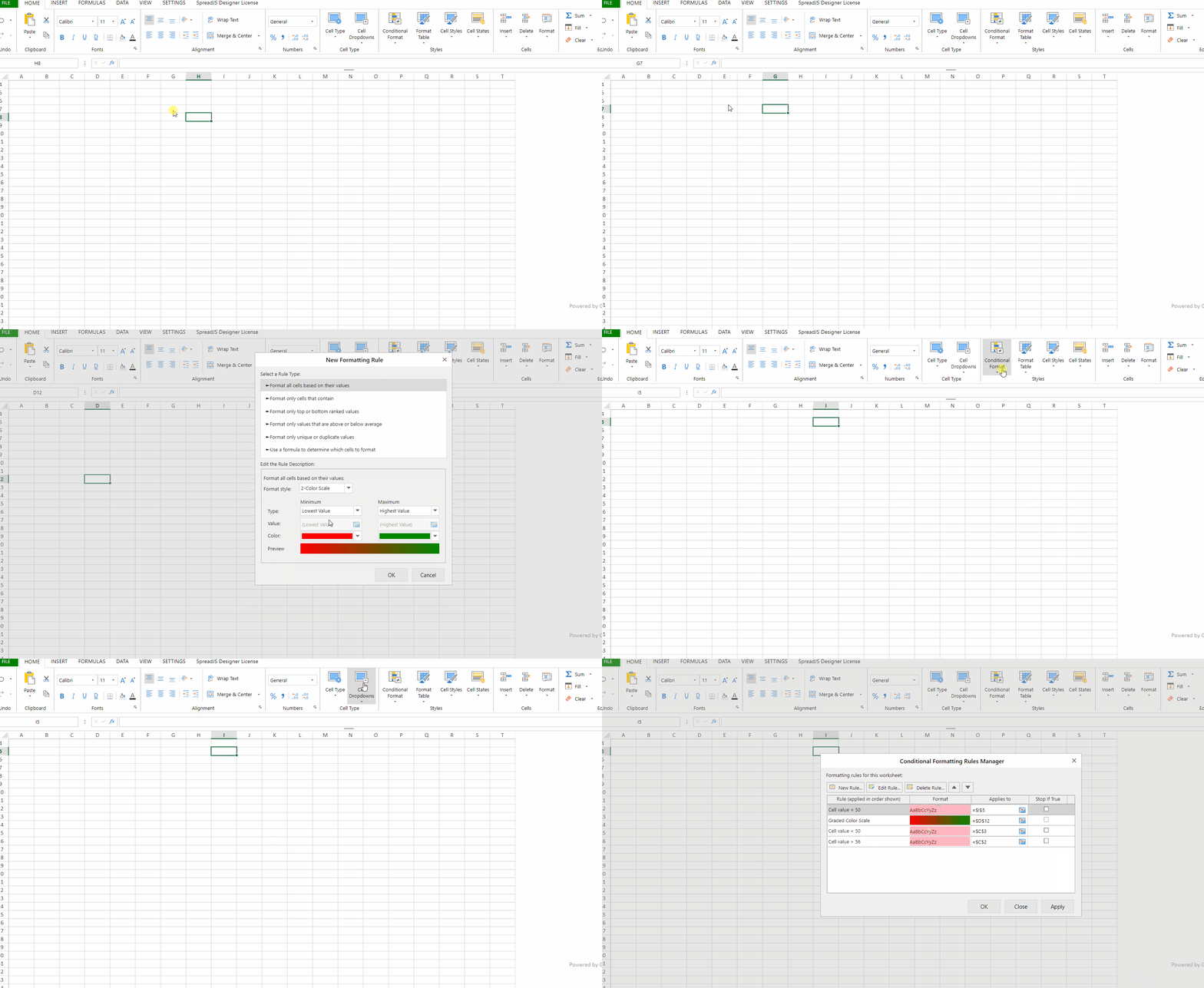
When I am working on applying Conditional Formatting to many cells, I noticed that the order of my work is not reflected in the applying Conditional Formatting Rules Manager list.
For example if I work on Cell G15, and I apply the applying Conditional Formatting rules to cell G15, then I work on Cell G16 and I apply the applying Conditional Formatting rules to G16, and then work on Cell G17 and apply the applying Conditional Formatting rules to G17 and son on. When I want to check my work, and I use the Conditional Formatting Rules Manager the rules are not listed as G15 rules, G16 rules, G17 rules and so on, It seems to me that the last rule I edit get to be the 2nd in the list from the top. Is there a way to keep these rules sequential? It takes longer to edit or check Conditional Formatting rules when you have to scroll and find what you are looking for, specialty when you have 3 dozen or so rules to check. Thanks