Posted 17 March 2026, 1:48 am EST - Updated 17 March 2026, 1:53 am EST
Hello
I’m trying to integrate ActiveReportNet 20 to my current project. I’m using .NET Core for backend and React for frontend. In React app, I’m using @mescius/activereportsnet-viewer version 20.0.1. I’m able to load the Report viewer, all using default setting. And I have some questions:
-
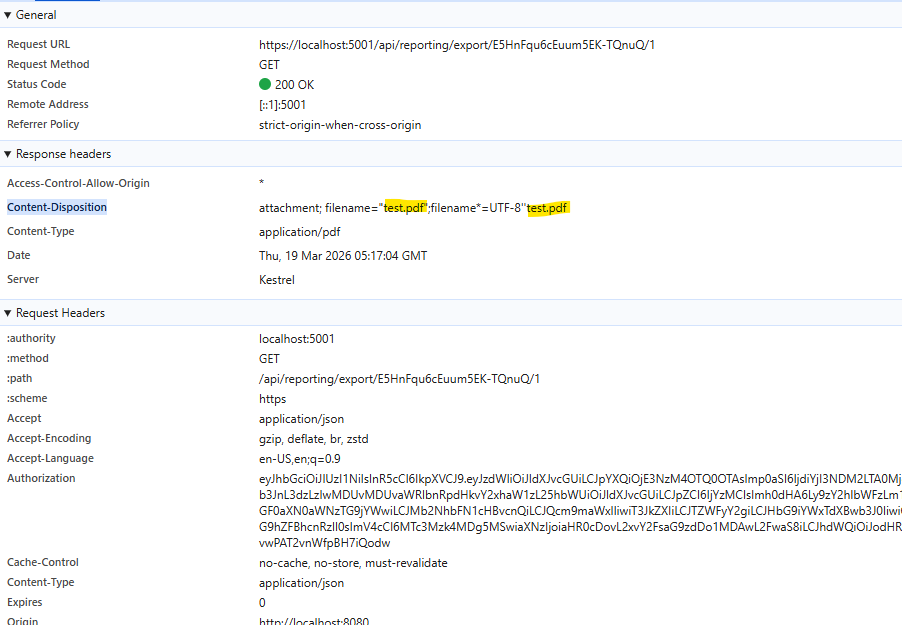
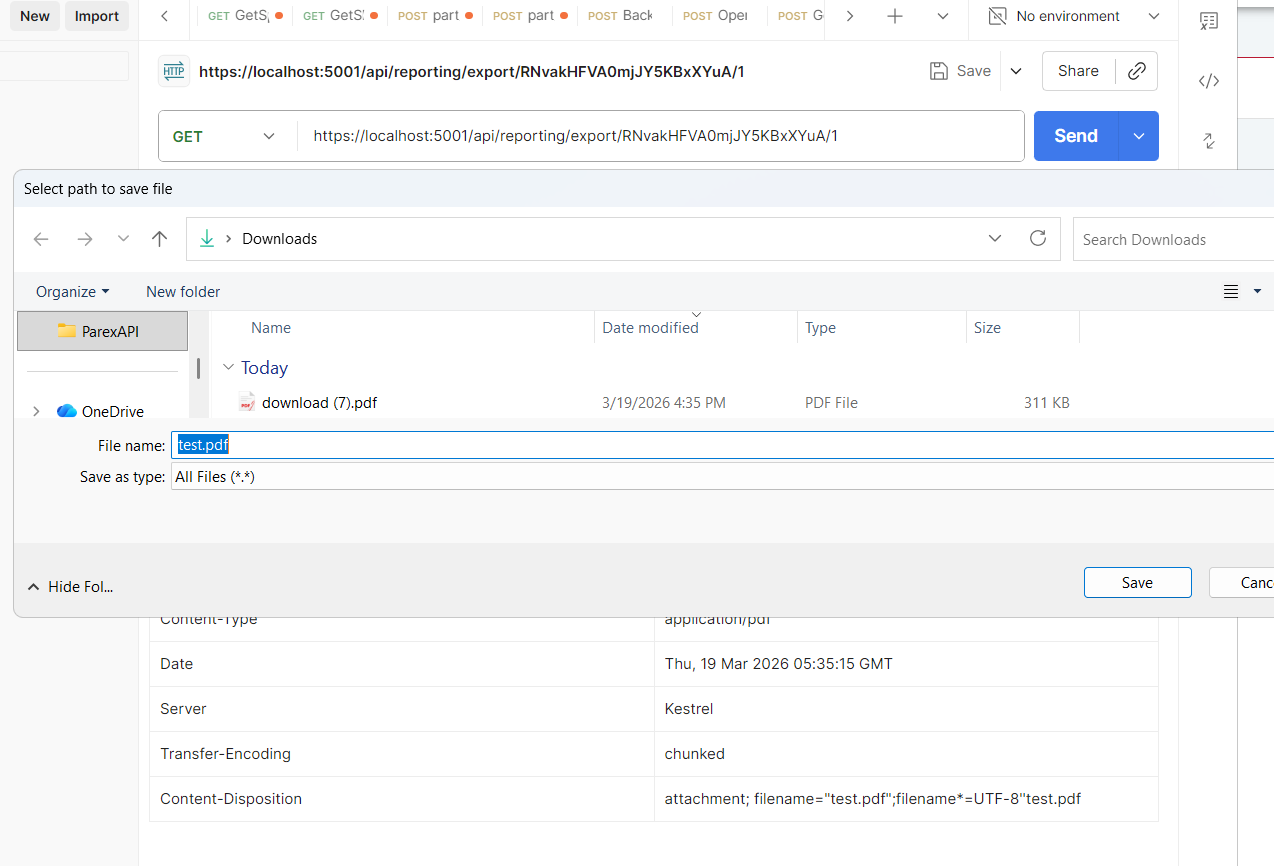
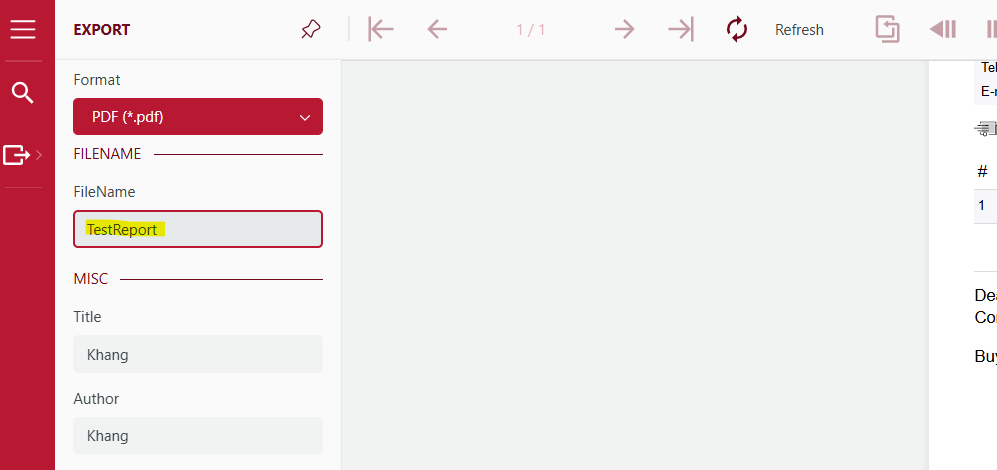
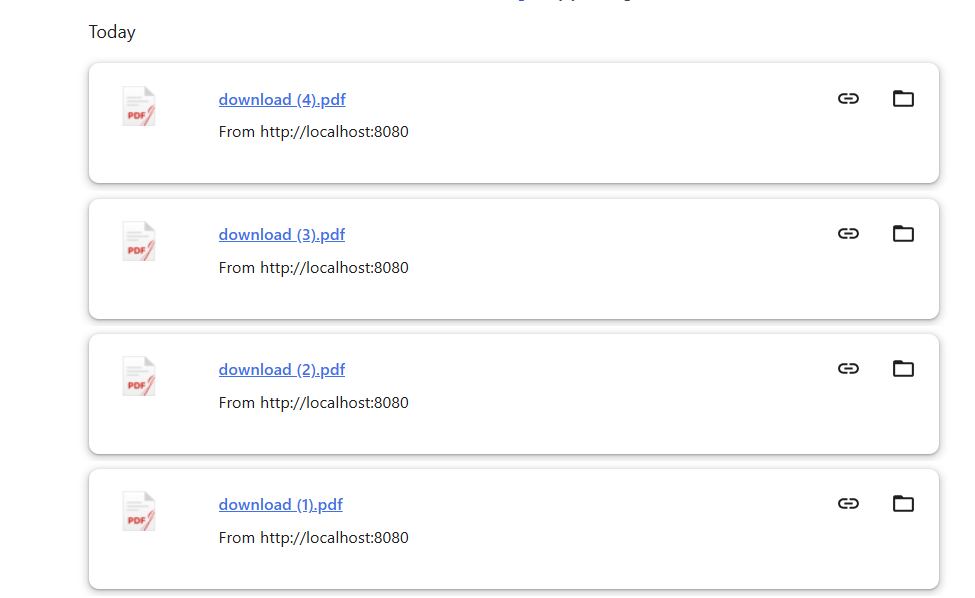
In the Export panel, I tried to put the file name in, but when I hit Export button. The export files always have the name “download”?
-
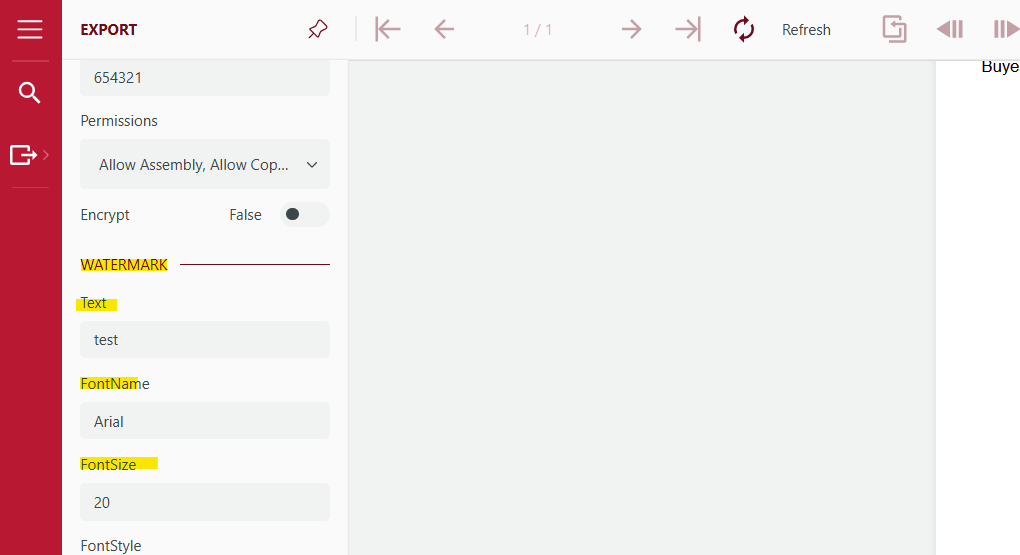
I’m trying to hide some options in the Export Panel. My code:
let jsViewer = createViewer({
  element: "#viewer-host",
  reportService: {
    url: xxx,
    securityToken: xxx,
  },
  themes: themeConfig,
  availableExports: ["Pdf"],
  defaultExportSettings: {
    pdf: {
      Application: {
        visible: false,
      },
      EmbedFonts: {
        visible: false,
      },
      Text: {
        visible: false,
      },
      FontName: {
        visible: false,
      },
    },
  },
});
Other fields can be hidden correctly except for those in WaterMark section (Text, FontName,…). How can I hide these fields?