Update Last character typed in control

Posted by: pmithilesh on 30 July 2018, 6:52 pm EST

    • Post Options:
    • Link

    Posted 30 July 2018, 6:52 pm EST

    Hi team,

    I am using angular 6 with wijmo and i am getting this issue from long time

    I have flex grid with 2 controls one is on Cell(Text Box) and one is one cellEdit (Drop Down auto complete)

    When i update the text box for example to ABC and i go to drop down which is dynamic control it always updates to Last character i typed in text box which is “C” from ABC.

    I tried a lot where the issue is coming from but no luck

    This is sample example i have created

    <wj-flex-grid #flex (initialized)="initialized(flex, e)" 
                  [itemsSource]="source"
                 
                  [selectionMode]="selectionMode"
                  [style.height.px]="gridHeight"
                  (cellEditEnded)="cellEditEndedHandler($event,flex)"
                  [allowAddNew]="true"
                  [allowDelete]="false"
                  (deletingRow)="deletingRow($event)"
                  (loadedRows)="loadedRows(flex)">
    
    
        <wj-flex-grid-column [header]="'Notes'" [binding]="notes" [width]="'*'" [minWidth]="100">
    
    
            <ng-template wjFlexGridCellTemplate [cellType]="'Cell'" let-cell="cell" let-item="item">
                
                    <input type="text" name="txtNote" [(ngModel)]="item.notes" [disabled]="true" />
                </div>
              
            </ng-template>
           
        </wj-flex-grid-column>
    

    <wj-flex-grid-column header=“Name” [binding]=“name” [width]=“150” [isReadOnly]=“disabled”>

            <ng-template wjFlexGridCellTemplate [cellType]="'Cell'" let-cell="cell" let-item="item">
              
                    {{item.name}}
                
            </ng-template>
    
            <ng-template wjFlexGridCellTemplate [cellType]="'CellEdit'" let-cell="cell" let-item="item">
                <wj-combo-box [itemsSource]="names" [(ngModel)]="item.name"
                              [selectedValuePath]="'name'"
                              [displayMemberPath]="'name'"                      
                              >
                </wj-combo-box>
            </ng-template>
    
        </wj-flex-grid-column>


    </wj-flex-grid>
    

    In above example whenever i change notes fields like ABC and try to update the drop down it gives me value “C” which is last updated character

    Thanks

  • Posted 31 July 2018, 8:33 am EST

    Hi,

    We are sorry but we are unable to replicate the issue.

    Here is the sample we tried to replicate the issue:-

    https://stackblitz.com/edit/angular-jpuxsh?file=src%2Fapp%2Fapp.component.html

    Please have a look at it and let us know if we are missing something else to replicate it.

    The issue might also be arising due to the code in cellEditEnded handler so can you please provide us with the snippet for that.

    Also, we are using the latest wijmo build 5.20181.500, if you are using a different build then please let us know so that we may try on the same.

    ~Manish

  • Posted 31 July 2018, 10:21 am EST

    Hi Manish,

    Thanks for the reply

    I guess the issue is we are using old version of wijmo wijmo-5.20172.334 and this issue was resolved in latest version (saw few old posts).

    I will try new version today and post the reply for the same

    Thanks

  • Posted 1 August 2018, 9:21 pm EST

    Hi Manish,

    I found the thread which has same issue

    https://www.grapecity.com/en/forums/wijmo/input-controls-created-in-_1

    I tried enterprise build 5.20173.380 but still issue persist.

    New build 2018 is giving us lots of issues when shifted to angular 6

    any solutions please

    Thanks

  • Posted 2 August 2018, 8:21 am EST

    Hi,

    We are sorry for the inconvenience.

    The build mentioned above(5.20173.380) includes fix for angular js but the issue for latest angular version is fixed in the latest 5.20182.500 build.

    Please update to the latest version and let us know about the issues you are facing in upgrading to the latest release, we would be glad to help you.

    ~Manish

  • Posted 2 August 2018, 9:50 am EST

    Thanks Manish,

    I have updated the version downloaded as platinum license and it fixed the issue.

    I am getting water mark on my downloaded version for local even its downloaded as platinum

    how do i fix that issue please

    Thanks

  • Posted 3 August 2018, 3:48 pm EST

    Hi,

    From build 5.20181.436, our licensing model has changed and now you are required to set a distribution key for deploying the application.

    Please refer to the following blog post for more details on this:-

    https://www.grapecity.com/en/blogs/how-to-deploy-a-wijmo-app-with-new-licensing

    Please let us know if you face any further issue on this.

    ~Manish

  • Posted 6 August 2018, 6:00 pm EST - Updated 3 October 2022, 8:24 pm EST

    Hi manish,

    New version 5.20182.500 did fix the issue.

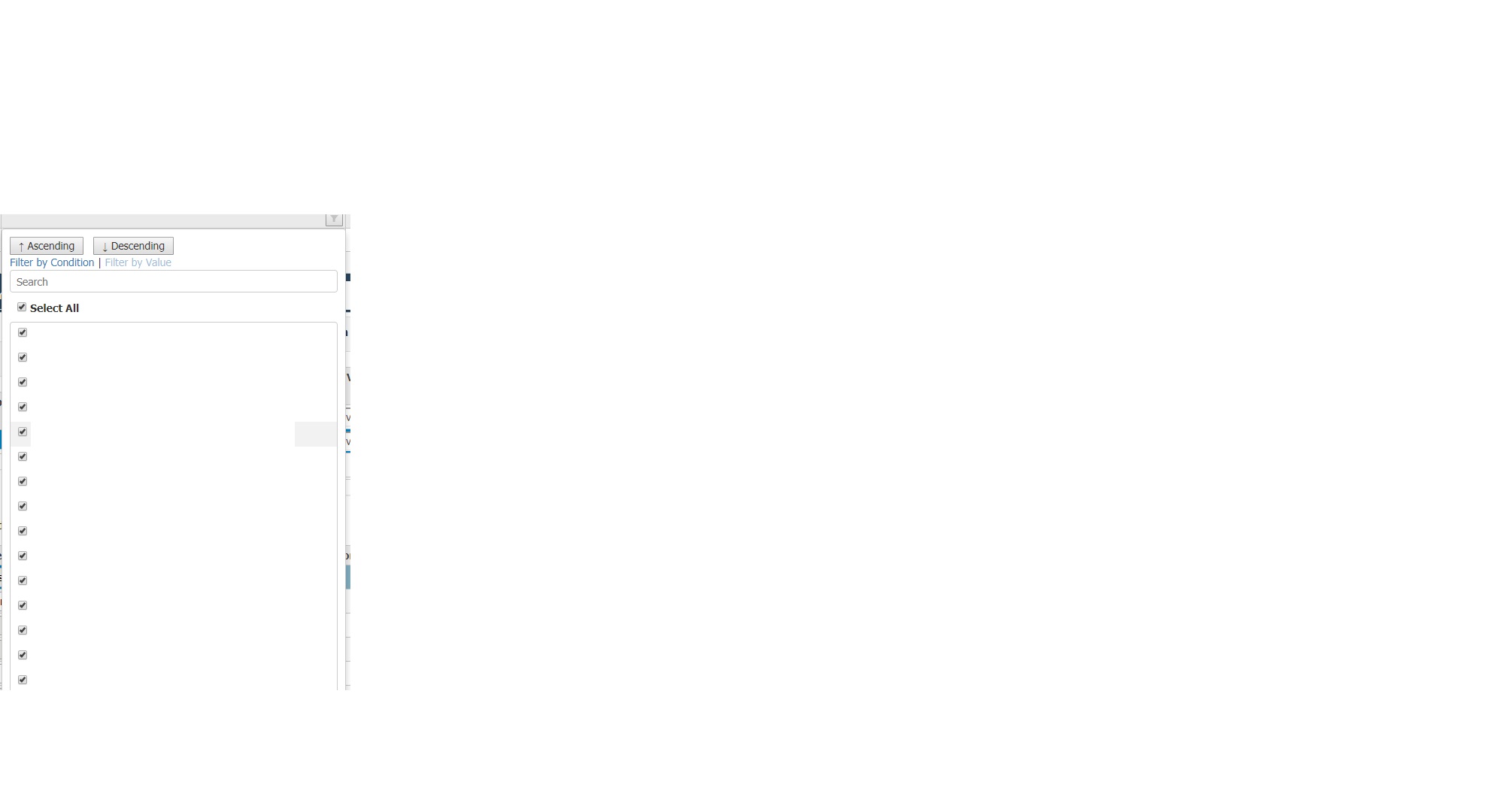
    There is one issue in new version for filter if the filter on column has lots of data there is no scroll bar and its going out of page.is there any way we can add scroll bar in filter ?

    Thanks

  • Posted 7 August 2018, 5:19 am EST

    Hi,

    It looks like that there is some problem with the style sheet.

    Please make sure that the wijmo.css file(same version as wijmo i.e. 5.20182.500) is correctly loaded in the application.

    Here is a sample in which filter contains 1000 items and scrollbar is added automatically:-

    https://stackblitz.com/edit/angular-nj8b3y?file=app/app.component.ts

    ~Manish

  • Posted 7 August 2018, 1:59 pm EST - Updated 3 October 2022, 8:24 pm EST

    Hi Mainish,

    That fixes most of the issue but with new css i got in to one more issue

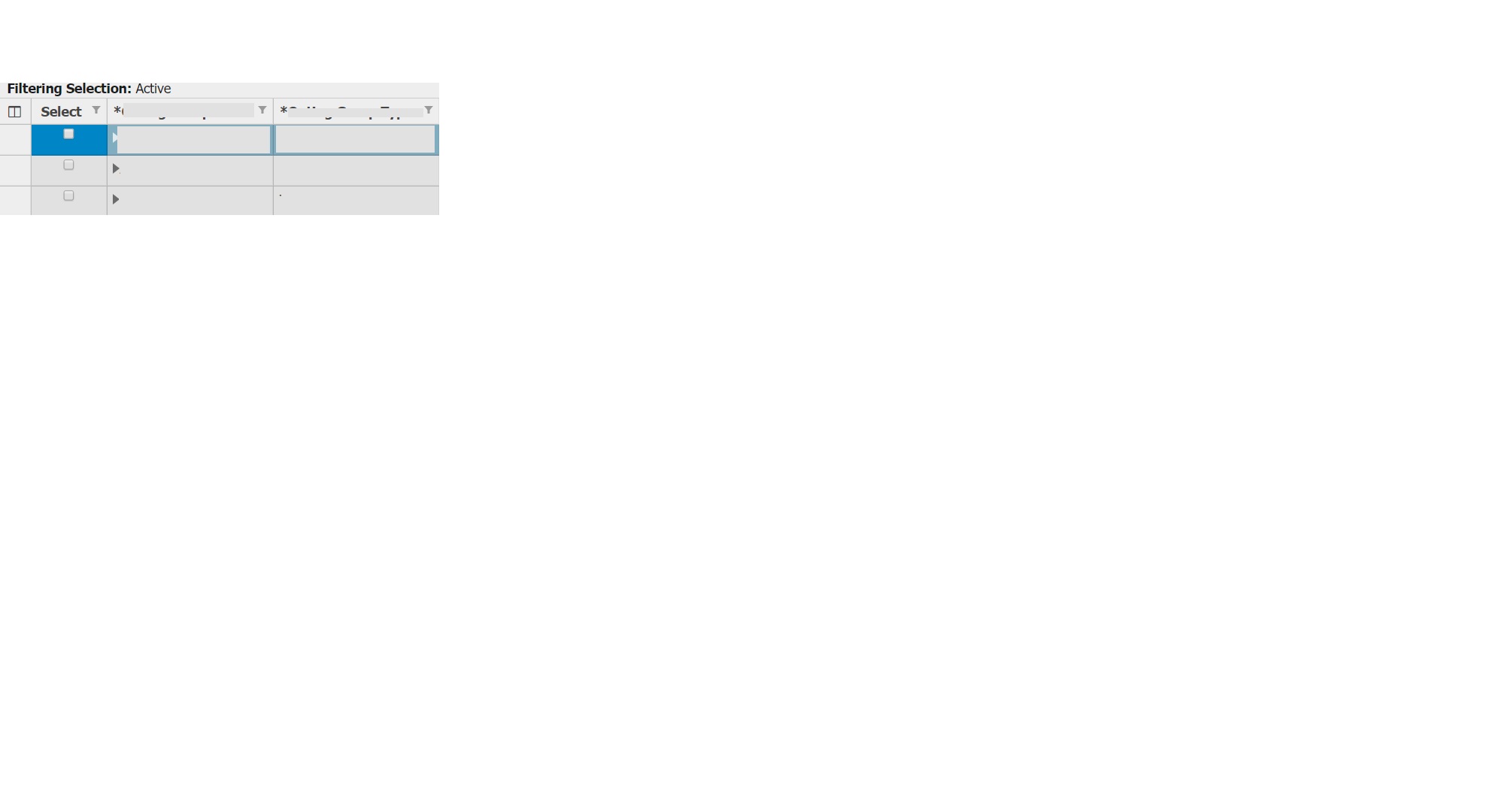
    we are using tree wijmo grids and when i use that they are turning in to Gray background.Using [childItemsPath] in Weijmo grid

    Dont know how to fix the css on that

    Thanks

  • Posted 8 August 2018, 6:44 am EST

    Hi,

    You may customize the cell styles using CSS, when childItemsPath property is set for the grid, then it uses group rows instead of normal rows to display parent/child relationship.

    So to style cells of you row you may use class .wj-group

    Please refer to the following sample which implements the same:-

    https://stackblitz.com/edit/angular-hrpv75?file=styles.css

    ~Manish

  • Posted 8 August 2018, 11:49 am EST

    Thanks Manish,

    That isworking now really appreciate your help

Need extra support?

Upgrade your support plan and get personal unlimited phone support with our customer engagement team

Learn More

Forum Channels