Posted 26 June 2018, 4:51 am EST
Hello.
I noticed some issues with formats and import…
Issue 1.
Using sample at: http://demos.wijmo.com/5/angular/excelbook/excelbook/standalone.htm
- In first step i enter some string ‘AAA’ and everything is ok.
- In second step i enter some numeric value in cell, for example ‘01’.
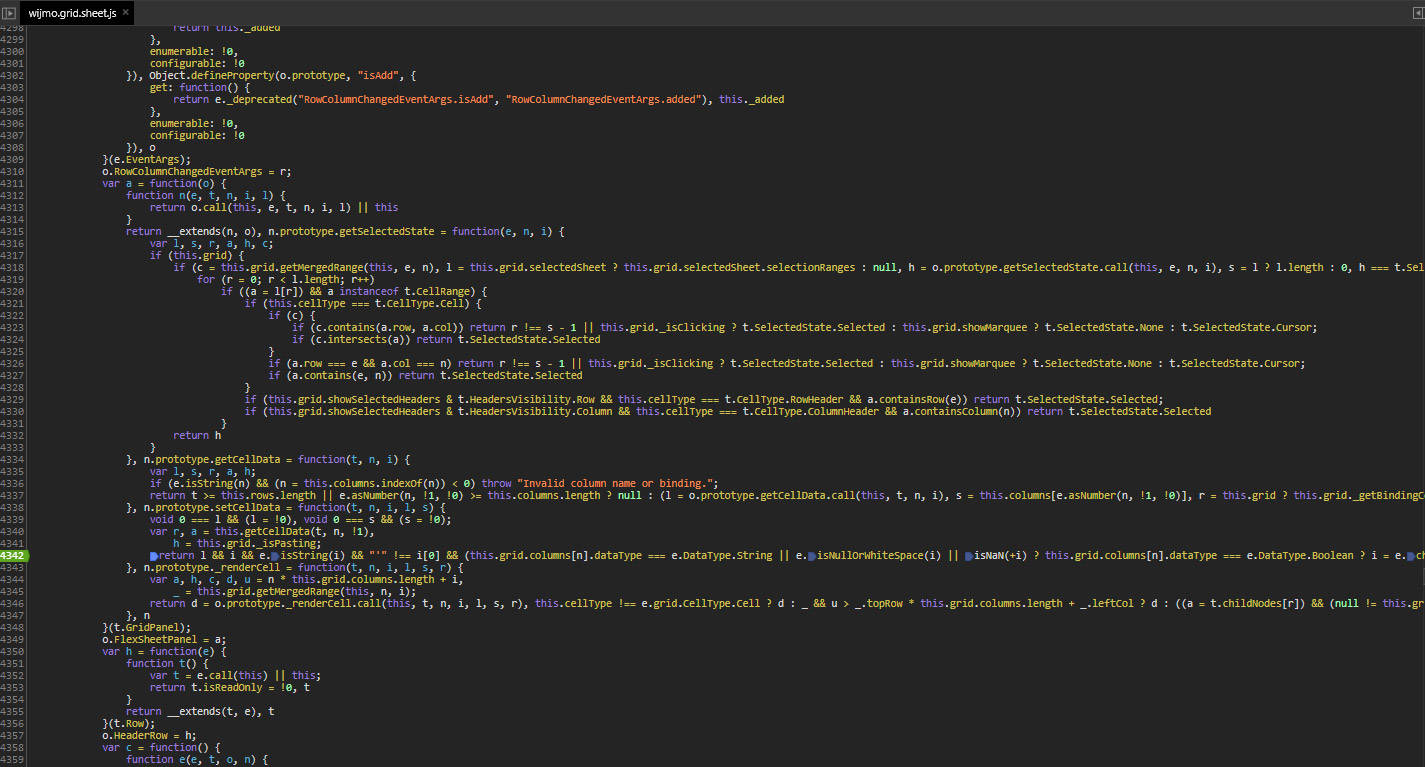
After edit completes in some step value is parsed and converted to number. Zero is thrown away. - In third step if you try to edit same value and enter again some string, for example ‘AAAA’. It is not possible because somewhere in second step cell format was switched to number format and new value ‘AAAA’ is invalid becauase it is not number.
You can see this behaviour in attached video.
bandicam 2018-06-26 10-22-05-066.zip
Same behaviour is happening when entering date in first step. Once cell saves date, it is not possible to enter string or number in that cell anymore.
Issue 2.
Also i noticed that after importing excel document with a text formatted cell. Text formated cell have format “n0” in style object.I’m using getCellStyle() function;
Beside those issues how can i set cell format to be text format like in excel, not general cell format. I’m using AngularJs
Thank you.