Posted 21 May 2018, 2:57 pm EST - Updated 3 October 2022, 8:29 pm EST
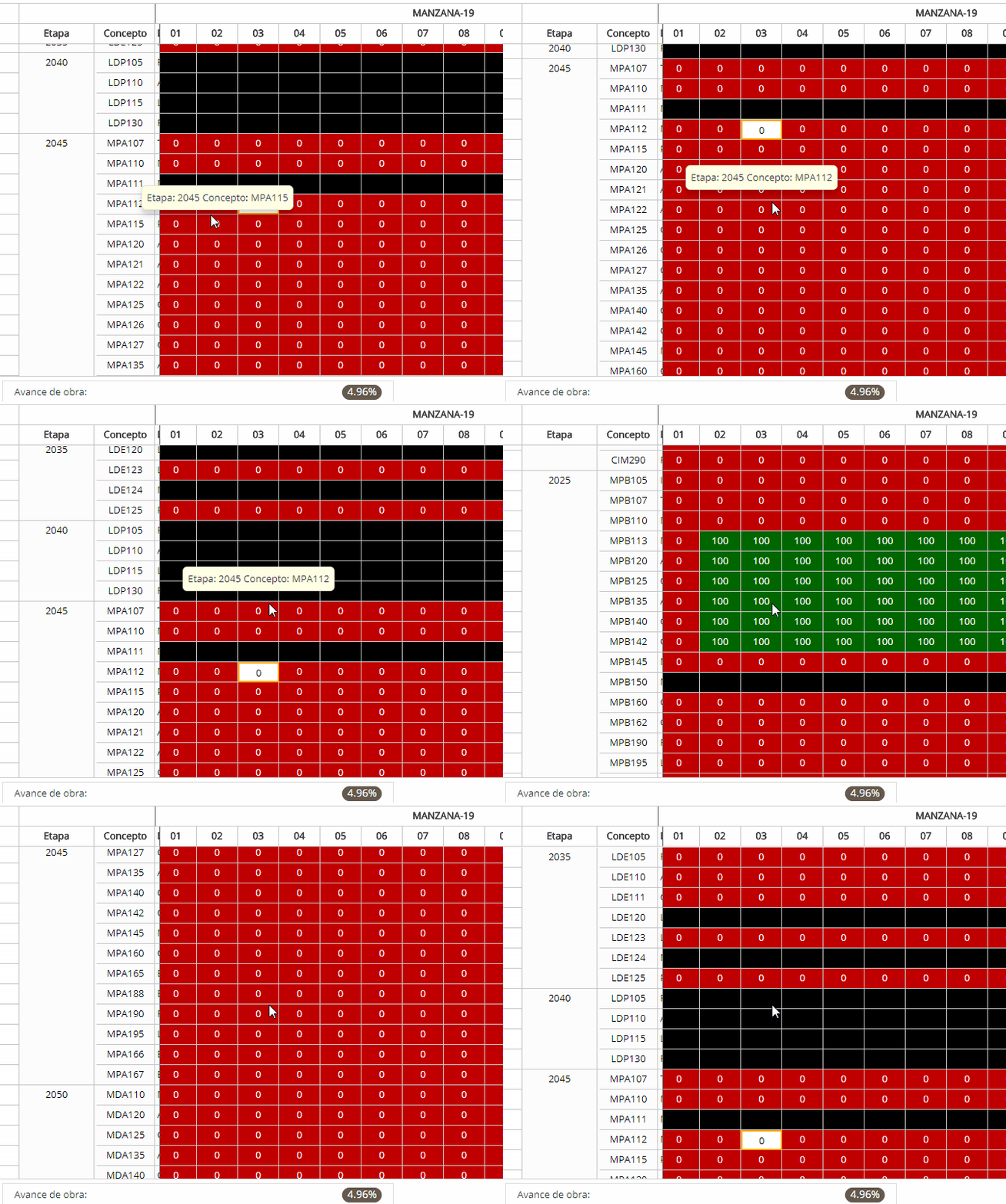
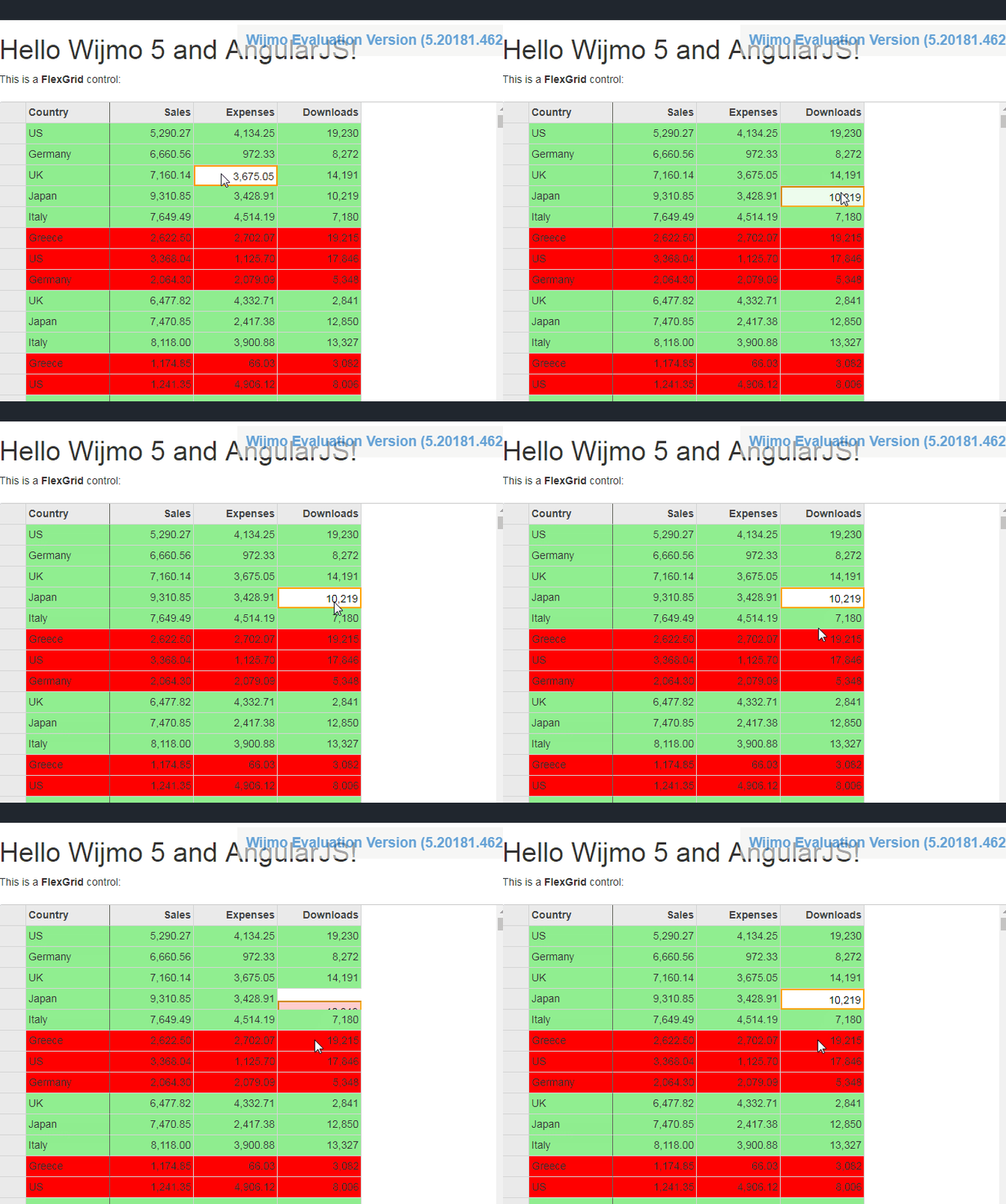
I have this strange function, when I select or the cell is focused and I scroll whit mouse wheel , the flex try to jump into the focus, jumping up or down , when the focus is going to hide on top or below the flex,
I think the problem is the itemFormatter , I use itemFormatter for put colors the cells depending his values.
this is my code using on itemFormatter .
$scope.gridCols.itemFormatter = function (panel, r, c, cell) {
                    if ($scope.vamo == true) {
                        return;
                    }
                    cell.style.textAlign = 'center';
                    cell.style.backgroundColor = "white";
                    if (panel.cellType == wijmo.grid.CellType.Cell) {
                        var value = null;
                        if (cell.childNodes.length > 0) {
                            value = parseFloat(cell.childNodes[0].data);
                        }

                        if (panel.grid.columnHeaders.rows[0].allowMerging == false) {
                            panel.grid.columnHeaders.rows[0].allowMerging = true;
                            panel.grid.columnHeaders.rows[0].allowDragging = false;
                        }
                        if (c <= 3) {
                            cell.style.backgroundColor = "#fcfcfc"; cell.style.color = '#000000';return;
                        }
                        if (c >= 4) {

                            if (value == 0) { cell.style.backgroundColor = "#fcffd1"; cell.style.backgroundColor = "#c00000"; cell.style.color = '#f9f9f9'; return; }
                            if (value >0 && value <= 24.9999) { cell.style.backgroundColor = "#fcffd1"; cell.style.backgroundColor = "#c00000"; cell.style.color = '#f9f9f9'; return; }
                            if (value >= 25 && value <= 49.9999) { cell.style.backgroundColor = "#fcffd1"; cell.style.backgroundColor = "#0070c0"; cell.style.color = '#f9f9f9'; return; }//color = 'red';
                            if (value >= 50 && value <= 74.9999) { cell.style.backgroundColor = "#fcffd1"; cell.style.backgroundColor = "#ffc000"; cell.style.color = '#000000'; return; }//color = 'yellow';
                            if (value >= 75 && value <= 99.9999) { cell.style.backgroundColor = "#fcffd1"; cell.style.backgroundColor = "#002060"; cell.style.color = '#f9f9f9'; return; }//color = 'blue';
                            if (value == 100) { cell.style.backgroundColor = "#fcffd1"; cell.style.backgroundColor = "#006600"; cell.style.color = '#f9f9f9'; return; } //color = 'green';
                            if (value > 100) { cell.style.backgroundColor = "#02ffb3"; cell.style.backgroundColor = "02ffb3"; cell.style.color = '#f9f9f9'; return; }
                            cell.style.backgroundColor = "#000000"; cell.style.backgroundColor = "#000000"; cell.style.color = '#000000'; return;

                        }


                    }
                }