Migrate from 2010v1 to 2025v1. GridView Client Height, adjust PageSize

Posted by: enrique.pv-ext on 17 December 2025, 10:28 am EST

  • Posted 17 December 2025, 10:28 am EST - Updated 17 December 2025, 10:38 am EST

    Hi,

    Migrate from 2010v1 to 2025v1 in ASP.NET WebForms NET Framework 4.8.1.

    Using C1GridView from C1.Web.Wijmo.Controls.48.dll

    using C1.Web.Wijmo.Controls.C1GridView;

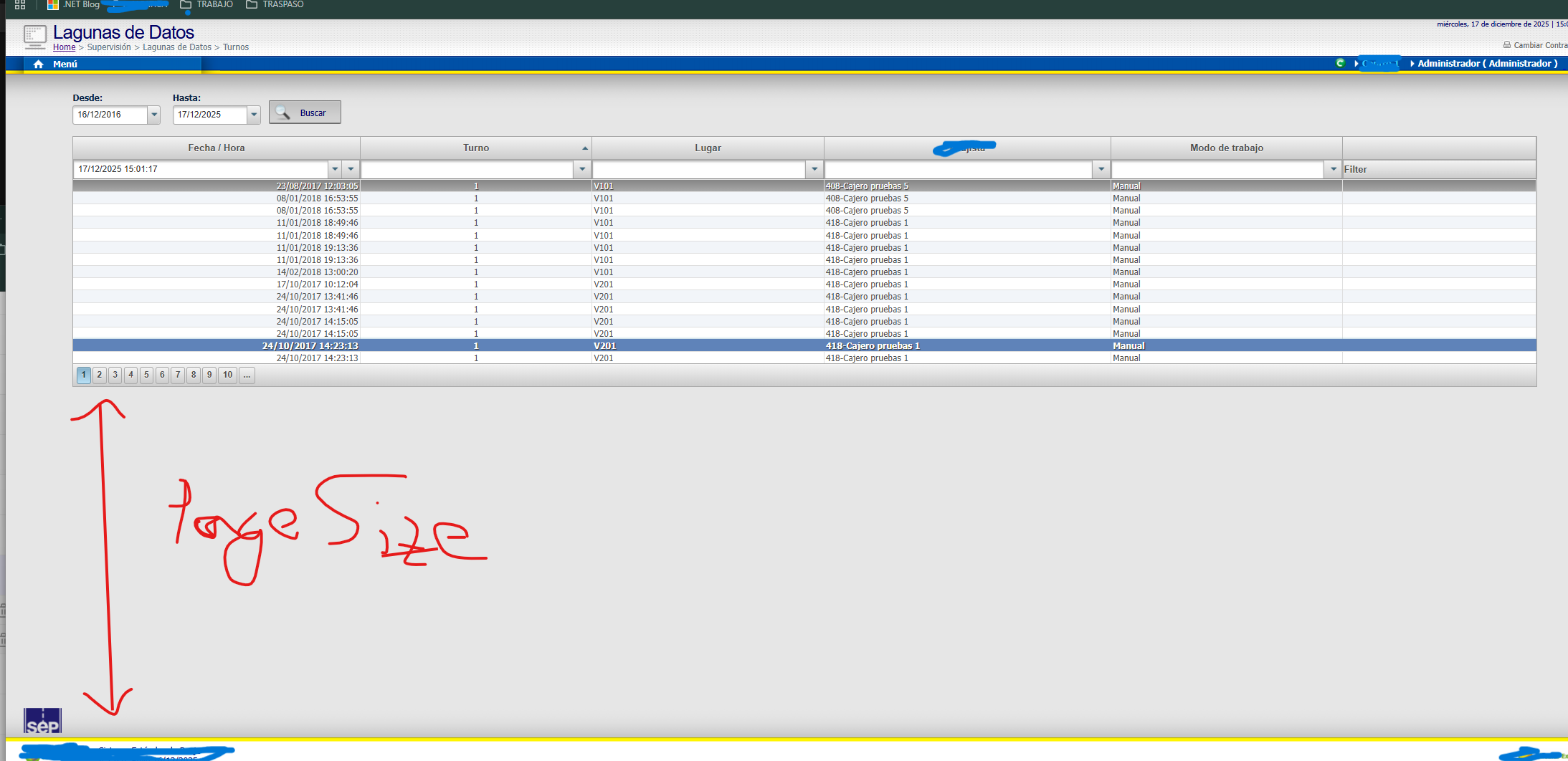
    Can I, adjust PageSize to Client Height (visible) ?

    How can I dynamically adjust the amount of rows shown?

    I can adjust the GridView height but how can I change the amount of rows shown? E.g. “normal” browser window 20 rows, mobile 10 rows, fullscreen 40 rows etc.

  • Posted 18 December 2025, 10:21 pm EST - Updated 18 December 2025, 10:26 pm EST

    Hi,

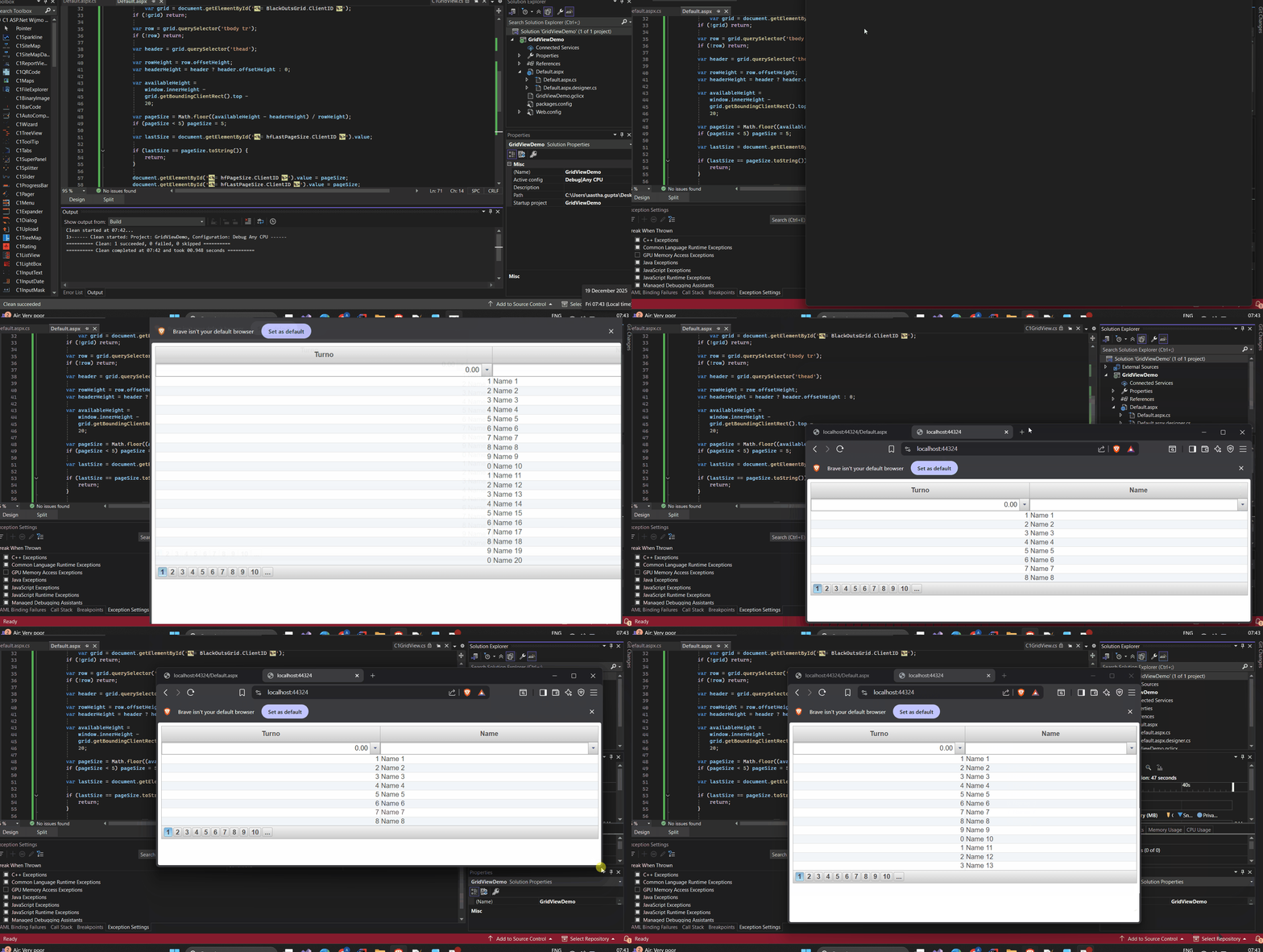
    You can achieve this by calculating the number of visible rows on the client side and then updating the grid’s PageSize on the server.

    Specifically, JavaScript measures the available browser height and the rendered row height to determine how many rows can fit in the viewport. That value is sent back to the server through a valid postback, where we update the C1GridView PageSize and rebind the data.

    This allows the grid to automatically show fewer rows on smaller screens and more rows on larger or fullscreen layouts. We have also attached the sample application for full implementation. See GridViewDemo_Mod.zip

    Here is the GIF showing the output behavior of the application where the number of rows dynamically change on changing the layout size:

    Thanks & regards,

    Aastha

Need extra support?

Upgrade your support plan and get personal unlimited phone support with our customer engagement team

Learn More

Forum Channels