Posted 5 August 2021, 4:35 pm EST
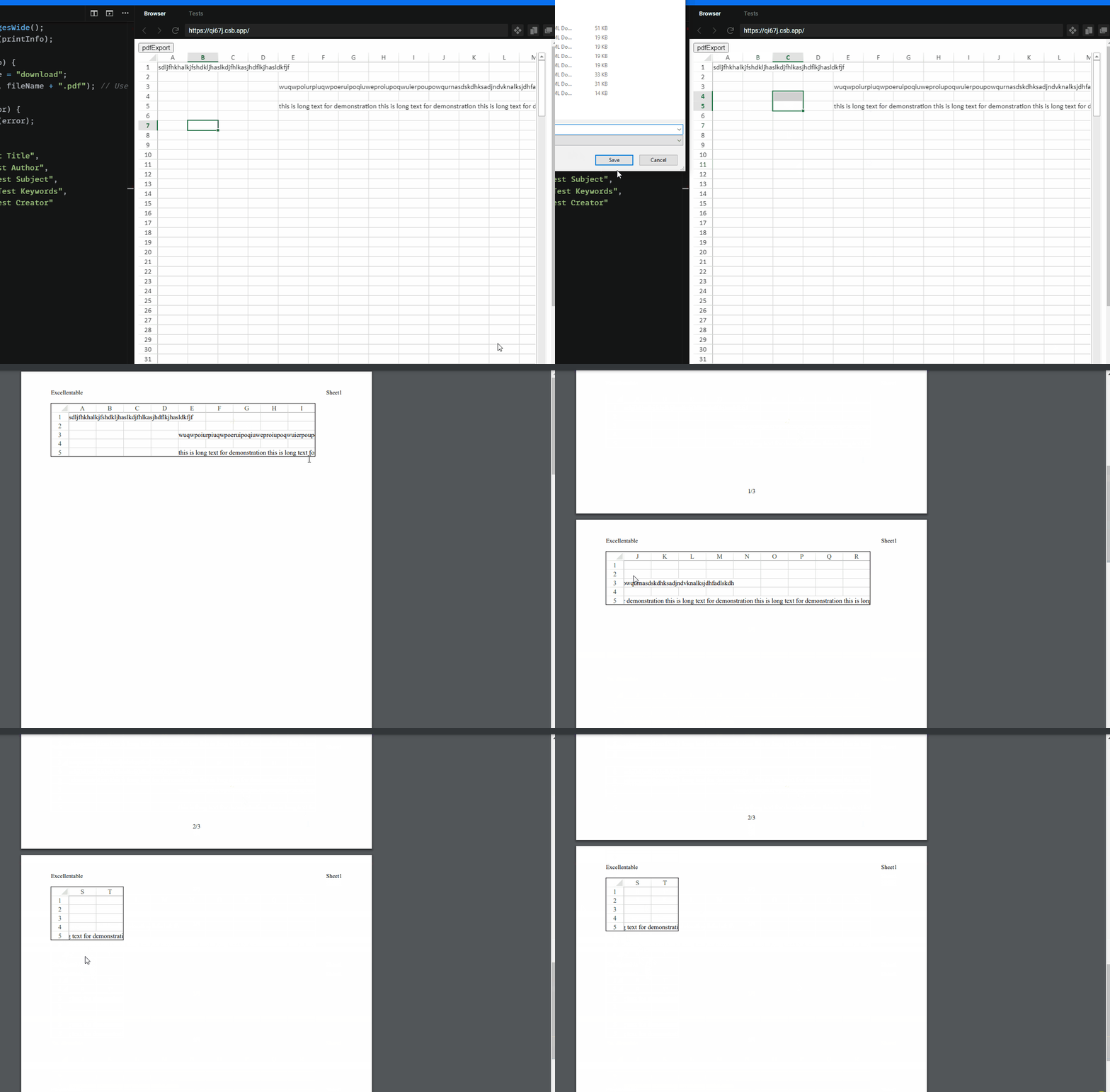
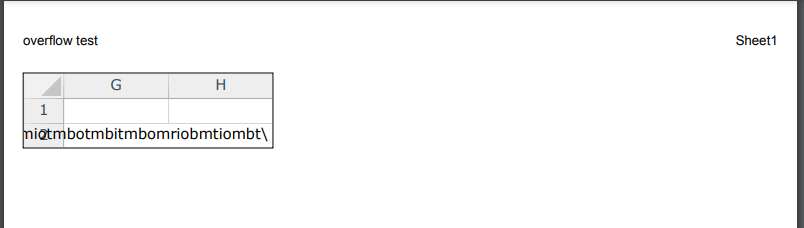
I’m seeing an issue when performing a spread save pdf, with the following printInfo settings causes an issue with overflow cells. Any cells at the end of our page with overflow applied causes the text to overflow onto the next page and cover the header. Please see pdf attached for example.
This doesn’t happen on spread designer so I tried to compare the printInfo but I’m not sure how to retrieve the printInfo from the spread designer. This is our printInfo:
_bestFitColumns: false
_bestFitRows: false
_blackAndWhite: false
_centering: 0
_columnEnd: -1
_columnStart: -1
_firstPageNumber: 1
_fitPagesTall: -1
_fitPagesWide: -1
_footerCenter: “&P/&N”
_footerCenterImage: “”
_footerLeft: “”
_footerLeftImage: “”
_footerRight: “”
_footerRightImage: “”
_headerCenter: “”
_headerCenterImage: “”
_headerLeft: “Excellentable”
_headerLeftImage: “”
_headerRight: “Sheet1”
_headerRightImage: “”
_margin: {bottom: 75, footer: 30, header: 30, left: 70, right: 70}
_orientation: 1
_pageOrder: 0
_pageRange: “”
_paperSize: a {g3: 9, Vo: 826.7716535433073, _v: 1169.2913385826773}
_qualityFactor: 2
_repeatColumnEnd: -1
_repeatColumnStart: -1
_repeatRowEnd: -1
_repeatRowStart: -1
_rowEnd: -1
_rowStart: -1
_showBorder: true
_showColumnHeader: 2
_showGridLine: true
_showRowHeader: 2
_useMax: true
_watermark:
_zoomFactor: 1
Not sure if these settings are causing the issue or maybe the spread settings. Any help is appreciated