Posted 21 July 2022, 6:33 pm EST - Updated 3 October 2022, 9:08 am EST
Hi all,
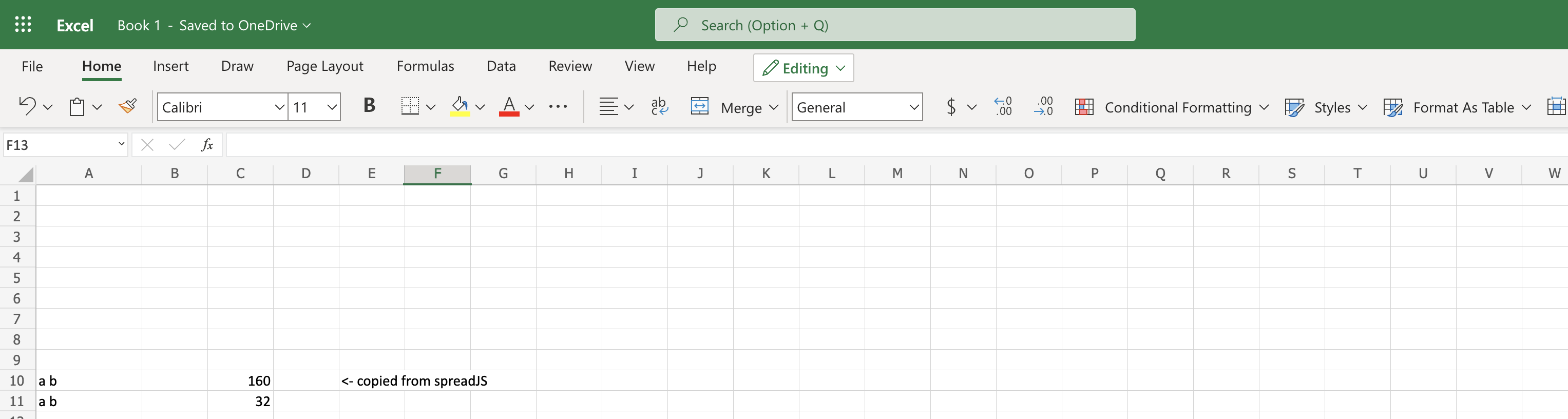
I would like to open a discussion about non-breaking spaces instead of regular spaces after copy/paste from spreadJS to another excel. We noticed that string with non-breaking space representation may cause possible problems if manipulating with them inside excel. Non-breaking spaces are represented in ASCII with code 160 and regular spaces with 32. Is it spreadJS internal issue or is there some way to keep regular spaces after copy/paste from spreadJS instead of non-breaking?