Posted 10 August 2022, 2:19 pm EST - Updated 3 October 2022, 9:07 am EST
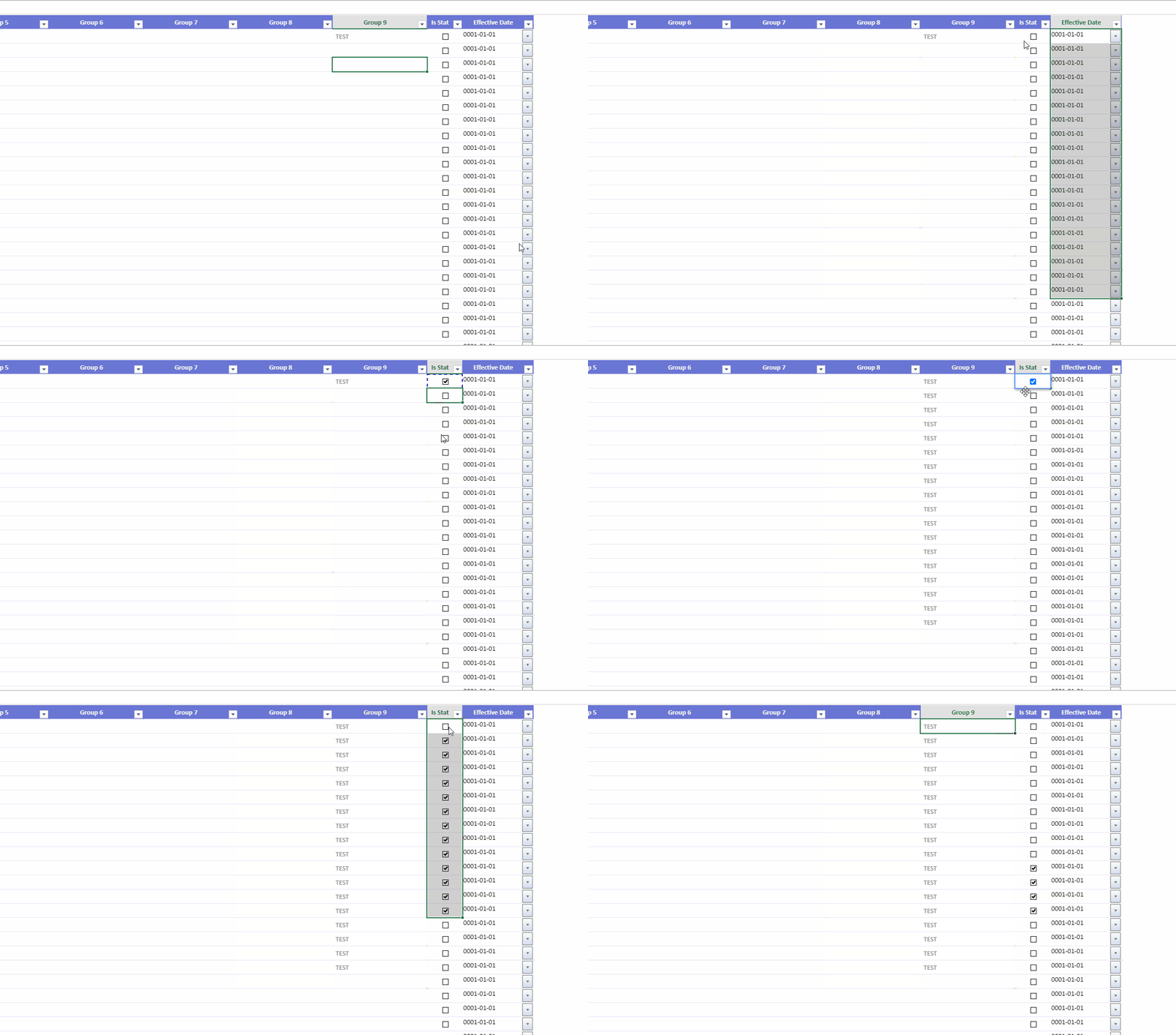
If attempting to highlight a range of cells, if the anchor cell is a CheckBox CellType, the user cannot highlight any range. A typical example would be where you check the first cell and then copy that cell, then you want to highlight a range below it to update multiple rows at once.
A workaround exists by setting the defaultDragFillType to FillSeries. Or the user can use the keyboard with Shift + Arrow. But both of these are probably not the first though when a user is trying to update a range from a copied value.
I’ve attached an example illustration.