#Headers of a TableSheet

Posted by: Jean.s on 29 December 2025, 5:08 am EST

  • Posted 29 December 2025, 5:08 am EST

    Hi,

    I noticed that it is possible to reference a TableSheet’s data array in a formula using the syntax =T[#Data], but =T[#Headers] does not work. How can I retrieve the array of column names within a formula?

    Best Regards

  • Posted 29 December 2025, 8:12 am EST - Updated 29 December 2025, 8:17 am EST

    Hi Jean,

    We can replicate that in the current SpreadJS implementation; TableSheet only exposes the data region to the formula engine (for example, TableSheetName[#Data]). The column headers (captions) are treated as schema metadata, and accessing them results in the #REF! error, which is why TableSheetName[#Headers] does not work.

    There is no built-in formula syntax to directly return all TableSheet column names.

    As a workaround, this can be achieved by:

    • Retrieving the TableSheet column captions via the TableSheet API in JavaScript and writing them into a helper range or named range, or
    • Defining a custom formula function that takes the TableSheet name and returns the column captions as a dynamic array.

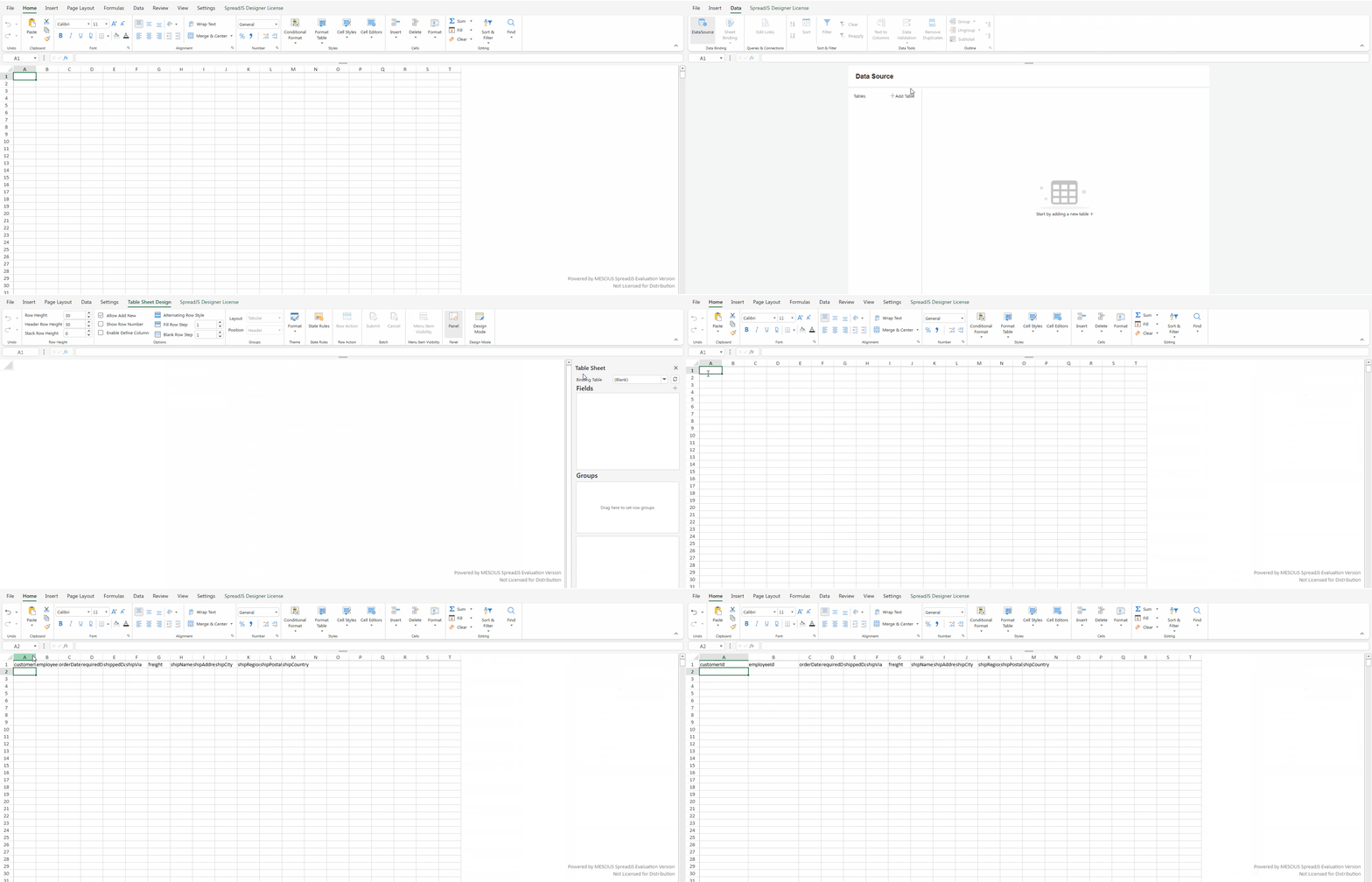
    Please refer to the code sample below that demonstrates how to retrieve the column names from the TableSheet using a custom function.

    We’ve also shared this feedback with our development team for any enhancement considerations under the internal tracking ID SJS-33181.

    Kind Regards,

    Chirag

    Attachment: https://jscodemine.mescius.io/share/ieviIEk1bk67wq1Rt7tq0w

    Working:
  • Posted 30 December 2025, 7:44 am EST

    Hi Jean,

    The structure of TableSheet headers is not fixed and can vary based on the configuration. You can see this behavior across different scenarios in the following demos:

    1. Column Header Fit Mode: https://developer.mescius.com/spreadjs/demos/features/table-sheet/customize-view/column-header-fit-mode/purejs
    2. Multiple Headers: https://developer.mescius.com/spreadjs/demos/features/table-sheet/multiple-header/purejs
    3. Free Header Area: https://developer.mescius.com/spreadjs/demos/features/table-sheet/free-header-area/purejs

    In contrast, a worksheet table follows a structured reference model with a fixed schema. If you need to retrieve headers from a DataManager table, you can bind the table to a worksheet and directly use the formula: =tableName[#Headers].

    Please refer to the following demo for details on table binding and header access: https://developer.mescius.com/spreadjs/demos/features/tables/table-binding/data-manager-binding/purejs

    If you specifically need to work with TableSheet headers only, please share a detailed user story explaining the requirement that cannot be addressed using the approaches described above.

    Kind Regards,

    Chirag

Need extra support?

Upgrade your support plan and get personal unlimited phone support with our customer engagement team

Learn More

Forum Channels