Posted 11 April 2018, 9:24 pm EST
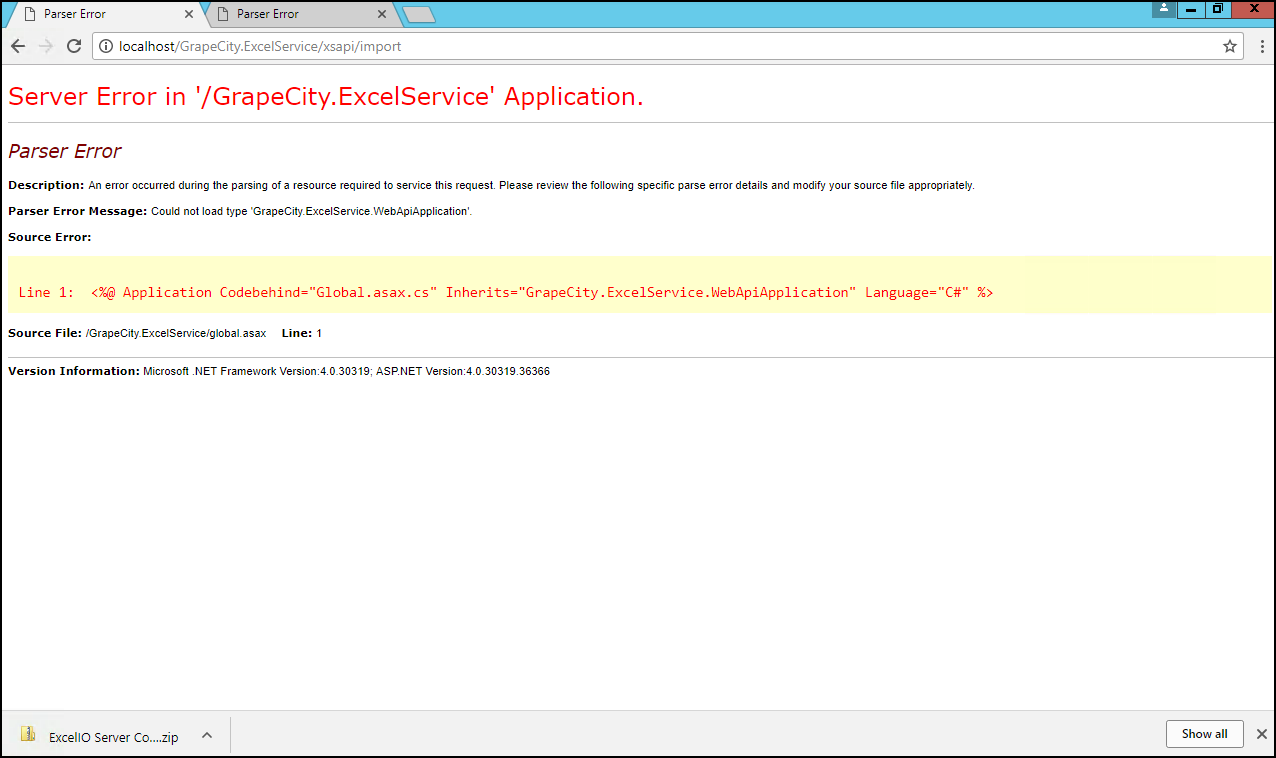
I finally got the conversion server component on IIS, however, when trying to use the import service I get a license error:
w3wp.exe Information: 0 : Message=‘Import’, Operation=DefaultHttpControllerSelector.SelectController
w3wp.exe Information: 0 : Message=‘GrapeCity.ExcelService.Controllers.ImportController’, Operation=DefaultHttpControllerActivator.Create
w3wp.exe Information: 0 : Message=‘GrapeCity.ExcelService.Controllers.ImportController’, Operation=HttpControllerDescriptor.CreateController
w3wp.exe Information: 0 : Message=‘Selected action ‘Post()’’, Operation=ApiControllerActionSelector.SelectAction
w3wp.exe Information: 0 : Operation=HttpActionBinding.ExecuteBindingAsync
‘w3wp.exe’ (CLR v4.0.30319: /LM/W3SVC/1/ROOT/GrapeCity.ExcelService-3-131679579948440616): Loaded ‘C:\WINDOWS\assembly\GAC_MSIL\Microsoft.VisualStudio.Debugger.Runtime\14.0.0.0__b03f5f7f11d50a3a\Microsoft.VisualStudio.Debugger.Runtime.dll’. Skipped loading symbols. Module is optimized and the debugger option ‘Just My Code’ is enabled.
Exception thrown: ‘System.ComponentModel.LicenseException’ in GrapeCity.Spread.Sheets.ExcelIO.dll
w3wp.exe Error: 0 : Operation=ReflectedHttpActionDescriptor.ExecuteAsync, Exception=System.ComponentModel.LicenseException: License Not Found, If you purchased a license, your key is in your purchase confirmation email. Email us.sales@grapecity.com if you need assistance.
at GrapeCity.Spread.Sheets.ExcelIO.Spread…ctor(Workbook book)
at GrapeCity.Spread.Sheets.ExcelIO.Importer…ctor()
at GrapeCity.ExcelService.Controllers.ImportController.d__1.MoveNext() in \vmware-host\Shared Folders\Downloads\ExcelIO Server Component.11.0.4\samples\GrapeCity.ExcelService\Controllers\ImportController.cs:line 163
w3wp.exe Error: 0 : Operation=ApiControllerActionInvoker.InvokeActionAsync, Exception=System.ComponentModel.LicenseException: License Not Found, If you purchased a license, your key is in your purchase confirmation email. Email us.sales@grapecity.com if you need assistance.
at GrapeCity.Spread.Sheets.ExcelIO.Spread…ctor(Workbook book)
at GrapeCity.Spread.Sheets.ExcelIO.Importer…ctor()
at GrapeCity.ExcelService.Controllers.ImportController.d__1.MoveNext() in \vmware-host\Shared Folders\Downloads\ExcelIO Server Component.11.0.4\samples\GrapeCity.ExcelService\Controllers\ImportController.cs:line 163
w3wp.exe Error: 0 : Operation=ImportController.ExecuteAsync, Exception=System.ComponentModel.LicenseException: License Not Found, If you purchased a license, your key is in your purchase confirmation email. Email us.sales@grapecity.com if you need assistance.
at GrapeCity.Spread.Sheets.ExcelIO.Spread…ctor(Workbook book)
at GrapeCity.Spread.Sheets.ExcelIO.Importer…ctor()
at GrapeCity.ExcelService.Controllers.ImportController.d__1.MoveNext() in \vmware-host\Shared Folders\Downloads\ExcelIO Server Component.11.0.4\samples\GrapeCity.ExcelService\Controllers\ImportController.cs:line 163
w3wp.exe Information: 0 : Message=‘Will use same ‘JsonMediaTypeFormatter’ formatter’, Operation=JsonMediaTypeFormatter.GetPerRequestFormatterInstance
w3wp.exe Information: 0 : Message=‘Selected formatter=‘JsonMediaTypeFormatter’, content-type=‘application/json; charset=utf-8’’, Operation=DefaultContentNegotiator.Negotiate
w3wp.exe Information: 0 : Response, Status=500 (InternalServerError), Method=POST, Url=http://db/GrapeCity.ExcelService/xsapi/import, Message=‘Content-type=‘application/json; charset=utf-8’, content-length=unknown’
We are using a trial version, in the instructions I see how to specify the key on the JS side, but how can this be done in the server component?
Note: in version 9 we have a License Manager, we do not see such tool in version 11.
Thanks!