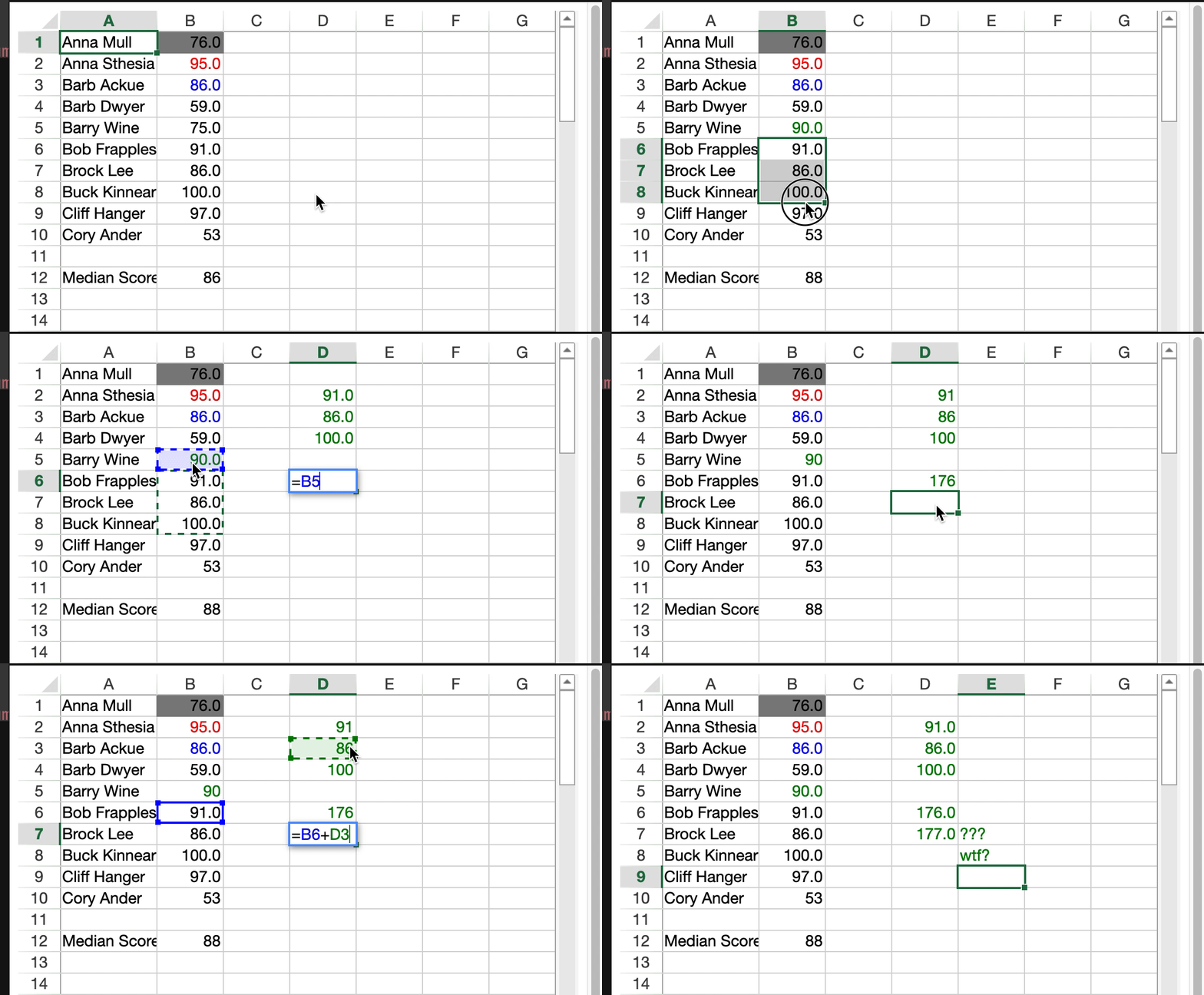
Posted 28 June 2021, 5:49 am EST - Updated 3 October 2022, 9:43 am EST
Dear support,
I’m reaching you out as in the recent releases from 14.0.10 to 14.1.1 something changed within the edit mode, it seems like the isPaintSuspended() returns always true even after a resumePaint() gets programmatically triggered.
We use a customization of the edit mode to highlight with a different colour what changed from the initial data. It appears that as soon as we swap the cell style with the “edited” version we start experiencing an overlay of the previous data once re-entering in edit mode.
Please look at the screen record in attachment
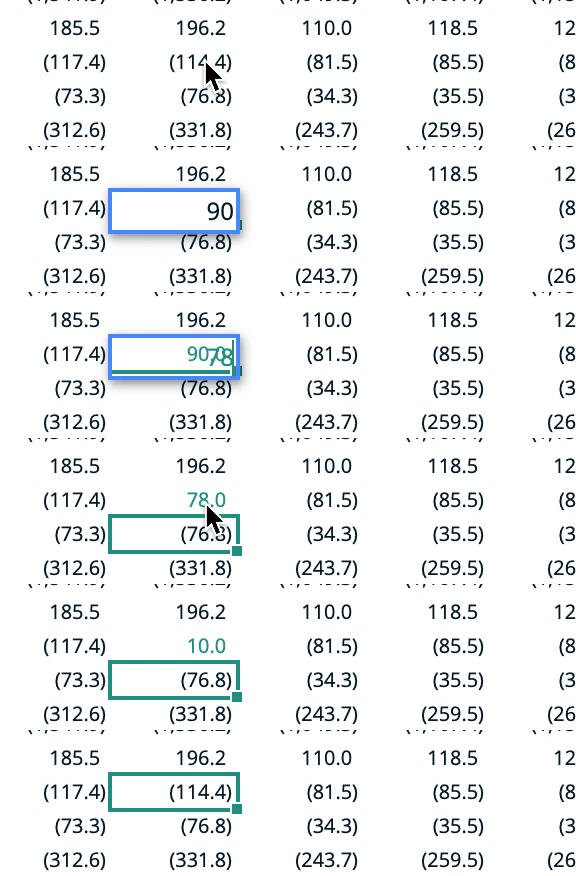
The change made on your side also affects several other functionalities so I need to understand what it changed on the paint flow and the related programmatic way of suspending and resuming.
Just to give you an idea of what we do during the editing mode:
CellChanged event checks if the previous and new value aren’t the same, the propertyName is not ‘value’ or ‘formula’ and if the check is met, then we get the current style via getActualStyle method and merge this style with our foreColor then reassign to the cell the style via setStyle method. During the last few days of debugging I also tried to skip the merge of the style and simply getCell and assign foreColor(mycolor).
The same logic applies on RangeChanged when the info.action is 0,1,2,3 to cover cases like: Undos, Dragfill, clear (from an Undo)
Either way, the issue is deeper and outside my visibility since your library is compressed and has no debug mode.
Would you please look into it and/or release more information about the latest few changes your devs did around this area?
Looking forward to hearing from you