
Custom formula with reference

Posted by: tovarnakm on 3 August 2021, 5:24 pm EST

    • Post Options:
    • Link

    Posted 3 August 2021, 5:24 pm EST - Updated 3 October 2022, 9:41 am EST

    Hello,

    I would be very grateful for the advice, how to reference any cell with custom formula implicitly.
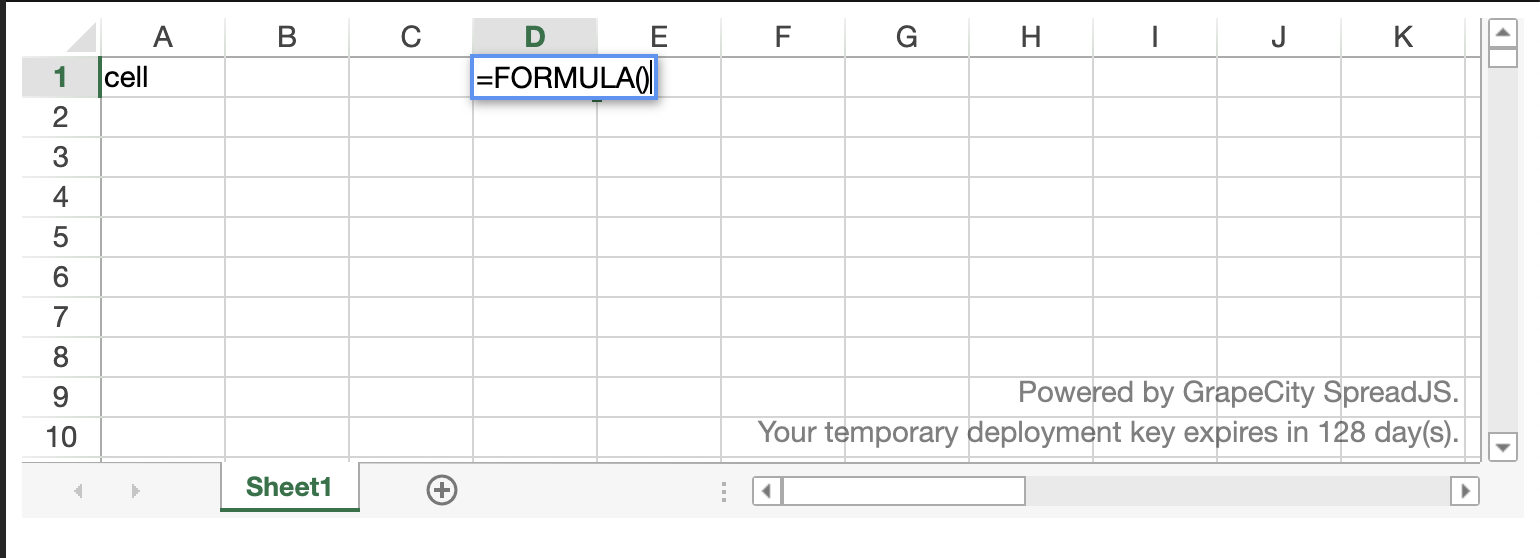
    After pressing enter and submitting my custom formula I would like to receive reference of A1. Also after changing this reference (content of A1 cell) recalculate formula. So argument of context.setAsyncResult("A1 ") should be not string, but reference.

    I need to pass A1 reference in evaluateAsync:
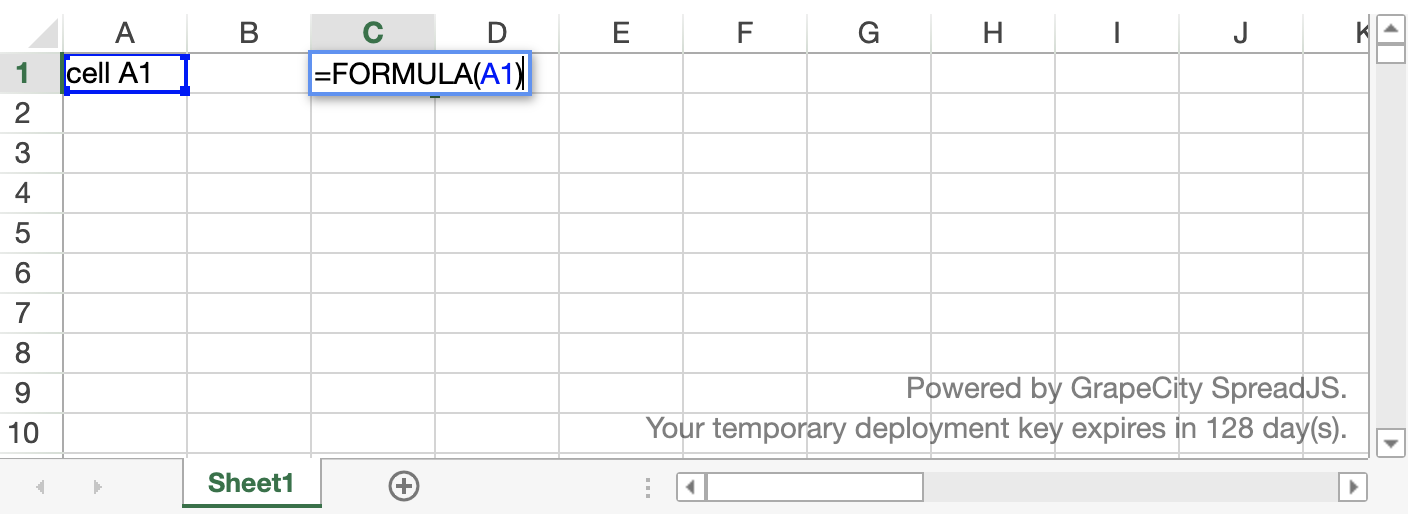
    Thank you

  • Posted 3 August 2021, 5:26 pm EST

  • Posted 4 August 2021, 4:25 am EST

    Hi,

    For this, you need to get the cell Range of A1 using the getRange method. Please refer to the following code snippet and attached sample and let us know if you face any issues.

    
    let sheet = context.ctx.source
            .getCalcSourceModel()
            .getSource()
            .getSheet();
    
          let rangeVal = sheet.getRange("A1").value();
    
          context.setAsyncResult(rangeVal);


    sample: https://codesandbox.io/s/spreadjs-lock-row-forked-5u1ps?file=/src/formula.js

    Regards,

    Avinash

  • Posted 4 August 2021, 8:22 pm EST

    Thank you for answer, but it does not work as excepted :(. If I change cell content of A1, I expect the formula will be recalculated and updated (without refreshing).

    I tried also context.ctx.acceptsReference = true in evaluateAsync but without result.

  • Posted 5 August 2021, 2:37 am EST

    Hi,

    This is expected because the formula cell is not dependent on cell A1 it is only used inside the evaluate Async function. The formula will only be refreshed if one of the precedents gets changed but here the cell a1 is not the precedent that is why it is not getting refreshed.

    We could fix this issue using the following ways.

    1. We may use the UserFormulaEntered event and parameter to formula entered. Please refer to the following code snippet and let us know if you face any issues.
    
     spread.getSheet(0).bind("UserFormulaEntered", (e, args) => {
          if (args.formula.toLocaleLowerCase() === "formula()") {
            //change Formula
            args.sheet.setFormula(args.row, args.col, "Formula(A1)");
          }
        });


    sample: https://codesandbox.io/s/spreadjs-lock-row-forked-cy1qi?file=/src/index.js:640-870

    1. We may also use the CellChanged method and call the recalcAll method if the cell is A1. Please refer to the following code snippet and let us know if you face any issues.
    
       spread.getSheet(0).bind("CellChanged", (e, args) => {
         if (args.row === 0 && args.col === 0) {
           args.sheet.recalcAll();
         }
       });


    API References:

    CellChanged:https://www.grapecity.com/spreadjs/docs/v14/online/SpreadJS~GC.Spread.Sheets.Events~CellChanged_EV.html

    UserFormulaEntered: https://www.grapecity.com/spreadjs/docs/v14/online/SpreadJS~GC.Spread.Sheets.Events~UserFormulaEntered_EV.html

    recalcAll: https://www.grapecity.com/spreadjs/docs/v14/online/SpreadJS~GC.Spread.Sheets.Worksheet~recalcAll.html

    Regards,

    Avinash

  • Posted 5 August 2021, 5:34 am EST

    Thank you,

    It is working with recalcAll(), but is heavy on performance, there are many same formulas in sheet. Spreadsheet freezes. Is there approach to recalc() only specific cell ?

  • Posted 6 August 2021, 12:01 am EST

    Hi,

    We are sorry but spreadJS does not support recalculating the single-cell but we may create a function that performs the same functionality. Please refer to the following code snippet and let us know if you face any issues.

    
     sheet.bind("CellChanged", (e, { row, col, sheet }) => {
          if (row === 0 && col === 0) {
            refreshCell(sheet, 0, 1);
          }
        });
    
        const refreshCell = (sheet, row, col) => {
          sheet.suspendPaint();
          let oldFormula = sheet.getFormula(row, col);
          sheet.setFormula(row, col, null);
          sheet.setValue(row, col, null);
          sheet.setFormula(row, col, oldFormula);
          sheet.resumePaint();
        };
    

    sample: https://codesandbox.io/s/spreadjs-lock-row-forked-tv077?file=/src/index.js:936-1426

    Regards

    Avinash

Need extra support?

Upgrade your support plan and get personal unlimited phone support with our customer engagement team

Learn More

Forum Channels