Posted 30 December 2025, 2:49 pm EST
My question has to do with how to reference vb.net code based collection object properties and sub-object properties as one data set in an rdlx report. Question details and diagram in attached zip folder. Thanks…
Forums Home / ActiveReports / ActiveReports v7+
Posted by: strutzj on 30 December 2025, 2:49 pm EST

strutzj
Posted 30 December 2025, 2:49 pm EST
My question has to do with how to reference vb.net code based collection object properties and sub-object properties as one data set in an rdlx report. Question details and diagram in attached zip folder. Thanks…

akshay.rajput

Posted 31 December 2025, 1:53 am EST
Hi Jim,
You can bind Report DataSources with DataTable, DataSet(ADO.NET), or with IEnumerables like List.
For this, please refer to the following pages of our documentation:
I have also created a sample and attached it for you to look over.
Regards,
Akshay
RuntimeDataPageReport.zip
akshay.rajput
Posted 9 January 2026, 2:08 am EST
Hi Jim,
It is not possible to create “a data set within a data set”. If loading data from nested objects, you would have to create multiple datasets, and to show data in the structure, you would have to use Grouping, Filters, and Lookup Set
So say if you have Records Set and Items Set within Records.
You would have to create a Records DataSet and an Items DataSet here. The Items DataSet should have a Foreign Key or a linked key to the Records DataSet, so you can filter the Items based on (Items}RecordID with (Records)ID field
For more information on nested data sets and controls, please refer to the following pages of our documentation.
I have also updated the sample so now it has a RecordID field, which I am using to show the data in a nested fashion by nesting Tables and adding a filter to the nested table(Table4 in the report).
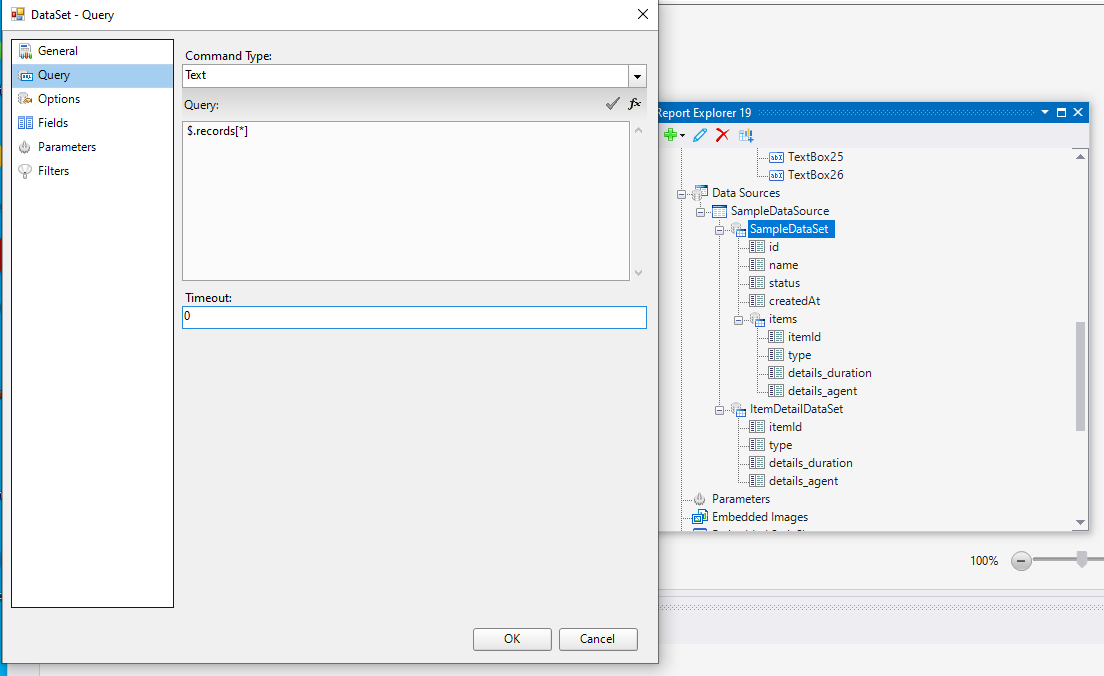
>> How do you create a data set within a data set in AR? This looks exactly what I need to do. What is the query $.records[*}?
I will share some steps to create a dataset and then steps to create a data set to be used with runtime objects, VB.NET objects like List or DataSet.
Steps To Create A DataSet:
Steps To Create A Runtime DataSet:
Based on your use case and code requirements, you can use “e.DataSet.Fields”, “e.DataSet.Query.CommandText”, “e.DataSet.Filters”, “e.Report.DataSources”, and other properties available in the LocateDataSourceEventArgs parameter.
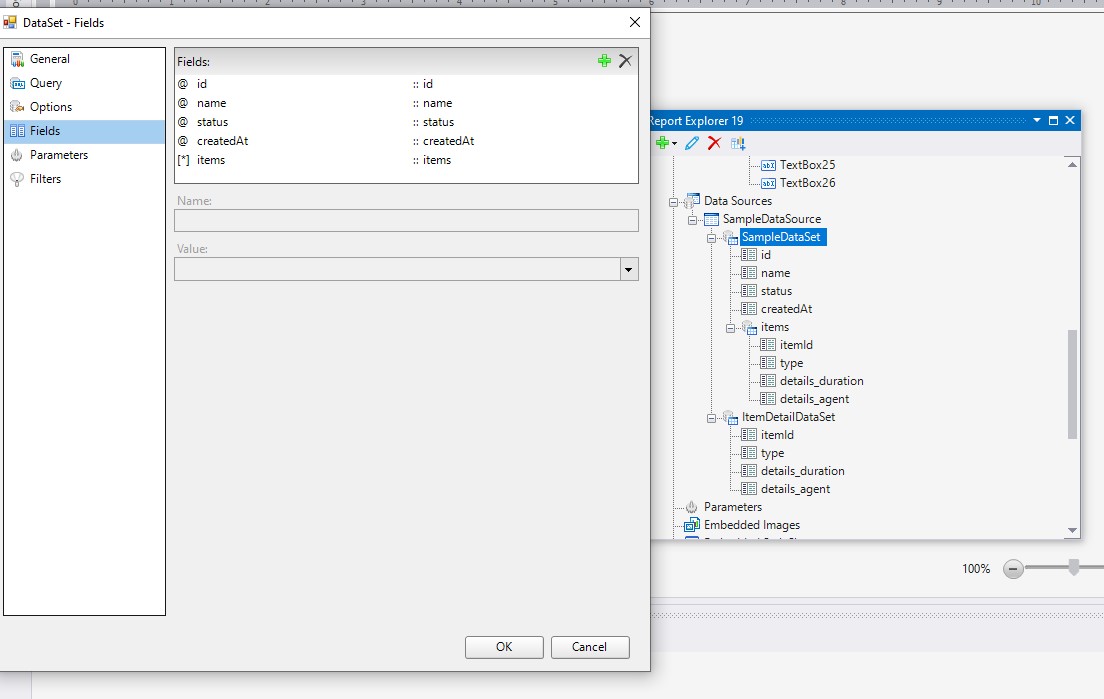
4. [IMPORTANT] Now, when you have configured the DataSet, you must also add the fields to your dataset manually. Fields will be used in the report layout to compute using the dataset records. Each field has a name and a value. Name is the identifier used in the report layout, and value is the attribute name for the field in each record.
5. Once the field is added, you can click OK, and your dataset is complete.
>> What is the query $.records[*}?
So in my code, I am using the DataSet.Query so you can ignore this field. I only added this for demonstration purposes on how the query field can be used.