Posted 2 December 2025, 12:07 am EST - Updated 2 December 2025, 12:15 am EST
Error when upgrade ActiveReports v7 -> ActiveReports v19
Posted by: hieuvn1 on 2 December 2025, 12:07 am EST
-

hieuvn1
-

kartik.dua

Posted 2 December 2025, 6:56 am EST
Hi,
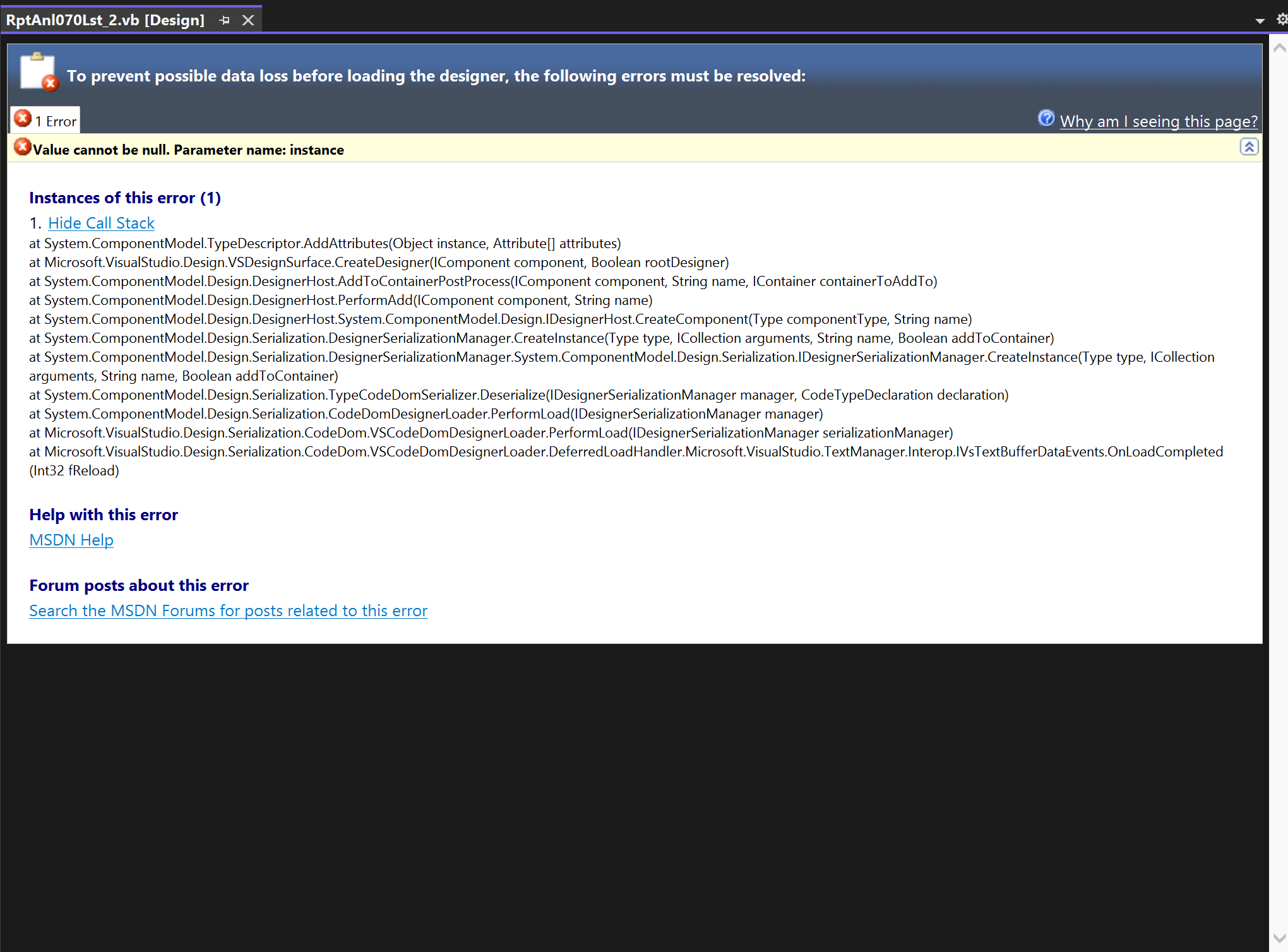
Thank you for sharing the screenshot. Given that you’re upgrading from a very old, now-legacy version, it’s important to note that there have been several major and breaking changes across releases. Because of this, directly converting your reports to the latest AR19 format using the migration tool may lead to issues in certain reports. The error shown in your screenshot is sometimes observed due to the changes in the designer API.
You can proceed in one of two ways:
-
Step-by-step migration: First migrate your v7 reports to v14, which introduced major changes due to .NET Core support. Then migrate 1-2 versions at a time using our migration tool. This ensures your reports are updated progressively and account for all changes introduced over the years.
-
Manual review: Review the documentation for all intermediate versions, identify the breaking changes, and manually update your v19-converted reports accordingly.
We recommend the step-by-step approach, as it will be easier and more reliable on your end.
Best Regards,
Kartik -
-
hieuvn1
Posted 2 December 2025, 11:20 am EST - Updated 2 December 2025, 11:20 am EST
Hi Kartik, Thank you for your support,
My project is using .net Framework 3.5, now we are also upgrading to .net framework 4.8.1, and AR v7 → AR v19
Do you have any suggestions for migration ActiveReport,
Thanks -
kartik.dua
Posted 3 December 2025, 6:39 am EST
Hi,
Yes, the latest version of ActiveReports (AR19) is fully supported in .NET Framework 4.8.1. Therefore, you can upgrade your project to .NET Framework 4.8.1 to use the latest AR19.
Regarding migration, we recommend following the step-by-step upgrade approach, as mentioned in our previous response.
Best Regards,
Kartik