Posted 14 January 2026, 7:03 am EST
Hi Travis,
Thank you for explaining your entire scenario; it helps us understand your entire use-case very well.
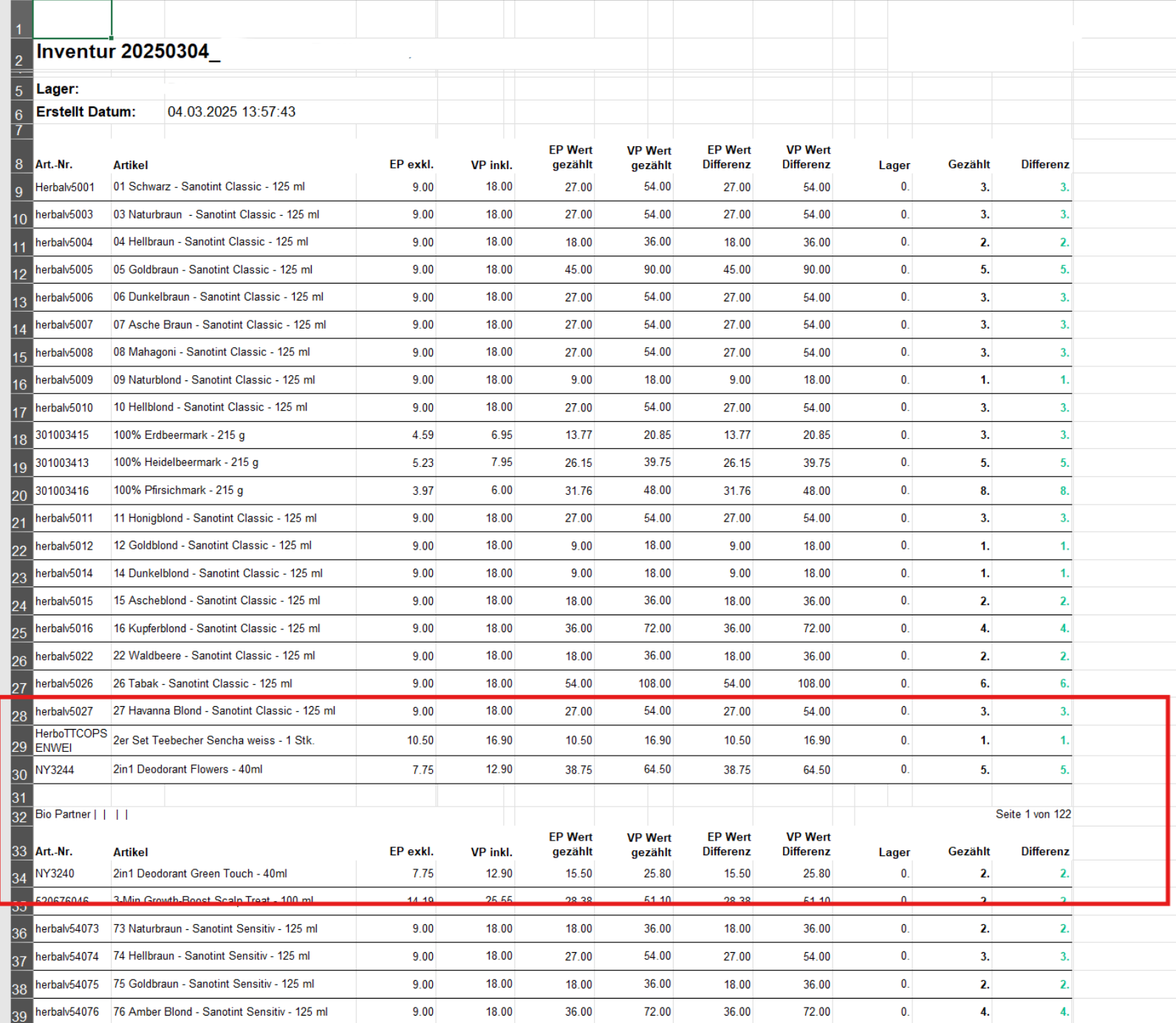
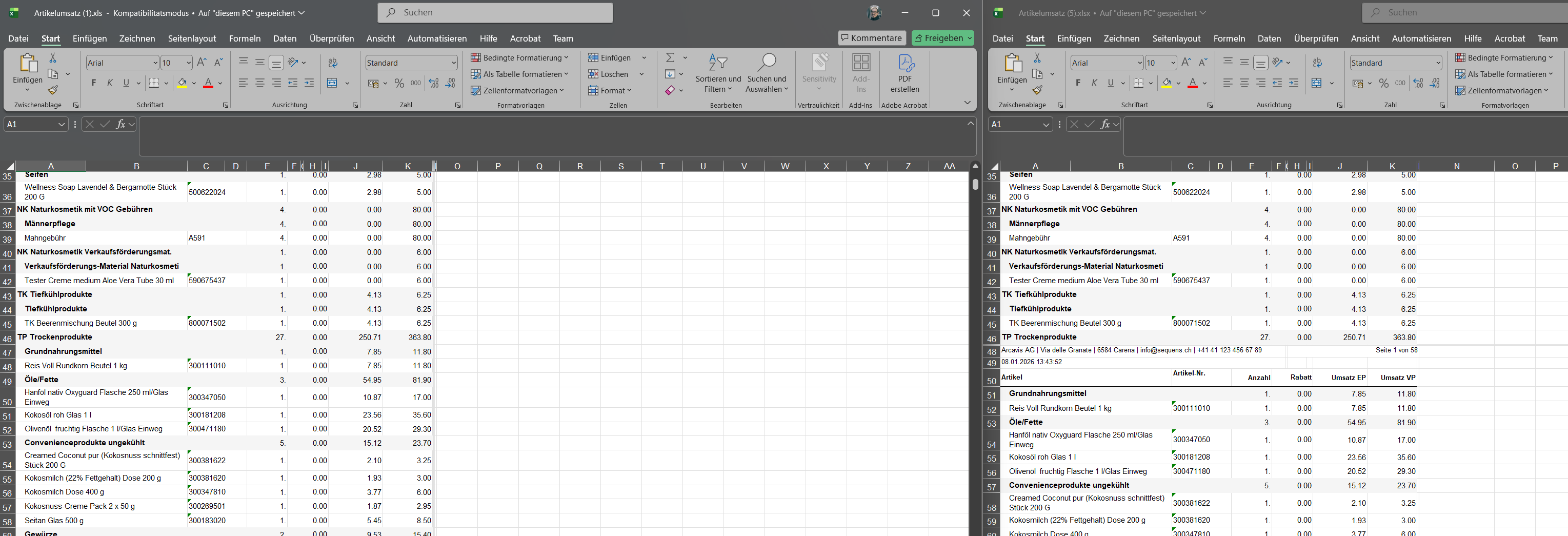
In your case, as you’d like to only show the data continuously in a single sheet without the headers/footers repeating from every page onwards (after/before page breaks) we’ll suggest exporting your report to “XlsxData”.
The “XLS” or “XLSX” exports the report just as a preview. That is, in preview, every page shows a header, then certain rows of data, and then shows the footer. The same format is followed when exporting to Excel. Whereas “XLSXData” is used when only the Data of the report needs to be exported.
Do note that XLSX Data may not export certain styling, images, etc., in the exported file.
Excel Data exports only data from Tablix, Table, and Matrix data regions, preserving the data region structure and ignoring layout-related features (page break, cumulative total, etc). Other controls and data regions of the original report are ignored at this export.
You can learn more about XLSXData export here: Excel Data Export.
However, if you’d like to only use the regular XLSX Export, then you’ll need to manually hide/remove the extra controls that you do not want to include in the export, also set the ‘Pagination’ property to ‘false’ so that there are no blank spaces in the Excel export (representing spaces in your report preview).
Unfortunately, we were unable to test the exports with your shared files due to the unavailability of the SQL Data Source/Sample data. However, if you face any issues, please feel free to reach out.
Regards,
Anand