Attachments
Attachments let you embed files or reference documents inside a PDF. In DsPdfJS, this is handled through file specifications and embedded file streams, which keep the attached content available with the PDF and help preserve valid file references when the document is shared.
Document-level attachment
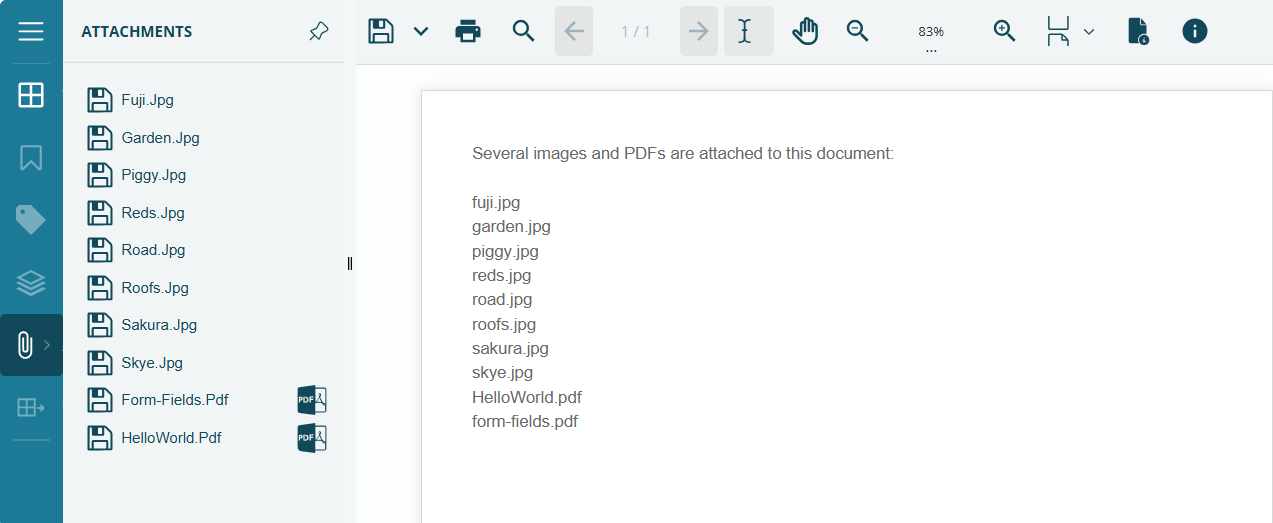
Document-level attachments embed files directly into the PDF so they are available at the document level rather than tied to a specific page. In DsPdfJS, you define each attachment using FileSpecification and add it to the document with the doc.embeddedFiles.add method.
Refer to the following example code to embed multiple files (images and PDFs) as document-level attachments:
const doc = new ds.PdfDocument();
const page = doc.pages.addNew();
const ctx = page.context;

const margin = ctx.resolution / 2;

// Files to embed (adjust folders to match your demo project structure):
const files = [
  { folder: "img", name: "fuji.jpg" },
  { folder: "img", name: "garden.jpg" },
  { folder: "img", name: "piggy.jpg" },
  { folder: "img", name: "reds.jpg" },
  { folder: "img", name: "road.jpg" },
  { folder: "img", name: "roofs.jpg" },
  { folder: "img", name: "sakura.jpg" },
  { folder: "img", name: "skye.jpg" },
  { folder: "pdfs", name: "HelloWorld.pdf" },
  { folder: "pdfs", name: "form-fields.pdf" },
];

// Note listing attachments:
const list = files.map(f => f.name).join("\n");
const note = new ds.Layout({
  maxWidth: ctx.width,
  maxHeight: ctx.height,
  marginAll: margin,
  textAlignment: ds.TextAlignment.Leading,
  runs: [{
    text:
      "Several images and PDFs are attached to this document:\n\n" +
      list,
    format: new ds.Format({ fontSize: 12, foreColor: "DimGray" }),
  }],
});
ctx.drawLayout(note, 0, 0);

// Embed each file into the PDF's EmbeddedFiles collection:
// (API shape matches your earlier rich-media sample: FileSpecification + stream.data)
for (const f of files) {
  const path = `${f.folder}/${f.name}`;
  const data = await loadFileAsArray(path);

  const fspec = new ds.FileSpecification({
    fileName: f.name,              // what viewers show
    description: f.name,           // optional
    stream: { data },              // embedded bytes
  });

  // Key can be any unique string; using the path keeps it simple:
  doc.embeddedFiles.add(path, fspec);
}
File attachment annotation
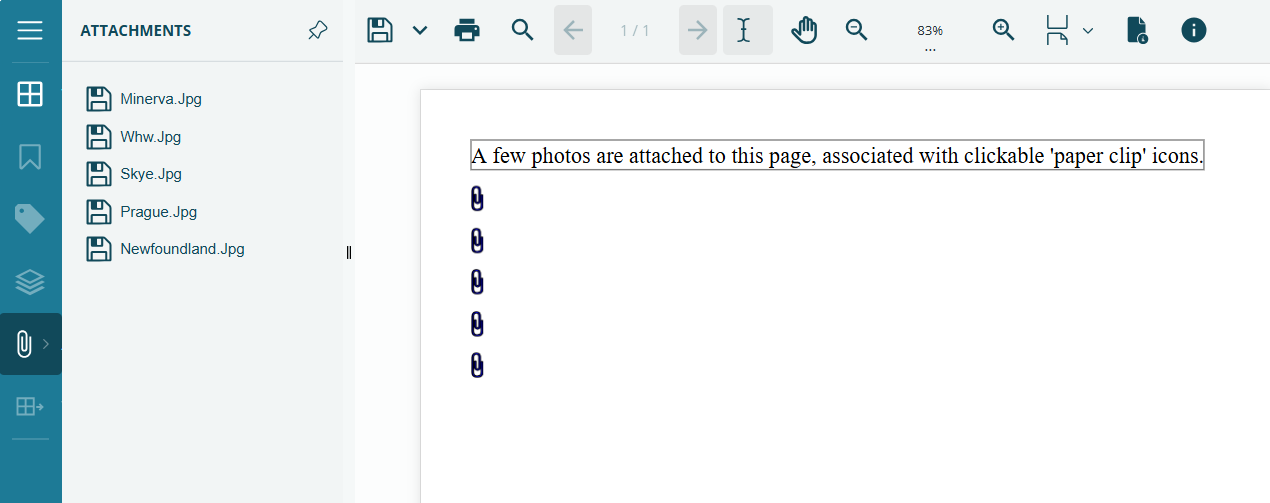
A file attachment annotation represents an embedded file in a PDF and usually appears as a paper clip icon on the page. In DsPdfJS, you create it with FileAttachmentAnnotation and FileSpecification, then set properties such as icon, rect, contents, and color before adding it to the page with page.annotations.add.
Refer to the following example code to add file attachment annotations to a PDF document:
const doc = new ds.PdfDocument();
const page = doc.pages.addNew();
const ctx = page.context;
const margin = ctx.resolution / 2;
const gap = 12, clipW = margin / 4, clipH = margin / 2;
let y = margin;

const tf = new ds.Format({ fontSize: 16, font: ds.Font.getPdfFont(ds.StandardPdfFont.Times) });
const tl = new ds.Layout({
defaultFormat: tf,
maxWidth: ctx.width - margin * 2,
});
function drawNote(text) {
tl.clear();
tl.appendLine({ text });
ctx.drawLayout(tl, margin, y);
ctx.drawRect(margin, y, tl.contentWidth, tl.contentHeight, {lineColor: "gray"});
}
drawNote("A few photos are attached to this page, associated with clickable 'paper clip' icons.");
y += tl.contentHeight + gap;

const photos = [
"photos/minerva.jpg",
"photos/whw.jpg",
"photos/skye.jpg",
"photos/prague.jpg",
"photos/newfoundland.jpg",
];
const datas = await Promise.all(photos.map(loadFileAsArray));
for (let i = 0; i < photos.length; i++) {
const path = photos[i];
const data = datas[i];
const fileName = path.split("/").pop();

const fileAttachment = new ds.FileAttachmentAnnotation();
Object.assign(fileAttachment, {
    file: new ds.FileSpecification( { fileName, stream: { data , mimeType: "image/jpeg" }, }),
    userName: "Jaime Smith",
    contents: `Attached file: ${fileName}`,
    icon: "Paperclip",
    rect: { x: margin, y, width: clipW, height: clipH },
    color: "Blue",
});
page.annotations.add(fileAttachment);
y += clipH + gap;
}