- Spread for WPF Overview
- About the Product
- Getting Started
- Quick Start
- Designer
- Features
- Assembly Reference
Step 1: Create a WPF Application
In Visual Studio, select File > New > Project.
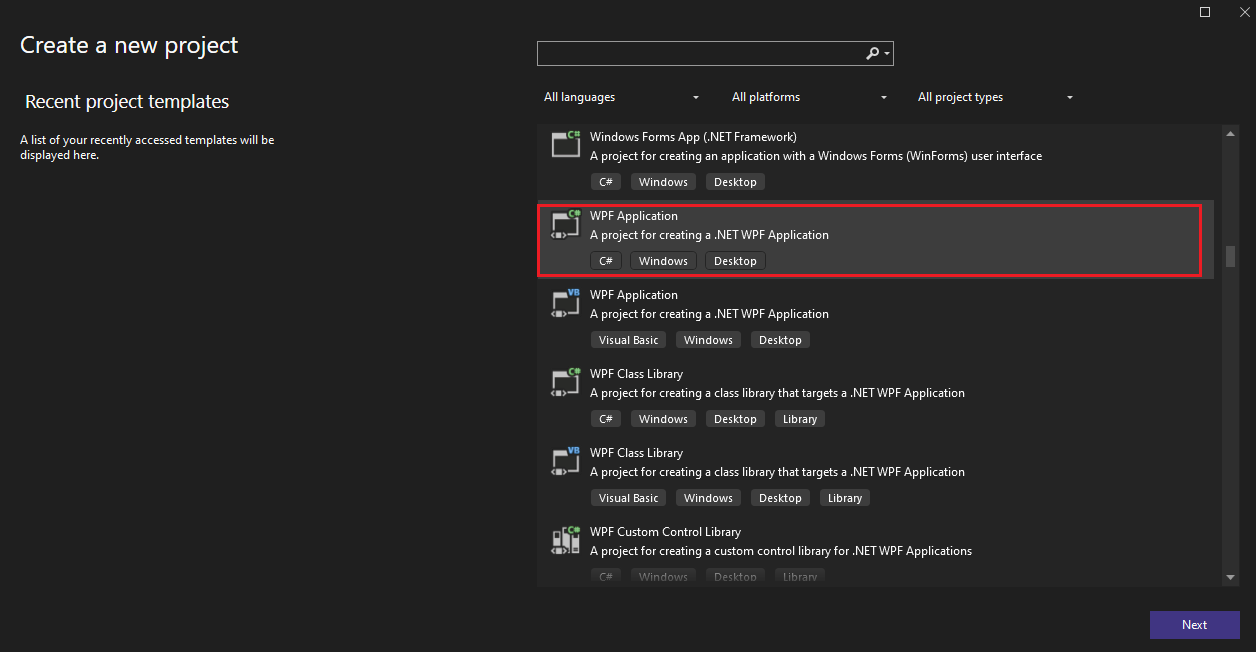
In the Create a new project dialog, select WPF Application as the project template, then click Next.
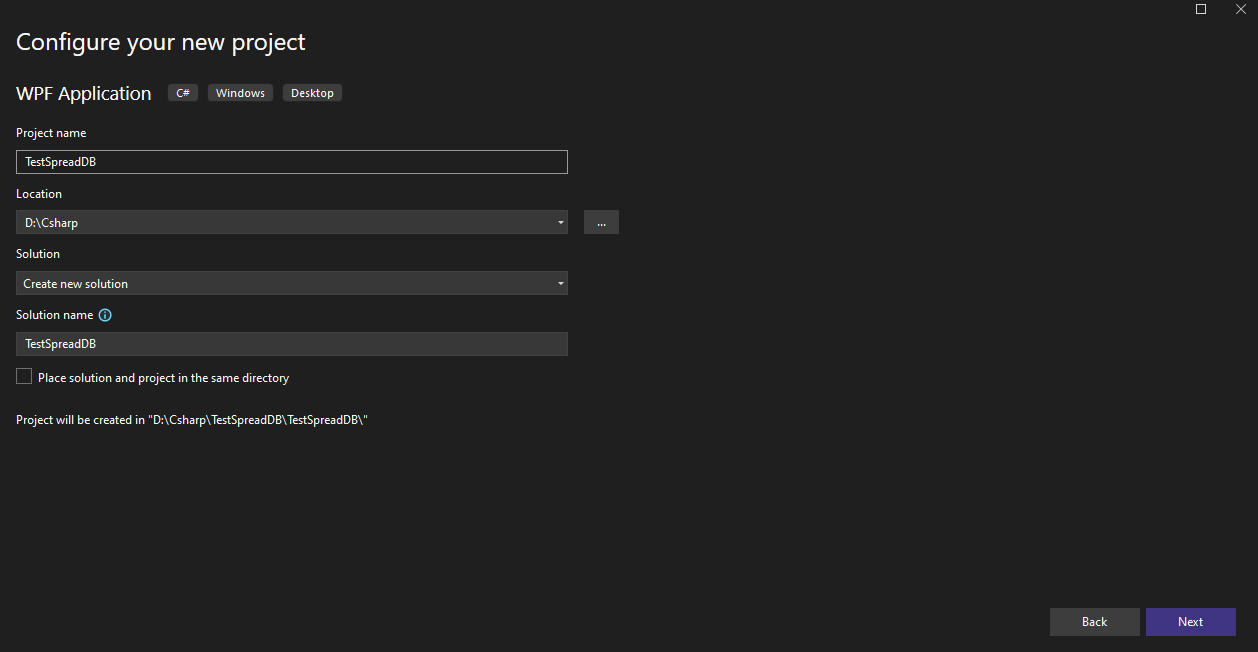
In the Configure your new project dialog, set the Project name as TestSpreadDB, then click Next.