


Default Views
The C1Schedule control supports multiple calendar views for displaying appointments and schedule data.
Available built-in views include:
View | Image | Description |
|---|---|---|
| Displays detailed appointment information for a single day. | |
| Displays appointments in a horizontal timeline layout. | |
| Displays displays appointments across one or more months. | |
| Displays appointments for a weekly period. The default range is Monday through Friday. | |
| Displays displays appointments for specified work days. The default range is Monday through Friday. |
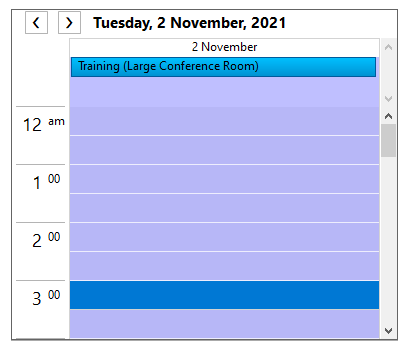
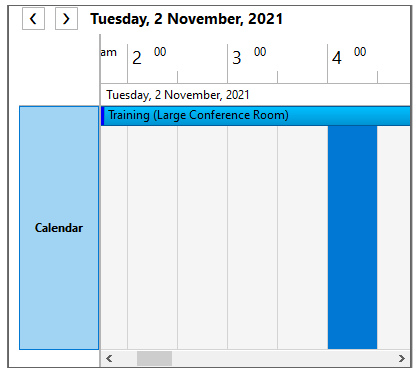
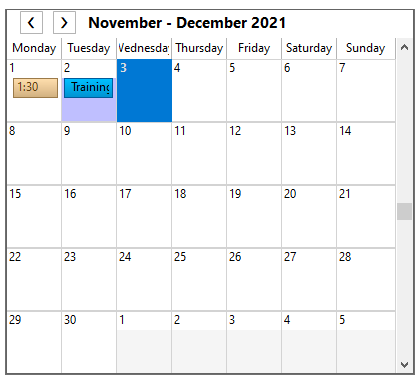
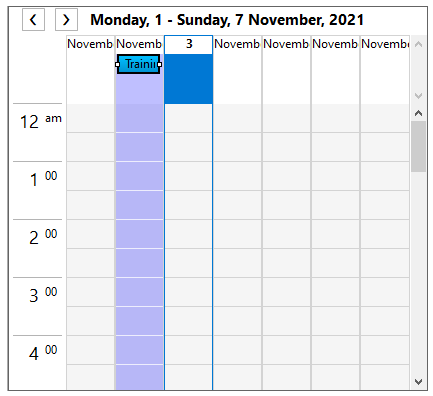
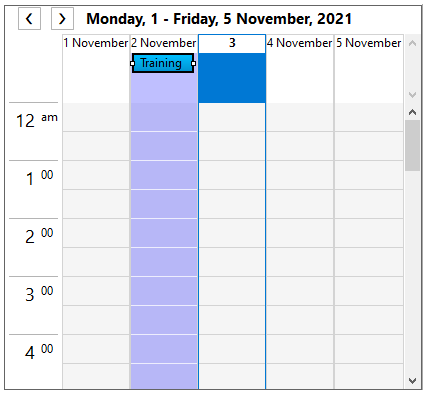
Set the active view using the ViewType property of the C1Schedule class. This property accepts values from the ScheduleViewEnum enumeration.
Changing the Default Data View
Configure the default calendar view at design time or in code by using the ViewType property.
In the Smart Designer
Open the C1Schedule Smart Designer.
Select Visual Style.
In the Visual Style dialog box, select Month View.
Close the dialog box.
For information about opening the Smart Designer, see C1Schedule Smart Designer.
In the Tasks Menu
Open the C1Schedule Tasks menu.
In the Default View drop-down list, select MonthView.
Close the C1Schedule Tasks menu.
For information about opening the Tasks menu, see C1Schedule Tasks Menu.
In Code
Set the ViewType property to TimeLineView to display the Timeline view.
c1Schedule1.ViewType = ScheduleViewEnum.TimeLineView;When more than 14 days are selected, Scheduler automatically changes the active view to WeekView. Handle the BeforeViewChange event to retain TimeLineView and display the dates selected in C1Calendar.
if ((c1Schedule1.ViewType == ScheduleViewEnum.TimeLineView) && !(e.ViewType == ScheduleViewEnum.TimeLineView))
{
     e.ViewType = ScheduleViewEnum.TimeLineView;
     e.Dates = c1Calendar1.SelectedDates;
}
Extended Views
In addition to its built-in views, Scheduler supports extended views through the C1.Win.C1Schedule.Extended assembly. The assembly provides the following controls:
AgendaViewTableView
These controls provide alternative layouts for displaying Scheduler data. For more information, see Agenda View and Table View.