


UI Automation
C1InputPanel provides Microsoft UI Automation (UIA) support for accessibility and automated UI testing scenarios.
UIA support allows screen readers, accessibility tools, and automation frameworks to inspect and interact with InputPanel controls through standard Microsoft accessibility APIs. Controls expose accessibility metadata, interaction patterns, hierarchy information, and state information that can be consumed programmatically by assistive technologies and automation clients.
The implementation improves accessibility compliance and enables reliable automated UI testing for WinForms applications.
Typical scenarios include
screen reader integration
accessibility validation
keyboard-accessible interaction
programmatic control navigation.
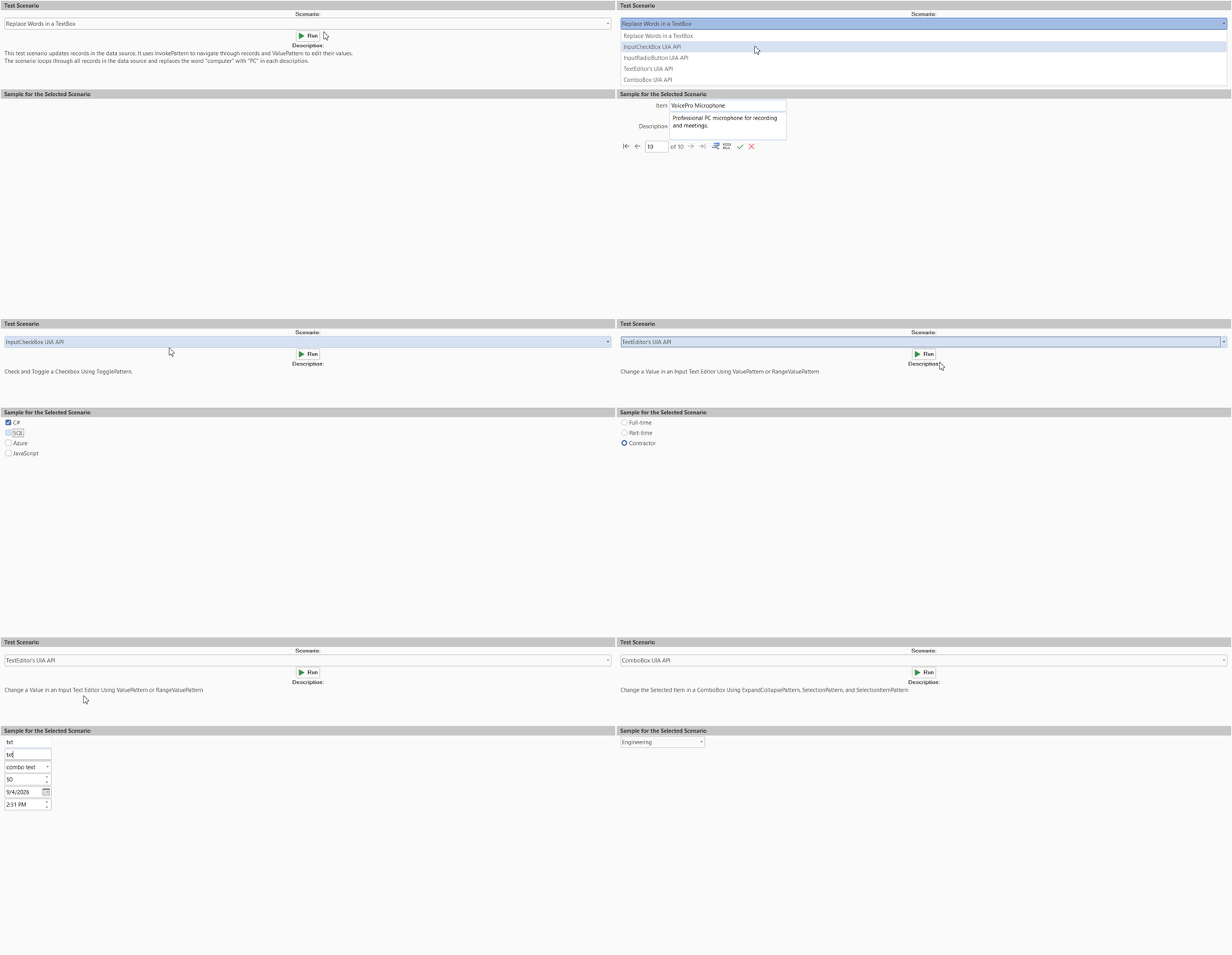
Supported Features
C1InputPanel exposes standard accessibility and automation information that allows automation clients to navigate controls, inspect values and state information, and invoke supported interactions programmatically.
Controls expose metadata including control names, control types, hierarchy relationships, state information, value information, and supported UIA interaction patterns. Automation frameworks can use this information to locate controls, validate state changes, automate workflows, and perform interaction testing.
Supported Controls
The following controls expose UIA providers and accessibility metadata.
Control | Supported Features | UIA Template | |
|---|---|---|---|
Container hierarchy exposure |
| ||
Invoke support |
| ||
Toggle support |
| ||
Expand/Collapse, Selection |
| ||
Toolbar navigation |
| ||
Expand/Collapse, Value |
| ||
Container support |
| ||
Container support |
| ||
Group support |
| ||
Text and hyperlink support |
| ||
Image accessibility support |
| ||
Text support |
| ||
Text and Value support |
| ||
Invoke, Selection, Scroll, Transform |
| ||
RangeValue support |
| ||
Selection item support |
| ||
Progress reporting |
| ||
Selection support |
| ||
Structural separation |
| ||
Invoke, Selection, Scroll, Transform |
| ||
Text and Value support |
| ||
Value support |
| ||
Range interaction support |
| ||
UIA Pattern-to-Control Mapping
C1InputPanel exposes standard UI Automation interaction patterns according to the capabilities of each control.
Pattern Mapping
The following table shows the primary UIA patterns exposed by supported InputPanel controls.
Control | Supported UIA Patterns | |
|---|---|---|
|
| |
|
| |
|
| |
|
| |
|
| |
|
| |
|
| |
|
| |
|
| |
|
| |
|
| |
|
| |
|
| |
Accessibility Behavior
C1InputPanel exposes child controls through the standard UI Automation hierarchy, allowing automation clients to navigate controls programmatically, read values and state information, detect state changes, invoke supported interactions, and query supported interaction patterns.
This behavior supports integration with Windows Narrator, screen readers, accessibility inspection tools, and automated UI testing frameworks.
Limitations
Limitation | Description | |
|---|---|---|
Container-level UIA restrictions | Some advanced container behaviors are limited by Microsoft UIA provider constraints. | |
Extra edit node in | Internal | |
TextBox hierarchy inconsistencies | Hosted native | |
Focus support | Full focus-related UIA pattern support is not implemented. | |