


Data Labels
Data labels display information associated with chart data points, typically the value represented by each point. They improve readability when exact values are difficult to determine from the visual representation alone.
Data Labels in Cartesian Charts | Data Labels in Pie Chart | Data Labels in Sunburst Chart |
|---|---|---|
|
|
|
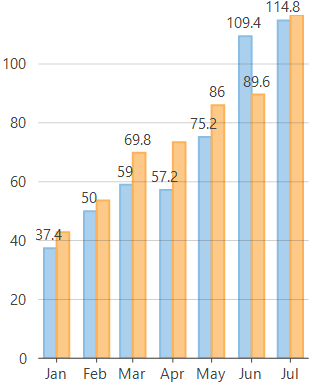
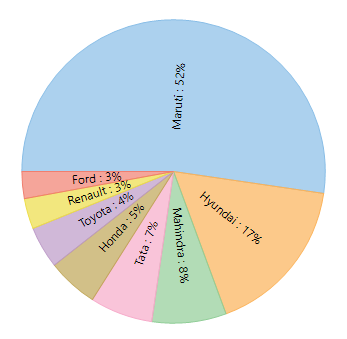
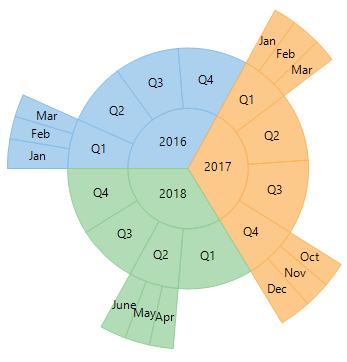
In FlexChart, data labels can be displayed by setting the DataLabel property which is of type DataLabel class. You can set the Content property of the DataLabel class to specify what to display in the data labels.
//Set chart's DataLabels value
this.flexChart1.DataLabel.Content = "{y}";
'Set chart's DataLabels value
Me.flexChart1.DataLabel.Content = "{y}"The Data Labels topic includes the following sections:
Custom Data Labels - Defines label content through templates and formatting options.
Overlapping Data Labels - Configures how FlexChart positions or hides labels that overlap.