


Search Bar
FlexViewer provides a search bar for finding text in the displayed document. It supports search filters, match highlighting, and navigation between search results.
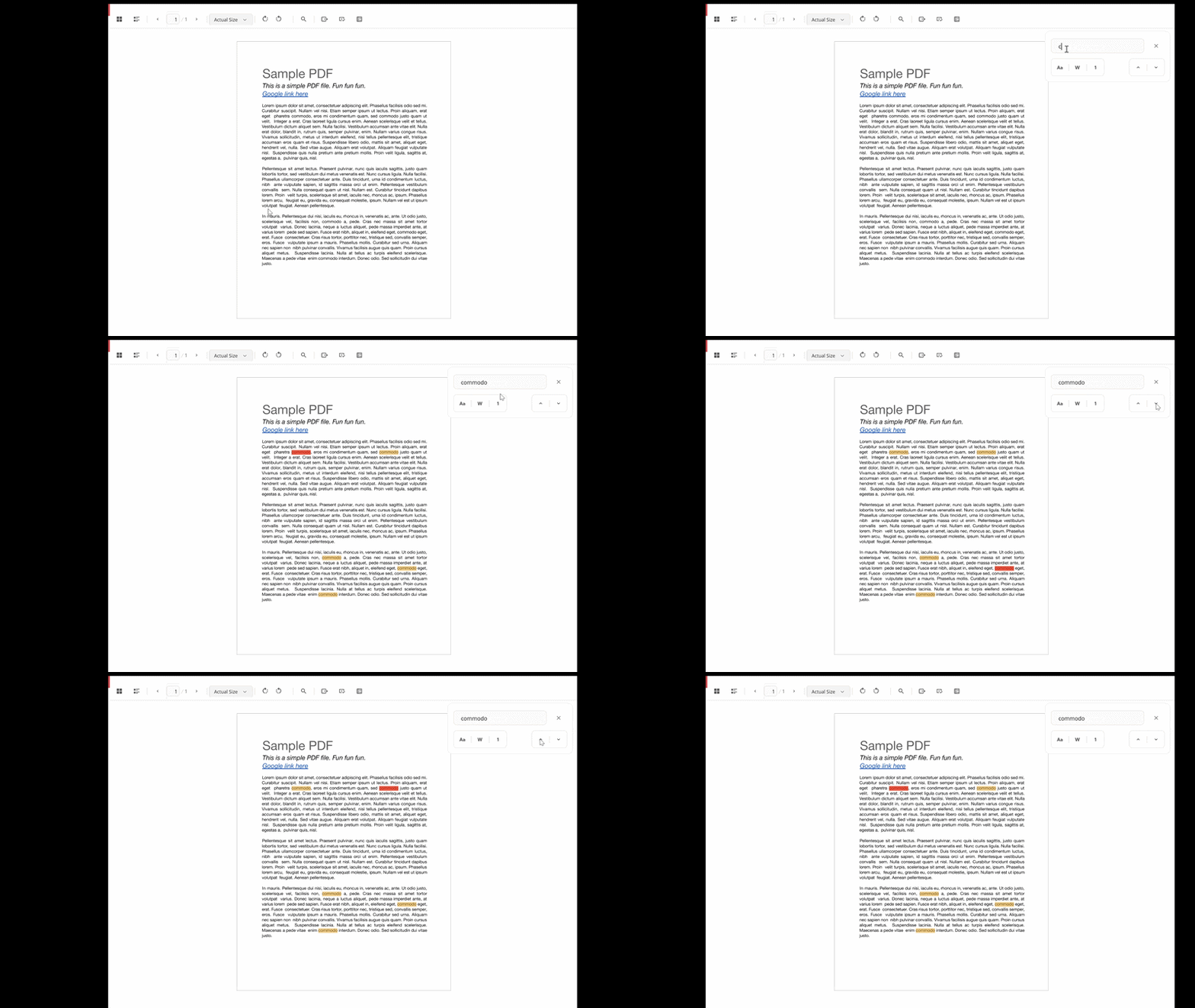
The following gif shows the search bar in FlexViewer.
Search Text
Enter the required text in the search box. FlexViewer locates the matching text, scrolls to its position, and highlights the match in the document.
Refine Search
The search bar provides the following options to refine search results:
Search option | Description |
|---|---|
Match Case | Searches for text that matches the capitalization of the entered text. |
Whole Word | Searches only for complete words that match the entered text. |
Current Page | Limits the search to the current page. |
Navigate Search Results
Use the Previous and Next buttons to navigate between matching results.
Previous moves to the previous match.
Next moves to the next match.
FlexViewer scrolls to each match and highlights it in the document.
To close the search bar, click the Close button.
Note: Search supports Match Case, Whole Word, and Current Page filters. Regular expression and fuzzy searches are not supported. Search performance may vary depending on the document type and size.