


Rotate Documents
FlexViewer supports rotating document pages at run time or programmatically.
Rotation Modes
Use the RotateView property to control page rotation.
The RotateView property accepts values from the FlexViewerRotateView enumeration.
Value | Description |
|---|---|
| Does not apply rotation to the document view. |
| Rotates the document view 180 degrees. |
| Rotates the document view 90 degrees clockwise. |
| Rotates the document view 90 degrees counterclockwise. |
Rotate Documents at Run Time
Document pages can be rotated from the View menu in the FlexViewer toolbar.
The following rotation operations are supported:
Rotate Clockwise
Rotate Counterclockwise
Rotation is applied consistently across all pages in the document.
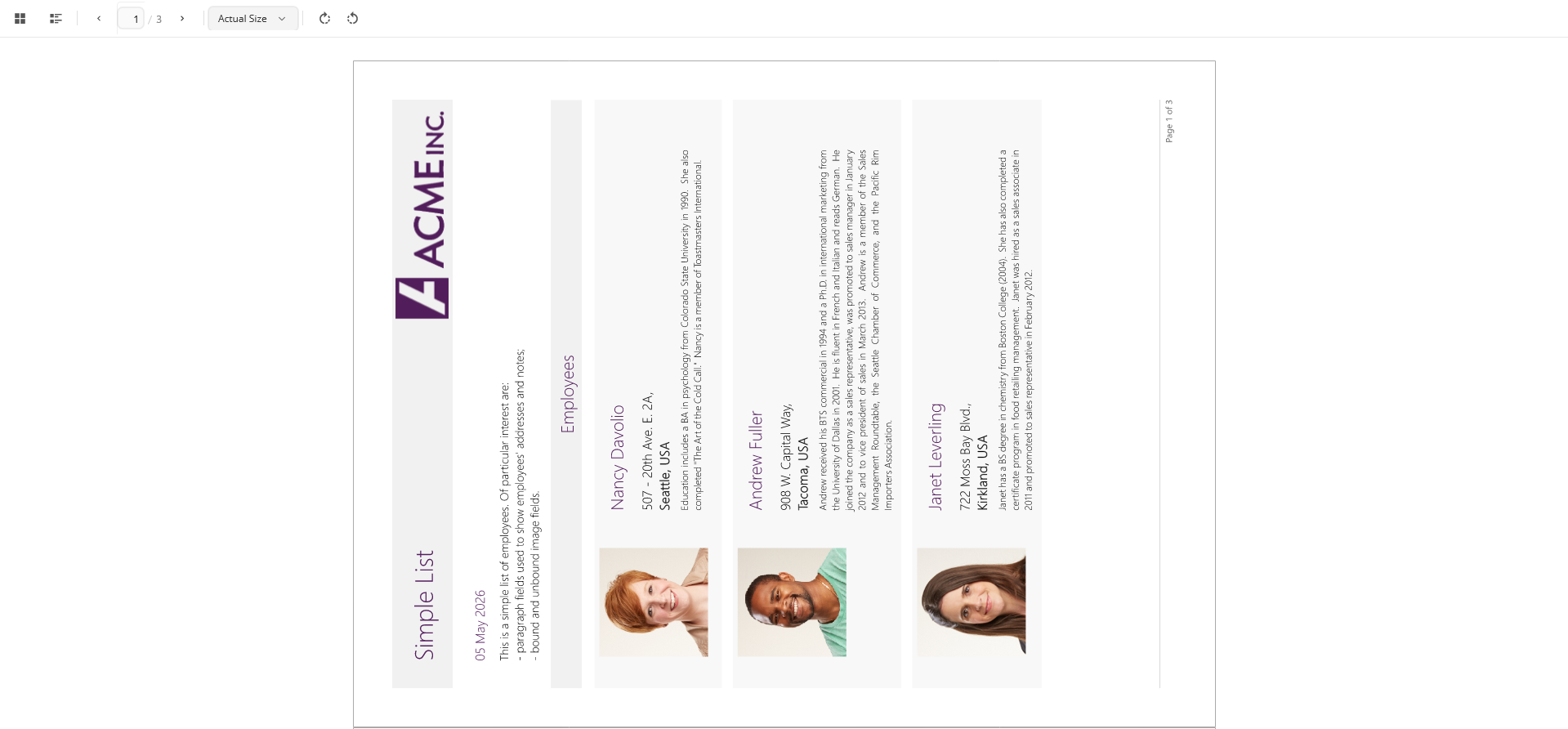
Rotate Documents Programmatically
To rotate document pages programmatically, set the RotateView property.
XAML
<c1:FlexViewer x:Name="flexViewer" Grid.Row="1" Grid.ColumnSpan="2" RotateView="Rotation90Clockwise"/>C#
flexViewer.RotateView = FlexViewerRotateView.Rotation180;