Key Features
Navigation and Interaction
Navigate documents using page number input, thumbnails, document outlines, and navigation controls.
Browse documents using mouse wheel, touch gestures, keyboard navigation, and scrollbars.
View Controls
Zoom documents using built-in zoom modes, mouse wheel support, and keyboard shortcuts.
Rotate document pages clockwise or counterclockwise at run time or programmatically.
Content Interaction
Filter FlexReport and SSRS reports using predefined report parameters.
Select, highlight, and copy text within supported platforms.
Display visual cursor indicators during document interaction.
Keyboard Shortcuts
Use keyboard shortcuts to control zoom and document navigation.
Page Settings
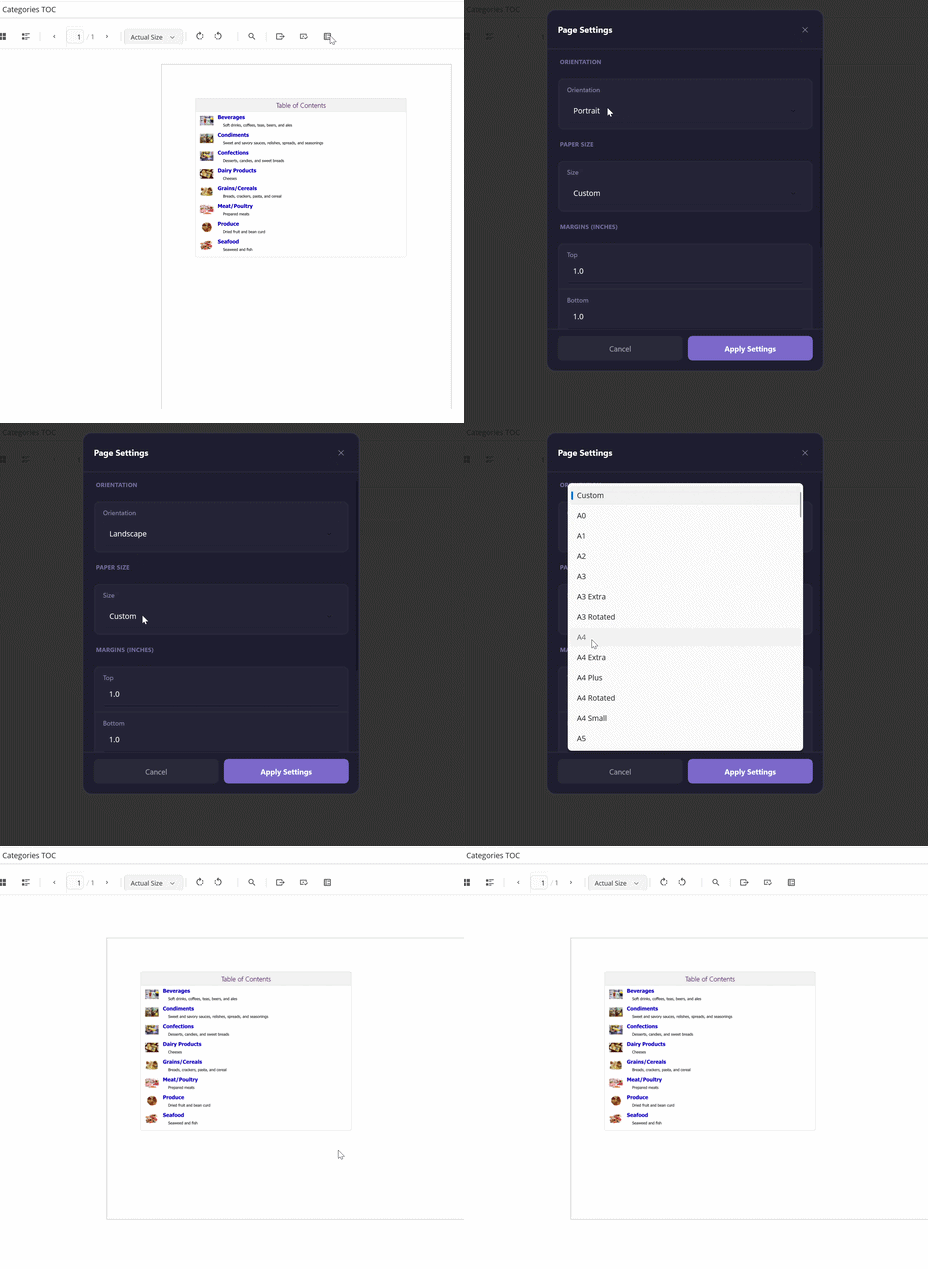
Configure the page orientation, paper size, and margins for FlexReport and SSRS documents.
Select from predefined paper sizes, including standard, ISO, JIS, and envelope formats.
Apply page settings to the document source before printing or exporting to a page-fixed format.
Page settings are defined by the document source and determine how document content is paginated. For example, changing the orientation from portrait to landscape adjusts the page layout to the selected orientation.
The Page Settings dialog is available through the FlexViewer.PageSettingsCommand, while the page configuration is defined by the document source's PageSettings object.
Note: Page settings are supported for FlexReport and SSRS document sources. They are not supported for PDF documents.
Printing
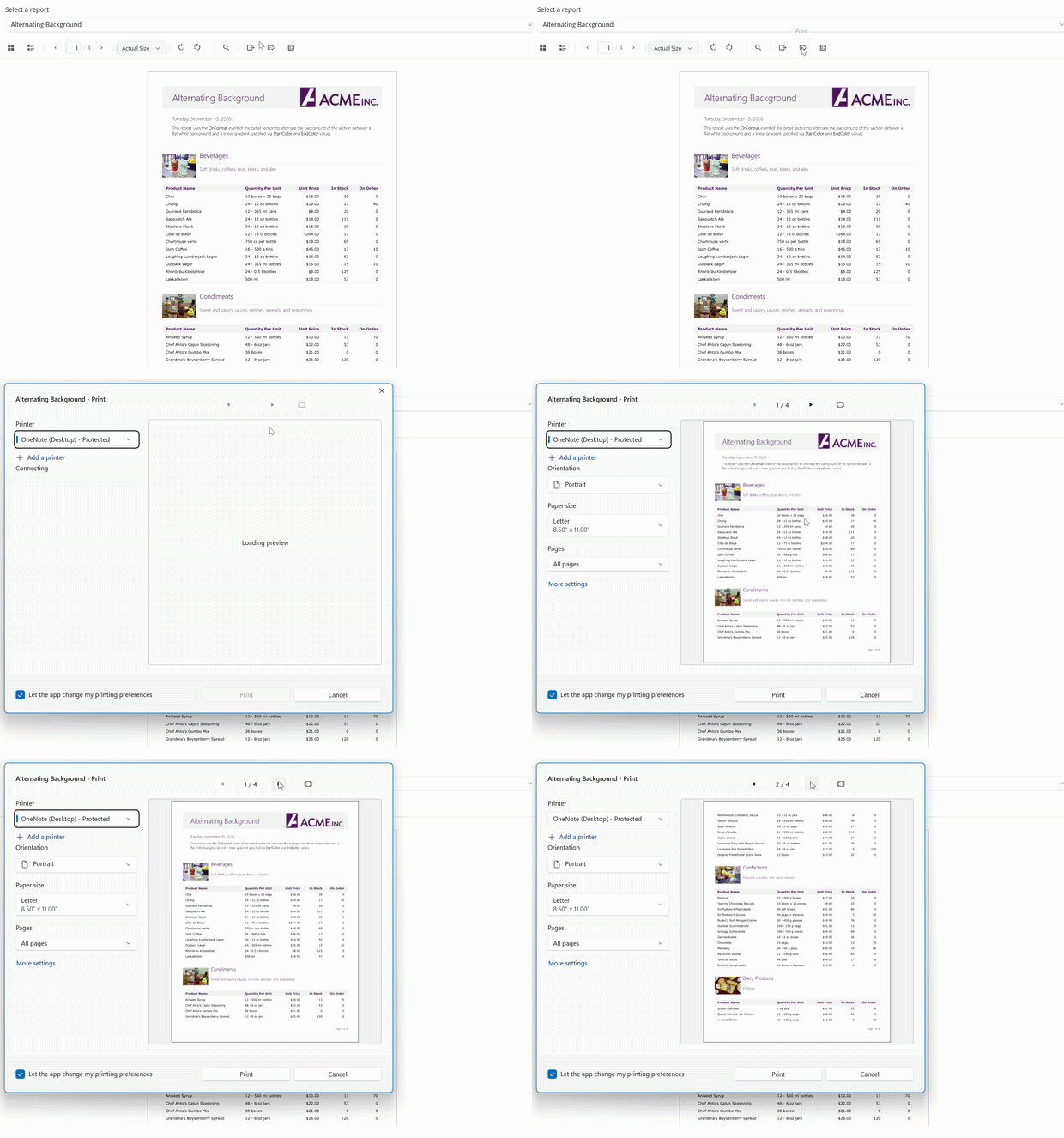
Print documents through the native operating system print interface.
Select a printer and configure print options such as copies, orientation, paper size, and page range.
Send the rendered document to the selected printer through the platform print pipeline.
FlexViewer provides the Print command to send the current document to the native print interface. The available printing options depend on the operating system and selected printer.
Note: Printing is currently supported on Windows only. On unsupported platforms, FlexViewer displays a message indicating that printing is not supported.