


License Old Products with New Serial Key
A ComponentOne license entitles the license holder to use all previous versions of the same product, including older .NET Framework versions and earlier releases of the same platform.
In most cases, no additional licensing steps are required. However, depending on the product version in use, an extra step may be necessary to ensure applications can be built and run correctly.
This article explains the required actions based on product version.
Before You Begin
Determine the version of the ComponentOne product in use.
See FAQ: How to Find My Product Version for instructions.
Product Version 2025 v2 or Later
No additional steps are required.
After the serial key is activated, applications can be built and run without additional configuration.
Product Versions 2020 v2 through 2025 v1
To license these versions, license generation for previous versions must be enabled before activating the serial key.
Steps
Open the MESCIUS License Manager from ComponentOne Control Panel.

Open Settings by clicking on the gear icon.

Select Generate Licenses for Previous Versions and click Back to return to the main screen.

Enter the Serial Key and click Activate.

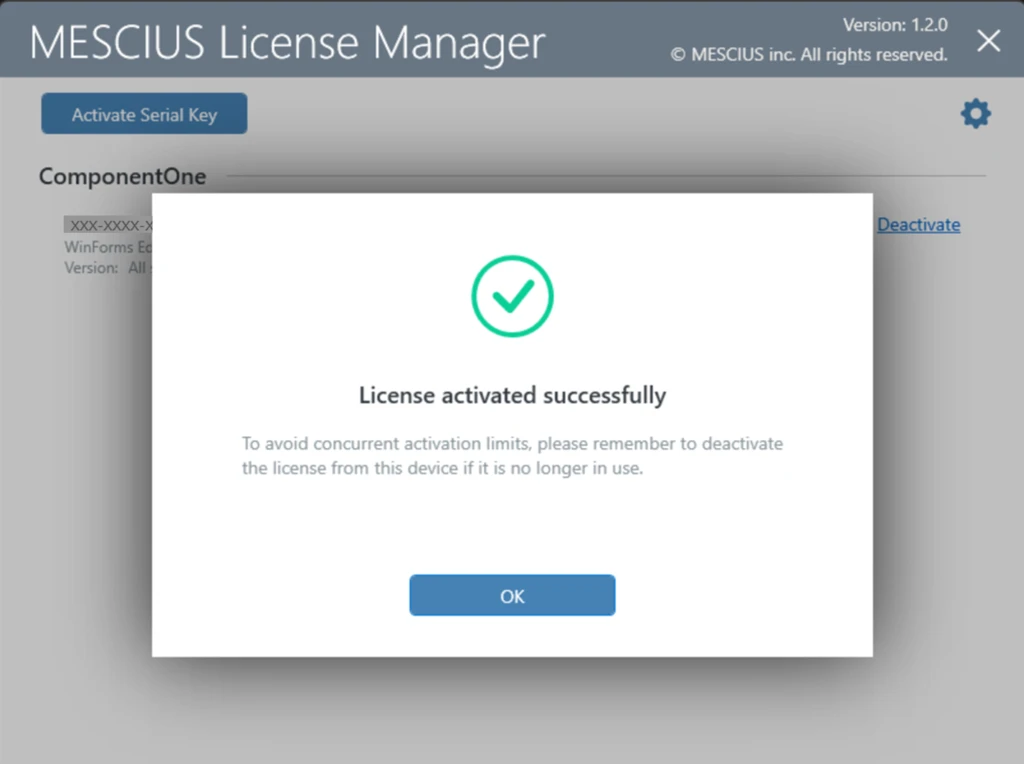
For detailed activation instructions, see Activating a Serial Key.
After activation is complete, applications that use older versions of the product can be built successfully.
Product Versions 2020 v1 and Earlier
Products released before 2020 require an additional legacy licensing step.
Activate the serial key using the MESCIUS License Manager or ComponentOne Control Panel.
For details, see Activating a Serial Key.
Run the C1LicenseActivation utility on the development machine.
The utility is installed in one of the following locations:
C:\Program Files (x86)\MESCIUS\ComponentOne\C1StartMenu\AppsC:\Program Files (x86)\ComponentOne\C1StartMenu\Activation
When prompted, generate and install the legacy licenses.
After these steps are completed, older ComponentOne controls can be licensed and used correctly.
Notes on the C1LicenseActivation Utility
-Install the latest version of any ComponentOne product to ensure the most recent version of the utility is available.
-To confirm that legacy licenses are installed, click the ? icon next to the serial number field in the utility.
-To deactivate a machine:
Deactivate the new license using the MESCIUS License Manager.
Run C1LicenseActivation.exe to remove any associated legacy licenses.
For more information, see Using the C1LicenseActivation Tool
Legacy Activation (Older Products)
Older versions of ComponentOne use legacy activation tools. These methods are provided for compatibility only.
Activate Using C1ControlPanel (Legacy)
If you installed ComponentOne using the C1ControlPanel:
Launch C1ControlPanel
Open the License tab
Enter your Name, Company, Serial Key, and Product
Click Activate
The same tool can be used to view installed licenses and deactivate a license.
If you have any issues activating your serial key, you can also try Activating a Serial Key by Command Line or contact our support team.