


- Blazor Overview
- Get Started with Blazor
- Free and Open Source Software (FOSS) License
- Section 508 Compliance
- Blazor Project Types
- Adding NuGet Packages to your App
- Controls
- Release History
Mouse Hover
The Mouse Hover feature provides visual feedback when the pointer moves across FlexGrid cells. Hover highlighting improves cursor tracking, readability, and navigation when working with tabular data.
This feature is useful when reviewing large datasets, comparing values across rows or columns, or tracking pointer position during data entry. It also helps align the behavior of Blazor FlexGrid with other supported ComponentOne platforms.
Key Concepts
The Mouse Hover feature is controlled through the following properties:
MouseOverMode— Specifies which grid area is highlighted when the pointer moves over the grid.MouseOverBrush— Specifies the color used for the hover highlight.
You can combine these properties to customize hover behavior and appearance based on application requirements.
MouseOverMode
The MouseOverMode property determines which grid area receives the hover highlight.
The following modes are supported:
Cell— Highlights only the hovered cell.Row— Highlights the row containing the hovered cell.Column— Highlights the column containing the hovered cell.
Use this property to match hover behavior with the intended user workflow.
MouseOverBrush
The MouseOverBrush property specifies the color used for the hover effect.
The property accepts a C1Color value and supports alpha transparency through ARGB values. Transparent colors can be used to create subtle highlighting without reducing readability.
Enable Mouse Hover
Set the MouseOverMode property to enable hover feedback in the FlexGrid. Assigning any supported mode activates hover highlighting as the pointer moves across the grid.
<FlexGrid MouseOverMode="GridMouseOverMode.Cell" />
After the property is set, the grid automatically updates the hover highlight based on pointer position.
Configure Hover Mode
Use the MouseOverMode property to control whether the hover effect is applied to a cell, row, or column.
Highlight a Cell
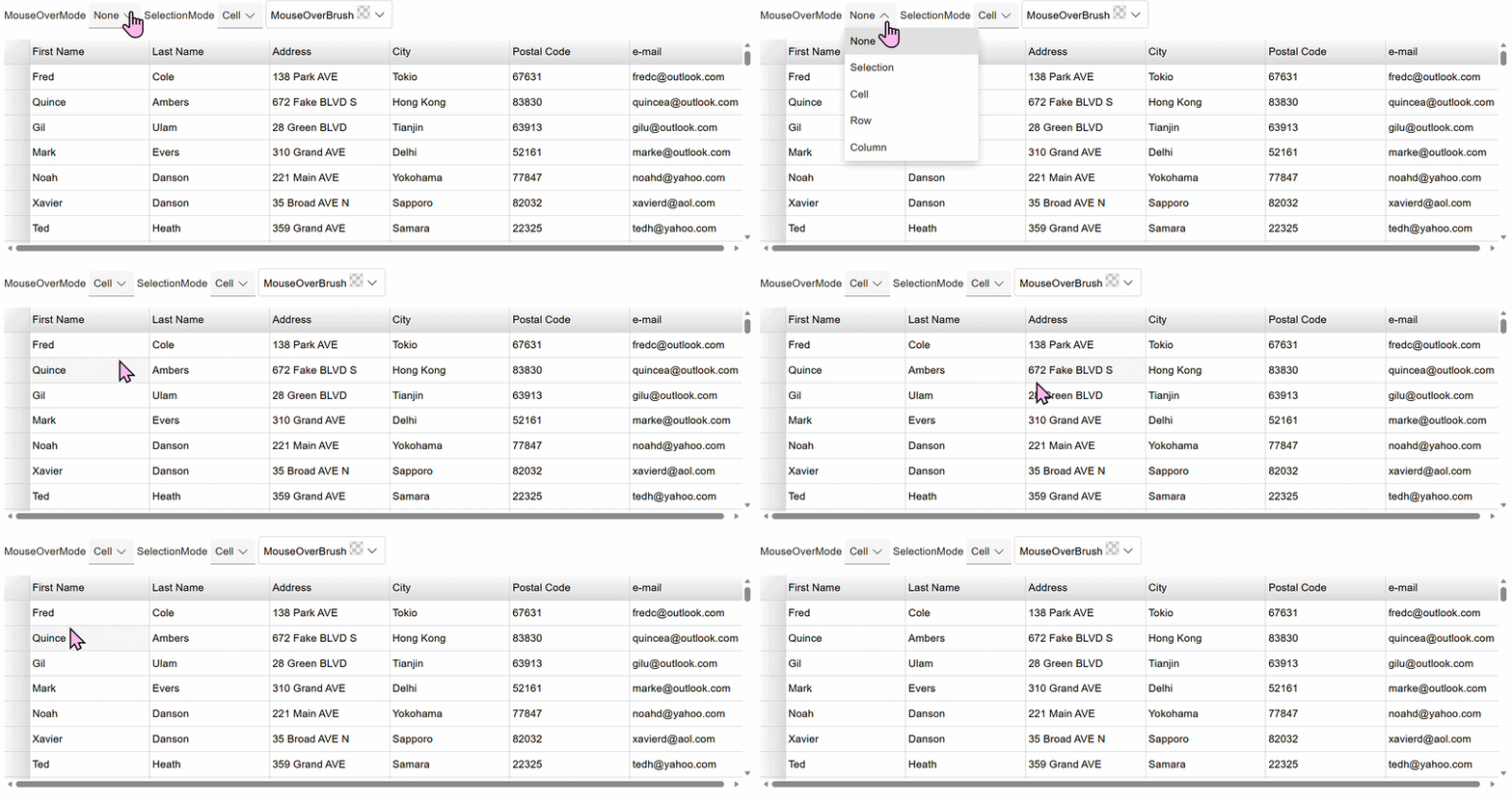
Use cell mode to highlight only the hovered cell. This mode is useful for precise data review or cell-level editing scenarios.
<FlexGrid MouseOverMode="GridMouseOverMode.Cell" />Highlight a Row
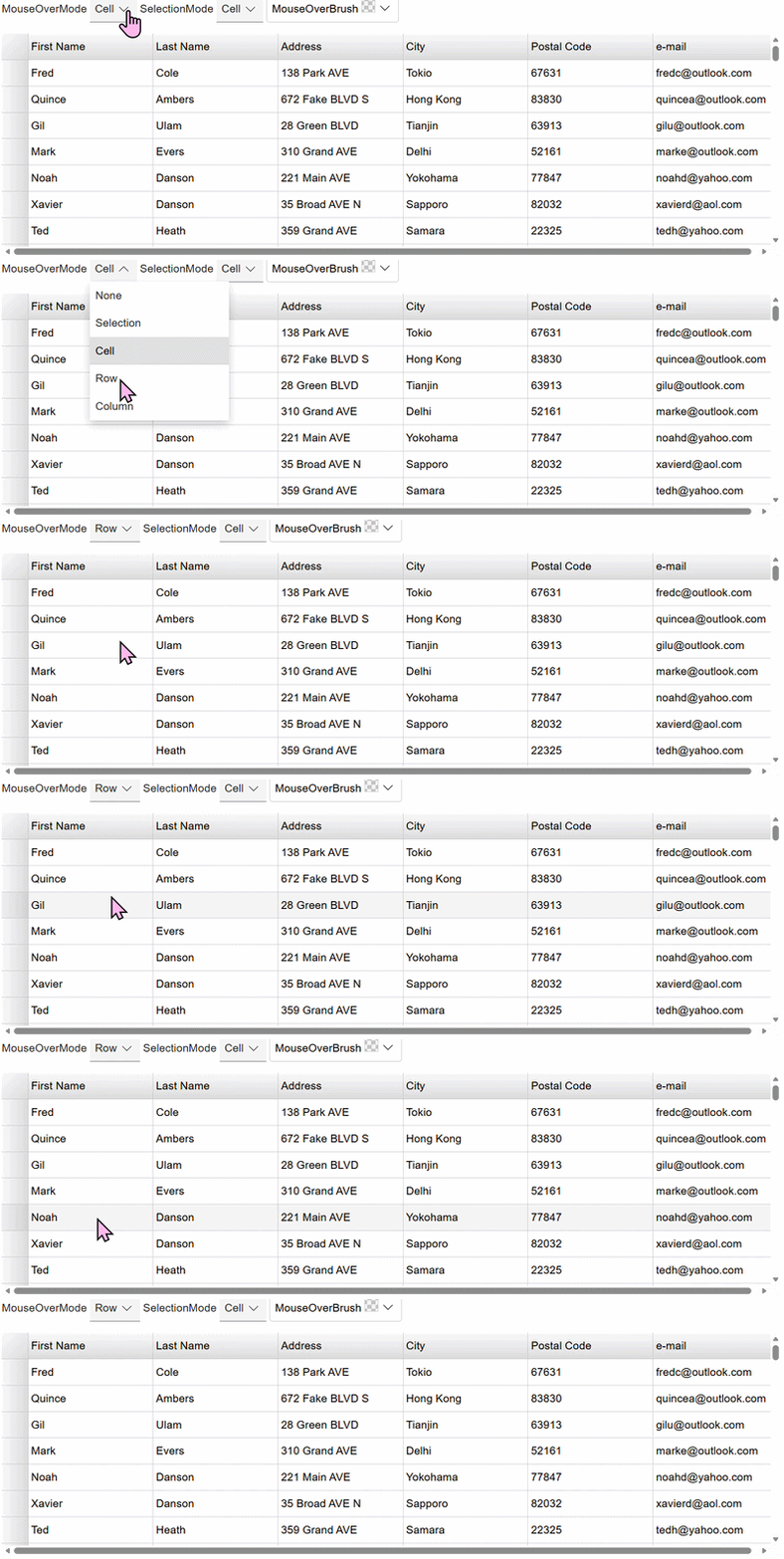
Use row mode to highlight the entire row containing the hovered cell. This mode is useful when reviewing related values across multiple columns.
<FlexGrid MouseOverMode="GridMouseOverMode.Row" />Highlight a Column
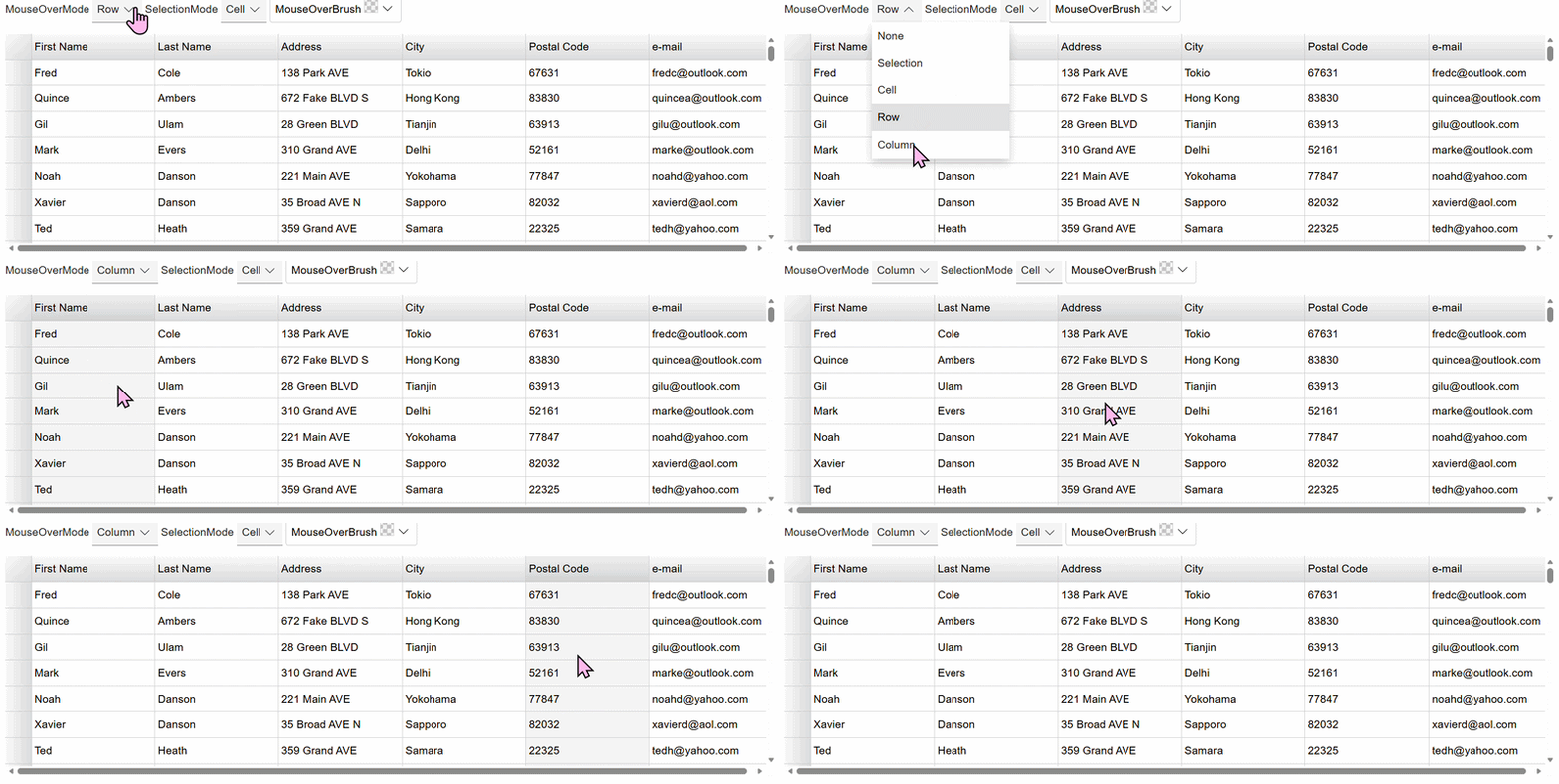
Use column mode to highlight the entire column containing the hovered cell. This mode is useful when scanning vertical data or comparing values within the same field.
<FlexGrid MouseOverMode="GridMouseOverMode.Column" />Customize the Hover Color
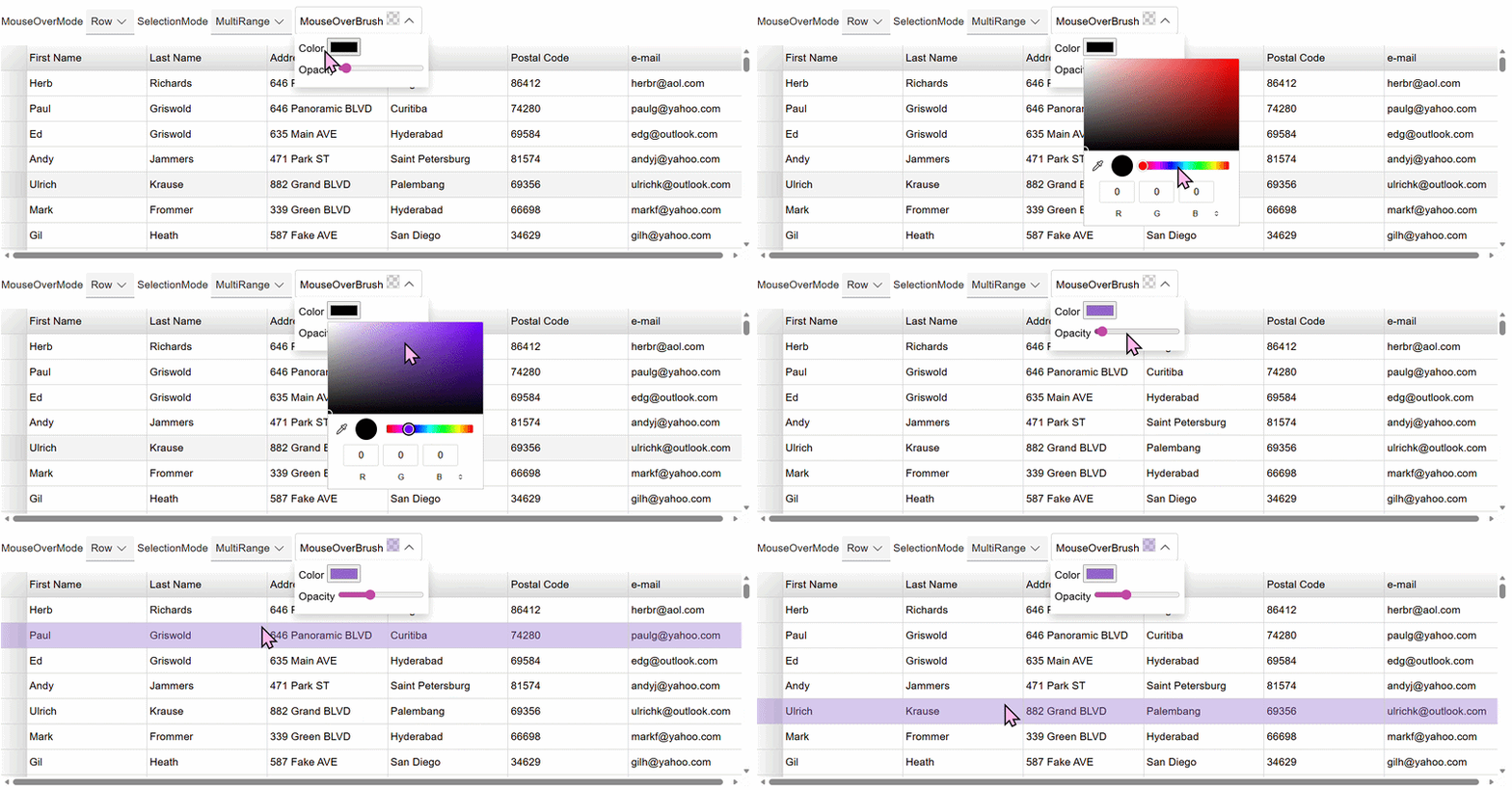
Use the MouseOverBrush property to customize the appearance of the hover highlight. Custom colors can improve visibility or align the grid with application branding.
<FlexGrid MouseOverMode="GridMouseOverMode.Row"
          MouseOverBrush="C1Color.FromArgb(60,0,120,215)" />