-
Spread for ASP.NET Product Documentation
-
Developer's Guide
- Getting Started
- Understanding the Product
- Namespaces Overview
- Working with the Spread Designer
- Customizing User Interaction
- Customizing the Appearance
- Customizing with Cell Types
- Managing Data Binding
- Managing Data in the Component
- Managing Formulas
- Managing File Operations
- Using Sheet Models
- Maintaining State
- Working with the Chart Control
- Using Touch Support with the Component
- Assembly Reference
- Client-Side Scripting Reference
- Import and Export Reference
-
Developer's Guide
ContextMenu Collection Editor
You can use the ContextMenu Collection Editor to create menus for the row header, column header, or viewport area. You can also create menu items and set menu properties. From the Properties window, select ContextMenus to see this editor.
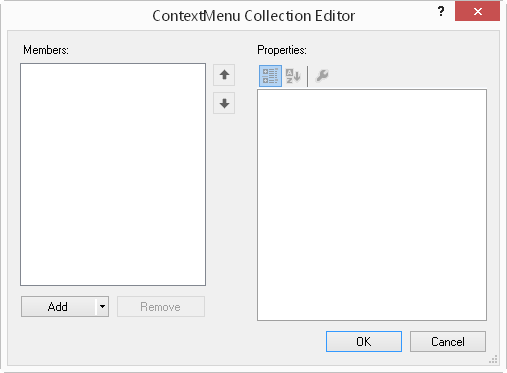
Use the Add button to add the type of menu (row header, column header, or viewport).
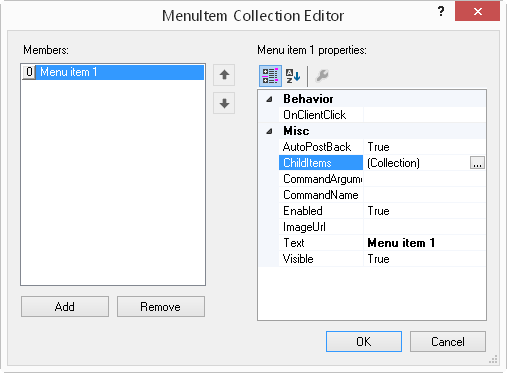
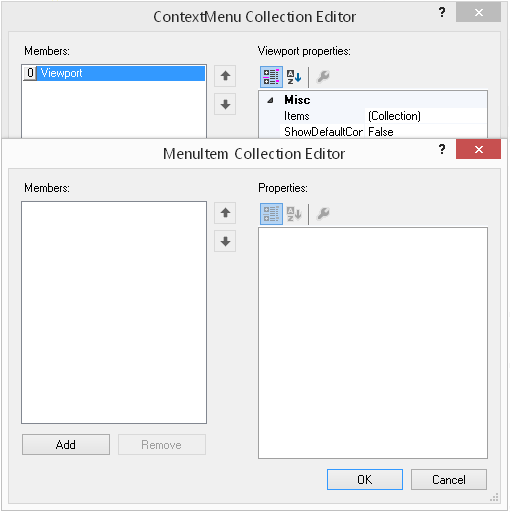
You can use the MenuItem Collection Editor to add menu items after you add a menu type.
After you add a menu item, you can specify menu properties such as visible or add submenu items with the ChildItems collection. The CommandArgument and CommandName properties are used to separate which menu item is clicked in code. The ImageUrl property is a small image displayed to the left of the menu item. Text is the title of the menu item.